MindManager vs. MindMeister

Overview
ProductRatingMost Used ByProduct SummaryStarting Price
MindManager
Score 8.4 out of 10
N/A
MindManager is a mind mapping and project management tool that aims to boost users’ productivity. It is designed to facilitate a wide range of project types, and includes cross-platform functionality and 3rd party integrations.
$105
per year
MindMeister
Score 3.4 out of 10
N/A
MindMeister is an online mind mapping tool that lets users share maps with an unlimited number of users and collaborate with them in real-time. MindMeister is used to brainstorm ideas, plan projects, take meeting minutes, develop business strategies, and create presentations. MindMeister runs in any standard web-browser as well as on iOS and Android devices, so users can access, edit and present their mind maps anytime, wherever they are. With MindMeister, users…
$45
per 6 months per user
Pricing
MindManagerMindMeister
Editions & Modules
MindManager for Microsoft Teams
$105
per year
Annual Subscription
$179
per year
Organizations
Contact sales team
Personal
$45
per 6 months per user
Pro
$75
per 6 months per user
Business
$114
per 6 months per user
Offerings
Pricing Offerings
MindManagerMindMeister
Free Trial
YesNo
Free/Freemium Version
NoYes
Premium Consulting/Integration Services
NoNo
Entry-level Setup FeeNo setup feeNo setup fee
Additional DetailsMindMeister offers 6-monthly and yearly subscriptions. Discounts for educational users and non-profit organizations are also available. Up to 22% discount for yearly pricing.
More Pricing Information
Community Pulse
MindManagerMindMeister
TrustRadius Insights
MindManagerMindMeister
Highlights

TrustRadius
Research Team Insight
Published

MindManager and MindMeister are both diagramming software products that provide mind mapping capabilities. They help users organize their thoughts, workflows, and processes. However, a key difference between these two platforms is that MindManager offers desktop applications while MindMeister offers web-based and mobile applications. 

Features

Both products include features such as various mindmap templates (e.g. fishbone, org charts, matrix, timeline), map exporting, map customization capabilities, and the ability to add links to map topics. However, each has a few unique capabilities as well. 

As a cloud-based application, MindMeister supports real-time collaboration for mindmaps. This includes the ability to chat within maps, set up user-access permissions for maps, create groups within your team, and access to map collaboration histories. Users can also import maps from other mind mapping software (eg. Text, Freemind, XMind, MindMeister, MindManager). Customizable product branding is also available on MindMeister’s highest-priced plan. 

MindManager does not offer a native cloud-based application. However, it offers a wider variety of mindmap templates, including ven diagrams, funnels, onion charts, and Kanban-style charts. It also has a set of project planning and management features such as adding resources and priority markers to topics, Gantt charts, topics task tags, start & end dates, task duration and effort levels, and the ability to assign tasks to other users

Limitations 

Compared to MindManager, the biggest limitations of MindMeister are that it requires an internet connection in order to use, has limited functionality on its free plan, and is not well suited for complex project management. For example, only three maps can be created and saved on MindMeister’s free plan. 

Conversely, MindManager has a few key limitations when compared with MindMeister. These include the lack of a web application, which means the software needs to be downloaded on a specific device in order to be used. MindManager also does not offer a free plan.

Pricing 

MindMeister offers a free version and has subscription-based pricing starting at $4.99 per month and going up to $12.49 per month. However, the free plan has limited functionality, including ability to create fewer mind maps, limited customization options, fewer collaboration features, and fewer export options. 

MindManager doesn’t have a forever free version but does have a 30-day free trial. After that, it has a one-time license fee of $349 for Windows and Mac desktop applications. It also has a ‘special licensing program’ for enterprise and government users, though prices for these plans are not disclosed on MindManager’s website. 

Which Is Right For You?

MindMeister is a good fit for small creative teams looking for an online mind mapping tool that will allow them to collaborate online. It’s also ideal for individuals that plan on using MindMeister for personal use and want a cloud-based software they can use anywhere they have an internet connection. 

In contrast, MindManager is better suited for businesses that need software to help them ideate, manage, track, and execute projects. It can also handle complex topics mapping and visualize relationships between topics, tasks, and processes. But MindManager is not ideal for users looking for a free or cloud-based mind mapping software for personal use.

Features
MindManagerMindMeister
Mind Mapping
Comparison of Mind Mapping features of Product A and Product B
MindManager
7.3
Ratings
1% below category average
MindMeister
-
Ratings
Cross-Platform Compatibility7.30 Ratings00 Ratings
Customizable Templates7.40 Ratings00 Ratings
Import and Export Options7.00 Ratings00 Ratings
Real-time Collaboration Tools6.60 Ratings00 Ratings
Drag-and-Drop Capabilities8.00 Ratings00 Ratings
Notes and Attachments8.00 Ratings00 Ratings
Color and Style Customization7.70 Ratings00 Ratings
Presentation Mode7.10 Ratings00 Ratings
Integration with Task Management6.90 Ratings00 Ratings
Mind Map Revision History6.90 Ratings00 Ratings
User Ratings
MindManagerMindMeister
Likelihood to Recommend
8.6
(0 ratings)
1.0
(0 ratings)
Likelihood to Renew
8.9
(0 ratings)
-
(0 ratings)
Usability
8.5
(0 ratings)
-
(0 ratings)
Availability
8.6
(0 ratings)
-
(0 ratings)
Performance
8.8
(0 ratings)
-
(0 ratings)
Support Rating
8.0
(0 ratings)
10.0
(0 ratings)
Online Training
6.4
(0 ratings)
-
(0 ratings)
Implementation Rating
8.6
(0 ratings)
-
(0 ratings)
Configurability
8.8
(0 ratings)
-
(0 ratings)
Ease of integration
8.9
(0 ratings)
-
(0 ratings)
Product Scalability
8.8
(0 ratings)
-
(0 ratings)
Vendor post-sale
8.9
(0 ratings)
-
(0 ratings)
Vendor pre-sale
8.9
(0 ratings)
-
(0 ratings)
User Testimonials
MindManagerMindMeister
Likelihood to Recommend
It is well suited for a quick prototype of product/development planning to show relationships amongst the APIs used. This helps developers understand the impact of the product changes and identifies the need to update integration components to avoid erroneous deployments. I have not personally experienced a less appropriate scenario at the moment.
Read full review
This product is well suited for making mind maps and outlining projects and ideas from the start. It can be tough if you are trying to convert something you began in Docs. It allows for a lot of intuitive creation, making your work flow easily. It can get to be a bit clunky though if you make your map too large.
Read full review
Pros
  • Mapping content, user flows and customer journeys.
  • It enables us to rapidly reconfigure maps in MindManager to inform new information architectures, navigational systems, and content strategies.
  • Connect User Research and analytics precisely to screens.
  • Dissect flows and screens into their component parts and research them.
Read full review
  • The UI is well laid out and easy to use. The workflow makes perfect sense and makes creating tasks a breeze.
  • The collaboration features make brainstorming not only easy but fun! Everyone enjoys using the tool, which was not the case with other collaboration software we used.
  • I love being able to get all of my thoughts and ideas on the screen to see them and then be able to connect them in a logical way.
Read full review
Cons
  • There should be some more functionality in the Notes window, such as a "Paste Special " Icon in the notes area to maintain format control.
  • Although I create many of my own Web export templates, an add-on for web export design would be great, as I regularly create Interactive Electronic Technical Publications (IETP) in HTML export format.
  • The ability to sync Map shortcuts between devices would also be welcome. I use MM on three devices, and I have to add or amend the Map list individually. My maps are on OneDrive, so using them should not be that hard if they are cloud-based.
Read full review
  • I wish collaborators could add comments without having to be given editor privileges. A "Reviewer" role would be helpful.
  • I would like to be able to toggle note visibility on and off. If there is a way to do it now, I haven't found it. As it is, I have to hover or use the sidebar to see notes.
  • Two or three times I have seen my nodes spontaneously reverse order in a big map (over their recommended limit). Even so, they are working on tracking the issue down.
Read full review
Likelihood to Renew
I feel the main issues of the old Mindjet seem to be gone with the
Corel purchase. With the huge advance of sharing via browser HTML even 1
user can affect many. And, actually, using MM kind of forced my rigid
brain to rethink how I categorize and classify information/projects.
The
idea of paying $69USD for an annual cost is more than fair and a great
model for Corel/Mindjet to keep rolling out improvements!
Read full review
No answers on this topic
Usability
MindManager is very intuitive. The user interface is not cluttered and the ribbon icons are easy to understand. Several excellent "how-to" videos are available on the MindManager site as well as on YouTube. MindManager starts quickly and the user interface is very responsive. Launching other programs from MindManager such as Excel is very fast and issue free. The browsing feature is lightning fast. The drag-and-drop capability is also very fast and reliable.
Read full review
No answers on this topic
Reliability and Availability
We have had no issues with the application's availability
Read full review
No answers on this topic
Performance
The application is quick and responsive. We are able to produce mindmaps and reports with ease. The program is not complicated at all and integrates well with software and programs like Microsoft Outlook and Teams, which we truly appreciate.
Read full review
No answers on this topic
Support Rating
I have called technical support a few times. During the COVID Crisis, I called a few times repeatedly due to a rush request. The technical support guy called me back in minutes. He somehow knew that I had called repeatedly and wanted to make sure my issue was resolved immediately
Read full review
Never had an issue with customer support, though we never really needed anything major as far as technical help. I do not believe they offer 24 hour customer support but we don't need it as MindMeister is not the type of tool we need need 24 hour a day support for. Overall, very happy with the level of support.
Read full review
Online Training
The videos are not well categorized...I had to do a bit of digging to get what I wanted and many videos on older versions. If Mindjet was to improve the titles used that would help.
Read full review
No answers on this topic
Implementation Rating
Easy implementation
Read full review
No answers on this topic
Alternatives Considered
MindManager stands out for its wide range of export options, customization and how they have enriched the format over time. As a constantly evolving tool, and having tried others, I consider it superior for the abovementioned reasons. Its cross-platform nature has been decisive, and although there are many alternatives in the form of web applications or the like, MindManager presents itself as a more complete and robust option.
Read full review
Mindmeister has a good free plan compared with Lucidchart, and better Google Drive integration in my opinion. draw.io has a better free plan than MindMeister, but I prefer MindMeister for mindmap creation still, while I prefer draw.io for other types of diagrams. Xmind is powerful, but bloated, and requires installation on every machine that needs to open the file. The fact that MindMeister is in the cloud is a huge bonus.
Read full review
Scalability
A team can collaborate on the same project but cannot create a shared project file. It would be helpful for that feature to be added.
Read full review
No answers on this topic
Return on Investment
  • MindManager allowed me to impress my audience by presenting complex cyber-security and information security concepts in a different and straightforward way. It meant income as instructor since I got the same diploma engagement three times in a row with the Mexico City government.
  • In March 2021, the CEO of GSB Solutions, a former employer, invited me to design an innovation program for the company. I used MindManager to create the program, explain the concepts, and the implementation plan. All in one mind map. After presenting it to the CEO, I was promoted from Operations Coordinator —a part-time position— to Innovation Manager —a full-time position— earning four times my initial salary. The same mind map served to visually manage the program for 18 months.
Read full review
  • Our meetings became more productive (time saving /better outcome).
  • Project management activities became more efficient (time-saving/increased quality/better collaboration).
  • It became easier to create online repositories to share relevant and well-organized information to our teams (before it was dispersed, incomplete, and difficult to find/manage).
Read full review
ScreenShots

MindManager Screenshots

Screenshot of MindmapScreenshot of Reverse BrainstormingScreenshot of MindManager for Microsoft TeamsScreenshot of MindManager SnapScreenshot of MindManager GoScreenshot of Mind Maps in MindManager

MindMeister Screenshots

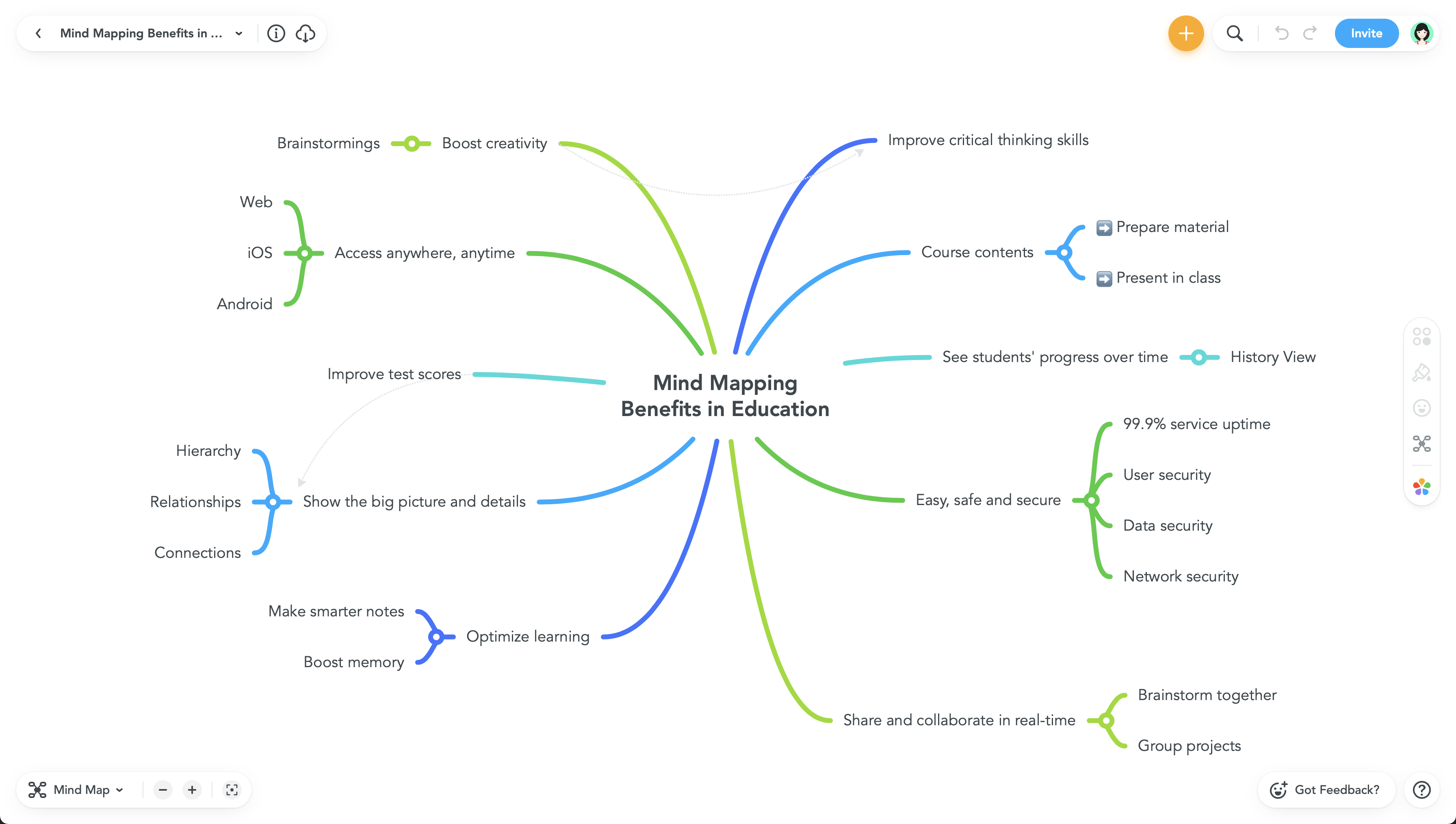
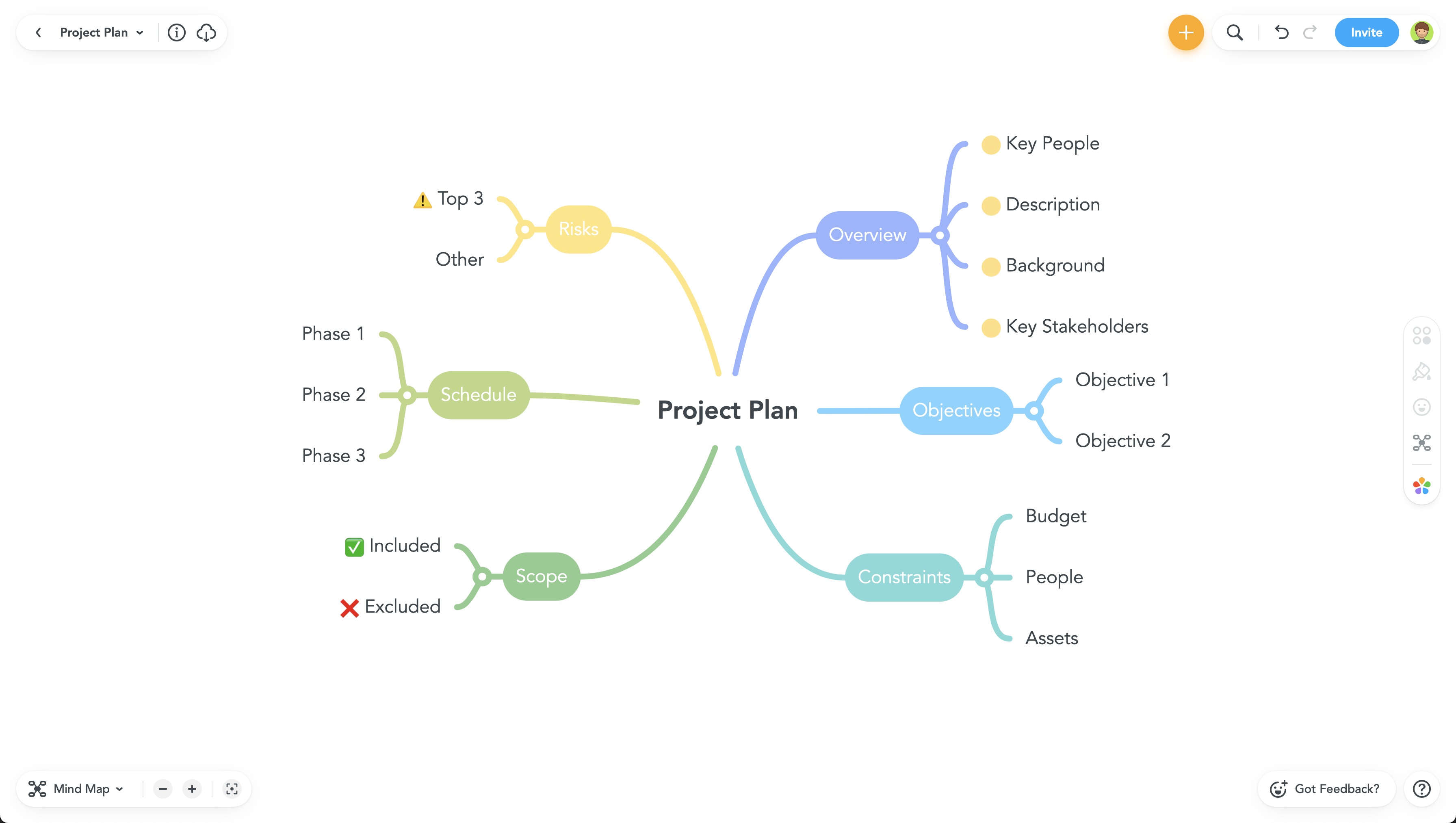
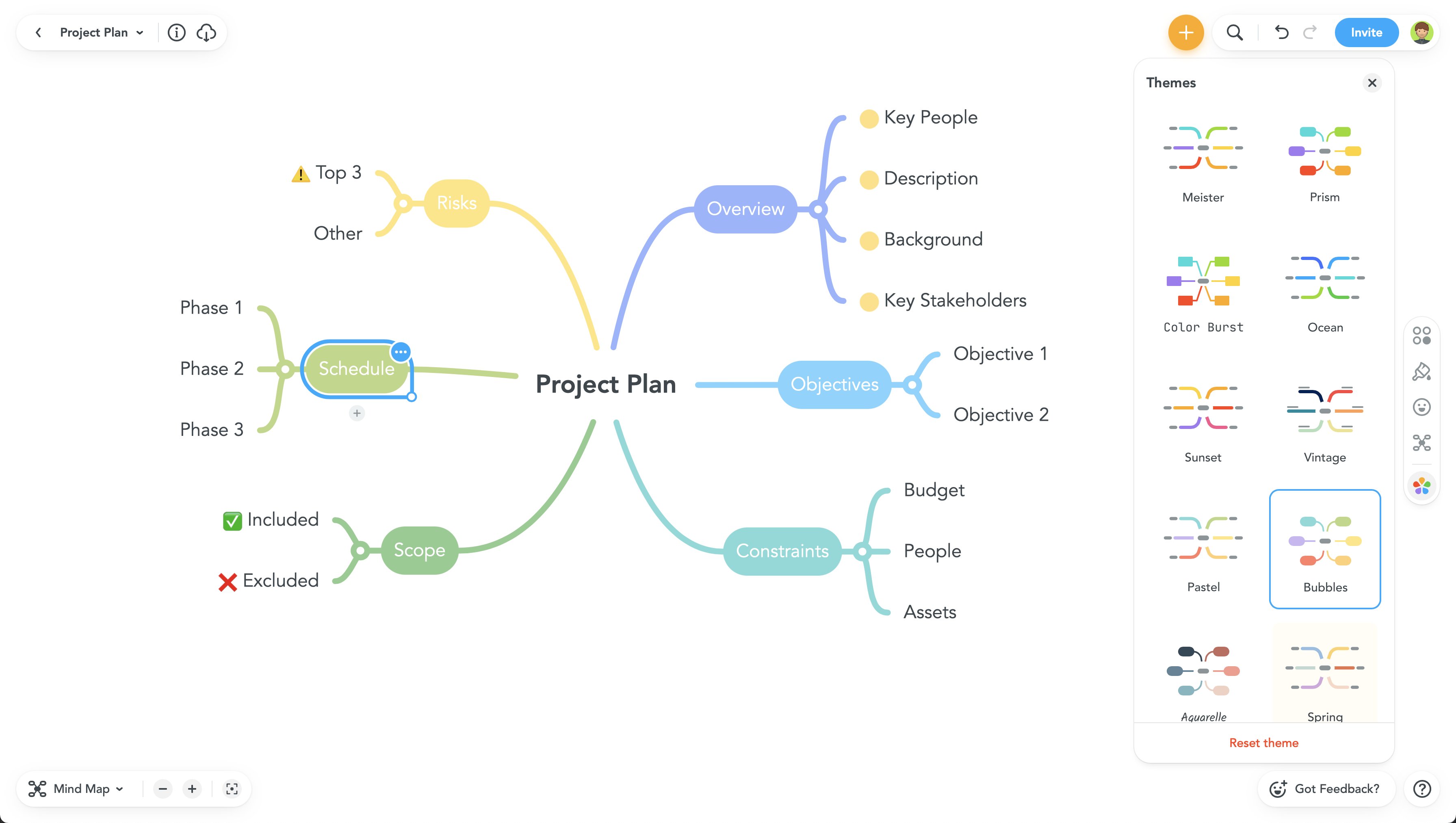
Screenshot of Screenshot of Screenshot of Screenshot of