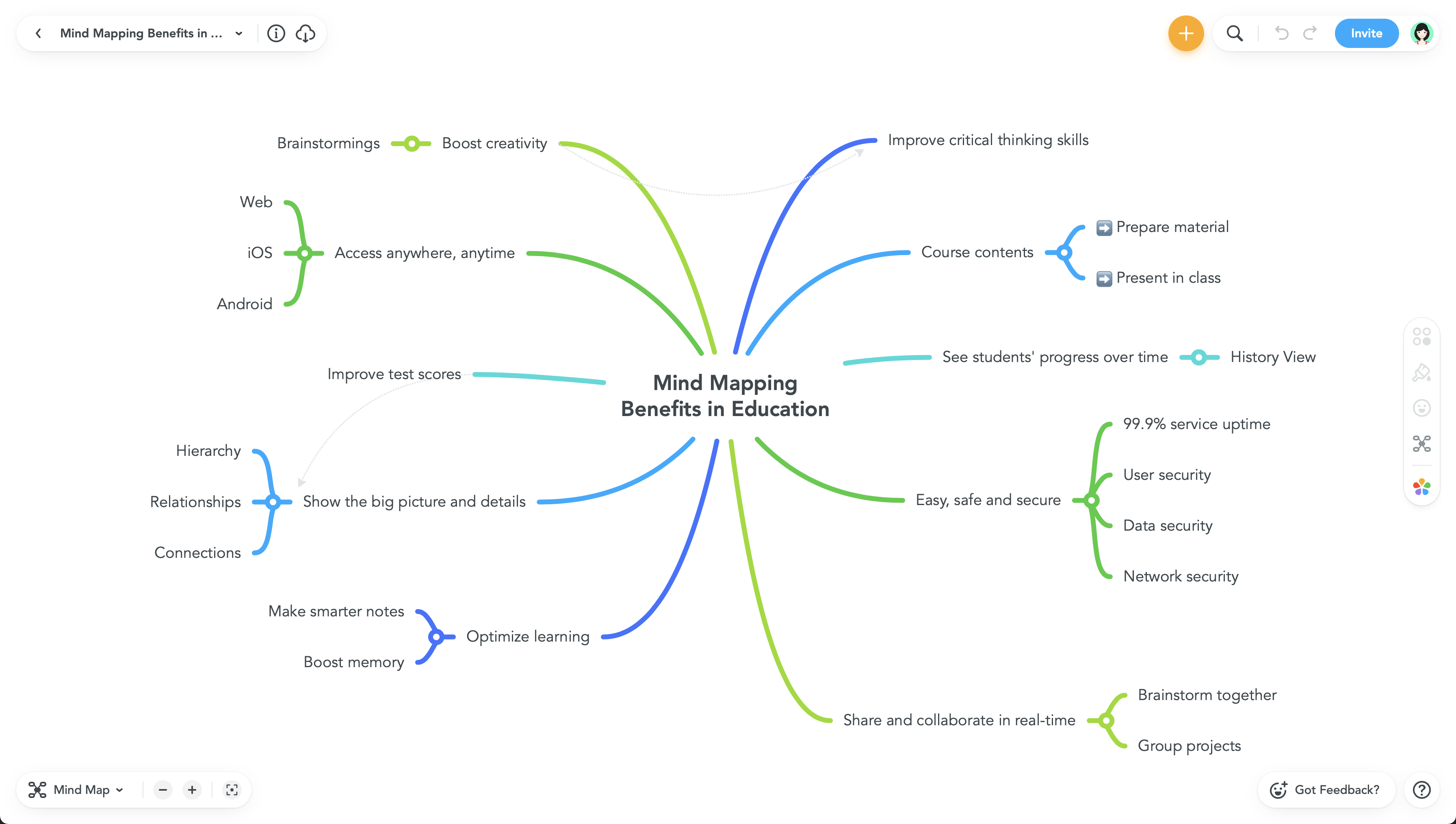
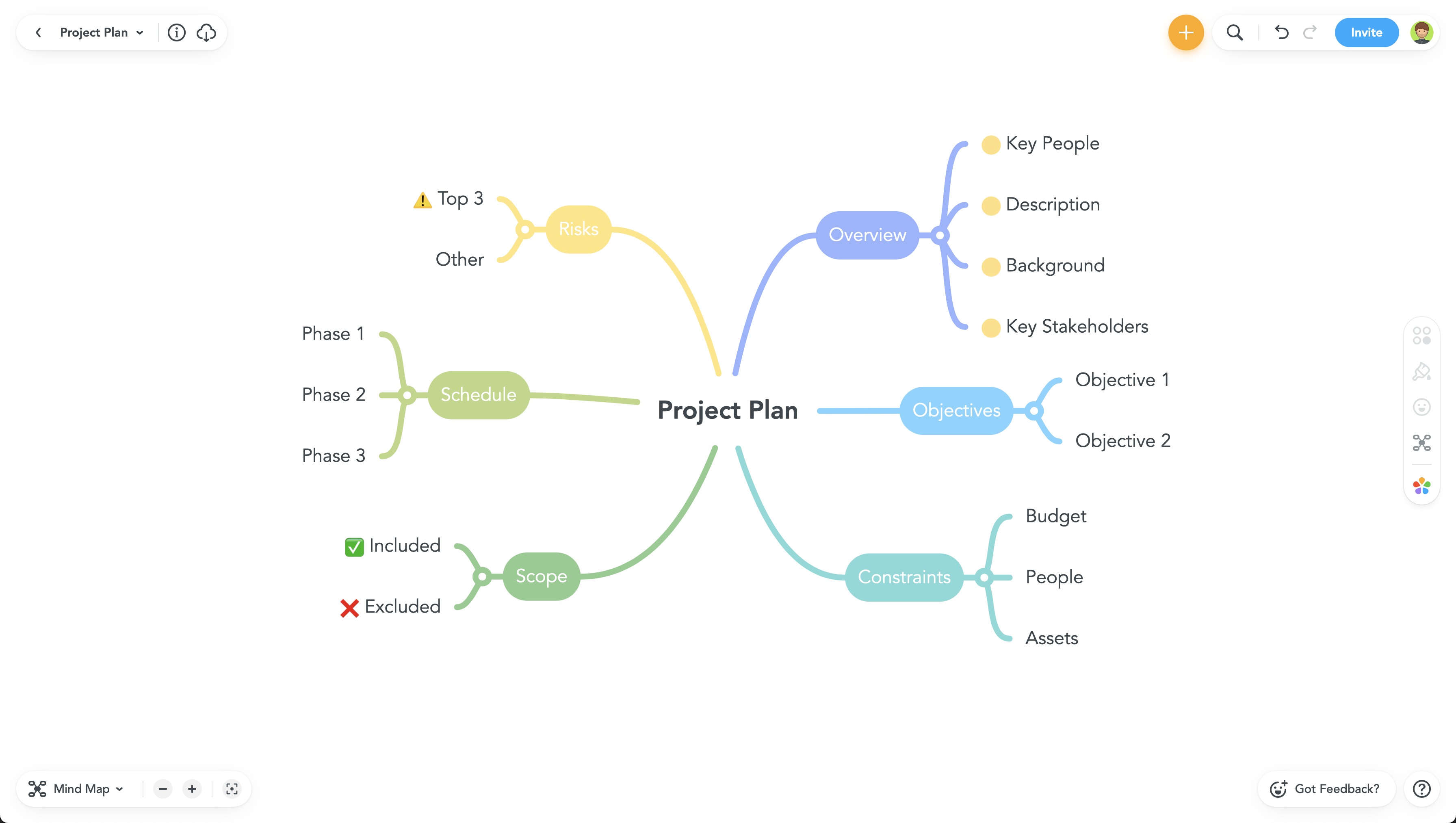
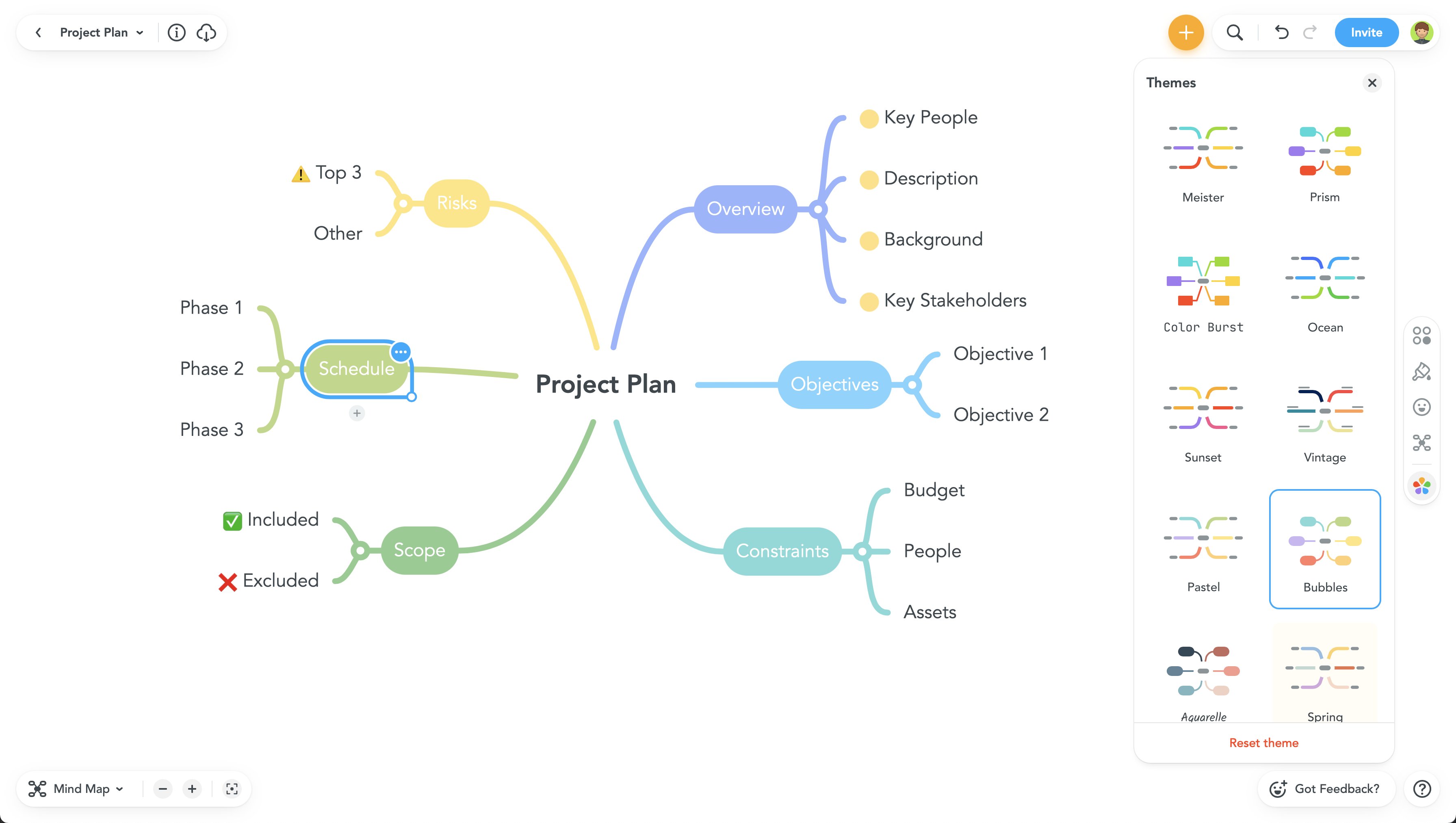
MindMeister is an online mind mapping tool that lets users share maps with an unlimited number of users and collaborate with them in real-time. MindMeister is used to brainstorm ideas, plan projects, take meeting minutes, develop business strategies, and create presentations. MindMeister runs in any standard web-browser as well as on iOS and Android devices, so users can access, edit and present their mind maps anytime, wherever they are. With MindMeister, users…
$45
every 6 months per user
Pricing
MindMeister
Editions & Modules
Personal
$45
per 6 months per user
Pro
$75
per 6 months per user
Business
$114
per 6 months per user
Offerings
Pricing Offerings
MindMeister
Free Trial
No
Free/Freemium Version
Yes
Premium Consulting/Integration Services
No
Entry-level Setup Fee
No setup fee
Additional Details
MindMeister offers 6-monthly and yearly subscriptions. Discounts for educational users and non-profit organizations are also available. Up to 22% discount for yearly pricing.
More Pricing Information
Community Pulse
MindMeister
Considered Both Products
MeisterLabs GmbH
Verified User
Chose MindMeister
I was unaware of ClickUp at the time. I thought MindMeister would be able to solve some story telling and automation challenges the team was facing. It failed to do that and the team disbanded as a result.
A de minimis incentive was given to thank the reviewer for their time. The incentive was not used to bias or drive a particular response, nor was the incentive contingent on a positive endorsement. More Info
LinkedIn Lead Generation Coach|Inbound LinkedIn Leads|LinkedIn Sales Coach|Social Selling|Closing in Marketing at Mark Firth Marketing (E-Learning, 1-10 employees)
A de minimis incentive was given to thank the reviewer for their time. The incentive was not used to bias or drive a particular response, nor was the incentive contingent on a positive endorsement. More Info
Account Executive in Sales at Clarity Solutions (E-Learning, 11-50 employees)
Chose MindMeister
We found MindMeister as the most complete tool considering our needs and context of use. Other tools that we had the chance to test/evaluate offered similar features for brainstorming and log of information, but we felt MindMeister was very easy-to-use, especially thinking …
A de minimis incentive was given to thank the reviewer for their time. The incentive was not used to bias or drive a particular response, nor was the incentive contingent on a positive endorsement. More Info
A de minimis incentive was given to thank the reviewer for their time. The incentive was not used to bias or drive a particular response, nor was the incentive contingent on a positive endorsement. More Info
Founder & CEO in Marketing at 3Bug Media (Marketing and Advertising, 1-10 employees)
Chose MindMeister
We chose MindMeister as the UI seemed easier to use. We were not able to take Lucidchart for a full test drive due to the limited free plan so we opted for MindMeister in the end as it seemed to have what we needed, which it did. The collaboration features of MindMeister also …
A de minimis incentive was given to thank the reviewer for their time. The incentive was not used to bias or drive a particular response, nor was the incentive contingent on a positive endorsement. More Info
3D Asset Artist / 3D Generalist in Professional Services at Main Road|Post (Motion Pictures and Film, 11-50 employees)
Chose MindMeister
There are many similar programs, but I also use the Freemind open sourced program to work offline, but working collectively in it is not very convenient with this application, so we use the MindMeister.
A de minimis incentive was given to thank the reviewer for their time. The incentive was not used to bias or drive a particular response, nor was the incentive contingent on a positive endorsement. More Info
Head of Development Technologies in Research & Development at Top Floor Technologies (Internet, 11-50 employees)
Chose MindMeister
Mindmeister has a good free plan compared with Lucidchart, and better Google Drive integration in my opinion. draw.io has a better free plan than MindMeister, but I prefer MindMeister for mindmap creation still, while I prefer draw.io for other types of diagrams. Xmind is …
A de minimis incentive was given to thank the reviewer for their time. The incentive was not used to bias or drive a particular response, nor was the incentive contingent on a positive endorsement. More Info
High School Special Educator at Landmark School (Education Management, 51-200 employees)
Chose MindMeister
I have also used LucidChart and Google Draw to create mind maps and concept maps in the past. I think that MindMeister is by far the cleanest and most user friendly of the three. Google Draw does not have anywhere near the same functionality. LucidChart tends to be clunky and …
A de minimis incentive was given to thank the reviewer for their time. The incentive was not used to bias or drive a particular response, nor was the incentive contingent on a positive endorsement. More Info
A de minimis incentive was given to thank the reviewer for their time. The incentive was not used to bias or drive a particular response, nor was the incentive contingent on a positive endorsement. More Info
CEO in Marketing at Smileads (Marketing and Advertising, 1-10 employees)
Chose MindMeister
I really like the Mindmeister interface. Clean, beautiful and organized. One of the factors that made me choose Mindmeiter was the direct integration with MeisterTask. It is absolutely amazing to delegate tasks to your team directly through the mind map.
A de minimis incentive was given to thank the reviewer for their time. The incentive was not used to bias or drive a particular response, nor was the incentive contingent on a positive endorsement. More Info
Verified User
Chose MindMeister
MindMeister has a better look than Freemind and is easier to use than Visio
A de minimis incentive was given to thank the reviewer for their time. The incentive was not used to bias or drive a particular response, nor was the incentive contingent on a positive endorsement. More Info
A de minimis incentive was given to thank the reviewer for their time. The incentive was not used to bias or drive a particular response, nor was the incentive contingent on a positive endorsement. More Info
A de minimis incentive was given to thank the reviewer for their time. The incentive was not used to bias or drive a particular response, nor was the incentive contingent on a positive endorsement. More Info
Founder and Lead Researcher in Corporate at Two Stewards (Publishing, 1-10 employees)
Chose MindMeister
As a full graph editor, yEd needs added structure to do tree structures as well as MindMeister. FreeMind is a great tool if you work alone. It allows all sorts of customization and scripting. It is Java-based. We don't work alone. Based on FreeMind, Freeplane adds it's own …
A de minimis incentive was given to thank the reviewer for their time. The incentive was not used to bias or drive a particular response, nor was the incentive contingent on a positive endorsement. More Info
Chief Technology Officer (CTO) at Delete (Marketing and Advertising, 51-200 employees)
Chose MindMeister
Just as mind maps are applicable to just about anybody in any field of work, MindMeister is probably the best piece of software on which to create them. SimpleMind for MC/PC is very good, if not better in terms of user experience, but it's not cloud based so sharing maps is a …
A de minimis incentive was given to thank the reviewer for their time. The incentive was not used to bias or drive a particular response, nor was the incentive contingent on a positive endorsement. More Info
MindMeister is ideally suited for building mind maps, site maps, or similar types of data maps in the cloud without needing to install extra software. I find that it isn't quite as ideal for other types of diagrams (ERDs, flowcharts, etc) as some other tools, though it definitely can handle those things as well.
A de minimis incentive was given to thank the reviewer for their time. The incentive was not used to bias or drive a particular response, nor was the incentive contingent on a positive endorsement. More Info
The UI is well laid out and easy to use. The workflow makes perfect sense and makes creating tasks a breeze.
The collaboration features make brainstorming not only easy but fun! Everyone enjoys using the tool, which was not the case with other collaboration software we used.
I love being able to get all of my thoughts and ideas on the screen to see them and then be able to connect them in a logical way.
A de minimis incentive was given to thank the reviewer for their time. The incentive was not used to bias or drive a particular response, nor was the incentive contingent on a positive endorsement. More Info
A de minimis incentive was given to thank the reviewer for their time. The incentive was not used to bias or drive a particular response, nor was the incentive contingent on a positive endorsement. More Info
Never had an issue with customer support, though we never really needed anything major as far as technical help. I do not believe they offer 24 hour customer support but we don't need it as MindMeister is not the type of tool we need need 24 hour a day support for. Overall, very happy with the level of support.
A de minimis incentive was given to thank the reviewer for their time. The incentive was not used to bias or drive a particular response, nor was the incentive contingent on a positive endorsement. More Info
I have also used LucidChart and Google Draw to create mind maps and concept maps in the past. I think that MindMeister is by far the cleanest and most user friendly of the three. Google Draw does not have anywhere near the same functionality. LucidChart tends to be clunky and the options to create your map are not always clear and intuitive.
A de minimis incentive was given to thank the reviewer for their time. The incentive was not used to bias or drive a particular response, nor was the incentive contingent on a positive endorsement. More Info
A de minimis incentive was given to thank the reviewer for their time. The incentive was not used to bias or drive a particular response, nor was the incentive contingent on a positive endorsement. More Info