Chose Lucid Visual Collaboration Suite
Lucidchart offers more features and greater complexity than MindMeister. Further, it has more integration opportunities.

| Product | Rating | Most Used By | Product Summary | Starting Price |
|---|---|---|---|---|
 Lucid Visual Collaboration Suite | N/A | The Lucid Visual Collaboration Suite empowers teams to ideate, plan, design, build, and launch game-changing solutions from a shared infinite canvas. | $0 per month | |
 MindMeister | N/A | MindMeister is an online mind mapping tool that lets users share maps with an unlimited number of users and collaborate with them in real-time. MindMeister is used to brainstorm ideas, plan projects, take meeting minutes, develop business strategies, and create presentations. MindMeister runs in any standard web-browser as well as on iOS and Android devices, so users can access, edit and present their mind maps anytime, wherever they are. With MindMeister, users… | $45 every 6 months per user |
| Lucid Visual Collaboration Suite | MindMeister | |||||||||||||||
|---|---|---|---|---|---|---|---|---|---|---|---|---|---|---|---|---|
| Editions & Modules |
|
| ||||||||||||||
| Offerings |
| |||||||||||||||
| Entry-level Setup Fee | Optional | No setup fee | ||||||||||||||
| Additional Details | — | MindMeister offers 6-monthly and yearly subscriptions. Discounts for educational users and non-profit organizations are also available. Up to 22% discount for yearly pricing. | ||||||||||||||
| More Pricing Information | ||||||||||||||||
| Lucid Visual Collaboration Suite | MindMeister | |
|---|---|---|
| Considered Both Products | Lucid Visual Collaboration Suite | MindMeister  Luciano Gardesani Marques Account Executive Chose MindMeister We found MindMeister as the most complete tool considering our needs and context of use. Other tools that we had the chance to test/evaluate offered similar features for brainstorming and log of information, but we felt MindMeister was very easy-to-use, especially thinking …  Gary Shouldis Founder & CEO Chose MindMeister We chose MindMeister as the UI seemed easier to use. We were not able to take Lucidchart for a full test drive due to the limited free plan so we opted for MindMeister in the end as it seemed to have what we needed, which it did. The collaboration features of MindMeister also … |
| Lucid Visual Collaboration Suite | MindMeister | |
|---|---|---|
| Small Businesses | No answers on this topic |  MindManager Score 8.3 out of 10 |
| Medium-sized Companies |  Microsoft Visio Score 7.6 out of 10 | MindManager Score 8.3 out of 10 |
| Enterprises |  Miro Score 9.2 out of 10 | Miro Score 9.2 out of 10 |
| All Alternatives | View all alternatives | View all alternatives |
| Lucid Visual Collaboration Suite | MindMeister | |
|---|---|---|
| Likelihood to Recommend | 8.7 (1124 ratings) | 1.0 (17 ratings) |
| Likelihood to Renew | 9.1 (4 ratings) | - (0 ratings) |
| Usability | 8.9 (1093 ratings) | - (0 ratings) |
| Support Rating | 7.3 (877 ratings) | 10.0 (1 ratings) |
| Lucid Visual Collaboration Suite | MindMeister | |
|---|---|---|
| Likelihood to Recommend | Lucid Software
 Greg Rellaford Account Manager and Retention Specialist | MeisterLabs GmbH
|
| Pros | Lucid Software
 Marko Prokic Incident Response Expert | MeisterLabs GmbH
Gary Shouldis Founder & CEO |
| Cons | Lucid Software
 Trevor London Senior Analytics Engineer | MeisterLabs GmbH
Luciano Gardesani Marques Account Executive |
| Usability | Lucid Software
| MeisterLabs GmbH No answers on this topic |
| Support Rating | Lucid Software
 Sourabh Nandi Sales Operations | MeisterLabs GmbH
Gary Shouldis Founder & CEO |
| Alternatives Considered | Lucid Software
 Joseph Terry Business Platform Owner | MeisterLabs GmbH
 Sarah Ciras Rousseau High School Special Educator |
| Return on Investment | Lucid Software
| MeisterLabs GmbH
 Miroslav Bobryshev 3D Asset Artist / 3D Generalist |
| ScreenShots | Lucid Visual Collaboration Suite Screenshots   | MindMeister Screenshots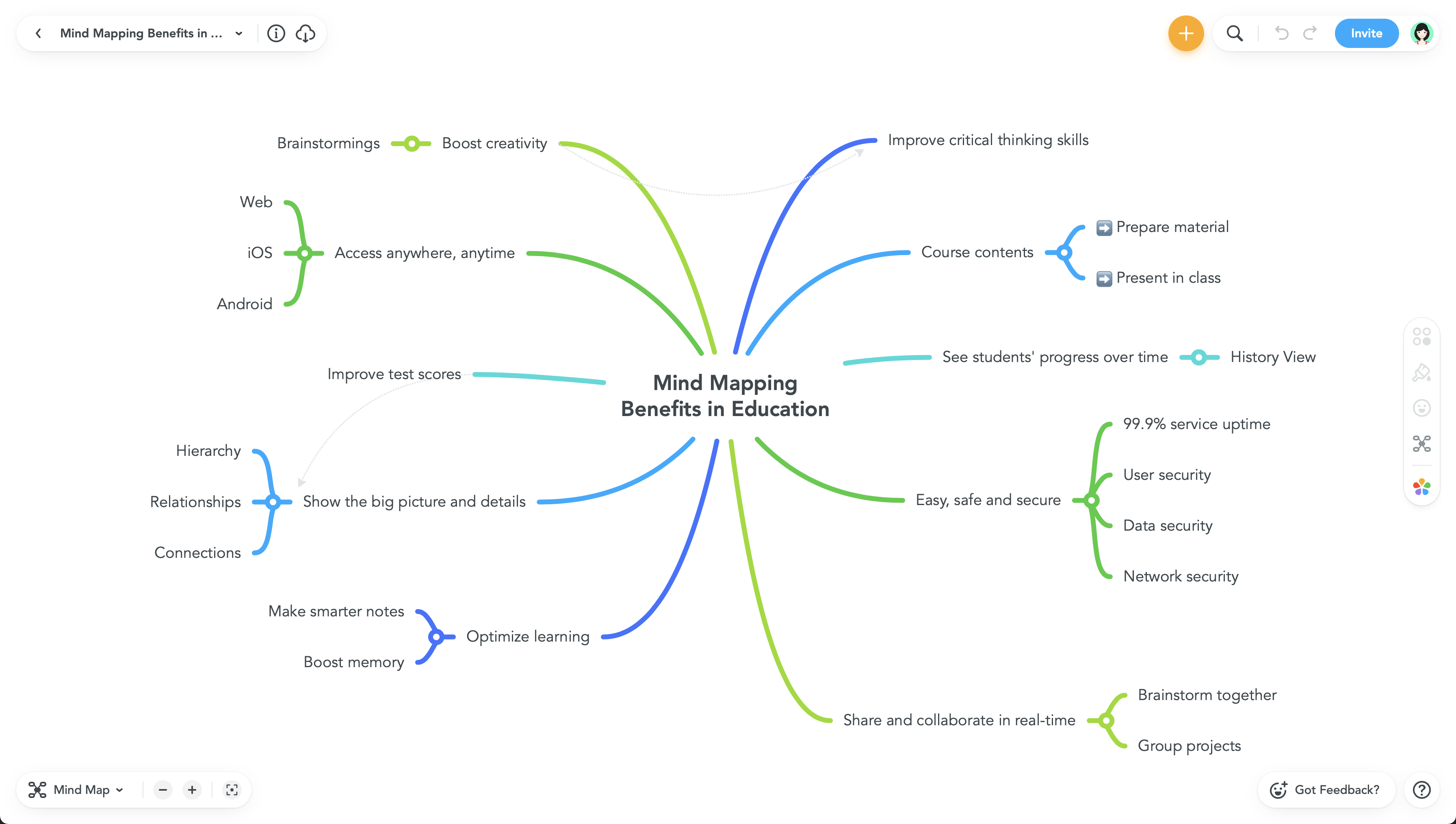  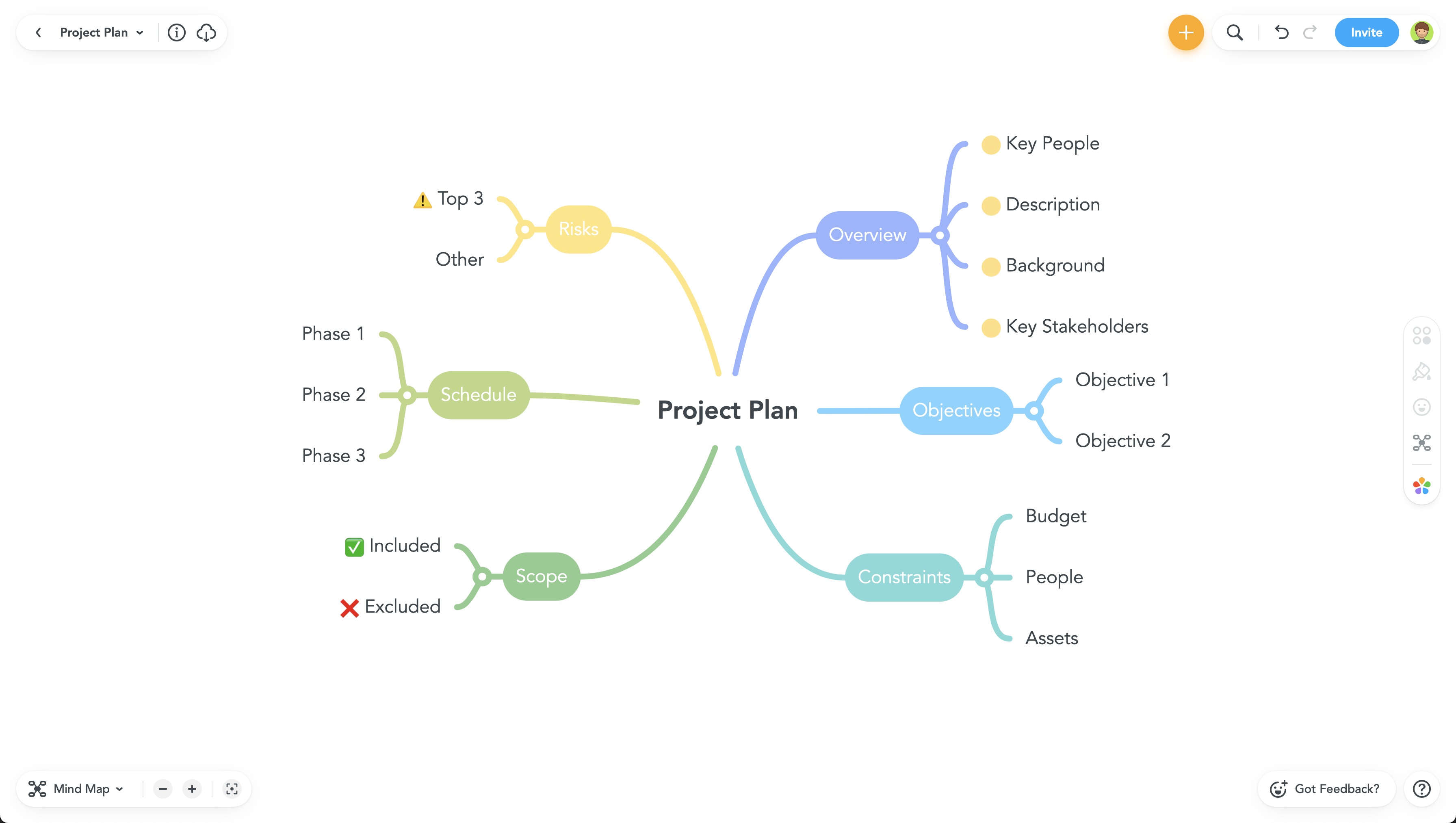 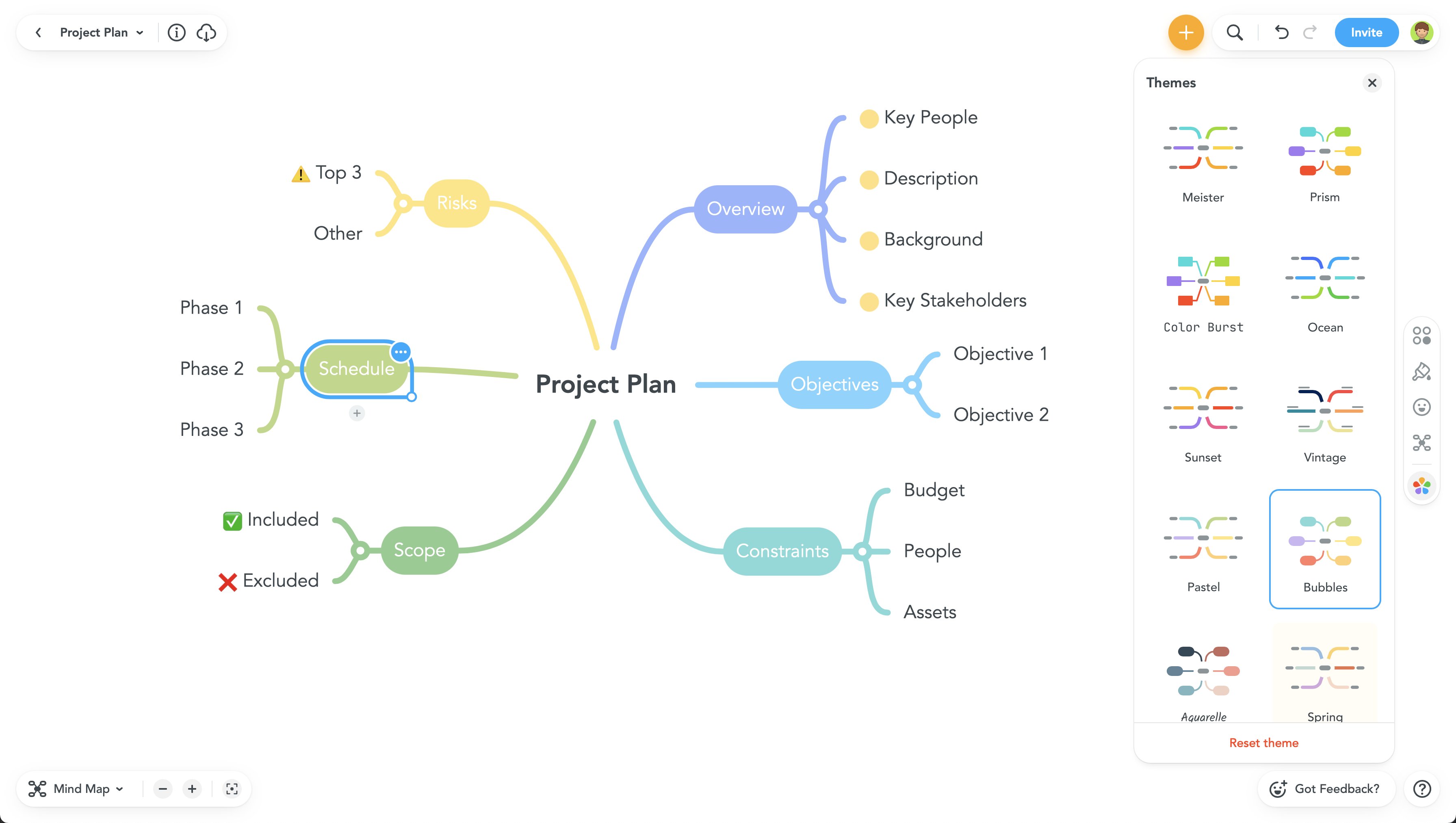 |