Microsoft To Do vs. Scoop Solar

Overview
ProductRatingMost Used ByProduct SummaryStarting Price
Microsoft To Do
Score 9.5 out of 10
N/A
Microsoft To Do replaces the former Wunderlist task management tool.N/A
Scoop Solar
Score 0.0 out of 10
N/A
Scoop connects processes, people, and technology, acting as the Central Operations Hub™ (COH) for solar and renewable organizations. Scoop enables users to build a tech stack that meets the needs of the particular business and is resilient as the business evolves. Scoop serves as the conductor and project manager, integrating the business and ensuring seamless workflow and data flow to run installation, service and maintenance operations. It provides a single source of truth so…N/A
Pricing
Microsoft To DoScoop Solar
Editions & Modules
No answers on this topic
Offerings
Pricing Offerings
Microsoft To DoScoop Solar
Free Trial
NoNo
Free/Freemium Version
NoNo
Premium Consulting/Integration Services
NoNo
Entry-level Setup FeeNo setup feeNo setup fee
Additional Details
More Pricing Information
Community Pulse
Microsoft To DoScoop Solar
Features
Microsoft To DoScoop Solar
Project Management
Comparison of Project Management features of Product A and Product B
Microsoft To Do
7.0
Ratings
9% below category average
Scoop Solar
-
Ratings
Task Management8.00 Ratings00 Ratings
Resource Management7.00 Ratings00 Ratings
Gantt Charts4.50 Ratings00 Ratings
Scheduling5.00 Ratings00 Ratings
Workflow Automation6.40 Ratings00 Ratings
Team Collaboration7.80 Ratings00 Ratings
Support for Agile Methodology5.10 Ratings00 Ratings
Support for Waterfall Methodology6.30 Ratings00 Ratings
Document Management6.90 Ratings00 Ratings
Email integration6.00 Ratings00 Ratings
Mobile Access10.00 Ratings00 Ratings
Timesheet Tracking6.60 Ratings00 Ratings
Change request and Case Management9.00 Ratings00 Ratings
Budget and Expense Management9.00 Ratings00 Ratings
Professional Services Automation
Comparison of Professional Services Automation features of Product A and Product B
Microsoft To Do
6.5
Ratings
15% below category average
Scoop Solar
-
Ratings
Quotes/estimates5.00 Ratings00 Ratings
Invoicing7.00 Ratings00 Ratings
Project & financial reporting7.90 Ratings00 Ratings
Integration with accounting software6.00 Ratings00 Ratings
Best Alternatives
Microsoft To DoScoop Solar
Small Businesses
Stackby
Stackby
Score 9.0 out of 10
Stackby
Stackby
Score 9.0 out of 10
Medium-sized Companies
InEight
InEight
Score 8.3 out of 10
InEight
InEight
Score 8.3 out of 10
Enterprises
InEight
InEight
Score 8.3 out of 10
InEight
InEight
Score 8.3 out of 10
All AlternativesView all alternativesView all alternatives
User Ratings
Microsoft To DoScoop Solar
Likelihood to Recommend
10.0
(0 ratings)
-
(0 ratings)
Likelihood to Renew
8.0
(0 ratings)
-
(0 ratings)
Usability
8.0
(0 ratings)
-
(0 ratings)
Support Rating
7.6
(0 ratings)
-
(0 ratings)
Implementation Rating
10.0
(0 ratings)
-
(0 ratings)
User Testimonials
Microsoft To DoScoop Solar
Likelihood to Recommend
Wunderlist is a fantastic task management system, not the best project management system. For a long time, I tried to use Wunderlist to plan large events with multiple users and it wasn't as effective. But, once we simplified our desired outcome to accomplishing tasks that repeat or are unique to a given work-week, we had much more success. Now my assistant can manage her weekly tasks and give feedback through this app. I can also add tasks, assign them and see what is being accomplished
Read full review
No answers on this topic
Pros
  • Smart due dates are the greatest thing about Wunderlist. I can tell it to "print past due reports on Monday" and then set that up as a repeating event.
  • It's clutter free. When I'm creating or assigning tasks I like to have a distraction free area to think, and the simplicity of Wunderlist gives me that.
  • The fact that I can look at it on my phone, on the web, and on my PC and it always looks the same is great. I can always tell what I'm doing b/c of their consistent design choices.
Read full review
No answers on this topic
Cons
  • Sub-tasks should have their own separate due dates
  • The main list needs some more intuitive tools to sort the list in any way I choose
  • Hovering over links should show a description of how to use it. For example, it would have been nice to know right away that double-clicking on a task is the way to open the details list.
Read full review
No answers on this topic
Likelihood to Renew
I believe Wunderlist is the best to do management app on the planet. So far we are extremely satisfied with the performance.
Read full review
No answers on this topic
Usability
The actual user interface and the way to navigate around the app is very intuitive and easy to learn/use which would make me give it a high ranking, but the syncing issues drop down my rating because there are times where you add an item to the list and then it just disappears. Then when you add it again the sync will happen and now you have duplicates. The other negative with the usability is adding extra information to an item, such as files or comments or assignments. You can do it but it's difficult to tell which items have this information from the main screen. You have to click on them individually.
Read full review
No answers on this topic
Support Rating
I have not had an issue where I needed to reach out to Wunderlist, but I know their contact and online chat is easy to access and feel confident that they would be helpful. My only worry is Wunderlist is becoming Microsoft to-do in May 2020, and I believe the app will become worse after that.
Read full review
No answers on this topic
Implementation Rating
Wunderlist giving 100% work satisfaction for me and my organization
Read full review
No answers on this topic
Alternatives Considered
It's a small tool compared to bigger project management software, but we found that they work perfectly together. It helps you declutter the larger PM tools, keep your smaller tasks in-line and make sure they get completed. When you're working in a creative agency, ideas and tasks are flying around, so having a tool like this that keeps you accountable and reminds you of your tasks is a must!
Read full review
No answers on this topic
Return on Investment
  • We reduced the number of meetings of teams and companies by 5 times because now all participants have access to comments and know at what stage the project is located.
  • Simple to use common to-do lists allow you to manage the projects of the group and give all its participants a clear idea of who is responsible for each task. There is no need to waste time explaining the business processes and responsibilities of team members
  • Wunderlist for business stores all group correspondence together with tasks.
  • This is convenient for all participants and for management because sometimes important moments are lost in other messengers or chats. Now you can do everything in one application. The number of problems with this
Read full review
No answers on this topic
ScreenShots

Scoop Solar Screenshots

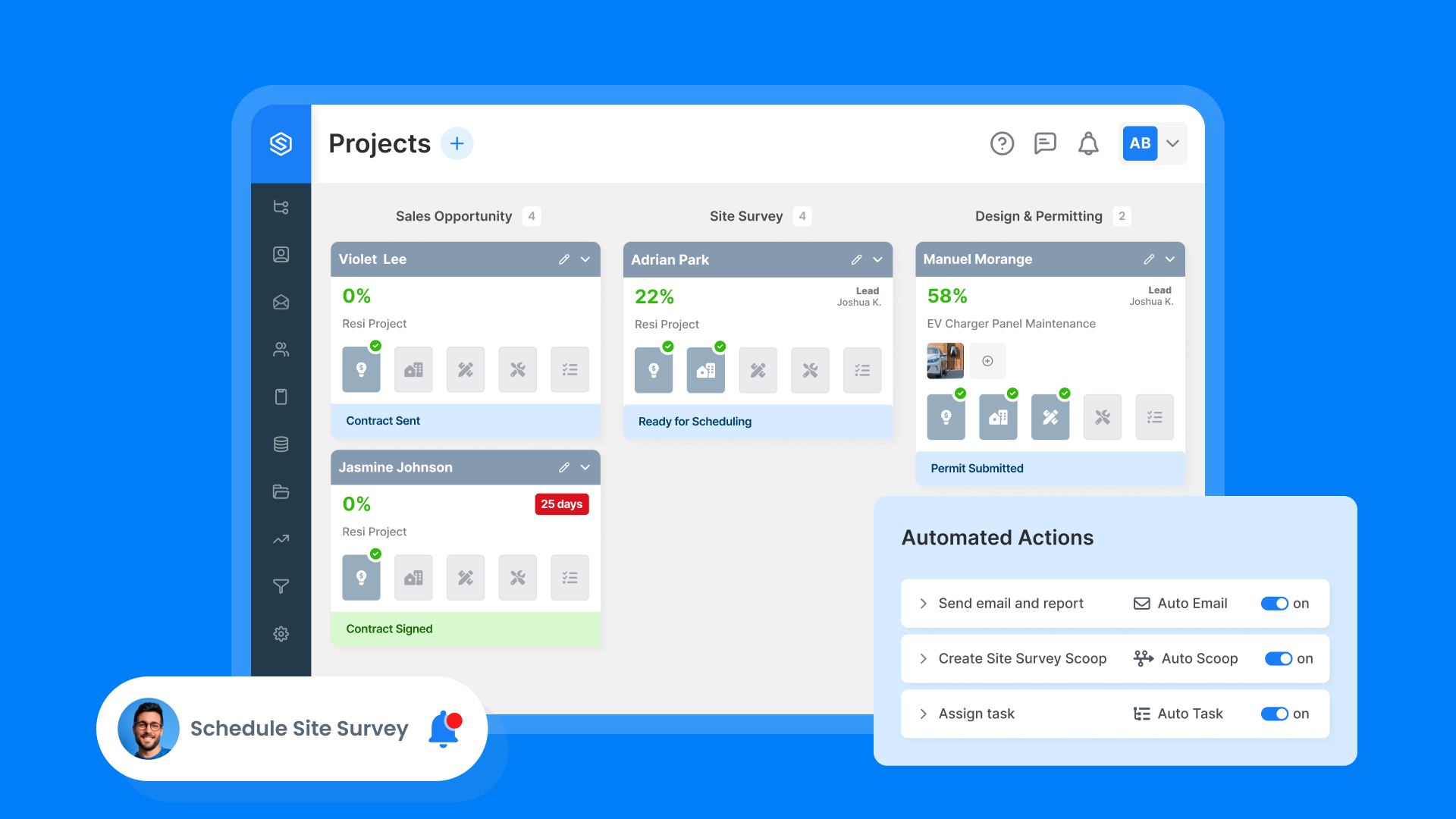
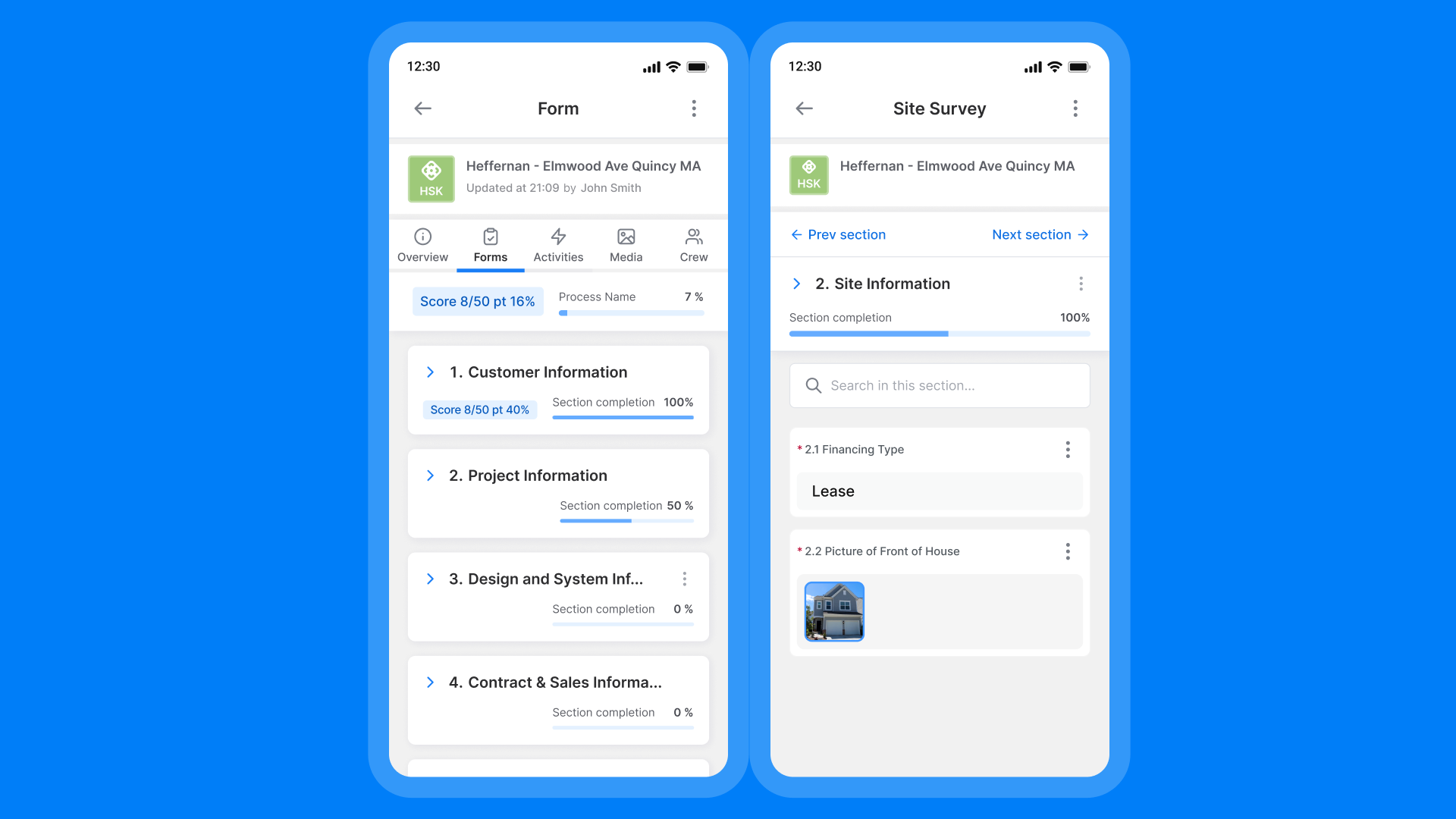
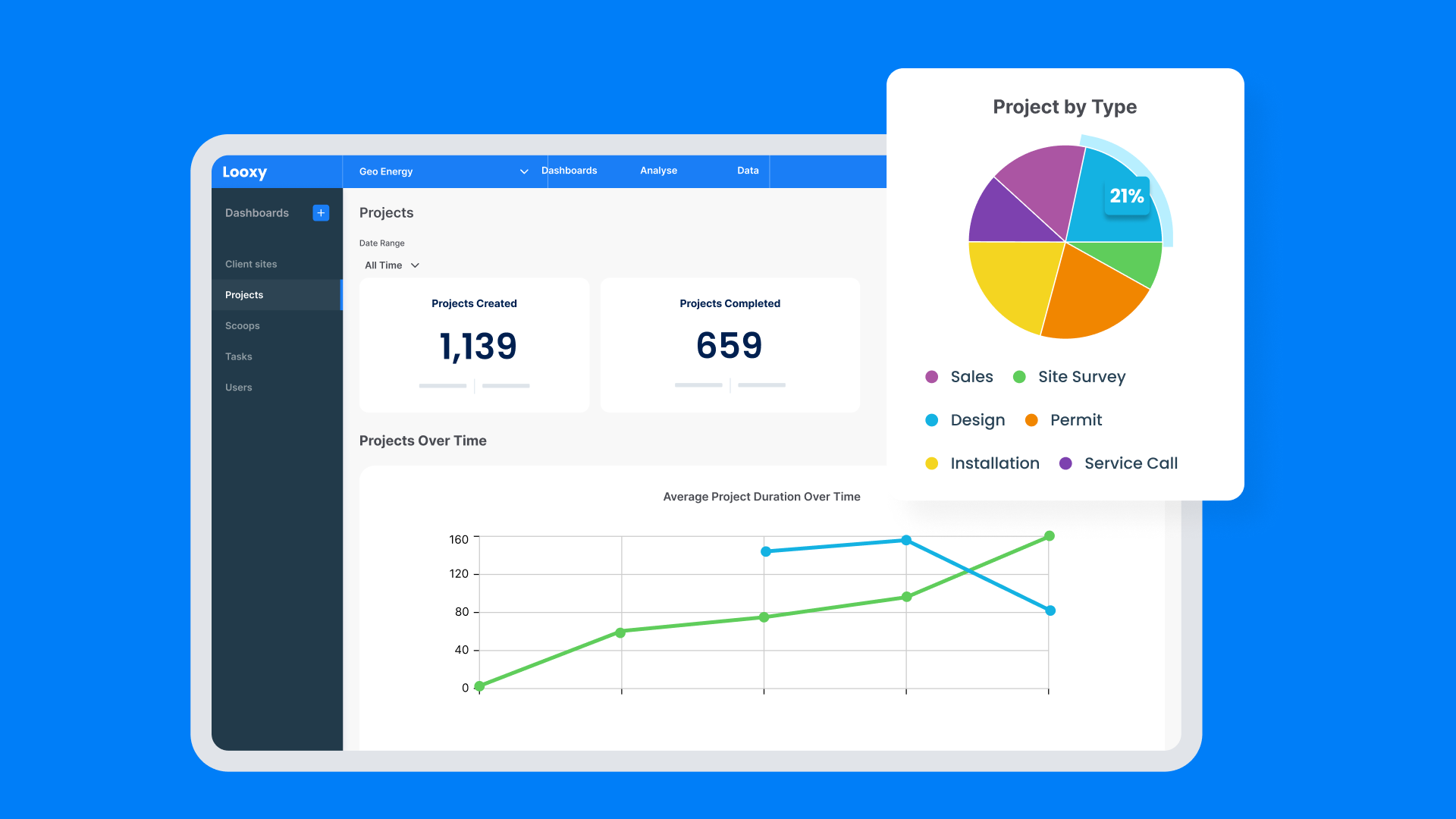
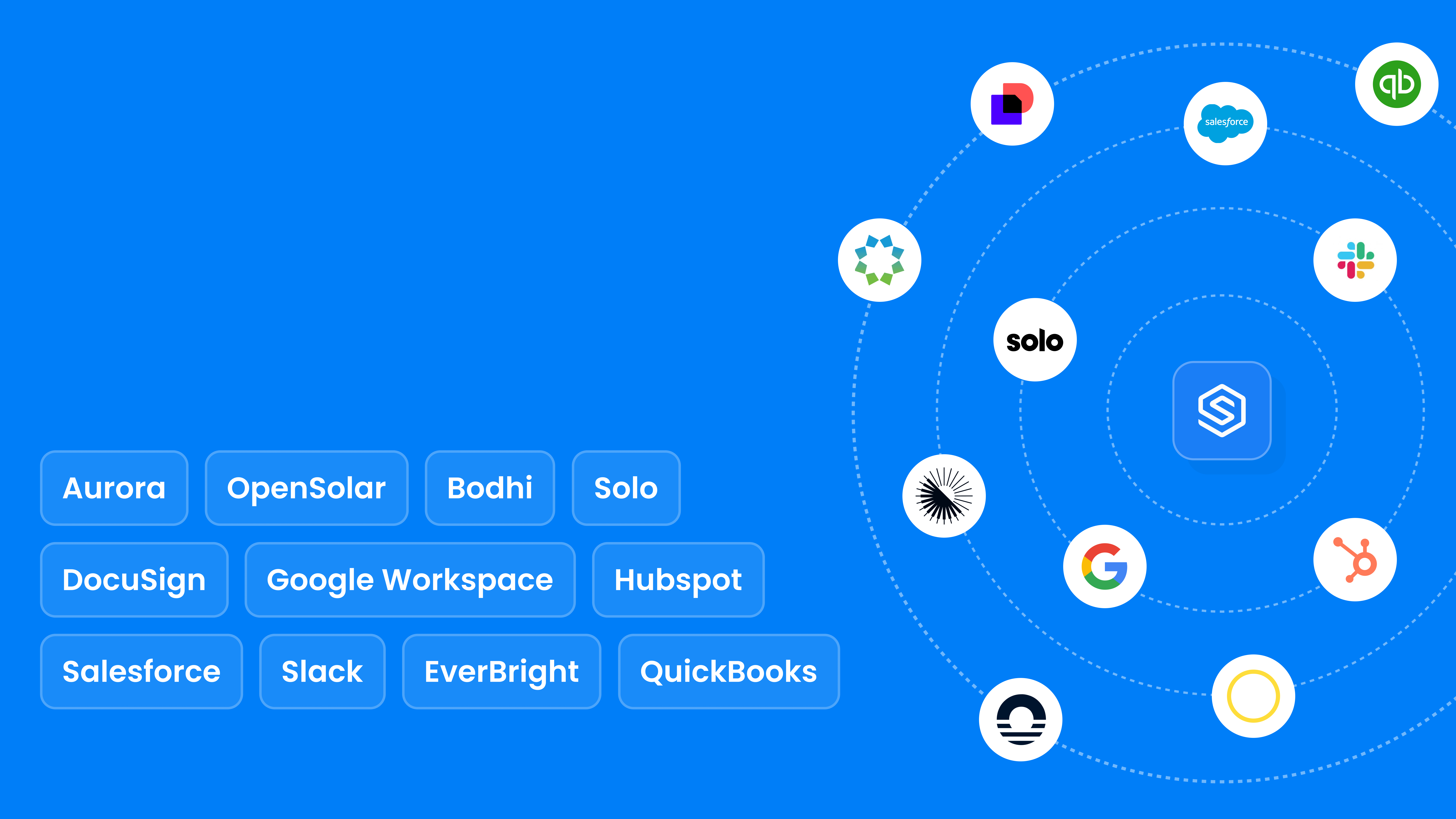
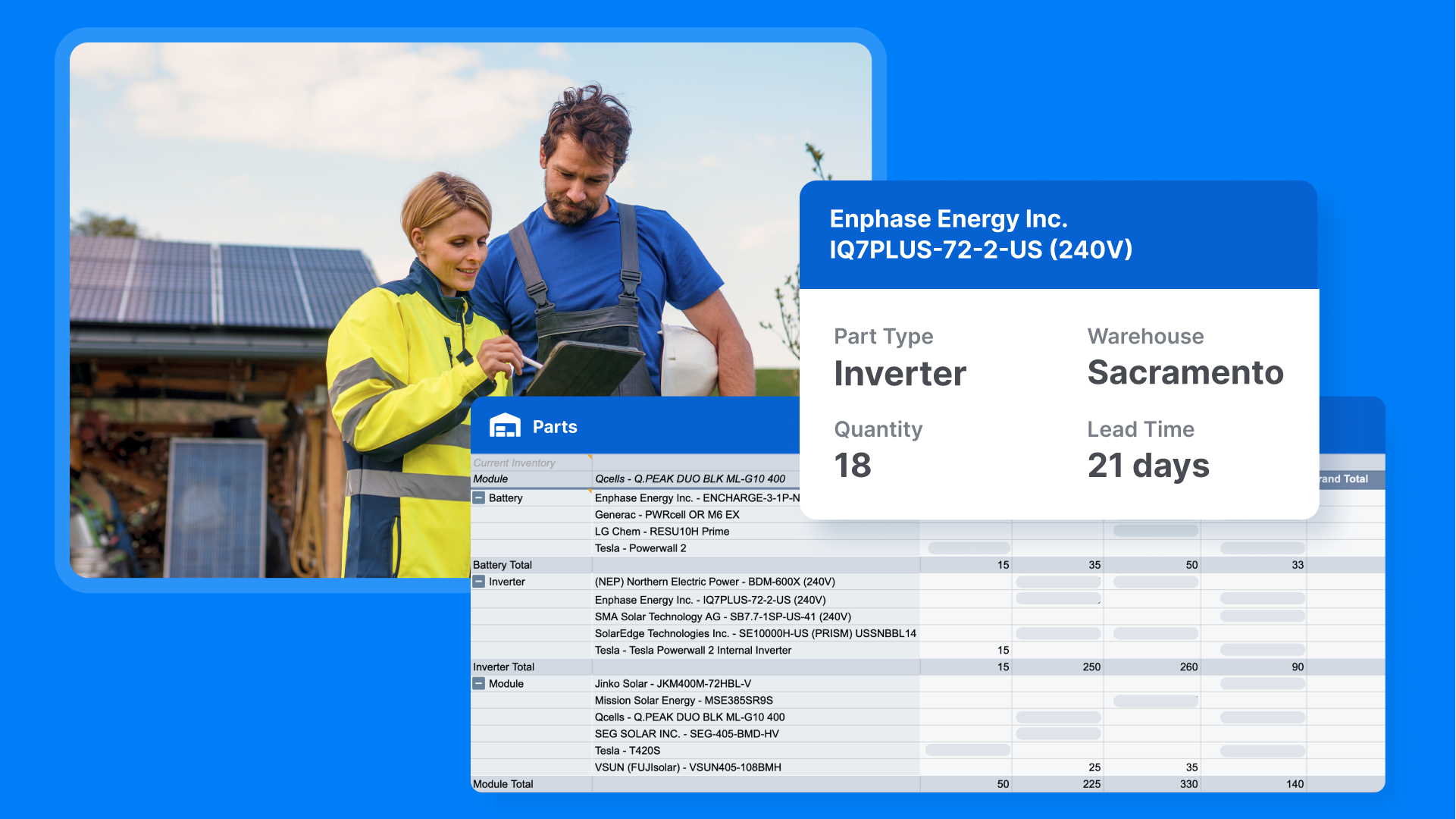
Screenshot of Scoop's project management capabilities that enable growing renewable companies to scale operations and manage projects, installations, and service visits.Screenshot of the Scoop mobile app, available for iOS and Android devices, that mobilizes and engages solar and renewable field teams by providing them access to critical information, automated workflows, and improved on-site communication.Screenshot of LOOXY™, a feature that allows users to create customizable dashboards and pipeline reports to visualize key insights from operational data. Users can filter, export, and share reports across the organization.Screenshot of GLOO™, the included integration service that connects software tools with 500+ integration connections, customizable data mappings, and turnkey implementation.Screenshot of Scoop’s Inventory Management & Resource Planning (IMRP) module, which provides inventory management, price book, quotation, and resource planning functionality.