Lists is an information tracking app in Microsoft 365 that enables users to work with anyone, anywhere. Users can configure lists to better organize events, issues, and assets.
N/A
TimeCamp
Score 8.3 out of 10
Small Businesses (1-50 employees)
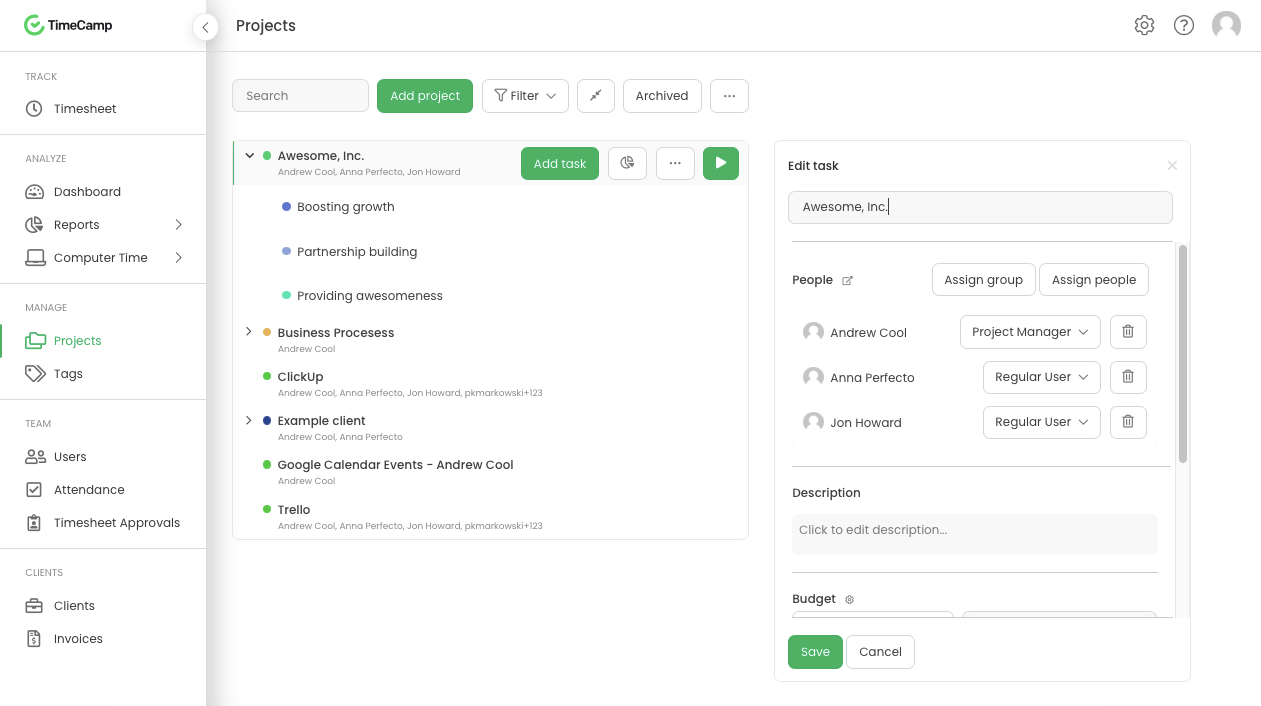
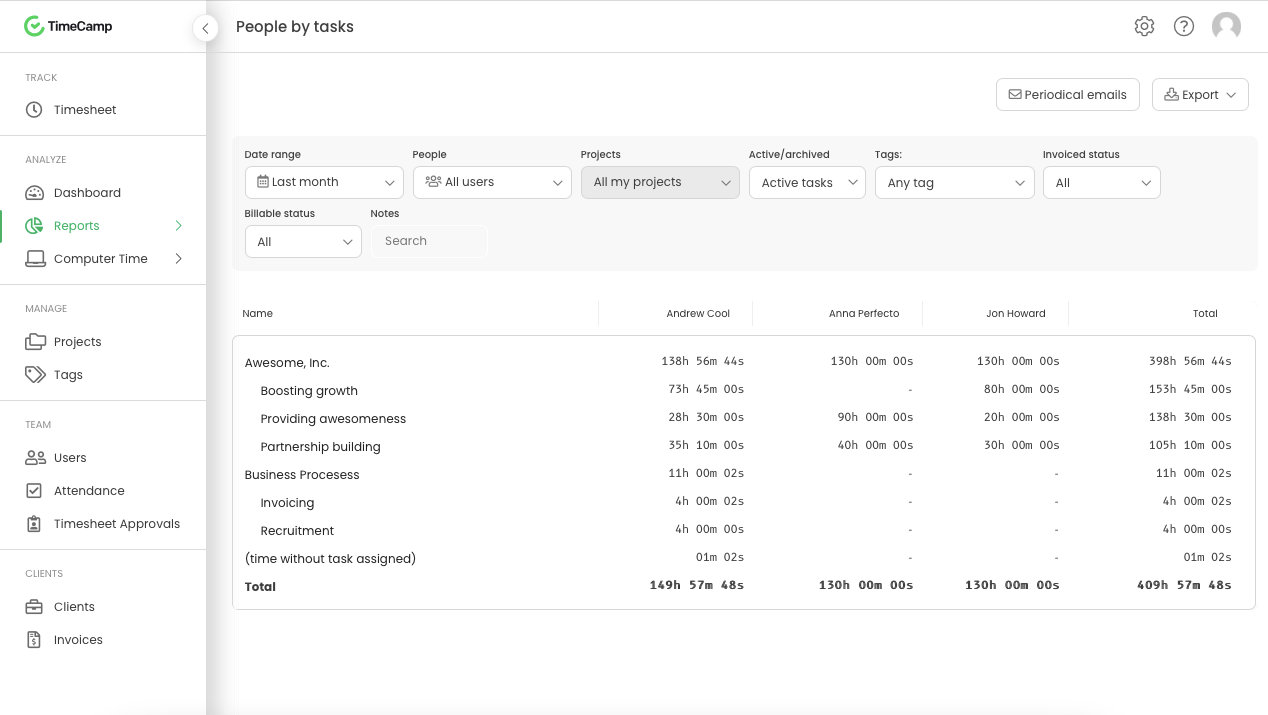
TimeCamp is cloud based, multi-platform (Windows, Mac, Linux, iOS, Android) time tracking and invoicing software.
$0
For unlimited users
Pricing
Microsoft Lists
TimeCamp
Editions & Modules
No answers on this topic
Free
$0
For unlimited users
Starter
$2.99
per month per user
Premium
$4.99
per month per user
Ultimate
$7.99
per month per user
Enterprise
Custom
Offerings
Pricing Offerings
Microsoft Lists
TimeCamp
Free Trial
No
Yes
Free/Freemium Version
No
Yes
Premium Consulting/Integration Services
No
No
Entry-level Setup Fee
No setup fee
No setup fee
Additional Details
—
Free plan includes: unlimited users, unlimited rojects & tasks, project templates, bulk edit, desktop & mobile app, one integration, tags, PDF export
It's great for anything that needs to hold data and process it into automation. It's a bit limiting if you like multi-line text fields or rich text fields. They lose a bit of their capability to filter.
TimeCamp is a software designed for mobile devices that allows us to keep track of the working hours of employees without the use of a computer. It also allows us to send notifications to employees when their workday is approaching.
TimeCamp allows you to add taxes, calculate payroll and invoice everything in one place.
TimeCamp is useful to create the payment plan of each employee; automatically calculates the discounts for the taxes that must be paid, facilitating the task of processing payroll payments.
TimeCamp makes it easy to calculate ROI by evaluating and comparing hourly labor costs to revenue.
TimeCamp makes it easy to review the workday while budgeting for new initiatives and paying employees.
TimeCamp is a little bit expensive. It needs overall improvement in all tools. Moreover, the mobile version is not as useful as the web version of TimeCamp.
Other than that, customer service needs more attention and requires more improvement.
Also, I feel like that if there are more features of TimeCamp then it would be better.
I am giving support a rating of 8 but that is quite arbitrary. Honestly, we have never had the need to contact support for any reason. There has not been a situation where we became stuck and could not figure out how to work through it. Sign up was easy and billing is like clockwork so there has been no need to contact billing support. I think this is a testament to the ease of use of TimeCamp.
They are all different but can be used for the same things. They all have different benefits, and I use them except Airtable. Trello has the best automation capabilities natively built into the product of any product I've ever used. (I've personally built over 1,000 automations or more for clients on Trello.) ClickUp has the best flexibility to view data in very different ways and from different organisation levels (i.e. High level data through to detailed specific data across multiple departments or projetcs. Microsoft Lists is an excellent choice if you work in M365 already and you want a deeply integrated way to hold data and use it within M365
Ultimately I selected Clockify instead of TimeCamp. As previously mentioned, I believe that TimeCamp wasn't that intuitive, and too many things were behind pay walls. Clockify offered the same features mostly for free. Although TimeCamps UX was sleeker than Clockify's I found that Clockify was a better fit for me.
The most positive impact it has had is that we are able to accurately track our clients billed time. This has streamlined our process giving us a more efficient system.
One thing that timecamp can do is track computer time that is non billed time. This allow us to see where time is being wasted which does have a direct effect on out ROI.