
Microsoft Exchange Online Archiving vs. Vaultastic
| Product | Rating | Most Used By | Product Summary | Starting Price |
|---|---|---|---|---|
 Microsoft Exchange Online Archiving | Score10 out of 10 | N/A | Exchange Online Archiving from Microsoft is a tool that helps the user solve archiving, compliance, regulatory, and eDiscovery challenges. Hosted on Microsoft globally redundant servers, with IT-level phone support 24 hours a day, seven days a week, Exchange Online Archiving is compatible with Exchange Server 2019, 2016, 2013, and 2010. It’s also available as an add-on service for mailboxes that are hosted online. | $3 per month per user |
 Vaultastic | N/A | Mid-Size Companies (51-1,000 employees) | Vaultastic can ingest business data stored from a wide range of active and legacy data sources into a central, unified cloud repository. Vaultastic’s cross-platform architecture integrates with various data sources such as M365, Google Workspace, Google Drive, MS Exchange, Zimbra, SalesForce, and SendGrid. On-demand SaaS tools for fast ediscovery, governance, and flexible data extraction increase the visibility and availability of business-critical data while reducing the… | $192 per year per user |
| Microsoft Exchange Online Archiving | Vaultastic | |||||||||||||||
|---|---|---|---|---|---|---|---|---|---|---|---|---|---|---|---|---|
| Editions & Modules | No answers on this topic |
| ||||||||||||||
| Offerings |
| |||||||||||||||
| Entry-level Setup Fee | No setup fee | No setup fee | ||||||||||||||
| Additional Details | — | Vaultastic offers pay-per-use approach for pricing the data management services. These services include storage services, access services, and migration services. Vaultastic users pay only for the individual services needed for as long as they are used. | ||||||||||||||
| More Pricing Information | ||||||||||||||||
| Microsoft Exchange Online Archiving | Vaultastic | |
|---|---|---|
| Considered Both Products | No answer on this topic | No answer on this topic |
| Key User Insights | ||
| Would buy again | ||
86% Would buy again 6 Answers | No answers on this topic | |
| Delivers good value for the price | ||
100% Delivers good value for the price 5 Answers | No answers on this topic | |
| Happy with the feature set | ||
86% Happy with the feature set 6 Answers | No answers on this topic | |
| Lived up to sales and marketing promises | ||
100% Lived up to sales and marketing promises 5 Answers | No answers on this topic | |
| Implementation went as expected | ||
100% Implementation went as expected 6 Answers | No answers on this topic | |
| Microsoft Exchange Online Archiving | Vaultastic | |
|---|---|---|
| Small Businesses |  Amazon S3 Glacier Score9.1 out of 10 | Amazon S3 Glacier Score9.1 out of 10 |
| Medium-sized Companies |  Google Vault Score10 out of 10 | Google Vault Score10 out of 10 |
| Enterprises |  Arctera Enterprise Vault Score8.6 out of 10 | Microsoft Exchange Online Archiving Score10 out of 10 |
| All Alternatives | View all alternatives | View all alternatives |
| Microsoft Exchange Online Archiving | Vaultastic | |
|---|---|---|
| Likelihood to Recommend | 8.3 | - |
| Microsoft Exchange Online Archiving | Vaultastic | |
|---|---|---|
| Likelihood to Recommend |
| No answers on this topic |
| Pros |
| No answers on this topic |
| Cons |
| No answers on this topic |
| Alternatives Considered |
| No answers on this topic |
| Return on Investment |
| No answers on this topic |
| ScreenShots | Vaultastic Screenshots 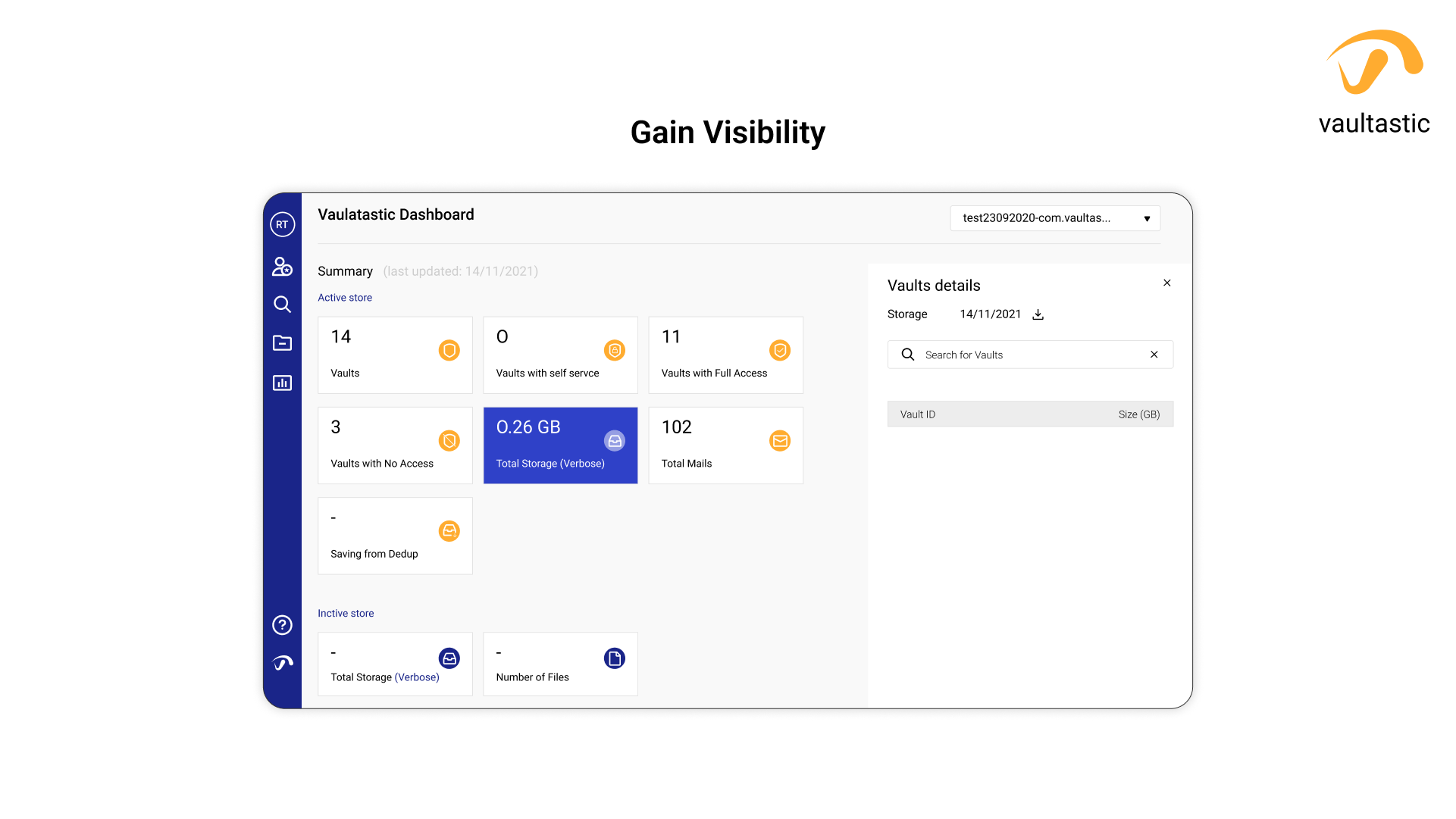 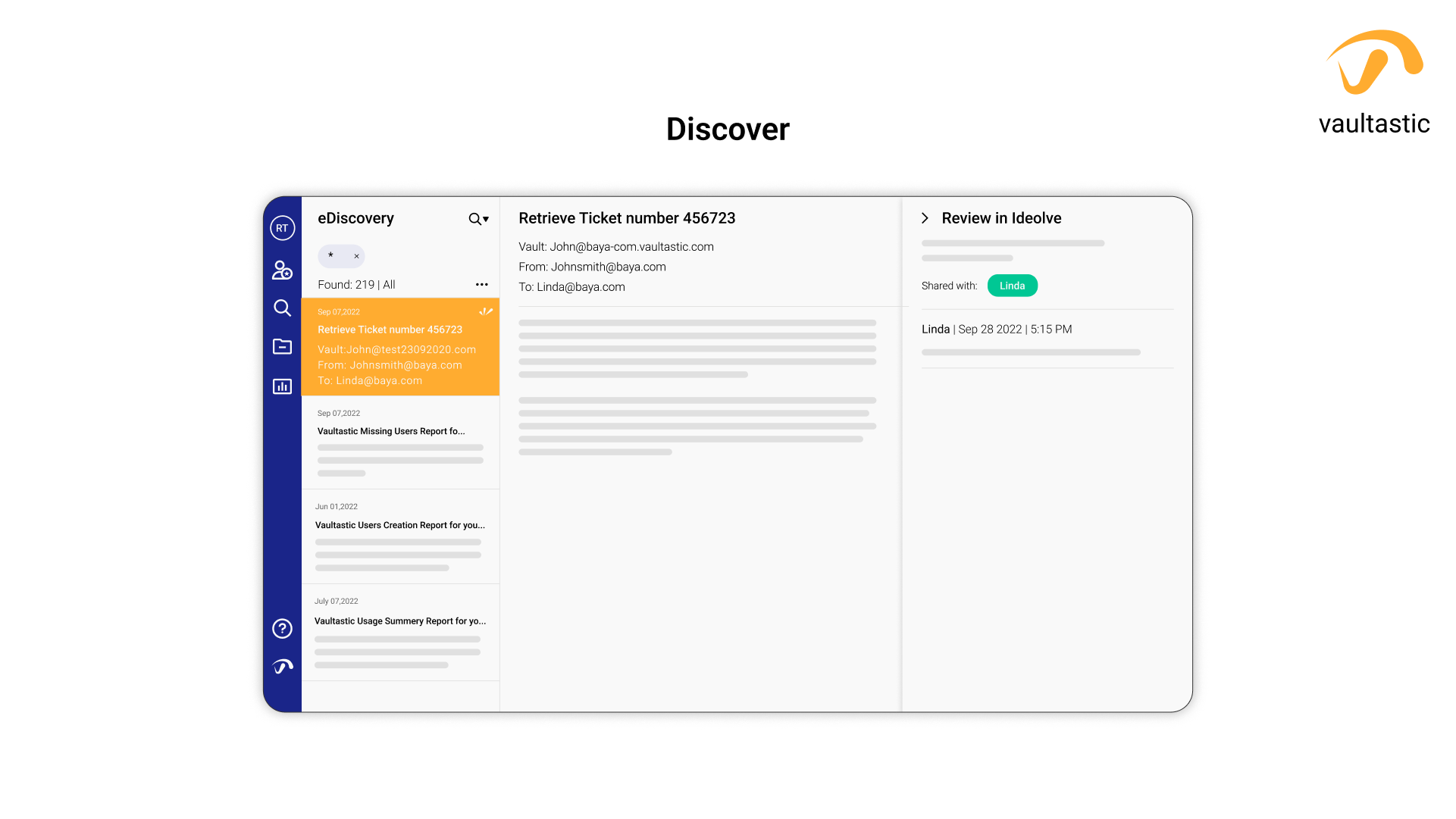  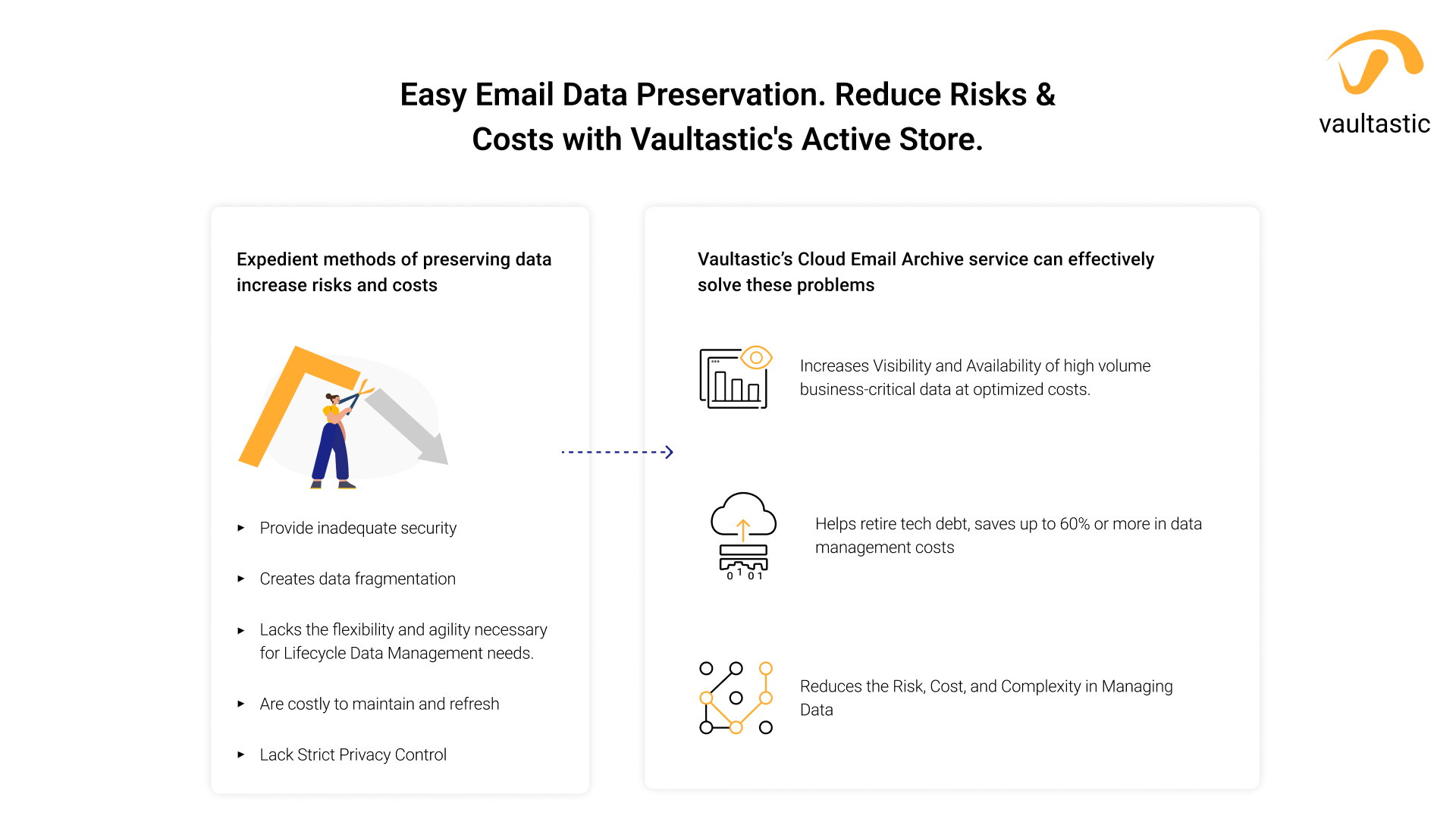  |

