Microsoft Entra ID vs. NordPass Business

Overview
ProductRatingMost Used ByProduct SummaryStarting Price
Microsoft Entra ID
Score 8.7 out of 10
N/A
Microsoft Entra ID (formerly Microsoft Azure Active Directory or Azure AD) is a cloud-based identity and access management (IAM) solution supporting restricted access to applications with Azure Multi-Factor Authentication (MFA) built-in, single sign-on (SSO), B2B collaboration controls, self-service password, and integration with Microsoft productivity and cloud storage (Office 365, OneDrive, etc) as well as 3rd party services.
$6
per user/per month
NordPass Business
Score 9.4 out of 10
N/A
NordPass Business is a password manager for SMBs and Enterprises to help optimize the company’s workflow and boost productivity. What can you do with NordPass Business? Securely store business and personal information like passwords, bank cards, shipping addresses, private notes, and more Share access between teams to make…
$3.59
per month per user
Pricing
Microsoft Entra IDNordPass Business
Editions & Modules
Premium P1
$6.00
per user/per month
Premium P2
$9.00
per user/per month
Business
$3.59
per month per user
Business
$3.59
per month per user
Enterprise
Custom
per year per user
Enterprise
Custom
per year per user
Offerings
Pricing Offerings
Microsoft Entra IDNordPass Business
Free Trial
YesYes
Free/Freemium Version
YesNo
Premium Consulting/Integration Services
NoNo
Entry-level Setup FeeNo setup feeNo setup fee
Additional DetailsBusiness plan - up to 250 users. Enterprise plan - unlimited number of users.
More Pricing Information
Community Pulse
Microsoft Entra IDNordPass Business
Features
Microsoft Entra IDNordPass Business
Identity Management
Comparison of Identity Management features of Product A and Product B
Microsoft Entra ID
8.7
94 Ratings
7% above category average
NordPass Business
-
Ratings
ID-Management Access Control8.992 Ratings00 Ratings
ID Management Single-Sign On (SSO)9.292 Ratings00 Ratings
Multi-Factor Authentication9.393 Ratings00 Ratings
Password Management8.889 Ratings00 Ratings
Account Provisioning and De-provisioning8.988 Ratings00 Ratings
ID Management Workflow Automation7.669 Ratings00 Ratings
ID Risk Management8.171 Ratings00 Ratings
Best Alternatives
Microsoft Entra IDNordPass Business
Small Businesses
Dashlane Password Manager
Score 8.9 out of 10
RoboForm
RoboForm
Score 9.8 out of 10
Medium-sized Companies
RSA Access Manager (Discontinued)
Score 10.0 out of 10
Dashlane Password Manager
Score 8.9 out of 10
Enterprises
RSA Access Manager (Discontinued)
Score 10.0 out of 10
KeePass
KeePass
Score 8.6 out of 10
All AlternativesView all alternativesView all alternatives
User Ratings
Microsoft Entra IDNordPass Business
Likelihood to Recommend
9.0
(121 ratings)
9.5
(2 ratings)
Likelihood to Renew
9.5
(15 ratings)
-
(0 ratings)
Usability
7.4
(8 ratings)
-
(0 ratings)
Availability
9.0
(1 ratings)
-
(0 ratings)
Performance
9.0
(1 ratings)
-
(0 ratings)
Support Rating
7.1
(21 ratings)
-
(0 ratings)
Online Training
5.0
(1 ratings)
-
(0 ratings)
Implementation Rating
9.7
(3 ratings)
-
(0 ratings)
Configurability
8.0
(1 ratings)
-
(0 ratings)
Contract Terms and Pricing Model
7.4
(2 ratings)
-
(0 ratings)
Product Scalability
9.0
(1 ratings)
-
(0 ratings)
Professional Services
9.0
(1 ratings)
-
(0 ratings)
User Testimonials
Microsoft Entra IDNordPass Business
Likelihood to Recommend
Microsoft
It is especially good for organizations that are otherwise in the Microsoft ecosystem (Microsoft 365 applications). Microsoft Entra ID is really well supported sign-in method in various SaaS-applications and they often have step-by-step guides how to deploy the SSO with Microsoft Entra ID. It's less suitable for organizations that might use other productivity tools than M365 or do not have Windows-based computers.
Read full review
Nord Security
When I was logged into my office system one day for a tender, my machine abruptly stopped operating. My IT person was unable to fix the issue and informed me that it would take more time to operate. In the meantime, they gave me a replacement machine so that I could finish my task. I entered the website where my tender was due using the NordPass Business, and I finished the assignment without missing a beat.
Read full review
Pros
Microsoft
  • Single Sign-on helps ease the user experience, allowing users to avoid typing multiple passwords.
  • The identity and management are straightforward to use and easy to connect to other applications, as well as third-party applications.
  • The support of remote work. Nowadays, many people work from home and need to access their accounts. Microsoft Enterprise ID gives secure access to the company data.
Read full review
Nord Security
  • This tool manage your credentials easily
  • This tool warn you for password vulnerability periodically
  • Dashboard friendly
Read full review
Cons
Microsoft
  • Probably the most primary thing is just the interface itself. It's frequently changing and so oftentimes we kind of have to go back and redocument our processes for our IT staff because the steps that they would take to perform a task one month. Now it's a totally different staff, new dashboard, even a new name for the product or the feature. So it would be nice if that stuff was a little bit more consistent.
Read full review
Nord Security
  • Less options to manage credentials
  • There are situations when multi-factor authentication is inaccurate sometimes
Read full review
Likelihood to Renew
Microsoft
MSFT Entra ID has been essential for managing our geographically dispersed team. We're confident that it will scale with us as grow, and we'll be able to take advantage of additional security and ID management features as they become necessary. Being able to centrally manage our user access from anywhere with a small support team is such a relief.
Read full review
Nord Security
No answers on this topic
Usability
Microsoft
I mean it's pretty good. It is click, click. I mean, oftentimes I can go to the expert or layer two support to get help. Suddenly I go to them. So it has to be pretty useful to be honest. I do a lot of, and there's a lot of, you could do research quickly online to find out how to do certain things. I think that's the only thing we can improve to in terms of kind of a best practice path is setting up it. But because I'm it profess of tons of years in co-management services, I can figure it out. But for others they may not be able to figure it out. You still need an IT person of course to translate all of that. But to me pretty straightforward. I come from the days of directory from 2008, 2000, Microsoft server 2000.
Read full review
Nord Security
No answers on this topic
Reliability and Availability
Microsoft
There has been a handful of outages but they have been either minimal or rarely severe
Read full review
Nord Security
No answers on this topic
Performance
Microsoft
I could probably rate this a 10 but I'm always conservative on giving out perfect scored bt performance has not been a problem for us using Entra ID.
Read full review
Nord Security
No answers on this topic
Support Rating
Microsoft
I have not needed to engage support for anything at this time. I have been able to find the answers either online or in a knowledgebase. I tried to skip the question but it would not let me, so I rated a 9 based on other interactions with Microsoft support I have had
Read full review
Nord Security
No answers on this topic
Online Training
Microsoft
Most training was internally produced
Read full review
Nord Security
No answers on this topic
Implementation Rating
Microsoft
Make sure you use a good partner. Our implementation was a bit longer and more problematic than we expected. Our partner got it done, but, in my opinion, some of their inexperience and staffing issues were evident.
Read full review
Nord Security
No answers on this topic
Alternatives Considered
Microsoft
We've used other Microsoft products and we've also used some standalone products, like each application you can have its own identity, so we've looked at some of those too, but we try to use the Entra ID as much as possible because it offers a wider range of reliability.
Read full review
Nord Security
In comparison to NordPass Business, I found the LastPass to have slightly fewer capabilities after using it for two years. By using a user-friendly dashboard to verify, access, and manage your many needs, NordPass Business provides you with additional options.
Read full review
Contract Terms and Pricing Model
Microsoft
The features are getting addresses per requirements and their value for Money. The proposed ROI and actual ROI build confidence.
Read full review
Nord Security
No answers on this topic
Scalability
Microsoft
Scalability is pretty trival for Entra ID. It's not difficult to manage a few or many accounts.
Read full review
Nord Security
No answers on this topic
Professional Services
Microsoft
Microsoft Professional Services' technical knowledge is appreciable as consultants design the solution as per customer requirements. Mapping of features per user specifications and assisting Customer IT engineers to implement so they can manage and administer the services.
Read full review
Nord Security
No answers on this topic
Return on Investment
Microsoft
  • I think it's had positive. It's enabled us to make authentication easier and more streamlined across the organization from frontline workers to back office workers.
  • It's allowed us to really adopt authentication policies and methods that suit that user and their work environment.
Read full review
Nord Security
  • Very helpful tool while using many portals to access and manage business needs
  • Single dashboard for easy user interface
  • Secure log in
Read full review
ScreenShots

NordPass Business Screenshots

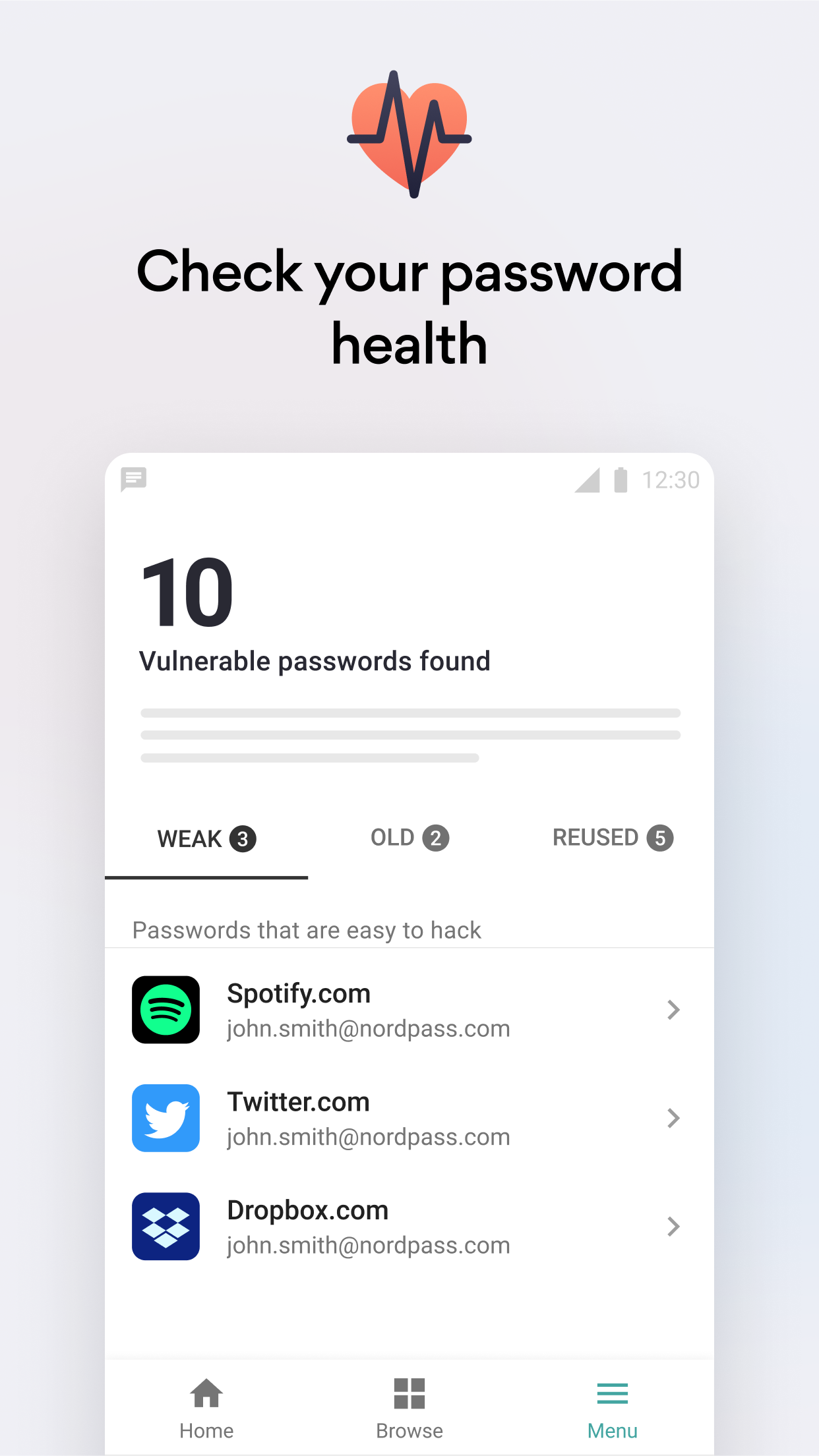
Screenshot of NordPass password managerScreenshot of Easy passwords accessScreenshot of Access your vault with BiometricsScreenshot of Generate strong passwordsScreenshot of Check passwords health