Microsoft Dynamics 365 Customer Service is designed to create positive experiences through any channel and on any device to exceed customer expectations.
$50
per month per user
NinjaOne
Score9 out of 10
N/A
NinjaOne automates the hardest parts of IT, delivering visibility, security, and control over endpoints. The NinjaOne endpoint management platform increases productivity for IT teams and managed service providers, and comes with unlimited onboarding, training, and support.
N/A
Pricing
Microsoft Dynamics 365 Customer Service
NinjaOne
Editions & Modules
Dynamics 365 Customer Service Professional
$50
per month per user
Add-In - Chat
$60
per month per user
Dynamics 365 Customer Service Enterprise
$105
per month per user
Dynamics 365 Customer Service Premium
$195
per month per user
No answers on this topic
Offerings
Pricing Offerings
Microsoft Dynamics 365 Customer Service
NinjaOne
Free Trial
No
Yes
Free/Freemium Version
No
No
Premium Consulting/Integration Services
No
No
Entry-level Setup Fee
No setup fee
No setup fee
Additional Details
—
NinjaOne is a subscription service with a charge rate per month. For more detailed pricing information, contact NinjaOne directly to request a demo or to start 14-days free trial.
With the constant changes included in the product, we can now use it for all the customer service scenarios / channels, for e.g. earlier for voice, we had to buy 3rd party CTI based tools, but now Voice Channel being available as the part of the product, that solves that thing. Also we see constantly new AI-driven features added to the product that could save lot of time of the agents while working on the cases like case summary, automate email generation, sentiment analysis etc.
I think it is appropriate to use NinjaOne for Medium sized businesses. We feel like it can handle our environment of 300 machines. The ticketing system integrating with devices and monitoring is a plus for us since we don't need another third party integration to connect the two. NinjaOne patching could use improvement but they have built up a lot of other pieces of their infrastructure.
A de minimis incentive was given to thank the reviewer for their time. The incentive was not used to bias or drive a particular response, nor was the incentive contingent on a positive endorsement. More Info
Dynamic CS allows you to access a wider customer base and gain artificial intelligence-powered insights into numerous client interaction activities.
It assists in gaining deep insights into numerous data analyses performed on various customer interaction activities, as well as data visualization and customer satisfaction enhancement.
This product has been extremely beneficial to my firm since it allows us to communicate with customers via a variety of channels, including e-mail and social media.
Extensible, and Microsoft responds rapidly to market demand with new features. In terms of service, both Microsoft customer success and technical teams collaborate closely to ensure appropriate delivery.
A better way to track client interactions is SaaS-based cloud services. This software may also be linked to outlook.
A de minimis incentive was given to thank the reviewer for their time. The incentive was not used to bias or drive a particular response, nor was the incentive contingent on a positive endorsement. More Info
Remote connections: the NinjaRemote client is spectacular and very easy to use and navigate. It quickly connects to customer systems so my engineers are able to work. As a bonus, they also offer a really good mobile app to connect to client systems.
Antivirus: Bitdefender Endpoint Protection is built directly into the NinjaOne portal. This makes deploying and maintaining AV very easy.
OS Patching: NinjaOne makes it very easy to handle patching across multiple clients and locations. It is very easy to use and doesn't take long to set up.
Support: NinjaOne support is always very prompt and helpful.
Documentation: the NinjaOne Dojo is a one-stop shop for all of your FAQs, guides, and forum needs. You can find almost anything here to help you deploy and maintain NinjaOne.
Automation Library: NinjaOne comes preloaded with a large number of ready-to-go automations. They also provide you with a scripting module to create your own.
A de minimis incentive was given to thank the reviewer for their time. The incentive was not used to bias or drive a particular response, nor was the incentive contingent on a positive endorsement. TR verified that a representative sample of customers was invited. More Info
A de minimis incentive was given to thank the reviewer for their time. The incentive was not used to bias or drive a particular response, nor was the incentive contingent on a positive endorsement. More Info
A de minimis incentive was given to thank the reviewer for their time. The incentive was not used to bias or drive a particular response, nor was the incentive contingent on a positive endorsement. More Info
We already did. After evaluating many platforms, we found the cybersecurity of the company, its development direction, and the performance of the platform to be far superior at its price point.
A de minimis incentive was given to thank the reviewer for their time. The incentive was not used to bias or drive a particular response, nor was the incentive contingent on a positive endorsement. More Info
Microsoft Dynamics 365 Customer Service is generally very user-friendly, especially for those familiar with Microsoft products. The strength of Microsoft Dynamics 365 Customer Service is its integration with Outlook and Microsoft Office products like Word, Excel etc. and it user interface being similar to those products. This makes it easy for user to adopt to any new app.
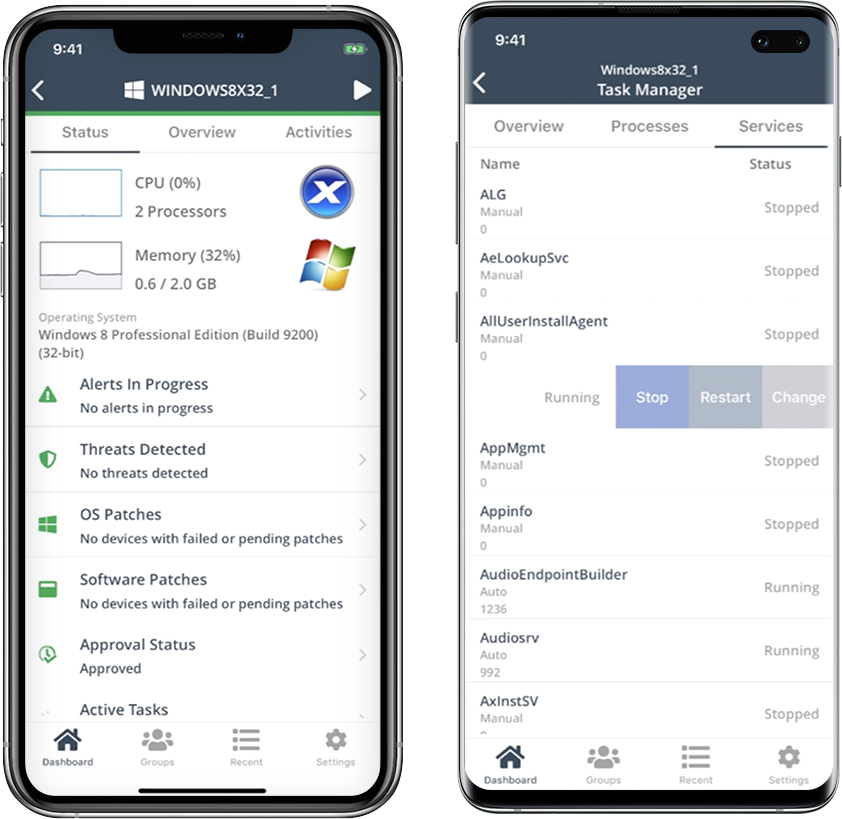
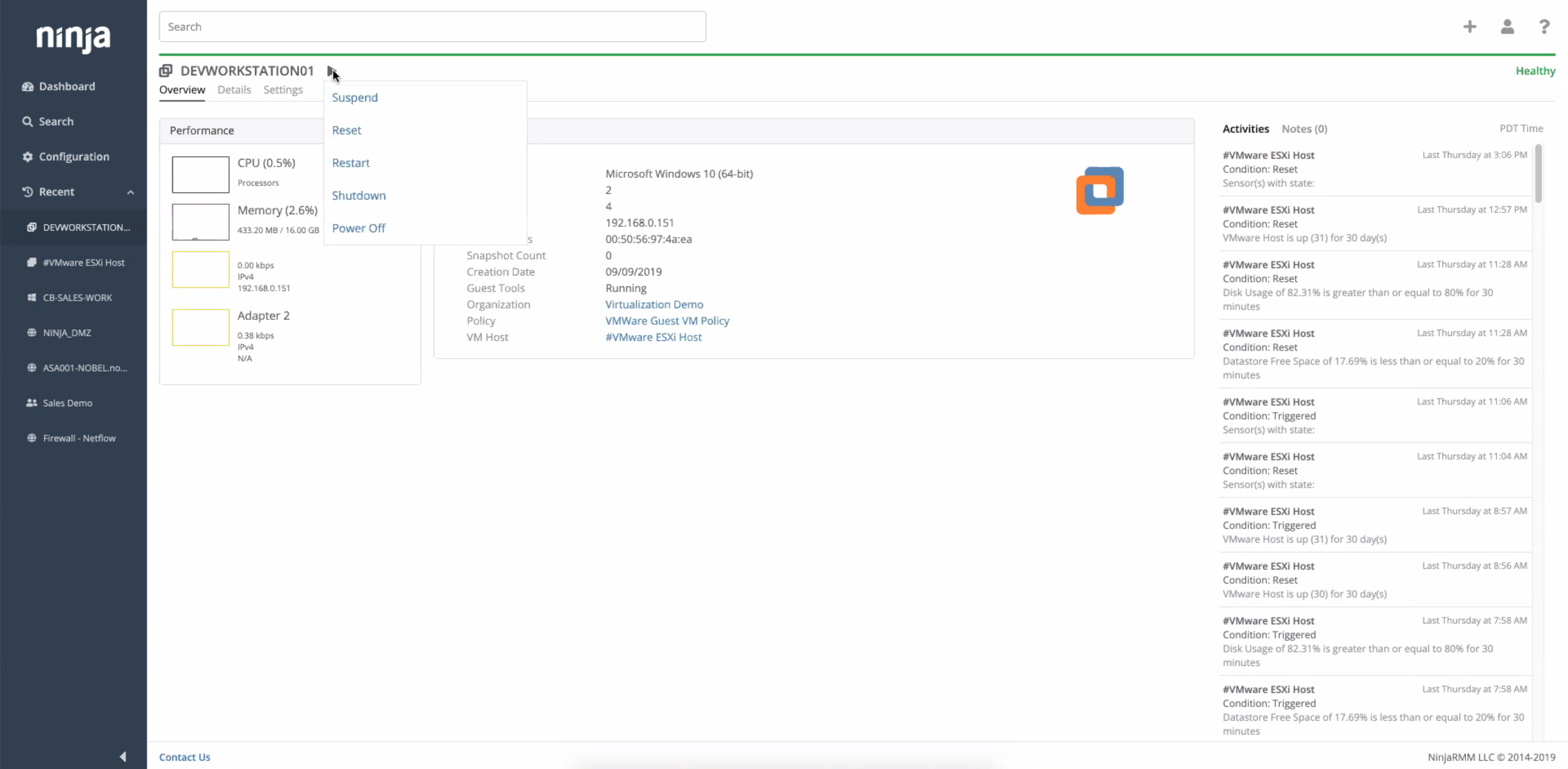
Ninja's interface is clean and simple. Overall usability from an interface perspective is good. Some items, policies and scripting for instance, are a bit cumbersome and it's really not clear how to implement with a best practice mind-site. Ninja RMM got the job done for us but as we pushed our needs more into automation and efficiency we felt it wasn't keeping up with our speed of growth. There is definitely usability in the product, and it will get the job done, but there are other RMM's out there that fit better in our business.
A de minimis incentive was given to thank the reviewer for their time. The incentive was not used to bias or drive a particular response, nor was the incentive contingent on a positive endorsement. More Info
A de minimis incentive was given to thank the reviewer for their time. The incentive was not used to bias or drive a particular response, nor was the incentive contingent on a positive endorsement. More Info
A de minimis incentive was given to thank the reviewer for their time. The incentive was not used to bias or drive a particular response, nor was the incentive contingent on a positive endorsement. More Info
Support has been very responsive and my account rep Brian K. has communicated with me continuously making sure we had everything we need. Not like other MDMs where they sign you up and that's the last you hear from them. NinjaOne makes sure you use the product to its best application and you are successful and continue as the product features grow.
A de minimis incentive was given to thank the reviewer for their time. The incentive was not used to bias or drive a particular response, nor was the incentive contingent on a positive endorsement. More Info
Easy to learn and all of the functions and features were easy to learn. Once I started learning all of the features and functions, it made my everyday tasks much easier and more productive. The user interface is very easy to use. If I did have any questions, the Ninja Dojo was a big help.
A de minimis incentive was given to thank the reviewer for their time. The incentive was not used to bias or drive a particular response, nor was the incentive contingent on a positive endorsement. More Info
It was nice and self paced learning. The sections were easy to understand and the functionality was very worthwhile. The online training was very easy to learn and intuitive. I did not feel the need to ask for any clarification or assistance with any of the sections. I am still learning a lot of the functions but fined it very easy to use.
A de minimis incentive was given to thank the reviewer for their time. The incentive was not used to bias or drive a particular response, nor was the incentive contingent on a positive endorsement. More Info
A de minimis incentive was given to thank the reviewer for their time. The incentive was not used to bias or drive a particular response, nor was the incentive contingent on a positive endorsement. More Info
A de minimis incentive was given to thank the reviewer for their time. The incentive was not used to bias or drive a particular response, nor was the incentive contingent on a positive endorsement. More Info
NinjaOne's user friendly interface was immediately appealing to a team that that needs to be able to pickup a tool and know how to run with it at first exposure. From the moment we started using it, we would often be able to navigate the platform with a common sense approach and be able to navigate to exactly what we were looking for without requiring documentation or guidance. Customer representatives that we have worked with have all been outstanding, and have not been pushy like some other vendors teams tend to be when you are initially debating between multiple offers.
A de minimis incentive was given to thank the reviewer for their time. The incentive was not used to bias or drive a particular response, nor was the incentive contingent on a positive endorsement. TR verified that a representative sample of customers was invited. More Info
A de minimis incentive was given to thank the reviewer for their time. The incentive was not used to bias or drive a particular response, nor was the incentive contingent on a positive endorsement. More Info
It has help us serve our customers better and get Support Contracts from them after we have designed / developed and deployed Microsoft Dynamics 365 Customer Service based solutions for them
Ease of Routing it to appropriate customer support agent
Because of multiple channel support we now give our customers option to raise a ticket or connect with their preferred communication medium, be it email, SMS, Chat etc.
A de minimis incentive was given to thank the reviewer for their time. The incentive was not used to bias or drive a particular response, nor was the incentive contingent on a positive endorsement. More Info