Method:crm is a QuickBooks-integrated, cloud-based CRM platform.
$25
per month per user
Really Simple Systems
Score7.6 out of 10
Small Businesses (1-50 employees)
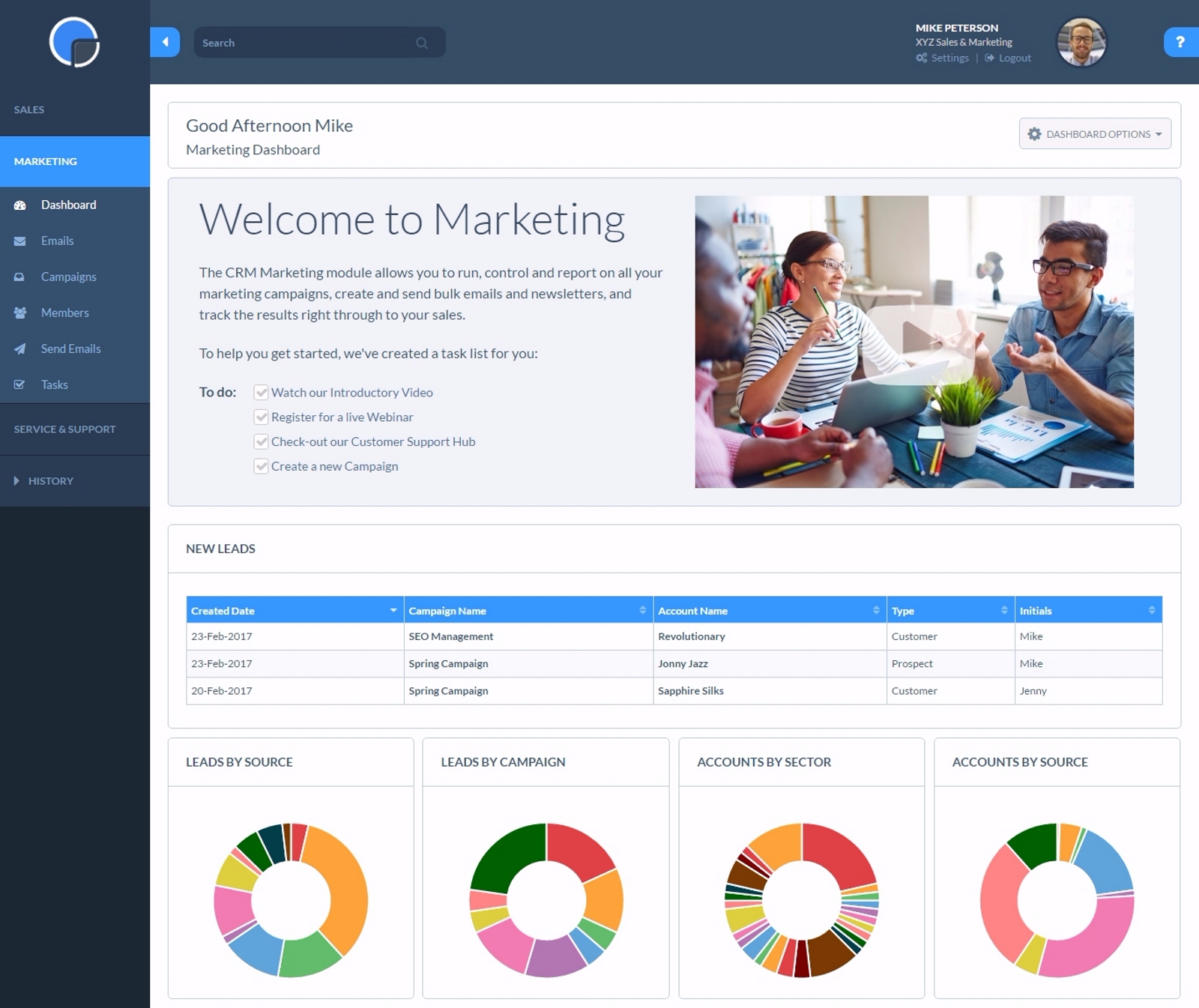
Really Simple Systems is a customer relationship management (CRM) software deployed via cloud with built-in features like email marketing, pipeline management, and case management.
$8
per month
Pricing
Method:CRM
Really Simple Systems
Editions & Modules
Contact Management
$25
per month per user
CRM Pro
$44
per month per user
CRM Enterprise
$74
per month per user
CRM Multi-Entity
Custom Quote
Free CRM
$0
2 Users and 100 Company Records
Starter
$15
per User, 1000 Company Records, Unlimited Contacts, 1 GB Document Storage, MailSync, Custom Settings, Custom Reports, API Integration, Online ‘self-service’ Support Hub, Email and Online Chat Support, Optional Marketing Module
Professional
$33
per User, 5000 Company Records, Unlimited Contacts, 5 GB Document Storage, MailSync, Custom Settings, Custom Reports, API Integration, Advanced User Permission Levels, Online ‘self-service’ Support Hub, Free Email, Chat and Phone Support, Priority Technical Support, Optional Marketing and Service Desk Modules
Enterprise
$50
per User, Unlimited Company Records, Unlimited Contacts, Unlimited Document Storage, MailSync, Advanced Reporting, Custom Settings, Advanced User Permission Levels, API Integration, Online ‘self-service’ Support Hub, Free Email, Chat and Phone Support , Top Priority Technical Support, Dedicated Account Manager, Free Online Team Training , Optional Marketing and Service Desk Modules
Offerings
Pricing Offerings
Method:CRM
Really Simple Systems
Free Trial
Yes
Yes
Free/Freemium Version
No
Yes
Premium Consulting/Integration Services
Yes
No
Entry-level Setup Fee
No setup fee
No setup fee
Additional Details
—
All plans include free customer support and setup help.
Method[:CRM] is well suited when you have a large company that needs to keep track of customers. It also connects with Quickbooks and that has really been nice for our organization. Our company is small so this really helps us stay on track and build our data base of customers.
A de minimis incentive was given to thank the reviewer for their time. The incentive was not used to bias or drive a particular response, nor was the incentive contingent on a positive endorsement. More Info
If you have a customer/job where there are steps to be followed such as quotes, follow up, purchase orders received, etc. You can set reminders for a member of the team with their next step and they will be sent reminders. Works well as long as it is kept updated.
A de minimis incentive was given to thank the reviewer for their time. The incentive was not used to bias or drive a particular response, nor was the incentive contingent on a positive endorsement. More Info
A de minimis incentive was given to thank the reviewer for their time. The incentive was not used to bias or drive a particular response, nor was the incentive contingent on a positive endorsement. More Info
Resends - I would like a simple [one-click] function to resend email campaigns to [non-openers.]
[Emails] that have been created but not sent or attached to a campaign I would like to see a place that they could be in [the] draft so I can come back to them at a later date without them appearing on the email list[.]
A de minimis incentive was given to thank the reviewer for their time. The incentive was not used to bias or drive a particular response, nor was the incentive contingent on a positive endorsement. More Info
The things Method does well - QuickBooks data integration and extreme customization - it does very, very well. If you are looking for a CRM product or any business process automation software that integrates with QuickBooks, you have to look at Method CRM
Method has a great overall "usability". Once we started using the software; it did not take long before we were able to start editing our own web lead forms, email templates, etc. I think there is a learning curve however the learning curve is not bad. Anyone looking for a cloud CRM should start here
A de minimis incentive was given to thank the reviewer for their time. The incentive was not used to bias or drive a particular response, nor was the incentive contingent on a positive endorsement. More Info
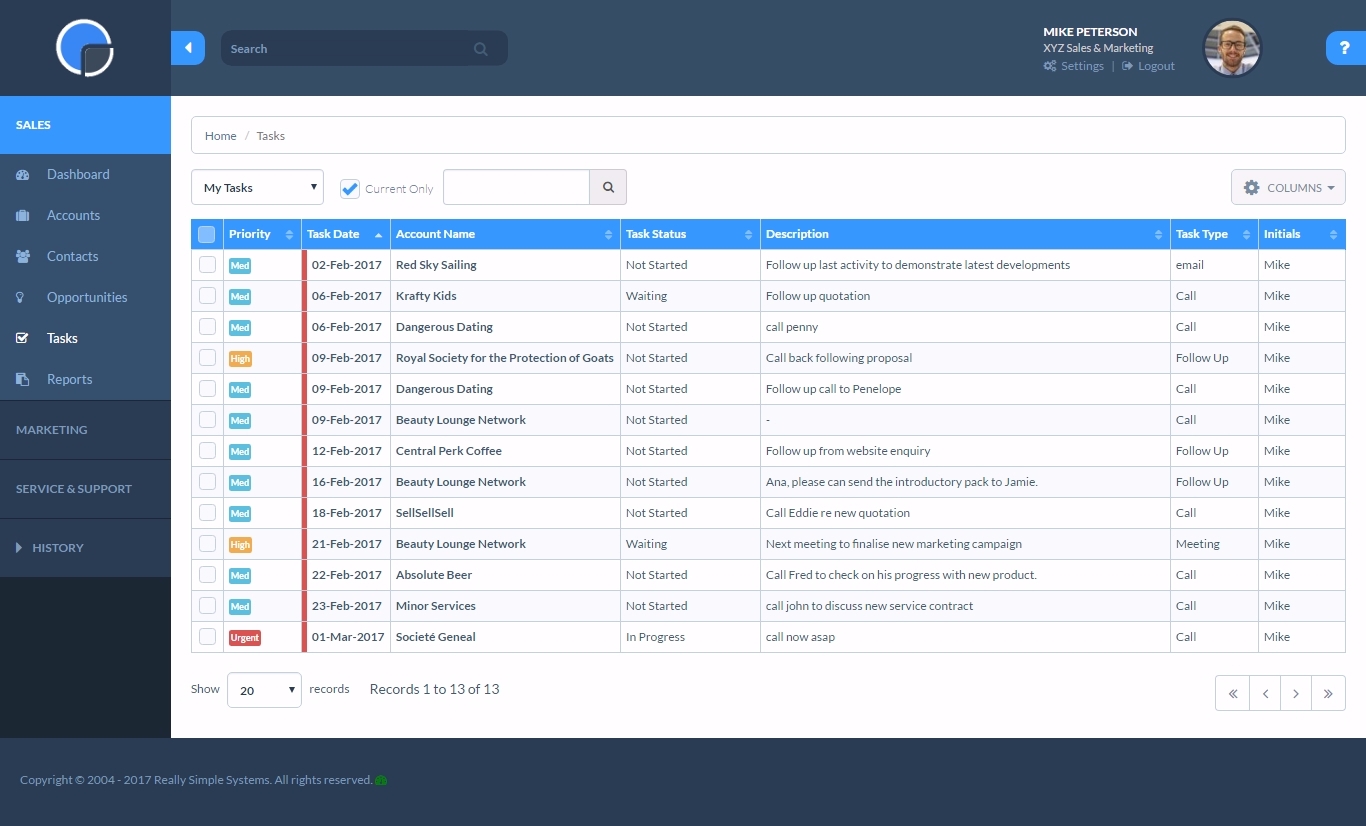
Simple systems is great for smaller sales and marketing teams to log their territories and report on progress on their opportunities. There are many useful features such as tasks and reporting to show to management how opportunities are progressing and when the estimated close date would occur. The two main issues are scalability within larger [organizations] and the ease to duplicate contacts.
A de minimis incentive was given to thank the reviewer for their time. The incentive was not used to bias or drive a particular response, nor was the incentive contingent on a positive endorsement. More Info
The Customer Support of this app is fantastic. If you ever have any questions they are there to answer you or fix whatever issue that you are having. The FAQ pages are also extremely helpful when you want to learn about the more in-depth qualities this program has to offer.
A de minimis incentive was given to thank the reviewer for their time. The incentive was not used to bias or drive a particular response, nor was the incentive contingent on a positive endorsement. More Info
Whenever I have had any issues, which is probably only 3 times in 10 years, the back office support has been fantastic and got me up and running again in a very short time. Cannot fault them at all. But as I stated, problems have been very few and far between.
A de minimis incentive was given to thank the reviewer for their time. The incentive was not used to bias or drive a particular response, nor was the incentive contingent on a positive endorsement. More Info
Be available to learn! There is a huge learning curve to this program. You have to be willing to take it all in. Be available to the Method expert and be patient.
We chose Method:CRM for the QuickBooks integration. It was important for us to have integrations that allowed us to view payments, organize our contacts, and manage our sales force. There were some learning curves, however, such as creating activities, leads, customers and making sure our payments were being logged appropriately. I do wish that payments would be added to the calendar automatically so that the sales rep could view and make a phone call letting them know their invoice is due.
We choose RSS due to cost. We are a startup and needed a great solution that did not cost [a lot]. RSS [fits] all our needs at the perfect price. We could not be more thrilled with our choice and it has simplified our client interaction[.]
A de minimis incentive was given to thank the reviewer for their time. The incentive was not used to bias or drive a particular response, nor was the incentive contingent on a positive endorsement. More Info
A de minimis incentive was given to thank the reviewer for their time. The incentive was not used to bias or drive a particular response, nor was the incentive contingent on a positive endorsement. More Info
A very positive effect on our understanding of our customers and what kind of events are working well at the venue and which aren't. This will allow us to work more smartly when responsive to enquiries, improving our overall productivity.
Very positive impact on our current review of marketing and sales strategy.
A de minimis incentive was given to thank the reviewer for their time. The incentive was not used to bias or drive a particular response, nor was the incentive contingent on a positive endorsement. More Info