
Maze vs. UXArmy
| Product | Rating | Most Used By | Product Summary | Starting Price |
|---|---|---|---|---|
 Maze | Score8.7 out of 10 | N/A | Maze is a rapid user testing platform from Maze.design in Paris, designed to give users actionable user insights, in a matter of hours. The vendor states that with it, users can test remotely, autonomously, and collaboratively. | $75 per month |
 UXArmy | N/A | N/A | UXArmy is a user research platform. From ideation, testing prototypes to refining fully launched products, UXArmy gives teams access to critical insights, empowering designers, product managers and marketers to validate, optimize, and iterate. Whether it’s unmoderated tests or moderated interviews and focus groups, UXArmy can be used to watch real users engage with a product and messaging, revealing emotional insights in addition to stats. With screen and video… | $99 per month |
| Maze | UXArmy | |||||||||||||||
|---|---|---|---|---|---|---|---|---|---|---|---|---|---|---|---|---|
| Editions & Modules |
|
| ||||||||||||||
| Offerings |
| |||||||||||||||
| Entry-level Setup Fee | No setup fee | Optional | ||||||||||||||
| Additional Details | — | UXArmy panel participants are only available as an add on for paid plans | ||||||||||||||
| More Pricing Information | ||||||||||||||||
| Maze | UXArmy | |
|---|---|---|
| Considered Both Products | No answer on this topic | No answer on this topic |
| Key User Insights | ||
| Would buy again | ||
86% Would buy again 6 Answers | No answers on this topic | |
| Delivers good value for the price | ||
83% Delivers good value for the price 5 Answers | No answers on this topic | |
| Happy with the feature set | ||
100% Happy with the feature set 7 Answers | No answers on this topic | |
| Lived up to sales and marketing promises | ||
100% Lived up to sales and marketing promises 5 Answers | No answers on this topic | |
| Implementation went as expected | ||
100% Implementation went as expected 7 Answers | No answers on this topic | |
| Maze | UXArmy | |
|---|---|---|
| Small Businesses | No answers on this topic | No answers on this topic |
| Medium-sized Companies |  Dovetail Score8.3 out of 10 | Dovetail Score8.3 out of 10 |
| Enterprises |  Optimal Score9 out of 10 | Optimal Score9 out of 10 |
| All Alternatives | View all alternatives | View all alternatives |
| Maze | UXArmy | |
|---|---|---|
| Likelihood to Recommend | 6.0 | - |
| Support Rating | 10.0 | - |
| Maze | UXArmy | |
|---|---|---|
| Likelihood to Recommend |
| No answers on this topic |
| Pros |
| No answers on this topic |
| Cons |
| No answers on this topic |
| Support Rating |
| No answers on this topic |
| Alternatives Considered |
| No answers on this topic |
| Return on Investment |
| No answers on this topic |
| ScreenShots | Maze Screenshots | UXArmy Screenshots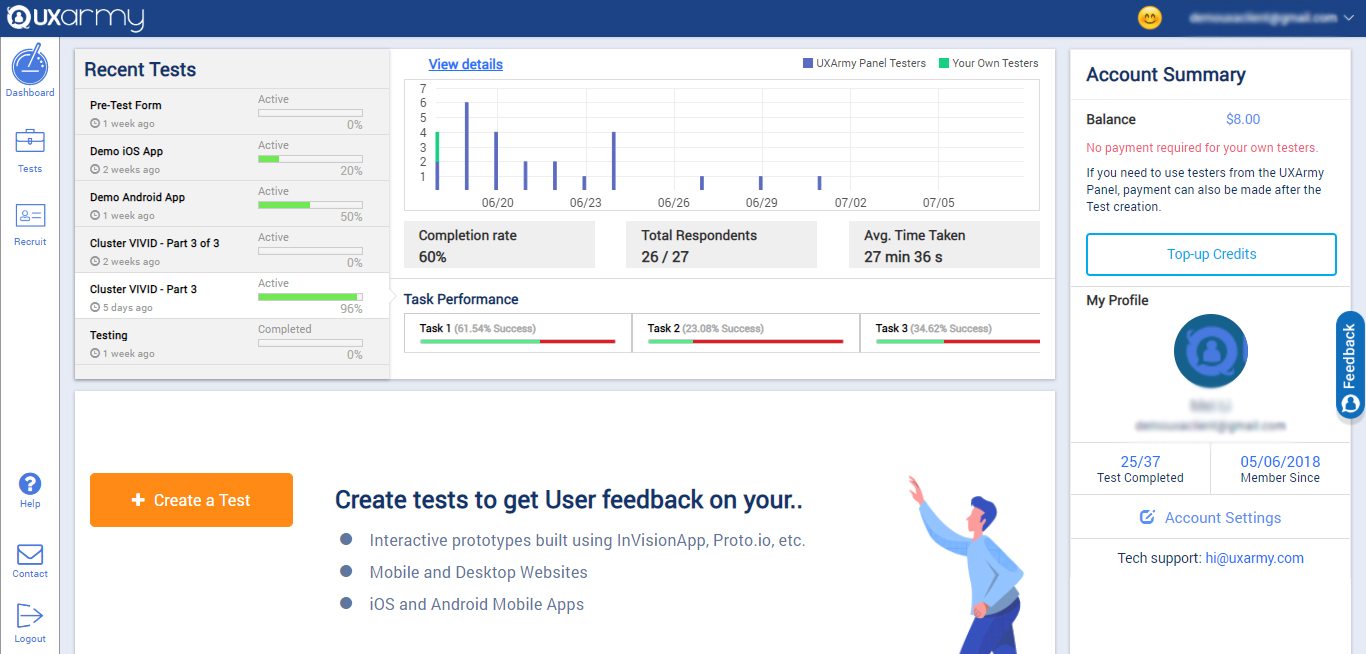 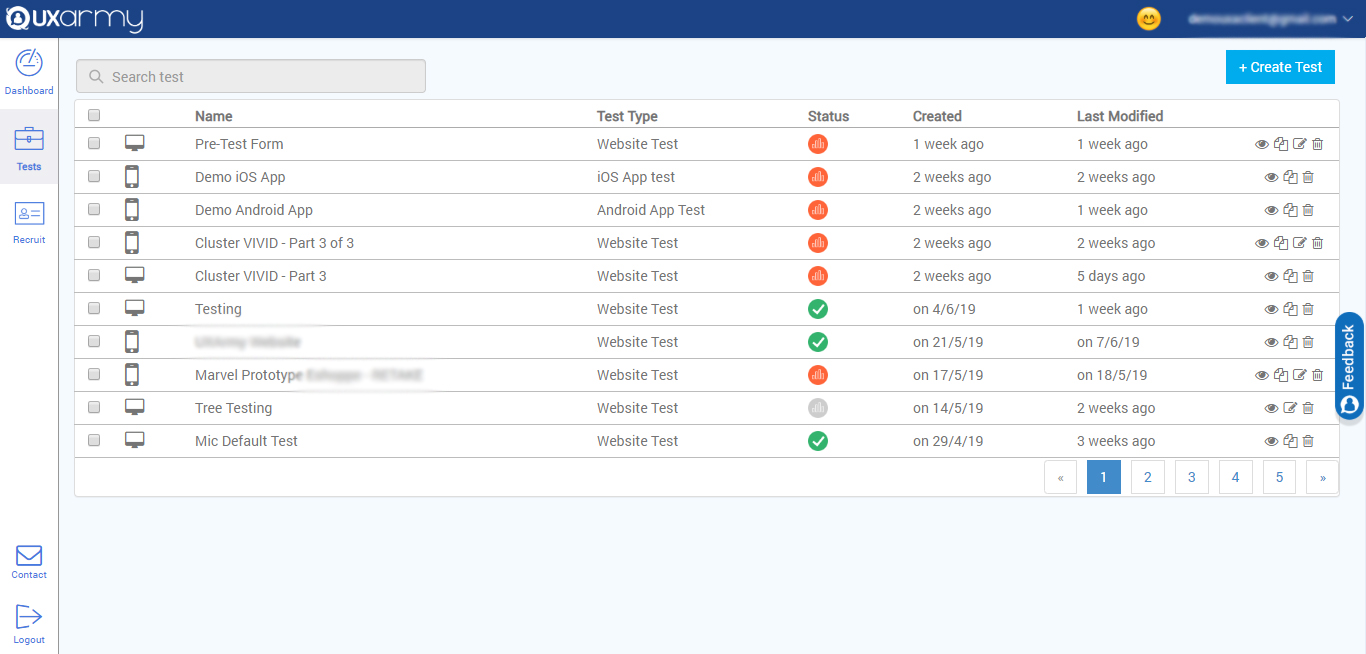 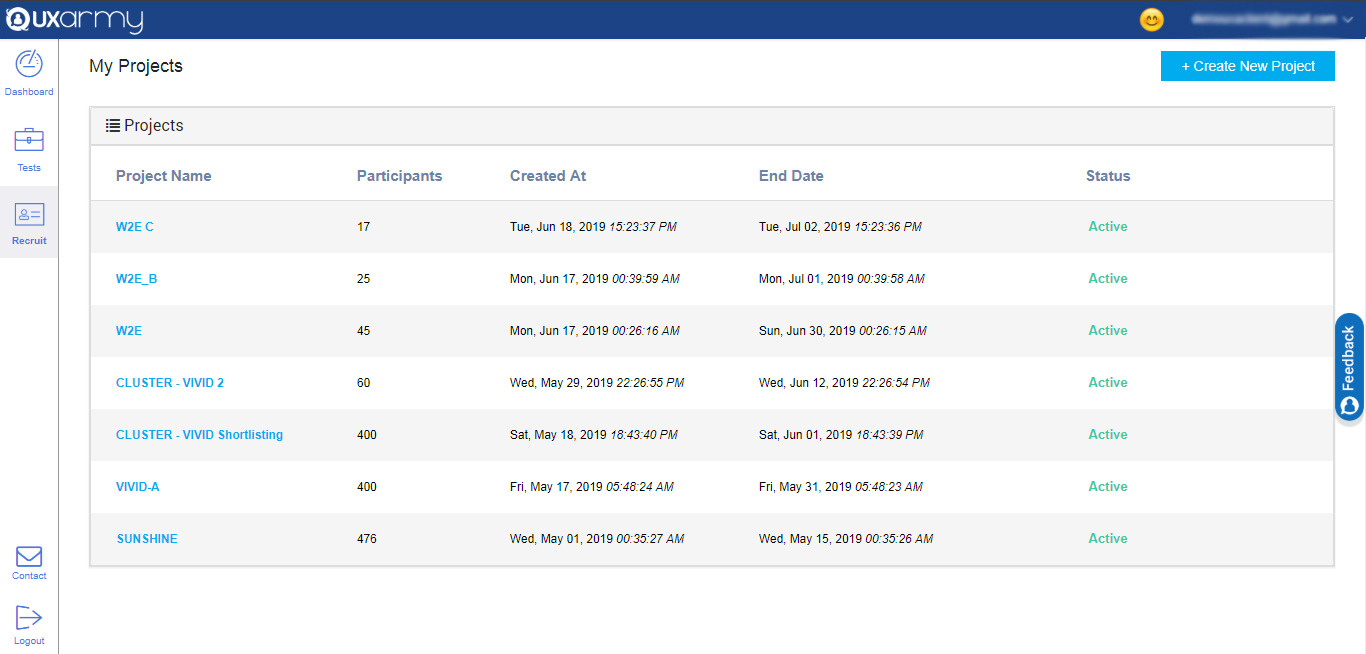 |


