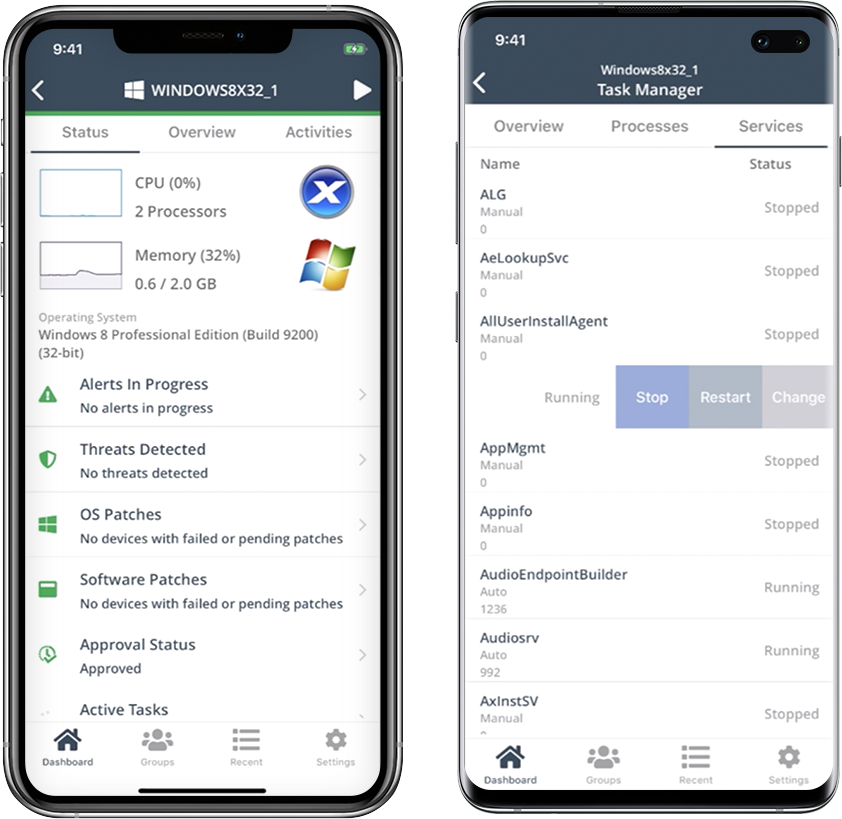
Desktop Central from ManageEngine is a client desktop management with patching, remote control, and configuration.
$795
per year per user
NinjaOne
Score9 out of 10
N/A
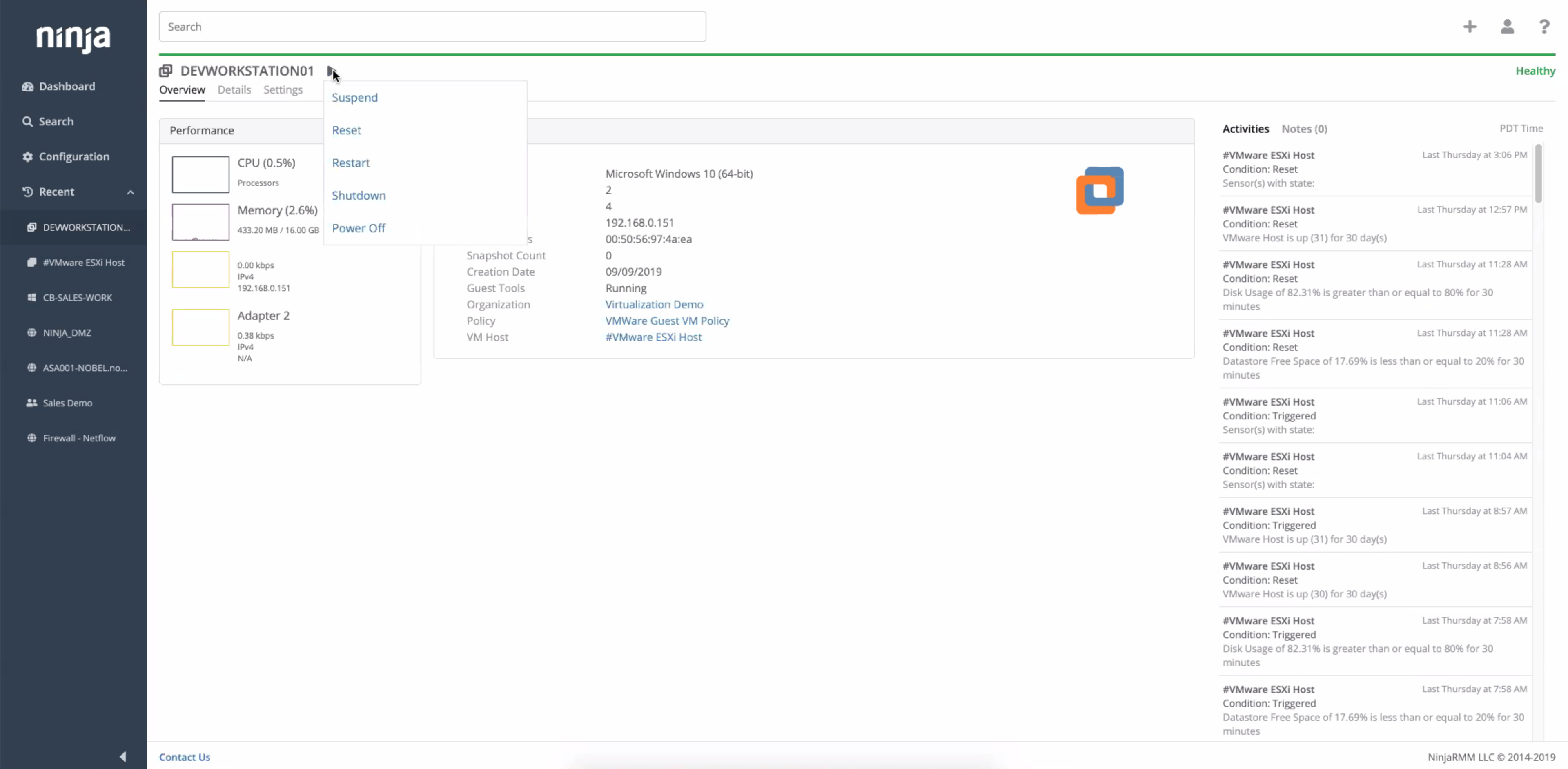
NinjaOne automates the hardest parts of IT, delivering visibility, security, and control over endpoints. The NinjaOne endpoint management platform increases productivity for IT teams and managed service providers, and comes with unlimited onboarding, training, and support.
N/A
Pricing
ManageEngine Endpoint Central
NinjaOne
Editions & Modules
No answers on this topic
No answers on this topic
Offerings
Pricing Offerings
ManageEngine Endpoint Central
NinjaOne
Free Trial
Yes
Yes
Free/Freemium Version
No
No
Premium Consulting/Integration Services
No
No
Entry-level Setup Fee
No setup fee
No setup fee
Additional Details
—
NinjaOne is a subscription service with a charge rate per month. For more detailed pricing information, contact NinjaOne directly to request a demo or to start 14-days free trial.
IT Manager - Hydraulics US & EMEA in Information Technology at PHC (Machinery, 201-500 employees)
Chose ManageEngine Endpoint Central
Dollar for dollar, ManageEngine seems to be the most bang for your buck self-hosted solution. NinjaOne is cloud deployment only which can really add up over time, and KACE while better for scripting and asset management charges a premium for all of the extra modules that are …
A de minimis incentive was given to thank the reviewer for their time. The incentive was not used to bias or drive a particular response, nor was the incentive contingent on a positive endorsement. More Info
Verified User
Chose ManageEngine Endpoint Central
We chose ManageEngine Endpoint Central primarily on cost and usability. The support from the account managers at ManageEngine Endpoint Central has also been fantastic. NinjaOne came out a lot more expensive and in terms of usability was not as well received by our Agents when …
A de minimis incentive was given to thank the reviewer for their time. The incentive was not used to bias or drive a particular response, nor was the incentive contingent on a positive endorsement. More Info
A de minimis incentive was given to thank the reviewer for their time. The incentive was not used to bias or drive a particular response, nor was the incentive contingent on a positive endorsement. More Info
Network Engineer in Information Technology at Demgy EIS GmbH (Airlines/Aviation, 201-500 employees)
Chose ManageEngine Endpoint Central
It holds up very well even against the microsoft native solution Microsoft Intune. The Configurations are easy to set up and apply quickly over the selected scope of Clients. You have a almost real time inventory of everything detected by the agent.
A de minimis incentive was given to thank the reviewer for their time. The incentive was not used to bias or drive a particular response, nor was the incentive contingent on a positive endorsement. More Info
A de minimis incentive was given to thank the reviewer for their time. The incentive was not used to bias or drive a particular response, nor was the incentive contingent on a positive endorsement. More Info
A de minimis incentive was given to thank the reviewer for their time. The incentive was not used to bias or drive a particular response, nor was the incentive contingent on a positive endorsement. More Info
Verified User
Chose ManageEngine Endpoint Central
ManageEngine Endpoint Central has more modules- like MDM and OS deployer, I am not aware if either of the solutions I have used before have this functionality
A de minimis incentive was given to thank the reviewer for their time. The incentive was not used to bias or drive a particular response, nor was the incentive contingent on a positive endorsement. More Info
Head of IT Services in Information Technology at Trinity School of John Whitgift (Education Management, 201-500 employees)
Chose ManageEngine Endpoint Central
ManageEngine has all of the features of the other products, but it came in significantly below the cost of these, and as such won out. It is easy to use, deployment works well, and the web site is very responsive.
A de minimis incentive was given to thank the reviewer for their time. The incentive was not used to bias or drive a particular response, nor was the incentive contingent on a positive endorsement. More Info
Verified User
Chose ManageEngine Endpoint Central
We had 3 key points in mind on our market research when selected the MDM solution. This where: Best integration across multiple OS vendors; Ease of use of the management console; Licensing model per endpoint and agents. If we were to have a Windows only environment, then …
A de minimis incentive was given to thank the reviewer for their time. The incentive was not used to bias or drive a particular response, nor was the incentive contingent on a positive endorsement. More Info
A de minimis incentive was given to thank the reviewer for their time. The incentive was not used to bias or drive a particular response, nor was the incentive contingent on a positive endorsement. More Info
A de minimis incentive was given to thank the reviewer for their time. The incentive was not used to bias or drive a particular response, nor was the incentive contingent on a positive endorsement. More Info
A de minimis incentive was given to thank the reviewer for their time. The incentive was not used to bias or drive a particular response, nor was the incentive contingent on a positive endorsement. More Info
IT Technician in Information Technology at Summitt Trucking (Transportation/Trucking/Railroad, 201-500 employees)
Chose ManageEngine Endpoint Central
ManageEngine Endpoint Central allows for remote access that these others done. In our experience, the others are either focused ENTIRELY on remote access and nothing else or are focused on remote management but not actual access (like remote RDP). We need both and ManageEngine …
A de minimis incentive was given to thank the reviewer for their time. The incentive was not used to bias or drive a particular response, nor was the incentive contingent on a positive endorsement. More Info
Verified User
Chose ManageEngine Endpoint Central
For the cost its better than most. Consistency and reliability are usually solid but have some hiccups. Small-Medium environments are easily manageable with EC but large rollouts would need a higher tunable and applicable product. Overall i would say its top 10% in it's price …
A de minimis incentive was given to thank the reviewer for their time. The incentive was not used to bias or drive a particular response, nor was the incentive contingent on a positive endorsement. TR verified that a representative sample of customers was invited. More Info
Network and Applications Engineer in Information Technology at Community Gateway Association (Non-profit Organization Management, 201-500 employees)
Chose ManageEngine Endpoint Central
I find that Manage Engine Endpoint Central compares quite well to it's competitors, the feature set is quite similar or identical. What I like about Manage Engine Endpoint Central is it's modularity and therefore affordability, a lot of the competitors come out with security …
A de minimis incentive was given to thank the reviewer for their time. The incentive was not used to bias or drive a particular response, nor was the incentive contingent on a positive endorsement. More Info
Systems Administrator in Information Technology at Elevation Labs (Cosmetics, 201-500 employees)
Chose NinjaOne
NinjaOne is very simple to use and navigate. There are fewer layers of pages to navigate to get to what you want. This is a time saver and it makes it easier to find what you are looking for.
A de minimis incentive was given to thank the reviewer for their time. The incentive was not used to bias or drive a particular response, nor was the incentive contingent on a positive endorsement. More Info
Verified User
Chose NinjaOne
Prior to NinjaOne, our IT management was a blank slate. We knew we needed something, and we wanted to ensure we were making the best decision for our organization. We attended demos and talked with sales reps, sales engineers, etc. At the end of the day, it was the relationship …
A de minimis incentive was given to thank the reviewer for their time. The incentive was not used to bias or drive a particular response, nor was the incentive contingent on a positive endorsement. More Info
IT Director in Information Technology at St Francis Winery (Food & Beverages, 51-200 employees)
Chose NinjaOne
NinjaOne has more overall features than these competitors bundled in their package. Both of these other products have separate add-ons that will accomplish the additional features that NinjaOne bundles in. While it seems that both may be slightly more powerful when it comes to …
A de minimis incentive was given to thank the reviewer for their time. The incentive was not used to bias or drive a particular response, nor was the incentive contingent on a positive endorsement. More Info
Compared to other endpoint management tools that I have experience with, the patch management and the system health statistics functions work much better and are easier to navigate. The endpoint control functions are nowhere near as good as what I've used with Kaseya's VSA application - with that you could remote control a machine via a remote desktop type interface, or you could connect to the command line or PowerShell and it functioned as if you were directly connected to the machine - command history, tab completion, etc.. "just worked" and if the endpoint disconnected, you didn't lose anything that was going in the window when it reconnected (Exception being if the machine rebooted), grouping systems by department or building was also easier, as was moving systems between groups
A de minimis incentive was given to thank the reviewer for their time. The incentive was not used to bias or drive a particular response, nor was the incentive contingent on a positive endorsement. More Info
I think it is appropriate to use NinjaOne for Medium sized businesses. We feel like it can handle our environment of 300 machines. The ticketing system integrating with devices and monitoring is a plus for us since we don't need another third party integration to connect the two. NinjaOne patching could use improvement but they have built up a lot of other pieces of their infrastructure.
A de minimis incentive was given to thank the reviewer for their time. The incentive was not used to bias or drive a particular response, nor was the incentive contingent on a positive endorsement. More Info
We set alerts when a devices gets low on disk space. That is automatic and creates a ticket in ME SDP. We are then able to Add space to a VM Desktop, and then go thru ManageEngine Endpoint Central to extend the drives so the entire process can be done without interruption to the end user.
Using the patch scans we can easily see what patches have been installed for all manufacturers not just Microsoft, without having to physically go to the device. It also allows us to choose which patches we want to push out and automate the process so we can be hands off, freeing up out time for other things.
Remote access to devices. This allows us to remotely make changes, not just via remote control but also make registry changes and clean up space without going to the device and without interruption to the end user.
Alerts. We have set up to get email alerts when new hardware is plugged into any computers. This lets us know if someone is bringing in un-authorized equipment (thumb drives, hubs, etc) to better manage what is/is not on our network.
A de minimis incentive was given to thank the reviewer for their time. The incentive was not used to bias or drive a particular response, nor was the incentive contingent on a positive endorsement. TR verified that a representative sample of customers was invited. More Info
Remote connections: the NinjaRemote client is spectacular and very easy to use and navigate. It quickly connects to customer systems so my engineers are able to work. As a bonus, they also offer a really good mobile app to connect to client systems.
Antivirus: Bitdefender Endpoint Protection is built directly into the NinjaOne portal. This makes deploying and maintaining AV very easy.
OS Patching: NinjaOne makes it very easy to handle patching across multiple clients and locations. It is very easy to use and doesn't take long to set up.
Support: NinjaOne support is always very prompt and helpful.
Documentation: the NinjaOne Dojo is a one-stop shop for all of your FAQs, guides, and forum needs. You can find almost anything here to help you deploy and maintain NinjaOne.
Automation Library: NinjaOne comes preloaded with a large number of ready-to-go automations. They also provide you with a scripting module to create your own.
A de minimis incentive was given to thank the reviewer for their time. The incentive was not used to bias or drive a particular response, nor was the incentive contingent on a positive endorsement. TR verified that a representative sample of customers was invited. More Info
When I first started using ManageEngine Endpoint Central, the UI felt very complicated and cluttered up, which means as a new user, it took a lot of time to get used to using it and knowing where certain features are. This was also because specific features aren't obvious to the user, it can take time to find them through multiple routes.
When pushing out specifc software to a large number of endpoint devices such as 1500 in my organisation, the deployment fails a lot more meaning some devices dont receive the software and this has to be done manually for them. This can take a lot of time.
When an issue is reported about ManageEngine Endpoint Central, for example it constantly crashing when being heavily used. The support was delayed and it took a lot of time for first line support to address the issue and escalate it.
A de minimis incentive was given to thank the reviewer for their time. The incentive was not used to bias or drive a particular response, nor was the incentive contingent on a positive endorsement. More Info
ManageEngine is considered an excellent product due to its comprehensive suite of solutions for IT management, with ManageEngine Endpoint Central specifically excelling in endpoint management. The platform stands out for its user-friendly interface, robust features, and versatility in addressing diverse IT needs. It offers organizations a centralized solution for endpoint security, patch management, software deployment, and asset management
We already did. After evaluating many platforms, we found the cybersecurity of the company, its development direction, and the performance of the platform to be far superior at its price point.
A de minimis incentive was given to thank the reviewer for their time. The incentive was not used to bias or drive a particular response, nor was the incentive contingent on a positive endorsement. More Info
The application itself is great. However, I have little insight to what the patches are doing. Being able to see patch download progress, not just the status, would be great. The user interface could also use an overhaul. The countless menus, sometimes containing similar if not duplicate tabs can be frustrating to navigate.
A de minimis incentive was given to thank the reviewer for their time. The incentive was not used to bias or drive a particular response, nor was the incentive contingent on a positive endorsement. More Info
Ninja's interface is clean and simple. Overall usability from an interface perspective is good. Some items, policies and scripting for instance, are a bit cumbersome and it's really not clear how to implement with a best practice mind-site. Ninja RMM got the job done for us but as we pushed our needs more into automation and efficiency we felt it wasn't keeping up with our speed of growth. There is definitely usability in the product, and it will get the job done, but there are other RMM's out there that fit better in our business.
A de minimis incentive was given to thank the reviewer for their time. The incentive was not used to bias or drive a particular response, nor was the incentive contingent on a positive endorsement. More Info
A de minimis incentive was given to thank the reviewer for their time. The incentive was not used to bias or drive a particular response, nor was the incentive contingent on a positive endorsement. More Info
A de minimis incentive was given to thank the reviewer for their time. The incentive was not used to bias or drive a particular response, nor was the incentive contingent on a positive endorsement. More Info
The immediate chat support is great and very helpful. However, if you need escalated support or have a deeper need that the chat tool can't help with, you will experience significant wait times and slow responses. The time zone difference becomes painful to the point of often just giving up.
Support has been very responsive and my account rep Brian K. has communicated with me continuously making sure we had everything we need. Not like other MDMs where they sign you up and that's the last you hear from them. NinjaOne makes sure you use the product to its best application and you are successful and continue as the product features grow.
A de minimis incentive was given to thank the reviewer for their time. The incentive was not used to bias or drive a particular response, nor was the incentive contingent on a positive endorsement. More Info
Easy to learn and all of the functions and features were easy to learn. Once I started learning all of the features and functions, it made my everyday tasks much easier and more productive. The user interface is very easy to use. If I did have any questions, the Ninja Dojo was a big help.
A de minimis incentive was given to thank the reviewer for their time. The incentive was not used to bias or drive a particular response, nor was the incentive contingent on a positive endorsement. More Info
It was nice and self paced learning. The sections were easy to understand and the functionality was very worthwhile. The online training was very easy to learn and intuitive. I did not feel the need to ask for any clarification or assistance with any of the sections. I am still learning a lot of the functions but fined it very easy to use.
A de minimis incentive was given to thank the reviewer for their time. The incentive was not used to bias or drive a particular response, nor was the incentive contingent on a positive endorsement. More Info
A de minimis incentive was given to thank the reviewer for their time. The incentive was not used to bias or drive a particular response, nor was the incentive contingent on a positive endorsement. More Info
I tend to use a combination of solutions to keep the estate running efficiently. ManageEngine Endpoint Central has more control over the timing of patching for users. Juggling users being able to work and keeping systems up to date with user satisfaction in mind is a monthly goal. Pushing updates with giving users some control seems to be working.
A de minimis incentive was given to thank the reviewer for their time. The incentive was not used to bias or drive a particular response, nor was the incentive contingent on a positive endorsement. More Info
NinjaOne's user friendly interface was immediately appealing to a team that that needs to be able to pickup a tool and know how to run with it at first exposure. From the moment we started using it, we would often be able to navigate the platform with a common sense approach and be able to navigate to exactly what we were looking for without requiring documentation or guidance. Customer representatives that we have worked with have all been outstanding, and have not been pushy like some other vendors teams tend to be when you are initially debating between multiple offers.
A de minimis incentive was given to thank the reviewer for their time. The incentive was not used to bias or drive a particular response, nor was the incentive contingent on a positive endorsement. TR verified that a representative sample of customers was invited. More Info
A de minimis incentive was given to thank the reviewer for their time. The incentive was not used to bias or drive a particular response, nor was the incentive contingent on a positive endorsement. More Info
It has greatly helped us with our compliances through the compliance scans, such as taking our CIS compliance from 36% up to around 90%.
It has massively reduced the number of application/patch vulnerabilities through automated patching & dynamic configurations with custom scripts. From 60 criticals and 300 highs down to just 5 criticals and 25 highs, very quickly.
It has helped us identify issues with our Bitlocker not syncing to Azure AD properly, because the recovery keys in ManageEngine were always correct but werent always correct in Azure AD.
A de minimis incentive was given to thank the reviewer for their time. The incentive was not used to bias or drive a particular response, nor was the incentive contingent on a positive endorsement. More Info
A de minimis incentive was given to thank the reviewer for their time. The incentive was not used to bias or drive a particular response, nor was the incentive contingent on a positive endorsement. More Info