Mailchimp is an email marketing and marketing automation platform. Beyond just tracking how campaigns perform, Mailchimp takes it a step further by analyzing data from over half a billion emails to show why campaigns perform, driving informed decisions.
$0
per month
Everest (Return Path + 250ok)
Score10 out of 10
N/A
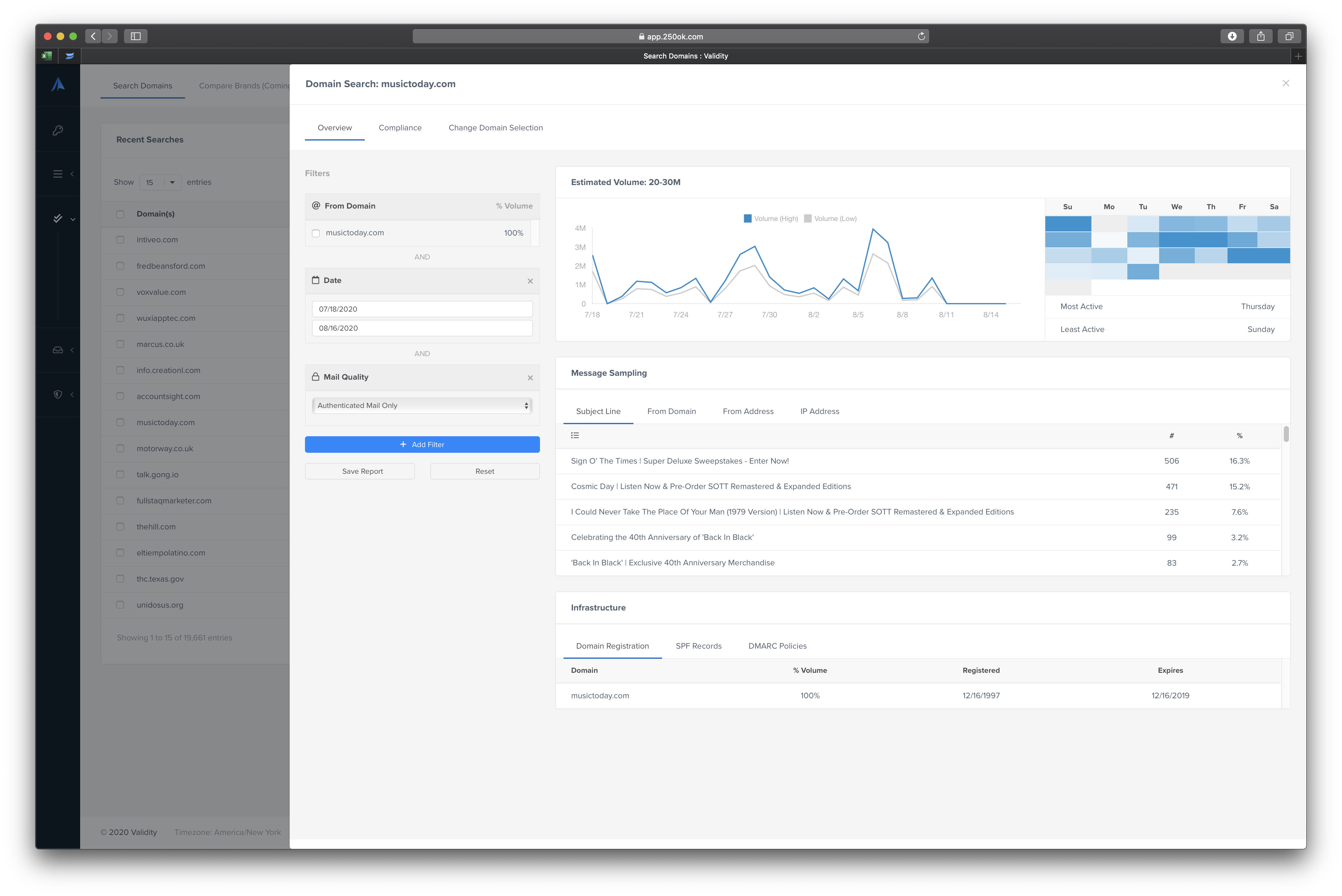
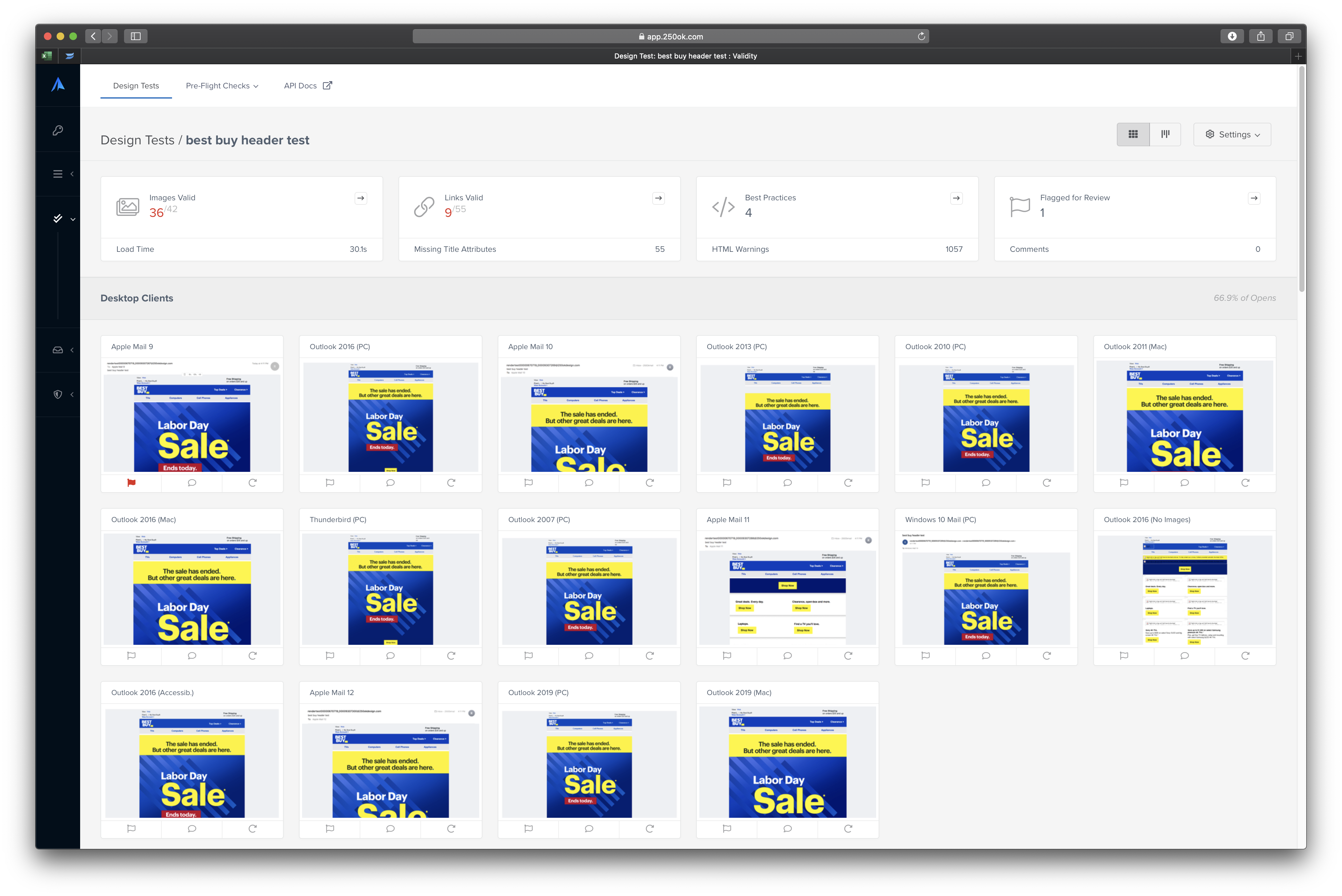
Everest is an integrated email success platform providing crucial insights and deliverability guidance so users can reach more people, increase engagement, and improve efficiencies of their email programs. Everest helps to improve email deliverability by getting complete visibility into email marketing metrics and sender reputation, understand the audience and deliver content that is timely, personalized, and functions flawlessly on any device, and get a holistic view of a company's…
$20
per month
Pricing
Intuit Mailchimp
Everest (Return Path + 250ok)
Editions & Modules
Free
$0
Essentials
starts at $13
per month
Standard
starts at $20
per month
Premium
starts at $350
per month
Elements
$20
per month
Elements Plus
$525
per month
Professional
Custom Pricing
Enterprise
Custom Pricing
Offerings
Pricing Offerings
Intuit Mailchimp
Everest (Return Path + 250ok)
Free Trial
Yes
No
Free/Freemium Version
Yes
No
Premium Consulting/Integration Services
Yes
No
Entry-level Setup Fee
No setup fee
No setup fee
Additional Details
—
—
More Pricing Information
Community Pulse
Intuit Mailchimp
Everest (Return Path + 250ok)
Considered Both Products
Intuit
No answer on this topic
Validity
Verified User
Chose Everest (Return Path + 250ok)
Return Path is the most user-friendly and feature rich platform based on the alternatives that we have evaluated or used in the past.
A de minimis incentive was given to thank the reviewer for their time. The incentive was not used to bias or drive a particular response, nor was the incentive contingent on a positive endorsement. More Info
If you require an easy to use email marketing tool that your team can quickly get up and running with then Intuit Mailchimp is a great option. I haven't had any team member struggle with their drag and drop email builder and the steps you have to take to add an email, create and send a campaign are all straightforward.
Every new or established brand should be using Everest. It doesn't matter what you're trying to say in your emails—if they're not reaching the inbox, no one is listening or reading. Everest gives you the insight you need to understand your inbox placement, reputation and so much more.
Mailchimp allows you to manage your mailing list really well. You can subscribe people, unsubscribe people manage the mailing list directly into segments, and what not.
Mailchimp has features where you can create campaigns based on your mailing lists and send out newsletters to your subscribers based on a multitude of parameters that you can setup. Such as send email daily, weekly, monthly and they also have event based mails that you can send out.
Mailchimp also has a feature where you can design your emails. The look and aesthetics are very important when sending emails to your subscribers and all those needs are addressed here.
A de minimis incentive was given to thank the reviewer for their time. The incentive was not used to bias or drive a particular response, nor was the incentive contingent on a positive endorsement. TR verified that a representative sample of customers was invited. More Info
Individualized attention. They really dug in to understand our products and services.
Easy-to-understand training and actionable items that you can sustain over a long period of time.
They're embedded in our instance of Exact Target, so I'm able to review the entire email program and don't have to open up a separate tool to gather this information.
A de minimis incentive was given to thank the reviewer for their time. The incentive was not used to bias or drive a particular response, nor was the incentive contingent on a positive endorsement. More Info
The interface remains a cluttered, non-intuitive mess. That's true from the haphazard way features are organized to the actual email layout.
Analytics have never been a priority, and I don't see that changing with Intuit's new ownership. I'm very frustrated over the limited choices for reporting, even when using third-party solutions. If I needed that function, I would not use MailChimp.
I would love to develop a workflow screen that lets me focus on the things that I use all the time. Customizing the interface where the content actually goes into the software would help.
I never understood why we couldn't import a document into a MC template. At best, we're spending time copying-and-pasting from one app into MC.
A de minimis incentive was given to thank the reviewer for their time. The incentive was not used to bias or drive a particular response, nor was the incentive contingent on a positive endorsement. TR verified that a representative sample of customers was invited. More Info
A de minimis incentive was given to thank the reviewer for their time. The incentive was not used to bias or drive a particular response, nor was the incentive contingent on a positive endorsement. More Info
We've had Mailchimp for about ten years, I want to say. I started with the company about four years ago, and I don't see us ever diverting to another source. It's easy for us to use, and we have all our clients already built into the database. I imagine we'll use them for as long as we have the company.
A de minimis incentive was given to thank the reviewer for their time. The incentive was not used to bias or drive a particular response, nor was the incentive contingent on a positive endorsement. TR verified that a representative sample of customers was invited. More Info
We have two separate areas for using Return Path. Our web ecommerce area that is using only transactional emails and a marketing email program that is partnered on the backend with Return Path. I see Return Path continuing to be utilized with our marketing emails, but over time I see less need for our transactional emails to maintain Return Path components.
A de minimis incentive was given to thank the reviewer for their time. The incentive was not used to bias or drive a particular response, nor was the incentive contingent on a positive endorsement. More Info
The interface is a bit complicated, and I need to spend some time to learn new functions and understanding how it works. I don't like working with email templates because of the limited customization options. However, functions like AI for generating emails, segmentation, and analytics still work well and are very useful.
A de minimis incentive was given to thank the reviewer for their time. The incentive was not used to bias or drive a particular response, nor was the incentive contingent on a positive endorsement. TR verified that a representative sample of customers was invited. More Info
A de minimis incentive was given to thank the reviewer for their time. The incentive was not used to bias or drive a particular response, nor was the incentive contingent on a positive endorsement. More Info
I have, in the 4+ years that I've used Mailchimp, never seen an issue that restricted the use of their software/tools. I don't know of a single time when they're system crashed or went down. I could be wrong, but I honestly haven't experienced any issues with outages, errors or unplanned downtime
A de minimis incentive was given to thank the reviewer for their time. The incentive was not used to bias or drive a particular response, nor was the incentive contingent on a positive endorsement. More Info
I haven't noticed any slow speeds from Mailchimp or their tools. I think the landing pages load quickly and look nice. The email reports and editing operates smoothly and doesn't take time to load. Additionally, when I use Mailchimp in conjunction with Zapier + Hubspot I don't notice any drag between any of these tools
A de minimis incentive was given to thank the reviewer for their time. The incentive was not used to bias or drive a particular response, nor was the incentive contingent on a positive endorsement. More Info
Website tools were easy to use and understand so a novice can easily meet or exceed their client's expectations! Loved that we were able to totally customize so that the e-mail we created conveyed our client's overall messaging consistent with their branding! Client love that we can provide turnkey services to support their sales and marketing teams!
A de minimis incentive was given to thank the reviewer for their time. The incentive was not used to bias or drive a particular response, nor was the incentive contingent on a positive endorsement. More Info
Absolutely fantastic support. It runs circles around the competition. They regularly reach out and chat, even if it's just to see if there's any issues we need to discuss. They clearly want the business and don't forget you once you sign the contract which is an issue with other similar services.
A de minimis incentive was given to thank the reviewer for their time. The incentive was not used to bias or drive a particular response, nor was the incentive contingent on a positive endorsement. More Info
It's pretty easy to get up and running! There's a slight learning curve on a few things, but once you find where everything is located, you can import your list and send your first email. It really makes our clients feel great to see how quickly they can get that first email out.
A de minimis incentive was given to thank the reviewer for their time. The incentive was not used to bias or drive a particular response, nor was the incentive contingent on a positive endorsement. More Info
I joined my company after the implementation was nearly complete. We used the Return Path tool as we slowly increased our send volume in Marketing Cloud to monitor IP reputation and inbox placement.
A de minimis incentive was given to thank the reviewer for their time. The incentive was not used to bias or drive a particular response, nor was the incentive contingent on a positive endorsement. More Info
I don't think they are comparable; we use Google Ads to put our website at the top of the list when someone googles certain words. We use meta business to manage our social media. Google aims to gain customers, while Mailchimp is used to interact with both existing and new customers.
A de minimis incentive was given to thank the reviewer for their time. The incentive was not used to bias or drive a particular response, nor was the incentive contingent on a positive endorsement. TR verified that a representative sample of customers was invited. More Info
Like I said before, Return Path is really the budget bundle. You get a lot of service for how much you pay. Since I am currently at an early stage startup, we could not afford Litmus, so having Return Path is crucial. The partnership with Salesforce also allowed us to get it at pretty low cost.
A de minimis incentive was given to thank the reviewer for their time. The incentive was not used to bias or drive a particular response, nor was the incentive contingent on a positive endorsement. More Info
Mailchimp over the years I've used it has grown in leaps and bounds. They have added so many additional features than were previously available. They are truly an all-in-one marketing platform now. If you're a small operation and just want to add email to your marketing efforts, they're there for you. If you're a larger operation and want to start sending postcard advertisements, they can do that. If you'd good with that and want to kick up your marketing by going social, you can do that on their platform. They are truly able to be as small as you need, but also get quite large in whatever it is you'd like to do through their system.
A de minimis incentive was given to thank the reviewer for their time. The incentive was not used to bias or drive a particular response, nor was the incentive contingent on a positive endorsement. More Info
One of my retail web store clients was sending out email specials and notices about once a month. After clicking the send button, we would watch Google Analytics and the current site users would light up immediately. Often, the current site visitors would pop up to 20, 30 or more after the email was sent. On a normal day, seeing 1 or 2 online users would be OK.
Pretty much in all cases, we could see an uptick in positive activity after sending out a Intuit Mailchimp email to a list.
A de minimis incentive was given to thank the reviewer for their time. The incentive was not used to bias or drive a particular response, nor was the incentive contingent on a positive endorsement. TR verified that a representative sample of customers was invited. More Info
It has helped identify inbox issues and thus helping our clients reach more inboxes.
They have negatively impacted client relations on numerous occasions. They have reached out and told clients they are having issues or need certain products when they are already our clients and we are proving solutions for them.
They provide solid customer support when you create a support ticket. They are usually very quick to respond and give you an answer.