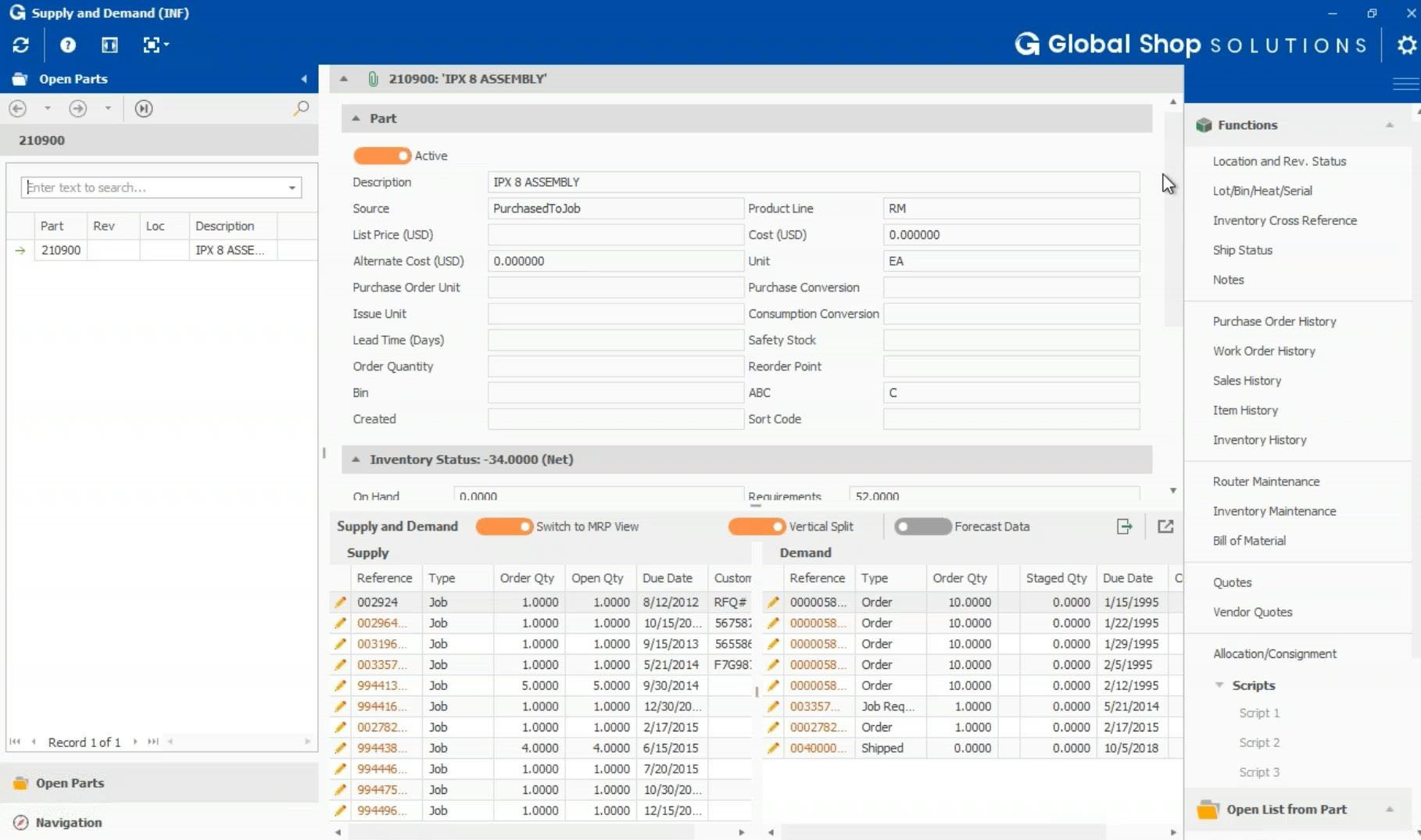
Global Shop Solutions ERP software provides applications used to deliver quality parts on time, from quote to cash and everything in between including shop management, scheduling, inventory, accounting, quality control, and CRM. Available in the cloud or on premise, the solution aims to give its manufacturing customers real-time inventory accuracy, improved on-time delivery, lower administrative costs, increased sales and improved customer service. Headquarters in The Woodlands, Texas includes…
N/A
M1
Score7.1 out of 10
N/A
M1, from ECI Software Solutions headquartered in Ft. Worth, is an all-in-one manufacturing ERP software solution, built for small and medium-sized discrete manufacturers.
A de minimis incentive was given to thank the reviewer for their time. The incentive was not used to bias or drive a particular response, nor was the incentive contingent on a positive endorsement. TR verified that a representative sample of customers was invited. More Info
We need an all-in-one ERP system, and it suits basic needs. If you are looking to utilize reporting or utilize the CRM you will have to learn to format the information you are able to pull to make it manageable and easier to read. This ERP uses a Crystal Reports system that needs to be converted into Excel or another software program to sort and identify anything. There are a lot of advantages and I am sure the issues we are having are because of how our staff is using this system or has set up this system for our needs.
A de minimis incentive was given to thank the reviewer for their time. The incentive was not used to bias or drive a particular response, nor was the incentive contingent on a positive endorsement. More Info
The M1 ERP is tailored for small to medium organizations, offering good features at least in the components utilized by my organization such as customizable workflows, user-friendly dashboards, ability to process orders, and track the entire orders lifecycle. It also has good customer interaction features in the CRM part. It provides robust data security, and offers scalable modules to grow with your business. Implementation is not challenging if you don't have so many customizations in the software.
A de minimis incentive was given to thank the reviewer for their time. The incentive was not used to bias or drive a particular response, nor was the incentive contingent on a positive endorsement. TR verified that a representative sample of customers was invited. More Info
A de minimis incentive was given to thank the reviewer for their time. The incentive was not used to bias or drive a particular response, nor was the incentive contingent on a positive endorsement. More Info
A de minimis incentive was given to thank the reviewer for their time. The incentive was not used to bias or drive a particular response, nor was the incentive contingent on a positive endorsement. TR verified that a representative sample of customers was invited. More Info
A de minimis incentive was given to thank the reviewer for their time. The incentive was not used to bias or drive a particular response, nor was the incentive contingent on a positive endorsement. More Info
Some of the functions are pretty detailed - and so they take a while to generate screens and pages in reports.
We actually use it for 2 companies we own - and it would be nice if the inter company communication was a little smoother. It's hard to share some data, and not everything is possible to be shared.
Customized reports need to backed up before any updates to M1 or they're lost. It seems M1 overwrites the report folders everytime you run an update - so you have to keep track of what you've changed in Crystal Reports and restore it.
A de minimis incentive was given to thank the reviewer for their time. The incentive was not used to bias or drive a particular response, nor was the incentive contingent on a positive endorsement. TR verified that a representative sample of customers was invited. More Info
It standardizes our processes, it helps keep things moving financially, as stated previously the asset tracking and inventory functions alone are priceless. This has really been a fantastic tool and helpful across the board with both our accounting, IT and even helping leadership with planning, forecasts, and budgetary matters. You can literally tailor this to your needs, and it's reliable, easy to understand and logical even with their back end tables. Their software is a class act
A de minimis incentive was given to thank the reviewer for their time. The incentive was not used to bias or drive a particular response, nor was the incentive contingent on a positive endorsement. More Info
Because it would be helpful if ECI would provide better documentation, communication and workflows to understand how each field interacts within the system and how each of those touch other areas within M1. It would also be useful if ECI would provide prescheduled training for how to customize things with M1 through Design Studio
A de minimis incentive was given to thank the reviewer for their time. The incentive was not used to bias or drive a particular response, nor was the incentive contingent on a positive endorsement. TR verified that a representative sample of customers was invited. More Info
A de minimis incentive was given to thank the reviewer for their time. The incentive was not used to bias or drive a particular response, nor was the incentive contingent on a positive endorsement. TR verified that a representative sample of customers was invited. More Info
A de minimis incentive was given to thank the reviewer for their time. The incentive was not used to bias or drive a particular response, nor was the incentive contingent on a positive endorsement. More Info
M1 is light years ahead in overall cost and proficiency. It allows so much more control and flexibility as compared to its competitors. When choosing M1 we went through many demos and M1 was the only ERP that met our needs and still does. We also control our own data which is a big plus for us.
A de minimis incentive was given to thank the reviewer for their time. The incentive was not used to bias or drive a particular response, nor was the incentive contingent on a positive endorsement. More Info
We have used the CRM for the last 9 months to support our sales team. Now we can see interactions, followup practices, opportunities and adjustments in one section. This has allowed us to better service our customers and make sure that followup is done.
A de minimis incentive was given to thank the reviewer for their time. The incentive was not used to bias or drive a particular response, nor was the incentive contingent on a positive endorsement. More Info
A de minimis incentive was given to thank the reviewer for their time. The incentive was not used to bias or drive a particular response, nor was the incentive contingent on a positive endorsement. TR verified that a representative sample of customers was invited. More Info