LumApps is an Employee Experience Platform that engages every employee with personalized communications, regardless of location, and empowers them to do their best work by connecting them with the tools, people, and information they need to get the job done. Integrations with both Microsoft and Google enables employees to share knowledge, resources, and connect with each other. The employee experience platform aligns and engages digital workplaces, and enables…
N/A
SharePoint
Score7.5 out of 10
N/A
Microsoft's SharePoint is an Intranet solution that enables users to share and manage content, knowledge, and applications to empower teamwork, quickly find information, and collaborate across the organization.
senior associate in Product Management at Publicis Sapient (Management Consulting, 10,001+ employees)
Chose LumApps
I was not part of the selection process. We do have teams that are using SharePoint due to the fact that their teams use MS Teams heavily to share and collaborate. Some teams find it easier to simply build out SharePoint pages because their Teams content already lives on SharePo…
A de minimis incentive was given to thank the reviewer for their time. The incentive was not used to bias or drive a particular response, nor was the incentive contingent on a positive endorsement. TR verified that a representative sample of customers was invited. More Info
Head of Design in Professional Services at Thoughtworks (Computer Software, 10,001+ employees)
Chose LumApps
SharePoint is also fairly easy to use for content creators. SharePoint has been around for a very long time and is a powerful enterprise tool when it is well implemented, but implementation is critical to ensure that both the brand experience and usability for content owners …
A de minimis incentive was given to thank the reviewer for their time. The incentive was not used to bias or drive a particular response, nor was the incentive contingent on a positive endorsement. TR verified that a representative sample of customers was invited. More Info
Verified User
Chose LumApps
LumApps is so much easier to use. With SharePoint, you probably need a developer due to its complexity. You don't need that at all with LumApps. Marketing and HR professionals can easily learn it. It is best to lean on LumApps or a partner to build out a few templates to get …
A de minimis incentive was given to thank the reviewer for their time. The incentive was not used to bias or drive a particular response, nor was the incentive contingent on a positive endorsement. TR verified that a representative sample of customers was invited. More Info
Internal Communications Manager in Marketing at SiteOne Landscape Supply, LLC. (Wholesale, 1001-5000 employees)
Chose LumApps
LumApps works with SharePoint and provides a much easier and more intuitive user interface. It is fairly simple to learn the basics, although plan to spend more time to really dive into all that it can offer and become an expert in the product. They seem very entuned to the …
A de minimis incentive was given to thank the reviewer for their time. The incentive was not used to bias or drive a particular response, nor was the incentive contingent on a positive endorsement. TR verified that a representative sample of customers was invited. More Info
Revenue Knowledge Stratrgy Manager in Sales at Instructure (Information Technology & Services, 1001-5000 employees)
Chose LumApps
Our organization selected LumApps for its customizability, integrations with the Google suite, Slack, etc., in addition to the customizable meta-data that would allow for a unique user experience for our global teams so that users in the Latin American region, for example, …
A de minimis incentive was given to thank the reviewer for their time. The incentive was not used to bias or drive a particular response, nor was the incentive contingent on a positive endorsement. More Info
A de minimis incentive was given to thank the reviewer for their time. The incentive was not used to bias or drive a particular response, nor was the incentive contingent on a positive endorsement. More Info
A de minimis incentive was given to thank the reviewer for their time. The incentive was not used to bias or drive a particular response, nor was the incentive contingent on a positive endorsement. More Info
Verified User
Chose LumApps
Simpplr was the closest but we didn't think they could scale.
A de minimis incentive was given to thank the reviewer for their time. The incentive was not used to bias or drive a particular response, nor was the incentive contingent on a positive endorsement. TR verified that a representative sample of customers was invited. More Info
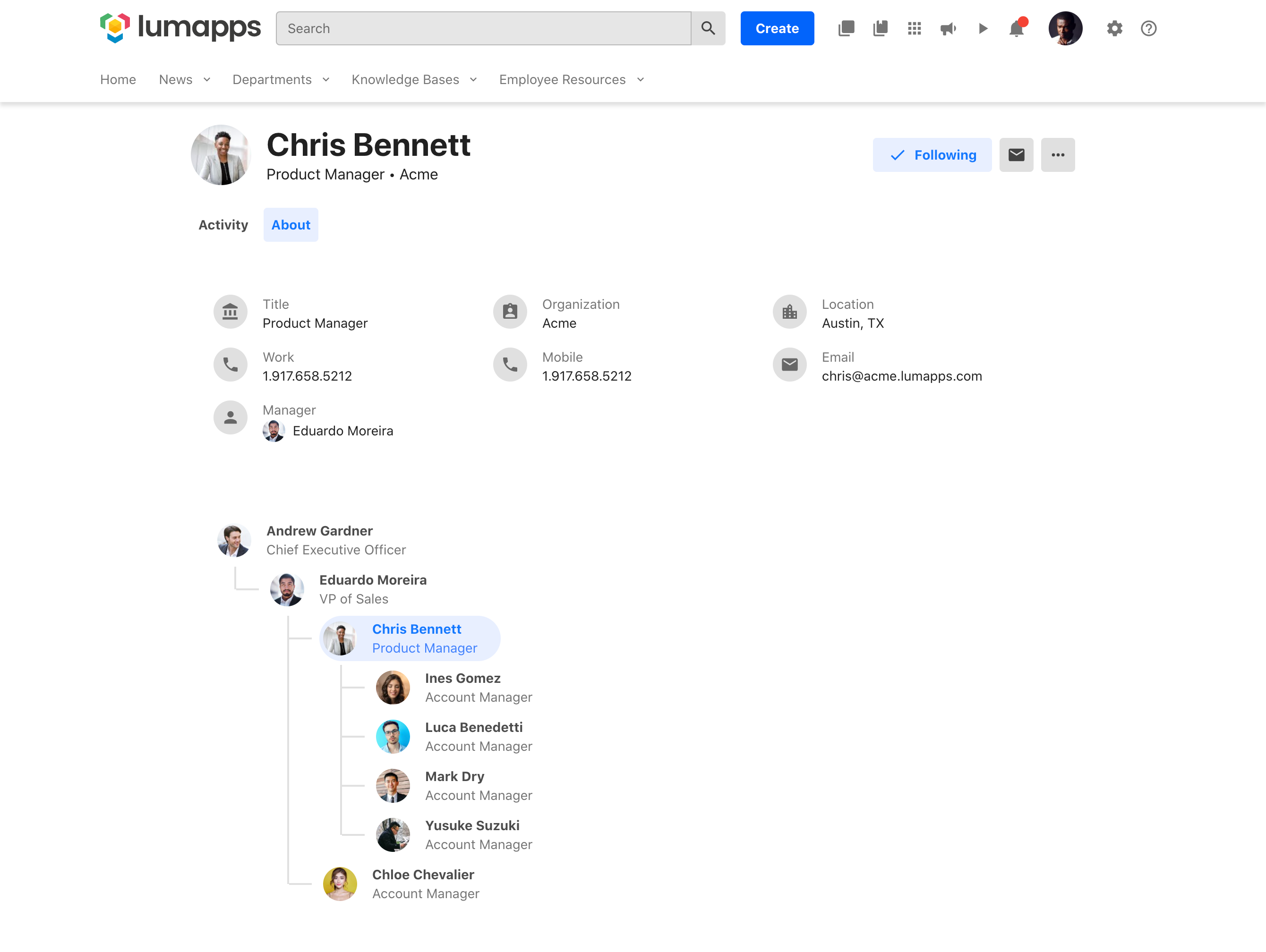
Suited for- It's a great one start shop for information. If you want your data all in one place and easy to access, you cannot beat LumApps for this. It's ease of placing pages across multiple sectors, menu navigation, and org chart integration are lovely. It showcases information and files very well with easy web page design that brings it all together. With only a little bit of training many people can use the product and create content. Less Appropriate- While great at what it does it is still a place to showcase information, not house it. It's not a replacement for Microsoft or Google regarding online file storage. It does not do the storage. It just makes files easy to access if your company houses them already. This same idea applies to Active Directory, it can do a lot of great customization of roles and allow/highlight information for people if they already have great data about people. It is a challenge if the backend data profiles of a person are not already syncing from other systems.
SharePoint Document Management excels as a central repository for storing, organising, and retrieving documents. It supports version control, metadata tagging, secure access, and integration with tools like Power Automate. At our organisation, it's used for managing contracts, policies, and supplier documents. SharePoint Workflow Automation integrates with Power Automate to streamline approvals, gather feedback, and automate recurring tasks. This reduces reliance on email chains and manual trackers.
A de minimis incentive was given to thank the reviewer for their time. The incentive was not used to bias or drive a particular response, nor was the incentive contingent on a positive endorsement. More Info
A de minimis incentive was given to thank the reviewer for their time. The incentive was not used to bias or drive a particular response, nor was the incentive contingent on a positive endorsement. TR verified that a representative sample of customers was invited. More Info
A de minimis incentive was given to thank the reviewer for their time. The incentive was not used to bias or drive a particular response, nor was the incentive contingent on a positive endorsement. More Info
The editing user interface is a bit wonky and occasionally glitchy.
The back-end options are not organized super well, which can make it confusing to find the right settings.
The customization options are somewhat limited without advanced CSS/dev skills, and the basic functions can be a bit challenging for some non-technical users.
A de minimis incentive was given to thank the reviewer for their time. The incentive was not used to bias or drive a particular response, nor was the incentive contingent on a positive endorsement. TR verified that a representative sample of customers was invited. More Info
Windows Explorer users have some difficulty having to constantly UPLOAD / DOWNLOAD files. Specifically on the DOWNLOAD when they are used to Drag & Drop in & out of LOCAL folders via Window's explorer.
Microsoft SharePoint supports multiple "library" types. When implementing our "image" library the search function is done via "tags" and boolean logic. This is challenging to most end users. I'd like our users to be able to search our Microsoft SharePoint image library without having to enter KEYWORD or other BOOLEAN logic.
Microsoft SharePoint can also be an internal website for each department or company wide communication tool but I believe these features are geared for much larger organizations. Since we are a SMB we really aren't using these features. So maybe something more useful to SMBs would be nice.
A de minimis incentive was given to thank the reviewer for their time. The incentive was not used to bias or drive a particular response, nor was the incentive contingent on a positive endorsement. More Info
A de minimis incentive was given to thank the reviewer for their time. The incentive was not used to bias or drive a particular response, nor was the incentive contingent on a positive endorsement. TR verified that a representative sample of customers was invited. More Info
It's integral to our business. It's already included with most of the Office 365 licensing we buy, so the cost is effectively zero. It stores our files, it is the foundation for custom applications, and Microsoft only continues to enhance its functionality and its connections to other Microsoft tools. SharePoint just keeps getting better and better.
A de minimis incentive was given to thank the reviewer for their time. The incentive was not used to bias or drive a particular response, nor was the incentive contingent on a positive endorsement. More Info
If you are a content owner, you need to learn how to use the tools and this can be time-consuming and not simple. We rely on the support of our internal LumApps team to provide support and train us on the tools. But it is fairly convenient once you know how to use it correctly.
A de minimis incentive was given to thank the reviewer for their time. The incentive was not used to bias or drive a particular response, nor was the incentive contingent on a positive endorsement. TR verified that a representative sample of customers was invited. More Info
No usability issues reported. Individual teams also have allocated areas which replace legacy shared drives on local LANs. Access to Sharepoint resources is fully integrated with corporate Active Directory with additional two-factor authentication required for administrative users. Users have access to Microsoft Services Hub which allows you to create, manage, and track support requests while staying current on Microsoft technologies with access to select self-paced learning paths
A de minimis incentive was given to thank the reviewer for their time. The incentive was not used to bias or drive a particular response, nor was the incentive contingent on a positive endorsement. More Info
Question and bug support are very helpful and quick. About the feature requests, we don’t have much visibility of the features that we suggested, or If they are going to implement some solutions or not.
A de minimis incentive was given to thank the reviewer for their time. The incentive was not used to bias or drive a particular response, nor was the incentive contingent on a positive endorsement. TR verified that a representative sample of customers was invited. More Info
A de minimis incentive was given to thank the reviewer for their time. The incentive was not used to bias or drive a particular response, nor was the incentive contingent on a positive endorsement. More Info
The face to face training I received was on SharePoint Administration. It was rushed as there was a lot of information to cover and the application of the labs weren't that great either. I like to be able to relate what I am learning to what I am currently doing.
I like to learn at my own pace and online training allows for that. Additionally, you can skip through pieces of content that you already know or are already comfortable with. Microsoft actually offers great videos on their website for basic fundamental SharePoint Training. I have used these training videos in some of my own training sessions with end users.
Our organization selected LumApps for its customizability, integrations with the Google suite, Slack, etc., in addition to the customizable meta-data that would allow for a unique user experience for our global teams so that users in the Latin American region, for example, would no longer be inundated with content that did not apply to their region or market.
The reasons for selecting MS SharePoint are: SharePoint provides ease of use and web design assistance and support SharePoint helps you schedule your content for publishing. enables users to share documents with external parties and offers a better internal structure of the content and better indexing and searching capabilities.
A de minimis incentive was given to thank the reviewer for their time. The incentive was not used to bias or drive a particular response, nor was the incentive contingent on a positive endorsement. More Info
after migration, it has reduced time for Internal Comms to create and publish content (for some content that we can import as a chart, like anniversary celebrations, we've been able to reduce the time from 4-6 hours down to about 15 minutes)
we haven't used long it enough to see ROI on other facets, but not having divisions create their own websites unbeknownst to anyone else is invaluable
A de minimis incentive was given to thank the reviewer for their time. The incentive was not used to bias or drive a particular response, nor was the incentive contingent on a positive endorsement. TR verified that a representative sample of customers was invited. More Info