The Lucid Visual Collaboration Suite empowers teams to ideate, plan, design, build, and launch game-changing solutions from a shared infinite canvas.
$0
MindMeister
Score 3.5 out of 10
N/A
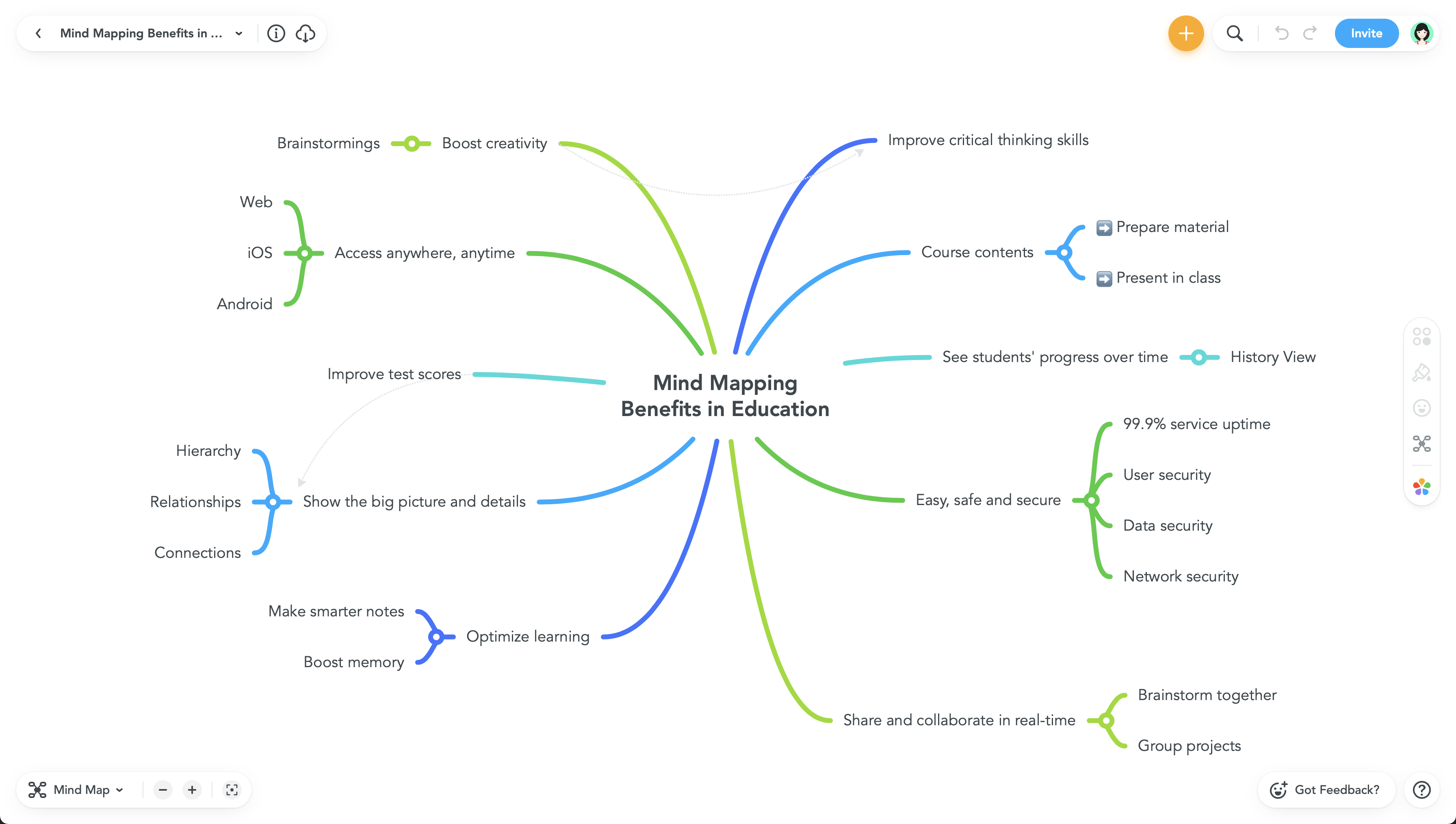
MindMeister is an online mind mapping tool that lets users share maps with an unlimited number of users and collaborate with them in real-time. MindMeister is used to brainstorm ideas, plan projects, take meeting minutes, develop business strategies, and create presentations. MindMeister runs in any standard web-browser as well as on iOS and Android devices, so users can access, edit and present their mind maps anytime, wherever they are. With MindMeister, users…
$45
per 6 months per user
Pricing
Lucid Visual Collaboration Suite
MindMeister
Editions & Modules
Free
$0
Individual
$9
per month per user
Team
$10
per month per user (3 user minimum)
Enterprise
.
per year
Personal
$45
per 6 months per user
Pro
$75
per 6 months per user
Business
$114
per 6 months per user
Offerings
Pricing Offerings
Lucid Visual Collaboration Suite
MindMeister
Free Trial
Yes
No
Free/Freemium Version
Yes
Yes
Premium Consulting/Integration Services
No
No
Entry-level Setup Fee
Optional
No setup fee
Additional Details
—
MindMeister offers 6-monthly and yearly subscriptions. Discounts for educational users and non-profit organizations are also available. Up to 22% discount for yearly pricing.
It is hard to think of ways in which Lucid Visual Collaboration Suite would not be best suited to provide an effective tool for any organization to find success in its use. Whether it is a visual display to map an organizational structure, a collaboration to find an answer of how to improve workflow, or even to display the upcoming budget needs, working in Lucid can seamlessly provide that!
This product is well suited for making mind maps and outlining projects and ideas from the start. It can be tough if you are trying to convert something you began in Docs. It allows for a lot of intuitive creation, making your work flow easily. It can get to be a bit clunky though if you make your map too large.
Serverless. You don't need to install another program to create diagrams, you just open a new tab and there you are, ready to go.
Collaboration. You don't need to update your colleague diagram by creating a new file and creating a new file version, you both are in the same diagram and you and all the team are free to update it at any time, at the same time, you are seeing the same thing. That is really helpful and time-saving.
Shapes. It has any shape that you can think of and Lucidchart is always updating them, I can create an Azure solution architecture, an AWS one, an old on-premise solution. Or just put standard shapes to describe a business process. Providing so many specific shapes help the diagram to express specific information, and for specific teams, that's less text and more visual information, you don't need to put a text below a standard database shape (this is an Azure SQL database), you just put the azure shape and done. That....is beautifully helpful.
The UI is well laid out and easy to use. The workflow makes perfect sense and makes creating tasks a breeze.
The collaboration features make brainstorming not only easy but fun! Everyone enjoys using the tool, which was not the case with other collaboration software we used.
I love being able to get all of my thoughts and ideas on the screen to see them and then be able to connect them in a logical way.
I wish collaborators could add comments without having to be given editor privileges. A "Reviewer" role would be helpful.
I would like to be able to toggle note visibility on and off. If there is a way to do it now, I haven't found it. As it is, I have to hover or use the sidebar to see notes.
Two or three times I have seen my nodes spontaneously reverse order in a big map (over their recommended limit). Even so, they are working on tracking the issue down.
The interface is easy to use and understand and most features feel very familiar from the start. There are so many features and functions that users may not know it can be done without some instruction. Lucid's champion network is a great, fun resource to learn more about the product.
I would rate the overall support for Lucidchart as a 9. The support provided is generally robust and responsive. Their help center, tutorials, and webinars offer extensive resources for users. The ticket-based support system is effective, providing timely resolutions to most issues. Moreover, they actively gather user feedback, demonstrating a commitment to continuous improvement
Never had an issue with customer support, though we never really needed anything major as far as technical help. I do not believe they offer 24 hour customer support but we don't need it as MindMeister is not the type of tool we need need 24 hour a day support for. Overall, very happy with the level of support.
Based on my personal experience, Lucid Visual Collaboration Suite is head and shoulders above any other competitor. Canva is good, but not intuitive at all. Miro is good as well, but not nearly as appealing and still lacks some of the logical functions that LucidSpark has. I’ve also used Apple FreeForm quite a bit, which is a free software with Apple. Once again you can accomplish the same things in any of these software, but Lucid Visual Collaboration Suite is so much better to the point that it is 3-4 times faster to use Lucid than Free Form or Canva.
Mindmeister has a good free plan compared with Lucidchart, and better Google Drive integration in my opinion. draw.io has a better free plan than MindMeister, but I prefer MindMeister for mindmap creation still, while I prefer draw.io for other types of diagrams. Xmind is powerful, but bloated, and requires installation on every machine that needs to open the file. The fact that MindMeister is in the cloud is a huge bonus.
Though I can't necessarily provide hard numbers, I can confidently say that Lucidchart has saved countless hours for myself and my teams as we don't need to try to develop some type of complex diagram using markup or any kind of code.
I have previously been able to build a complete ERD using Lucidchart in a past position, which the company never had before. It ended up being used by countless teams in the company and ultimately in a large-scale data stack migration effort.
Our meetings became more productive (time saving /better outcome).
Project management activities became more efficient (time-saving/increased quality/better collaboration).
It became easier to create online repositories to share relevant and well-organized information to our teams (before it was dispersed, incomplete, and difficult to find/manage).