Logz.io in Boston offers their enterprise-grade log analytics application, oriented towards providing data security and eliminating the need for capacity management.
$0
1 day of log retention.
Retrace
Score 8.0 out of 10
N/A
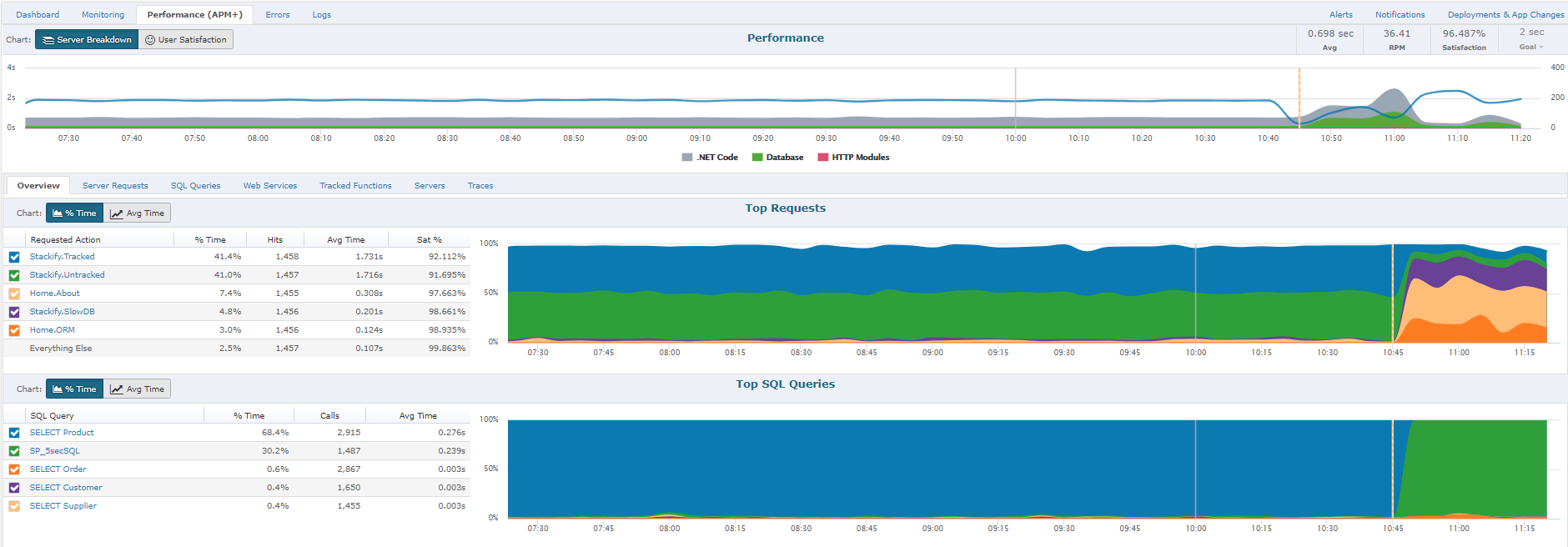
Retrace (formerly APM+) is a lightweight Application Performance Management solution. Retrace gives developers continuous, real-time analysis through a combination of code-level visibility with in-line log and error data. Retrace helps identify top performance offenders by analyzing top page requests, top SQL queries, and top external web services.
$99
up to 3 servers, 500,000 traces, and 1,000,000 logs
Pricing
Logz.io
Retrace
Editions & Modules
Log Management - Community
$0
1 day of log retention.
Log Management - Pro
$.92
per ingested GB. 7 days retention.
Distributed Tracing - Pro
$5
Per million spans.
Infrastructure Monitoring - Pro
$12
per month per 1000 time-series metrics.
Log Management - Enterprise
Custom
Cloud SIEM - Enterprise
from $1.49
per ingested GB. Price includes Logz.io Log Management
Essentials
$99
up to 3 servers, 500,000 traces, and 1,000,000 logs
It is appropriate for companies that focus on developing extremely simple applications. The great visibility it provides makes it ideal to avoid problems that may affect the entire business or company thanks to the fact that it is capable of emitting dozens of alerts in a short time. Sometimes the search behavior becomes slow and inefficient, which can be uncomfortable.
If you're a Java or .net shop they will do excellent. I believe that for PHP, Ruby, Java and few others they have only the error and log management and the application and server monitoring.
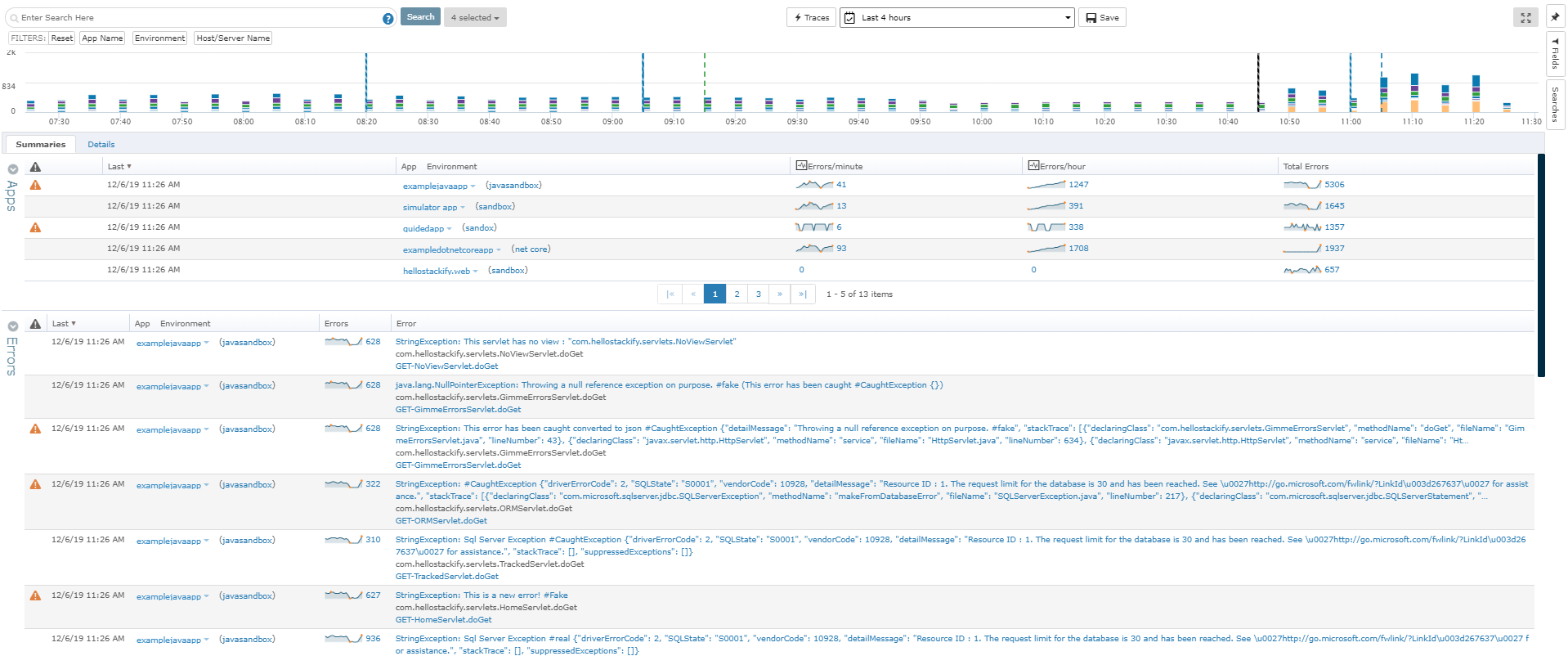
Alerting - Logz.io allows you to set up numerous alerts and define the specific conditions to trigger these alerts, such as the number of occurrences over a specific period of time and severity.
Notifications - The supported integrations with Slack and OpsGenie make it easy to set up alerts to specific groups or users, like those in a particular Slack room or OpsGenie group. This is good to reduce noise and limit initial notifications to those who really need to get it.
To set up the fields that APM Plus monitors, you need to map each field area on each document.
APM Plus could use a way to link the documents back into the finance or business software so you can find the document under the PO, Sales Order, Invoice, etc.
APM Plus setup is only for the professionals. There are many areas that need tweaking on setup, having a better default setup would lessen the learning curve to set it up for use.
Am really exited to use the reports generated especially AWS Cost and Usage Reports function tracks your AWS usage and provides estimated charges associated with your account so that we can reduce the data costs to a greater extend. This integration allows you to ship logs from your AWS Cost and Usage Reports to your Logz.io account.More amazing features awaits you in Logz.io account.
In the past, my team has been able to get in contact with Logz.io quickly and easily to address our questions about the product to see if it could fully meet all our needs. Some of the features we needed at the time were not available, but were on the Logz.io team's roadmap to implement in the future. I found their team to be friendly, professional, and helpful
Graylog and Microsoft System Center lacks infrastructure management and logging, proper analytics is done only on Logz.io. The customer support is also really great for Logz.io, we are really pleased with their support and timely action. The migration was also easy and took us hardly a day to set up and run the solutions.
APM Plus does a better job of archiving documents than DocSend and makes it easier to find the documents when you need them. DocSend seemed to be more of a marketing tool than a business tool. APM Plus is all business and consistently does what you need on a daily basis. We selected APM Plus because of the great support on setup and after implementation. They are always ready to help.
APM Plus has freed up users from having to manually attach documents to each place they are sending it. APM Plus will do it automatically.
APM Plus provides a searchable archive to re-visit sent documents with customers and vendors. Having to reprint a document you risk the potential that something has changed since it was last printed.
APM Plus does need IT staff for adjustments and to review sending problems. Not for an average user.