LogMeIn Resolve is an IT management and support solution designed to help organizations take control of their IT infrastructure. The platform combines features like remote monitoring, access, and support with tools such as ticketing, AI-assisted task automation, and patch management.
$29
per month
TeamSupport
Score 8.0 out of 10
Mid-Size Companies (51-1,000 employees)
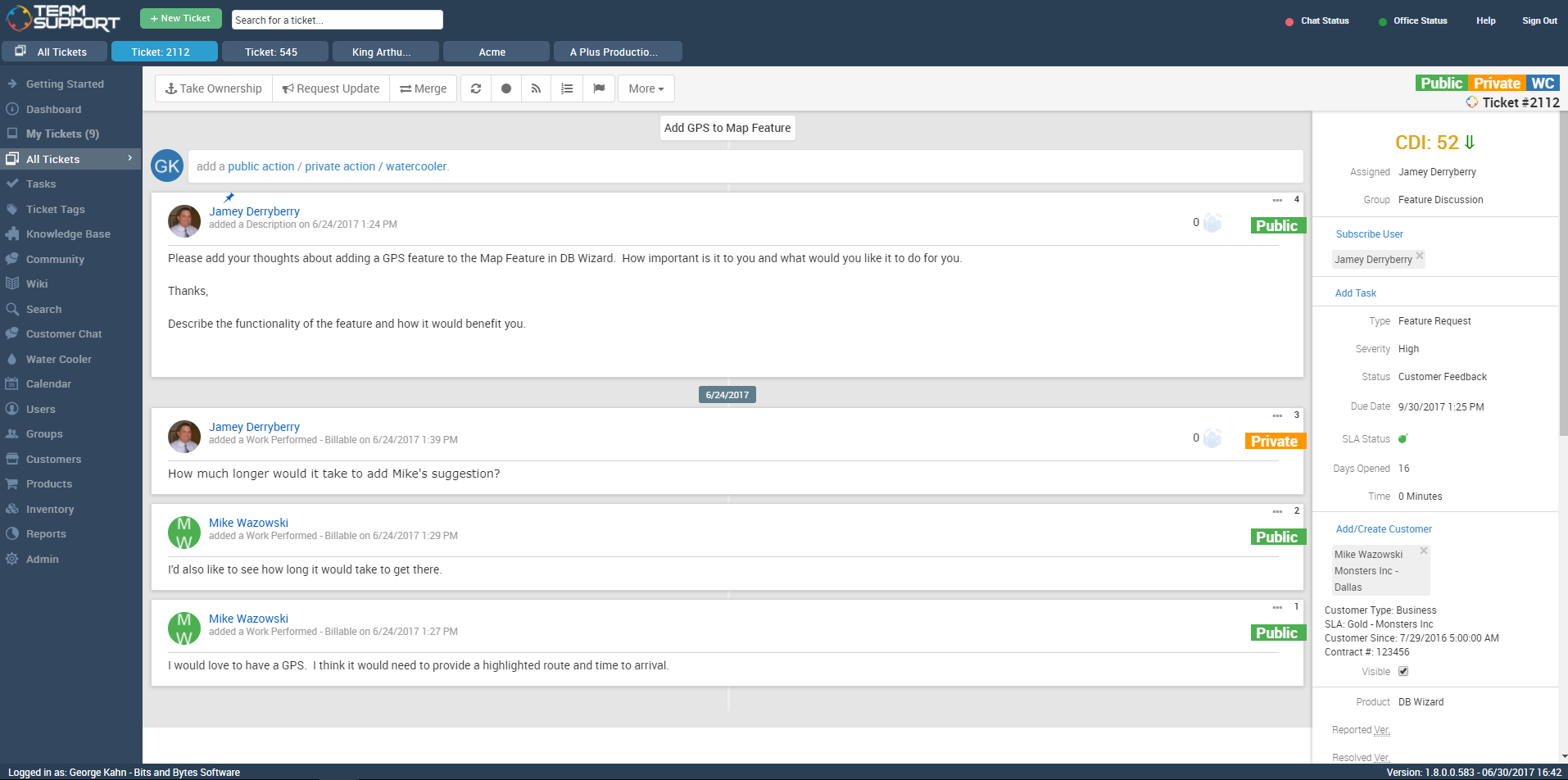
TeamSupport is customer support software built for B2B software and technology companies. The solution offers ticket management, a customer and contact database, reporting and analytics, multi-channel support, built-in collaboration tools, and many native integrations.
$45
per month per user
Pricing
LogMeIn Resolve
TeamSupport
Editions & Modules
Remote Access
$29
per month
Remote Support Plus
$55
per month
Standard Endpoint Management
$70
per month
Premium Endpoint Management
$78
per month
Premium
Contact Sales
Starter
$45
per month per user
Professional
$65
per month per user
Scale
$85
per month per user
Offerings
Pricing Offerings
LogMeIn Resolve
TeamSupport
Free Trial
Yes
Yes
Free/Freemium Version
Yes
No
Premium Consulting/Integration Services
No
No
Entry-level Setup Fee
No setup fee
Optional
Additional Details
Discount available for annual pricing. MDM is available as a standalone or as an add-on. Additional endpoints and agents and save up to 20%
Pricing is based on annual billing
More Pricing Information
Community Pulse
LogMeIn Resolve
TeamSupport
Features
LogMeIn Resolve
TeamSupport
Incident and problem management
Comparison of Incident and problem management features of Product A and Product B
LogMeIn Resolve
-
Ratings
TeamSupport
9.1
Ratings
12% above category average
Organize and prioritize service tickets
00 Ratings
9.60 Ratings
Expert directory
00 Ratings
7.00 Ratings
Subscription-based notifications
00 Ratings
10.00 Ratings
Ticket creation and submission
00 Ratings
9.60 Ratings
Ticket response
00 Ratings
9.60 Ratings
Self Help Community
Comparison of Self Help Community features of Product A and Product B
LogMeIn Resolve
-
Ratings
TeamSupport
9.1
Ratings
15% above category average
External knowledge base
00 Ratings
8.70 Ratings
Internal knowledge base
00 Ratings
9.40 Ratings
Multi-Channel Help
Comparison of Multi-Channel Help features of Product A and Product B
I don't think I have ever encountered a scenario where LogMeIn is inappropriate. I work directly with customers 80% of the time, and even when I need to help a fellow IT professional out, LogMeIn is my go-to option. Viewing and reviewing all the units I manage is very helpful; it saves me a lot of time, especially after the frequent long-term power outages (where it surpasses the USP's protection) we often experience in our area.
How many departments will be using TeamSupport and how many "Groups" will I therefore need to create? The answer will impact how much you are spending on TeamSupport. The same goes for individual employees who use it. Additionally, you should ask how important uptime is and get assurance on how quickly issues will be resolved if there is downtime from TeamSupport during business hours. Finally, you should ask how the reporting component will meet your needs.
Ease of Use. TeamSupport is very well laid out and is obviously being designed by people that have their customers in mind. I can find what I need quickly and have found none of the customizable features to be confusing.
TeamSupport supports their clients well. Anytime I need help, they are an email or phone call away and I receive prompt, if not immediate assistance.
TeamSupport integrates with our Salesforce CRM well. The integration was as easy as entering a token and then choosing the fields I want to sync to Salesforce. The initial import of data from Salesforce did not give me all of my customers, but that was because of how I had Salesforce set up and after talking to TeamSupport and making a few changes, we restarted the data import and it has been smooth sailing ever since. Now my Sales Staff can see what is happening on the ticket side of their accounts without having to ask, because TeamSupport automatically updates Cases in Salesforce. Very well done feature.
It would be nice to have a one-click launch capability. There are times when walking through a user who isn't experienced that they have a hard time launching the program.
A batch file that launches a network connection and the program at the same time.
I would be interested in seeing a way to sort tickets under 2 filters. Example: I'd love to be able to sort my tickets oldest to newest - AND - by customer within the first filter.
I would also like to be able to customize my user profile. I think it would be cool to be able to change colors and formats.
To us, it just works. and it is what our users are comfortable with. It covers all the remote issues that we as an IT department encounter. We have grown to like it and we also have grown to like the Citrix product family. We really can't find anything that would keep us from renewing.
The software is easy to use and more than fulfills our minimum requirements for a tech support database tool. TeamSupport is constantly adding new features, both that they identified themselves and that were directly requested by TeamSupport users. One of the most important things that a company does is communicate with its customers, especially when there is a problem. While we would all prefer to never have any down time, that just isn't possible. So when something happens it is critical you keep your users informed of what is going on and how long it will take to fix things. TeamSupport gets an A+ when it comes to keeping customers informed. You can make the answers in your tickets available in an FAQ. Obviously, the longer you stick with TeamSupport, the more complete and useful the FAQ will be for your customers
From a receiving perspective, this software has been really easy to use. There is also the capability to have mobile device management so this is applicable to a variety of platforms and devices that may need troubleshooting. The reason I am not rating it a full 10 points is because I notice the lag time for the mouse is a little delayed on a consistent basis.
I think some things could be a little more user-friendly: specifically the dashboard. Although it's fantastic and makes life so much nicer, I'd like to have more control on it's customization. I'd like to be able to default what's collapsed and what's expanded...instead of everything expanding by default each time I load it. But the portal offers great tools and guides on workarounds.
Usually available without a problem, although sometimes calls get dropped or users sit in empty meeting rooms while waiting for an admin to arrive, while the call is actually going on.
If you are connected to someone with proper bandwidth, there are no issues at all. With all things, if you connect to someone with dial-up (yes, it still exists), the performance is terrible.
The software runs well overall once installed. It is easy to use and very intuitive from both the technician standpoint and the customer standpoint. There are not a lot of problems or issues with the software, and it doesn't have a big effect on system resources once installed, or when running. It would not be a 10 since the cost of the licensing is one drawback
TeamSupport's communication for service issues/maintenance are always visible. They also offer many opportunities for training on the software via webinar. Additionally, their support team has been available for coaching and guidance on how to use the software more effectively. They also offer training on creating customized reports to suit our specific organizational needs.
GoToAssist SeeIt was very easy to implement. As long as your techs have a basic understanding of most remote support tools they will be able to understand this product easily.
Data import was the most difficult hurdle for us to get over. The mass import was handled through an Excel spreadsheet. TeamSupport doesn't use Microsoft Office products for the most part so they were relying on Google Docs which has limitations over Excel. Special characters and html in import cells can be a issue with importing. When creating a data export from your current system, special care needs to be taken so that the data is able to be processed into TeamSupport without issues.
At the time that we tested and selected a remote access tool, GoTo was superior to the other options tested. Then came the issues with ctrl+key and shift+key combos which detracted from all of the things that made GoTo the best option. Until these are fixed GoTo will remain inferior in functionality compared to other options where these items work the same as they do in Windows.
We have looked into Zendesk and previously moved from Axosoft to TeamSupport. TeamSupport is definitely better than Axosoft when it comes to fuctionality and ease of use. Zendesk is probably the best and widely used but of course that comes with a price. If the organization is big and a larger customer base, then is makes sense to use Zendesk.
TS keeps adding new features without making sure the program is reliable as-is. The program is frequently offline which makes for significant frustration on my part
LogMeIn Resolve has increased productivity for our support teams with the addition of camera share. Not only are we able to remote into workstations, but with camera share we can utilize end user and customer phones to visually see physical setups to troubleshoot some situations on the fly.
Unattended support now requires the agent to enter in a signature key as an extra layer of security before accessing a device, which further improves the safety of all devices registered for unattended.
When we first began using TeamSupport we were also preparing for an important review of our software product. Of course, our customer service was being evaluated also. We had about 80 people involved in our review and comments about our customer service came back excellent every time. One of our main goals is to provide exceptional customer support, but we could not have done it without TeamSupport.