LearnUpon partners with over 1,500 businesses worldwide to create meaningful learning experiences that empower employees, customers, and members. Whether their LMS is used to develop employees or onboard customers, LearnUpon helps users to deliver impactful training.
N/A
Paycom
Score 7.4 out of 10
N/A
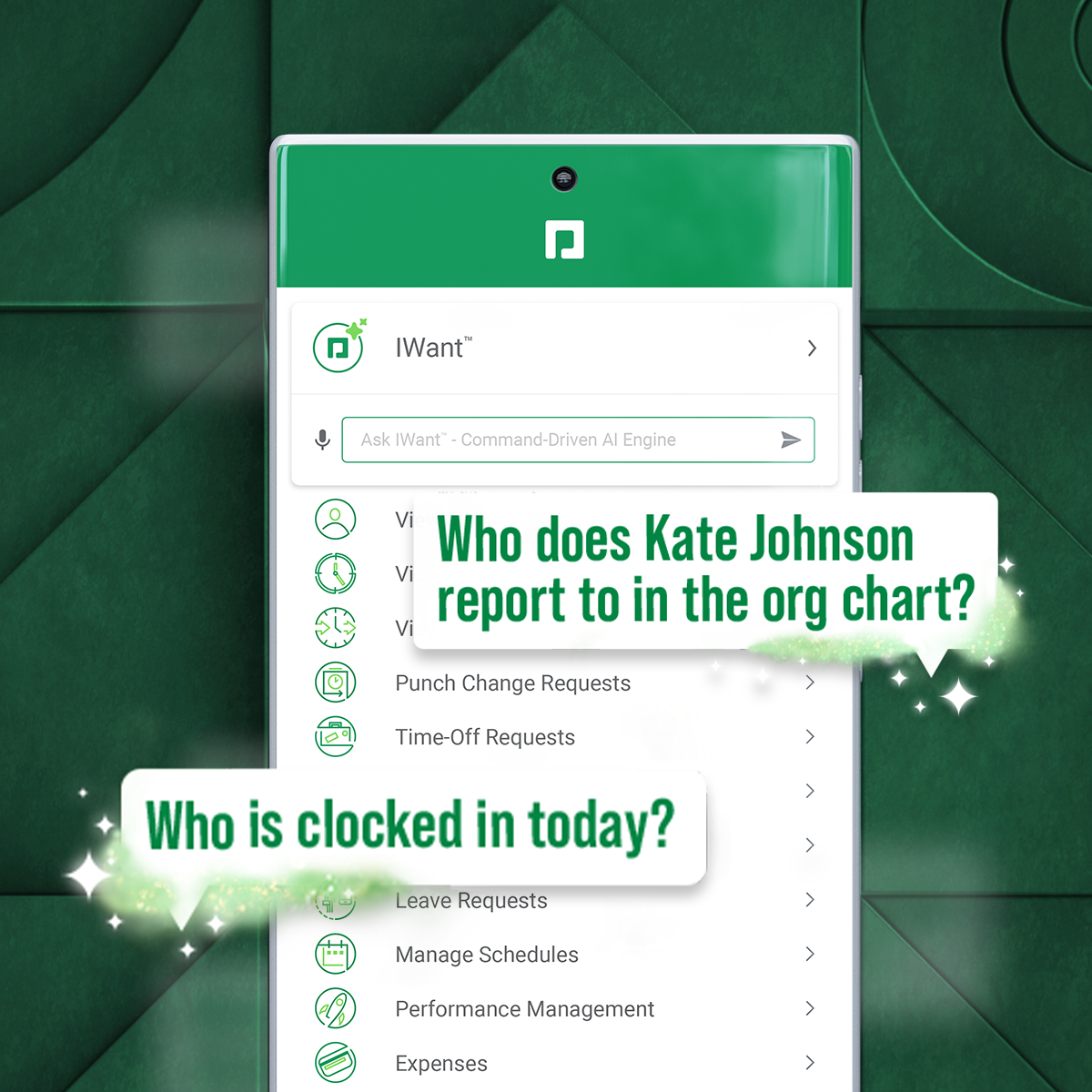
Paycom supports HR and payroll with automated, employee-first technology that supports every stage of employment. Its single database enables seamless data management, to reduce errors, endless data entry and time-consuming administrative tasks.
N/A
Pricing
LearnUpon
Paycom
Editions & Modules
No answers on this topic
No answers on this topic
Offerings
Pricing Offerings
LearnUpon
Paycom
Free Trial
Yes
No
Free/Freemium Version
No
No
Premium Consulting/Integration Services
No
No
Entry-level Setup Fee
No setup fee
No setup fee
Additional Details
LearnUpon offers a standard SaaS subscription model, consisting of several price bands. Each price band includes a set number of MAUs or ‘Monthly Active Users’. Plans vary by feature and customer support priority.
As the first step in a partnership with LearnUpon, a LearnUpon Account Executive (AE) will listen to any requirements to ensure the use case is a good fit, and recommend a LearnUpon plan to fit the specific usage, feature, and support requirements.
With regard to course construction and design, I think LearnUpon excels in many areas. There tends to be a bit of a learning curve for new users, but the dashboard interface and finding courses that a student has enrolled in is pretty quickly resolved, and it is very convenient to house materials in LearnUpon and ensure that students are able to access them, rather than having to rely on printing materials and/or manually distributing documents through emails or some other digital means (DropBox, Drive, Hightail, etc.). It is, for all intents and purposes a Learning Management System, and is intended to manage and track students' coursework and learning. I will say though, that in terms of record-keeping, is an area where it falters. Finding and maintaining receipts of orders placed through the storefront is not convenient from an administrative standpoint. Processing a refund for a student if we cancel a class, that was an enrollment transferred from a previous class, is clunky. Guaranteeing that members are able to purchase course enrollments under their specific price tier, while at the same time preventing non-members from doing so, is not convenient and not something that is easily fixable. Currently, new users can only [default] to either members OR non-members, and that classification has to be manually adjusted. Given that some organizations can run into above 10,000 members, this is an obvious challenge.
It's very mobile friendly, especially for people that aren't tech savvy. We have an aged workforce where we were really concerned about how they would adapt, going from the comfort of using paper to a mobile and online application. But the training was really easy and the adaptation has been simple for us as a company.
LearnUpon has EXCELLENT support. I have always been quickly and effectively taken care of whenever I had a problem (the majority of the "problems" were simply my perception; turned out not to be problems at all).
LearnUpon has a simple, intuitive interface that works and rarely causes problems. Obviously, they heavily user-tested the interface before implementing. Too many LMSes do not do this and the interfaces which have been designed by software nerds are super hard to navigate.
LearnUpon has lots of features packed into one system. You can host multiple "portals" for different audiences, you can have learning paths, you can upload videos and documents of all kinds. It just works and is not limiting.
LearnUpon has an EXCELLENT test creation/implementation feature which I have not seen in any other LMS I have used.
I think that it's just really user friendly on both sides, the employer and the employee side. I think from the employer side, once you get a niche of it and how it works, it's really easy to troubleshoot on your own. At least from my experience, you rarely have to call your contact because it's just so easy to try to figure out on your own. And on the employee side, I feel like the fact that we get to see what employees see, but before we put anything out really helps us help them if they are running into any issues. But typically when we do send something out, we just did our performance reviews, no issues whatsoever. It kind of takes you step by step. I feel like it just does a really good job of seamlessly taking people step by step in every process throughout whatever they're doing in Paycom.
No integration with a payment gateway that shows in a students account what courses they have purchased at what price.
There is some confusion on when registering for the LMS that only a username and password need to be supplied, it does not require a first and last name.
Limited function of coupon codes, too many restrictions make us come up with work around in order to utilize coupons.
They ability to group students by the course type they are selecting not just custom data fields.
We wish that Paycom would offer more hands-on help. A lot of our specialist is great in helping us to resolve whatever issues that we have. However, it's just a list of steps to get there. It's not necessarily like, "hey, here you go, here's the resolution to your problem." So if we don't already understand how to do something, providing steps doesn't necessarily clear that understanding up or provide any clarification.
Additionally, I find that for our organization in particular, we have specific niches within it that Paycom doesn't really address or has any solution on how to address it. It just remains unresolved to this day and we continue to have errors in that area.
Because it has everything that we need and as we grow, we are learning how robust Paycom can actually be but we need to be willing to spend the money. It's not expensive but we, as a company, are not used to spending that much on a system for HR and payroll.
The interface is very intuitive, you can navigate it pretty well. Everything's pretty much spelled out and the features just flow really well. They make it easy for you to go back and forth with the UX/UI type of interface. So I think it was built pretty well.
Our TSR has been wonderful to work with. Every step of the way he was quick to respond and answer any questions we had. I knew I could reach him at any time (day or night) and he would be available to assist. Implementing a new HRIS system is obviously a huge task and I contribute all our success to our rep Kurt! Of course, with any implementation, there were bumps along the way and issues. But I always knew we would work as a team to get those issues figured out. Working in the Paycom system has been smooth and easy to learn and I enjoy the employee self-service interface. Our managers have had positive things to say and are all excited about the changes we have been able to make to our organization due to Paycom being implemented.
It was good, but hard to know what questions you need to ask until you actually get in there and start working with a live product. But Paycom is also very helpful every time I call and can't figure something out. Nathan has been very friendly and helpful no matter what I call him about. He is always eager to help out.
Not at all satisfied it was a nightmare we spent over 8 months with the implementation team having issues after issues all related to the Puerto Rico regulations (half my employees are in Puerto Rico) and at the end we were moved over from the implementation team to the production team without all the issues being resolved
You cannot publicly post badges from LU which you can with Credly. That would be a nice feature. LU is a much nicer interface than both SumTotal and YourMembership/Crowdwisdom. However, course searchability was much easier in your membership. Course creation is much easier in LU. From an administration perspective, I think LU is easier to use, including standard reporting. Your membership has a much better self-assessment product than LearnUpon. You can rank your confidence when answering questions. You can also do more robust mapping
We really only had Paychecks and that was our biggest problem is that with several different companies, it was very hard If you had a salary employee and didn't terminate them in the prior company, they get paid twice, so this has really been definitely a big help for us.
LearnUpon helped us significantly reduce the cost of travel and lodging for staff and trainers who would previously have had to travel to participate in learning.
LearnUpon helped introduce our organization to the concept of online learning and asynchronous study.
LearnUpon helps us improve our staff's technological literacy by giving them a friendly and inviting system to learn from independently.
I would think the most time would come from applicant tracking and I don't think that's a Paycom issue necessarily. I think it was a training issue during implementation. I would say that that has improved now that we had onsite training. But initially the applicant tracking piece can be difficult when you're used to just using an ATS. That's specifically for talent acquisition because there's a lot of nuances that goes into the system that Paycom bills.