
Laserfiche vs. UiPath Integration Service
| Product | Rating | Most Used By | Product Summary | Starting Price |
|---|---|---|---|---|
 Laserfiche | Score8.3 out of 10 | N/A | Laserfiche has two main editions: Rio and Avante: Laserfiche Rio is designed to meet the needs of large organizations that have more than 100 users. It combines content management functionality with business process management (BPM), security and auditing, unlimited servers and a thin-client interface. Add-ons include records management functionality, public Web portals and production-level document capture and processing. Laserfiche Avante is an ECM suite for small to medium organizations with… | $540 per year per user |
 UiPath Integration Service | Score5 out of 10 | N/A | UiPath Integration Service (including technology from Cloud Elements, following UiPath's acquisition of the company in 2021) is a cloud API integration service that uses cooperative apps to connect an organization’s customers, partners and employees to the cloud services they use. The vendor says that by using their pre-built elements, their one-to-many approach connects applications with services, each through a single API. The organization’s app can instantly share data with other applications… | N/A |
| Laserfiche | UiPath Integration Service | |||||||||||||||
|---|---|---|---|---|---|---|---|---|---|---|---|---|---|---|---|---|
| Editions & Modules |
| No answers on this topic | ||||||||||||||
| Offerings |
| |||||||||||||||
| Entry-level Setup Fee | No setup fee | No setup fee | ||||||||||||||
| Additional Details | — | — | ||||||||||||||
| More Pricing Information | ||||||||||||||||
| Laserfiche | UiPath Integration Service | |
|---|---|---|
| Considered Both Products | No answer on this topic | No answer on this topic |
| Key User Insights | ||
| Would buy again | ||
88% Would buy again 14 Answers | No answers on this topic | |
| Delivers good value for the price | ||
100% Delivers good value for the price 15 Answers | No answers on this topic | |
| Happy with the feature set | ||
88% Happy with the feature set 14 Answers | No answers on this topic | |
| Lived up to sales and marketing promises | ||
78% Lived up to sales and marketing promises 7 Answers | No answers on this topic | |
| Implementation went as expected | ||
100% Implementation went as expected 10 Answers | No answers on this topic | |
| Laserfiche | UiPath Integration Service | ||||||||||||||||||||||||||||||||||||||||
|---|---|---|---|---|---|---|---|---|---|---|---|---|---|---|---|---|---|---|---|---|---|---|---|---|---|---|---|---|---|---|---|---|---|---|---|---|---|---|---|---|---|
| Enterprise Content Management |
| ||||||||||||||||||||||||||||||||||||||||
| Laserfiche | UiPath Integration Service | |
|---|---|---|
| Small Businesses |  Dashpivot - By Sitemate Score9.1 out of 10 |  Make Score8.9 out of 10 |
| Medium-sized Companies |  Epicor ECM Score5.6 out of 10 |  IBM App Connect Score9.5 out of 10 |
| Enterprises |  OpenText Content Suite Platform Score7.1 out of 10 | IBM App Connect Score9.5 out of 10 |
| All Alternatives | View all alternatives | View all alternatives |
| Laserfiche | UiPath Integration Service | |
|---|---|---|
| Likelihood to Recommend | 8.5 | 8.6 |
| Likelihood to Renew | 8.6 | - |
| Usability | 9.0 | - |
| Availability | 10.0 | - |
| Performance | 9.0 | - |
| Support Rating | 9.4 | - |
| Online Training | 10.0 | - |
| Ease of integration | 8.0 | - |
| Laserfiche | UiPath Integration Service | |
|---|---|---|
| Likelihood to Recommend |
|
|
| Pros |
|
|
| Cons |
|
|
| Likelihood to Renew |
| No answers on this topic |
| Usability |
| No answers on this topic |
| Reliability and Availability |
| No answers on this topic |
| Performance |
| No answers on this topic |
| Support Rating |
| No answers on this topic |
| Online Training |
| No answers on this topic |
| Alternatives Considered |
|
|
| Return on Investment |
|
|
| ScreenShots | Laserfiche Screenshots   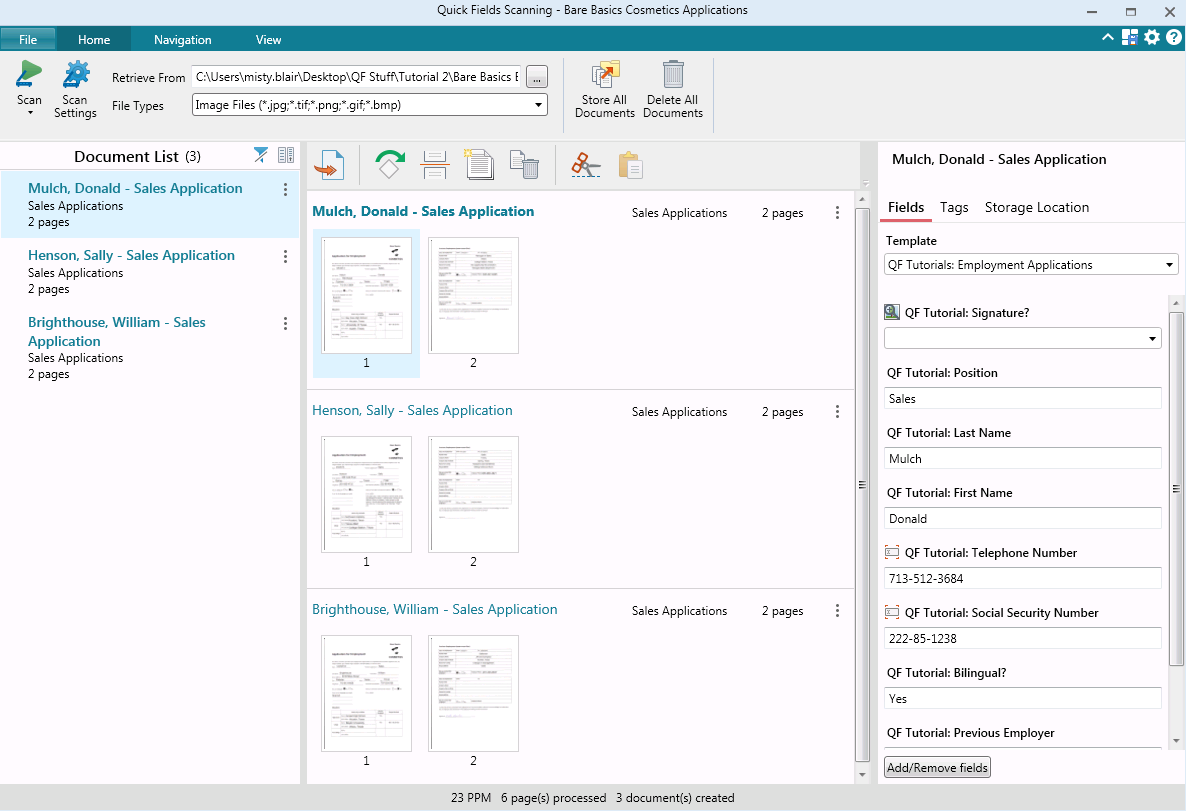  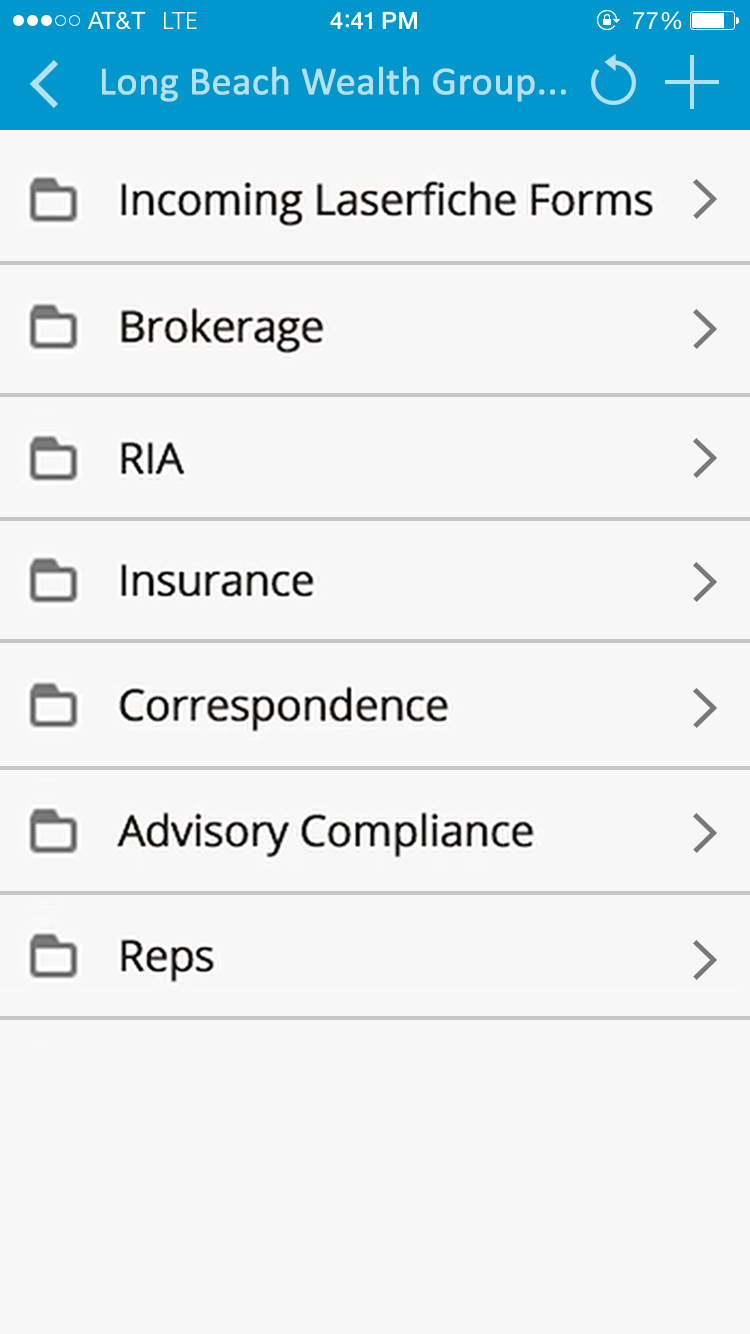 |


