
Klippa vs. Laserfiche
Klippa vs. Laserfiche
| Product | Rating | Most Used By | Product Summary | Starting Price |
|---|---|---|---|---|
 Klippa | N/A | Klippa is a cloud-based accounting solution that helps small to large enterprises manage expenses and process digital receipts or invoices. It comes with a centralized dashboard, which enables users to gain insights into the business expenses of employees or projects using actionable metrics and generate real-time reports. Klippa allows organizations to automatically detect fraud in financial transactions and approve/reject expenses submitted by employees, streamlining business… | $2.49 per user, per month | |
 Laserfiche | N/A | Laserfiche has two main editions: Rio and Avante: Laserfiche Rio is designed to meet the needs of large organizations that have more than 100 users. It combines content management functionality with business process management (BPM), security and auditing, unlimited servers and a thin-client interface. Add-ons include records management functionality, public Web portals and production-level document capture and processing. Laserfiche Avante is an ECM suite for small to medium organizations with… | $540 per year per user |
| Klippa | Laserfiche | |||||||||||||||
|---|---|---|---|---|---|---|---|---|---|---|---|---|---|---|---|---|
| Editions & Modules |
|
| ||||||||||||||
| Offerings |
| |||||||||||||||
| Entry-level Setup Fee | Required | No setup fee | ||||||||||||||
| Additional Details | The Premium contains all of the features: Submit through app, website and e-mail Stored in the cloud with 10 years retention Use categories, cost centers and tags Reimburse travel expenses with the Google Maps integration Approval through various authorization flows Integration with your accounting system or ERP Chat, mail, and phone support Text recognition (OCR) Dedicated account manager Automatic fraud detection Match creditcard statements automatically Custom connections and integrations | — | ||||||||||||||
| More Pricing Information | ||||||||||||||||
| Klippa | Laserfiche |
|---|
| Klippa | Laserfiche | |||||||||||||||||||||||||||||||||||||||
|---|---|---|---|---|---|---|---|---|---|---|---|---|---|---|---|---|---|---|---|---|---|---|---|---|---|---|---|---|---|---|---|---|---|---|---|---|---|---|---|---|
| Enterprise Content Management |
|
| Klippa | Laserfiche | |
|---|---|---|
| Small Businesses |  Square 9 Softworks Score 9.5 out of 10 | Square 9 Softworks Score 9.5 out of 10 |
| Medium-sized Companies | Square 9 Softworks Score 9.5 out of 10 |  MediaValet Score 9.1 out of 10 |
| Enterprises |  IBM Cloud Pak for Business Automation Score 9.0 out of 10 | MediaValet Score 9.1 out of 10 |
| All Alternatives | View all alternatives | View all alternatives |
| Klippa | Laserfiche | |
|---|---|---|
| Likelihood to Recommend | 8.0 (0 ratings) | 8.5 (0 ratings) |
| Likelihood to Renew | - (0 ratings) | 8.6 (0 ratings) |
| Usability | - (0 ratings) | 9.0 (0 ratings) |
| Availability | - (0 ratings) | 10.0 (0 ratings) |
| Performance | - (0 ratings) | 9.0 (0 ratings) |
| Support Rating | - (0 ratings) | 9.4 (0 ratings) |
| Online Training | - (0 ratings) | 10.0 (0 ratings) |
| Ease of integration | - (0 ratings) | 8.0 (0 ratings) |
| Klippa | Laserfiche | |
|---|---|---|
| Likelihood to Recommend | 
| 
 Angela Jordan Dept. Head Secretary for Building & Planning |
| Pros |
|
 Glen Murie Laserfiche Application Specialist |
| Cons |
|
 Mark Ellickson Senior Account Manager |
| Likelihood to Renew | No answers on this topic |
 Judy Nie Finance Clerk |
| Usability | No answers on this topic |
 Ramsey Oklah Lead Solutions Architect |
| Reliability and Availability | No answers on this topic |
 Tim Nolan Sr Application Manager |
| Performance | No answers on this topic |
|
| Support Rating | No answers on this topic |
 Alexa Siebert Records Management Technician, Public Works and Utilities |
| Online Training | No answers on this topic |
 Sheree Montgomery Facilities Plans Coordinator/Laserfiche Administrator |
| Alternatives Considered |
|
 Stephen Green Accreditation Manager |
| Return on Investment |
|
|
| ScreenShots | Klippa Screenshots      | Laserfiche Screenshots   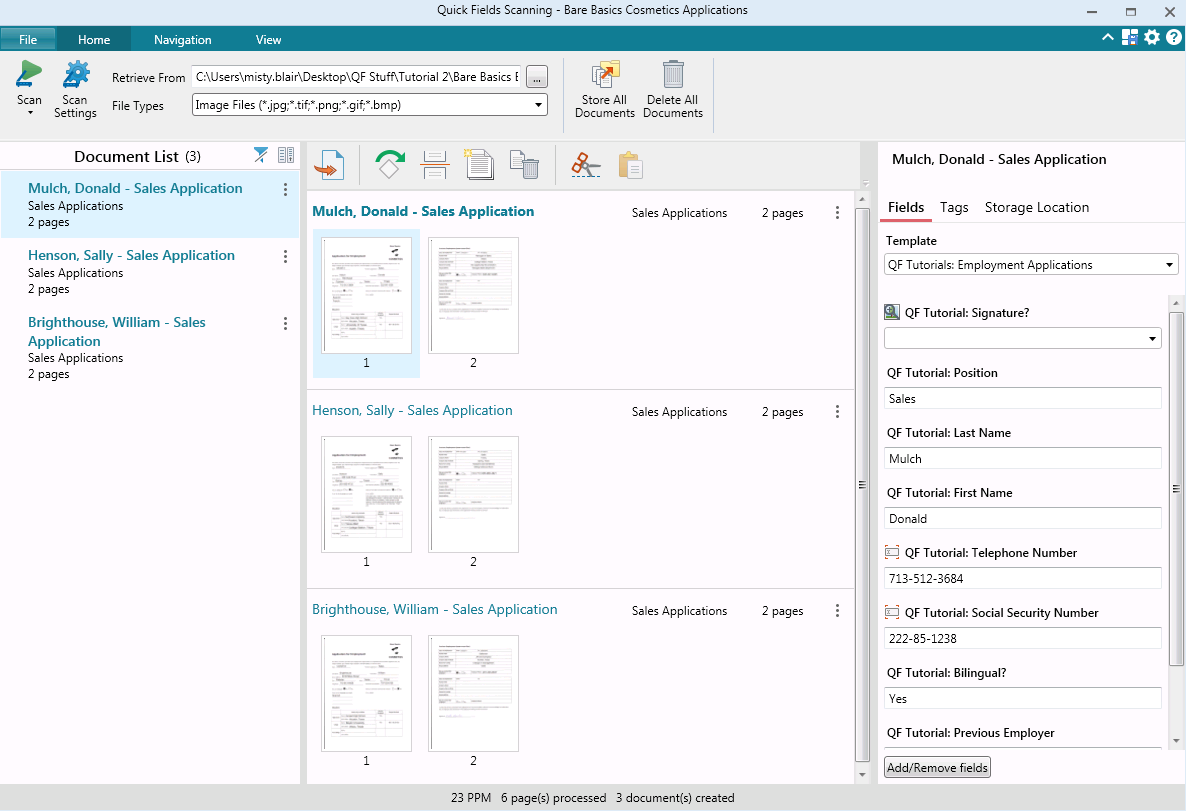  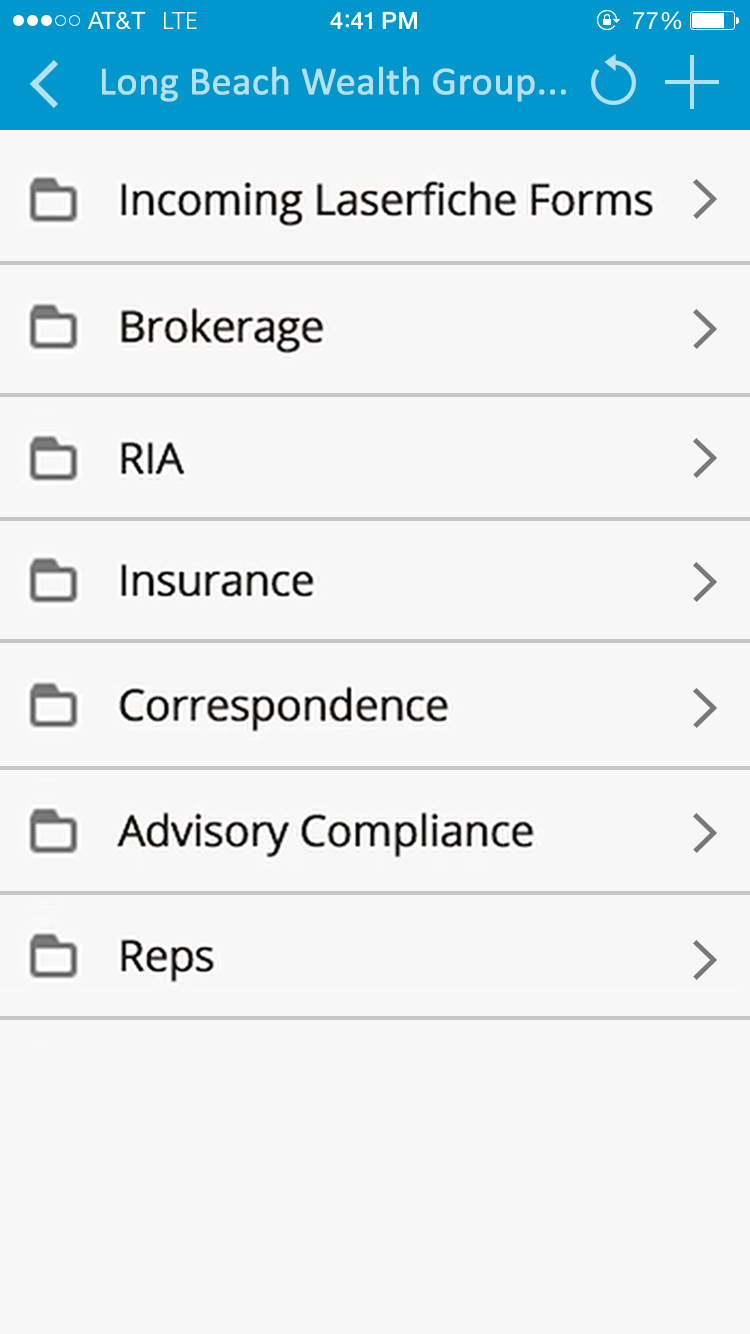 |