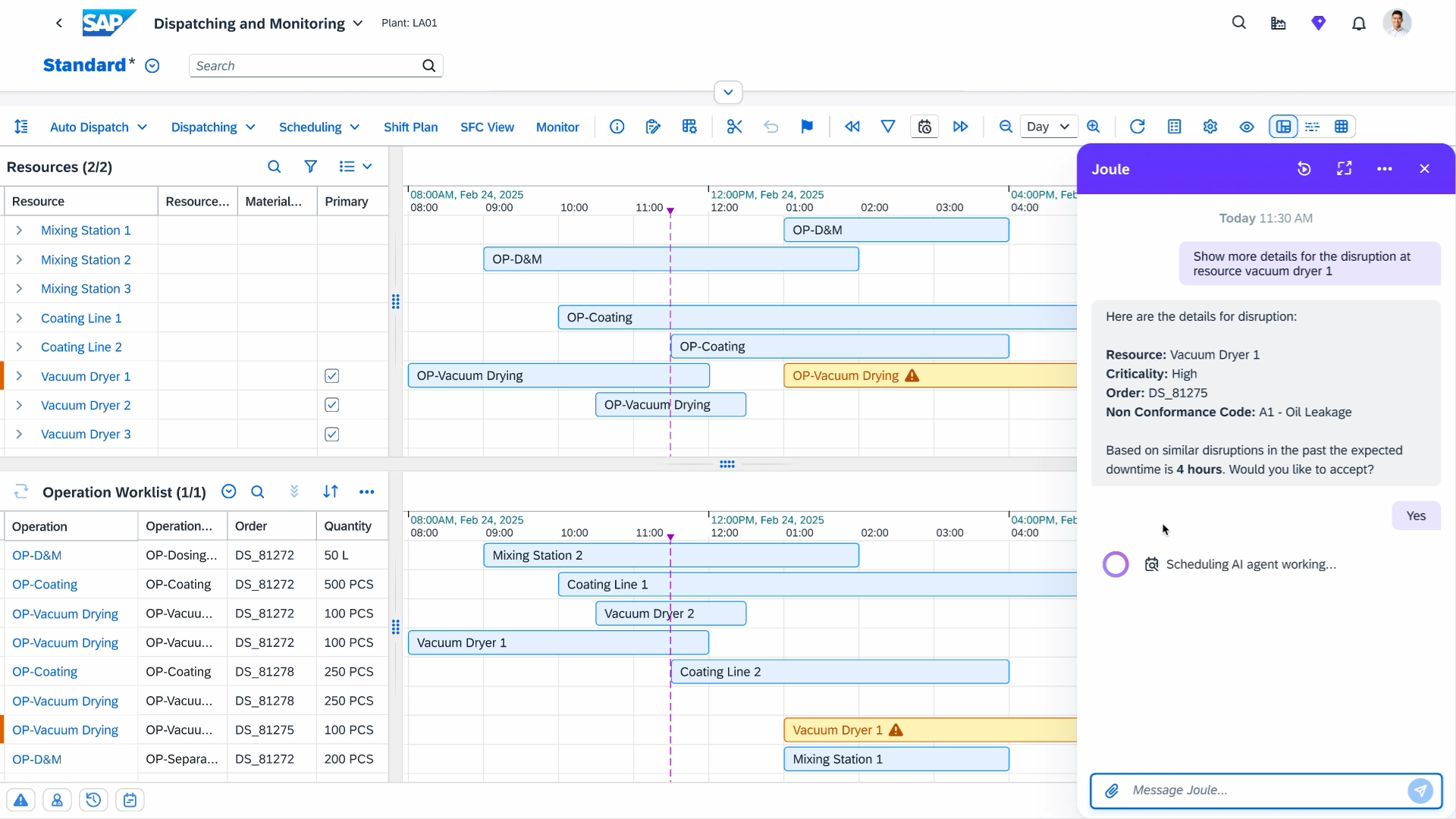
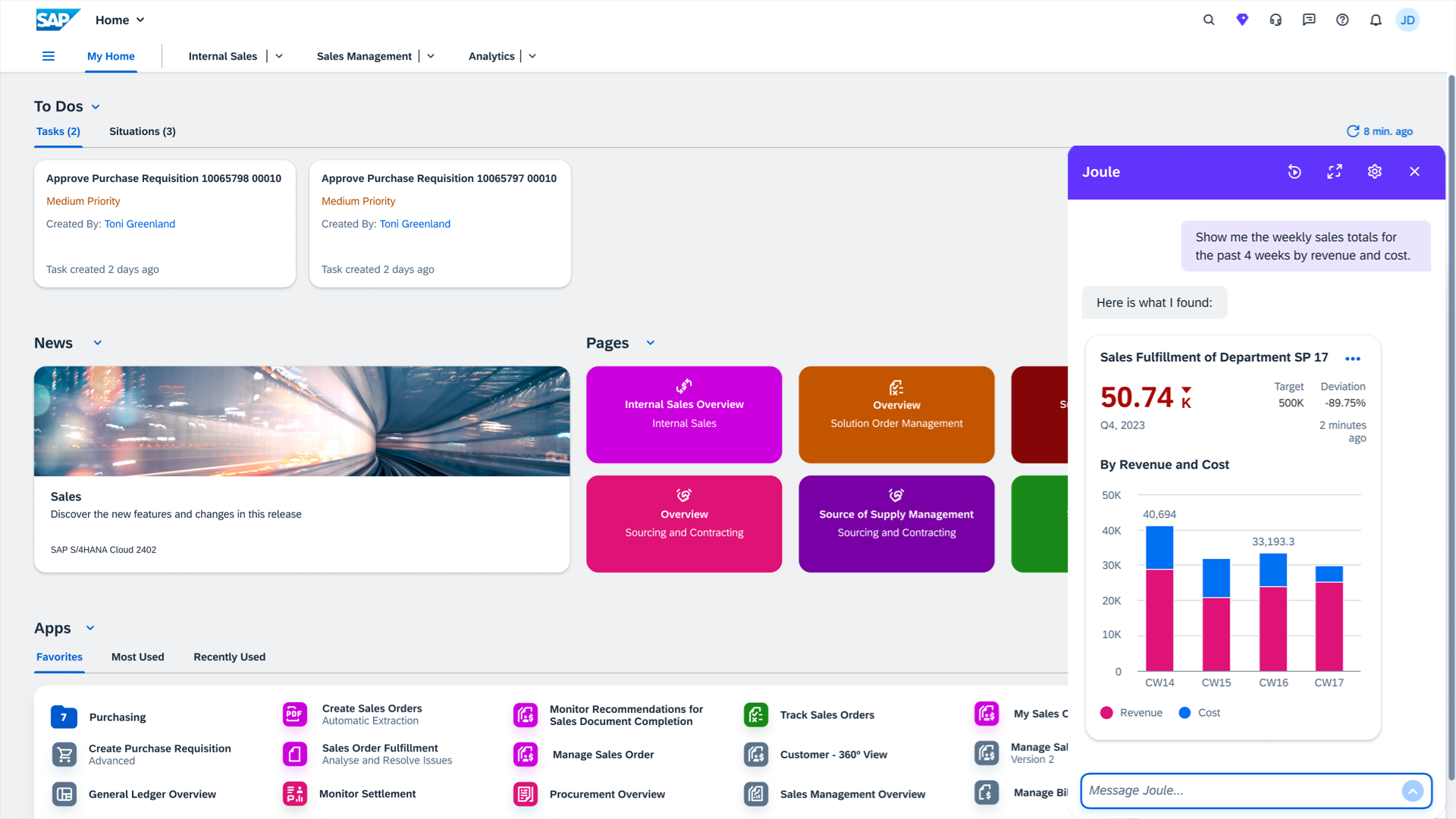
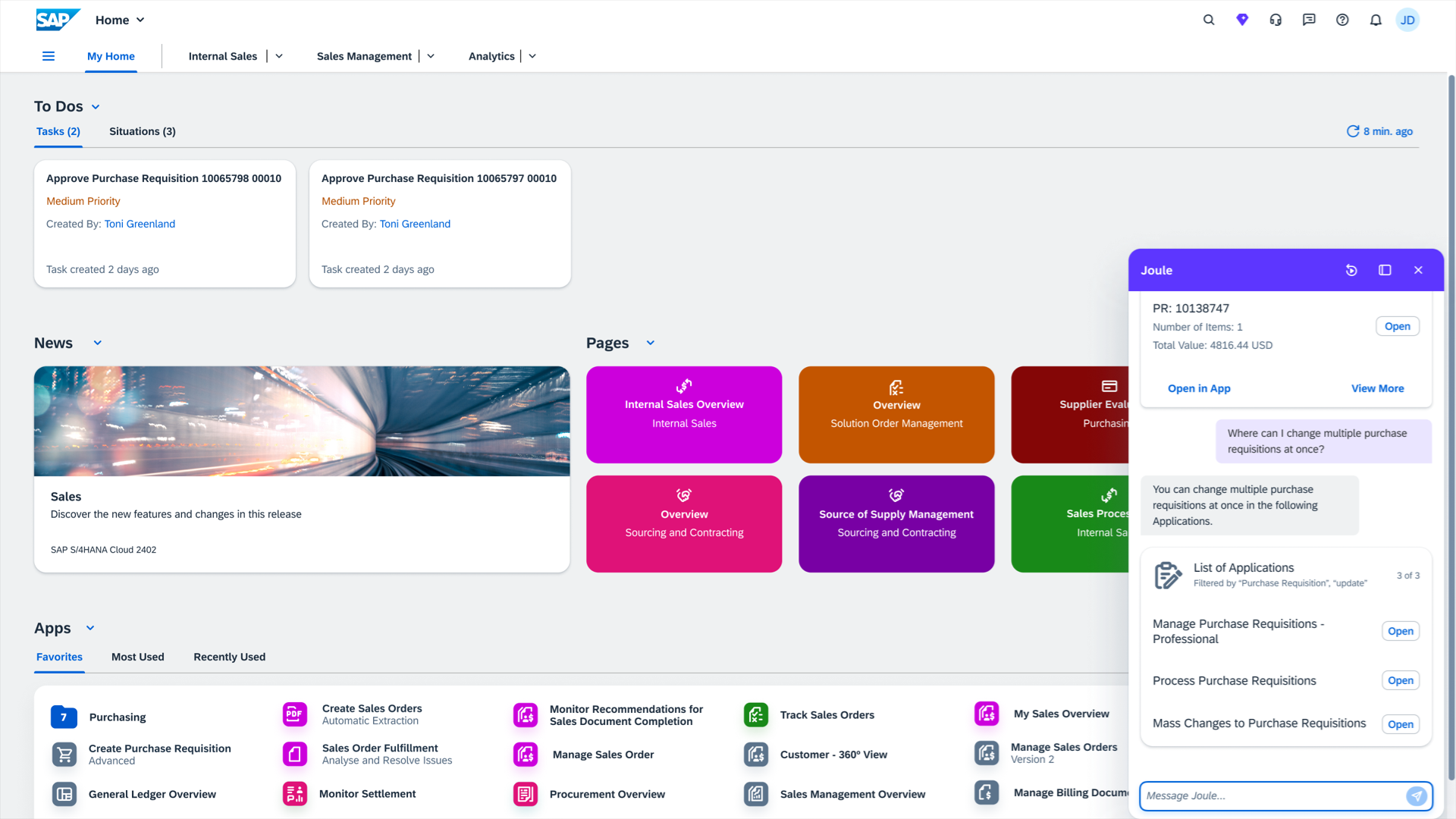
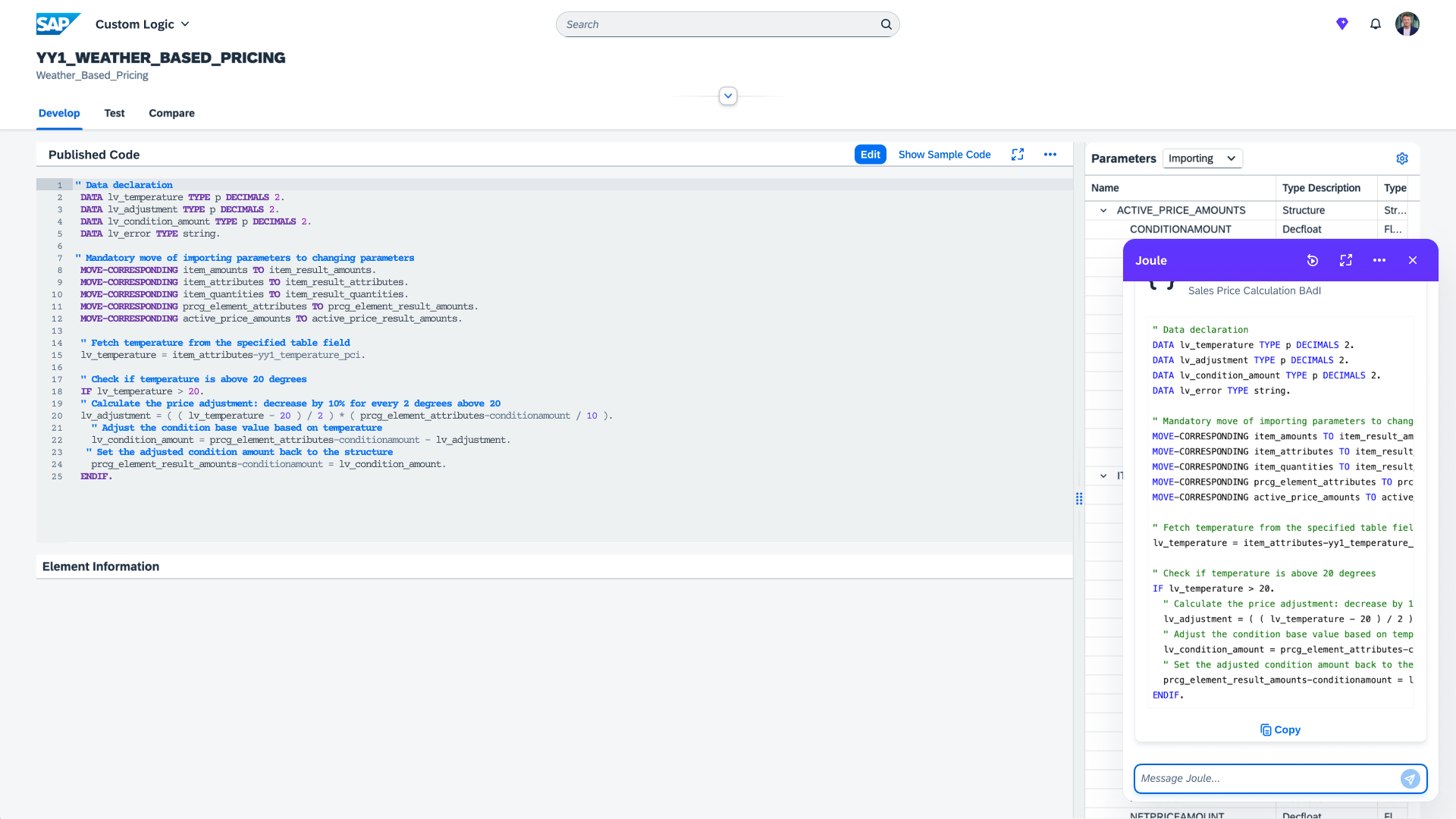
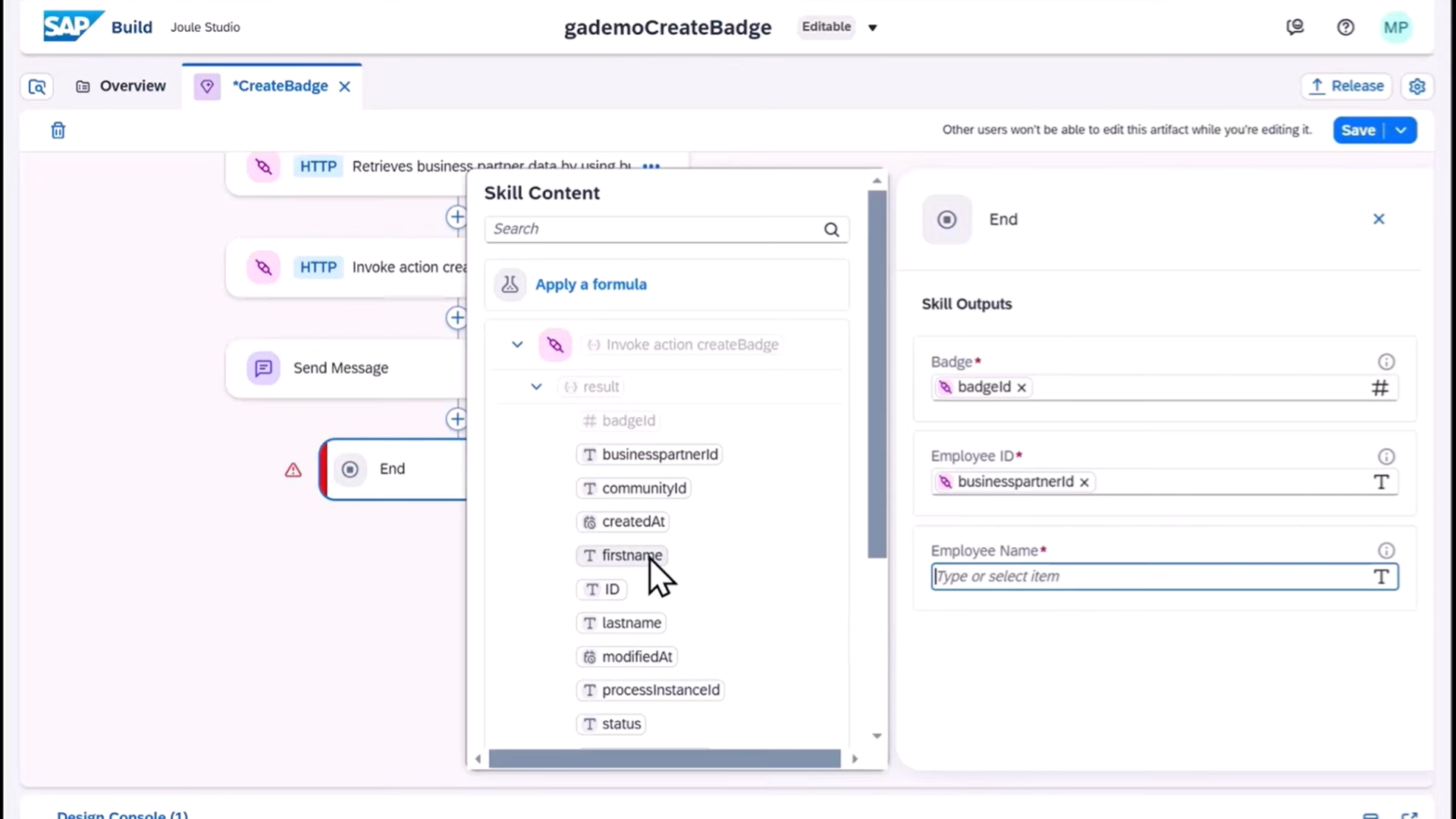
Joule is an AI copilot that’s grounded in an organization's business data and infused with AI agents. It proactively assists employees in every cloud application they use while automating complex processes.
N/A
Microsoft 365 Copilot
Score8.8 out of 10
N/A
For enterprises, Microsoft 365 Copilot (or just Microsoft Copilot) is a generative AI operating as an intelligent virtual assistant for work. Through a chat interface, business users can use it to solve a variety of complex tasks.
$31.50
per month per user
Pricing
Joule
Microsoft 365 Copilot
Editions & Modules
No answers on this topic
Microsoft Copilot
$31.50
per month per user
Offerings
Pricing Offerings
Joule
Microsoft 365 Copilot
Free Trial
No
No
Free/Freemium Version
Yes
Yes
Premium Consulting/Integration Services
Yes
No
Entry-level Setup Fee
No setup fee
No setup fee
Additional Details
Joule Base
Joule Base is a no-cost entitlement of SAP cloud products that enables teams to navigate SAP systems more easily, find the right information more quickly, and complete everyday tasks faster.
Joule Premium
Joule Premium extends Joule Base with more powerful AI, including advanced Joule skills, premium embedded AI scenarios, and Joule Agents. Joule Premium capabilities are accessed through the purchase of AI units. Visit the pricing page linked above to learn more about Joule Premium capabilities.
Pricing shown is based on an annual commitment. Discount available for annual payment.
More Pricing Information
Community Pulse
Joule
Microsoft 365 Copilot
Considered Both Products
SAP
No answer on this topic
Microsoft
Verified User
Chose Microsoft 365 Copilot
Our organization runs on Microsoft so it's not much of a choice, but we do utilize the other AIs in the other tools as needed / more convenient.
A de minimis incentive was given to thank the reviewer for their time. The incentive was not used to bias or drive a particular response, nor was the incentive contingent on a positive endorsement. TR verified that a representative sample of customers was invited. More Info
In our line of work, we need access to specific answers to specific questions daily in an ever-changing environment. We have all the data at our fingertips but it is difficult in a very short amount of preparation time to find the right data points. Joule will change the game for us in terms of match preparation, analysis of communication, detection of patterns and more. Joule is not (yet) suited for strategic decision making but can give elements that we can use to do that
A de minimis incentive was given to thank the reviewer for their time. The incentive was not used to bias or drive a particular response, nor was the incentive contingent on a positive endorsement. More Info
I highly recommend its usage in Teams meetings to prepare a session transcript, meeting minutes, next steps and recognize speech by person. Also within the meeting recording, there is separation between the people talking at the time. The Copilot image creation is very accurate and useful to customize my PowerPoint presentations and other documents
A de minimis incentive was given to thank the reviewer for their time. The incentive was not used to bias or drive a particular response, nor was the incentive contingent on a positive endorsement. More Info
A de minimis incentive was given to thank the reviewer for their time. The incentive was not used to bias or drive a particular response, nor was the incentive contingent on a positive endorsement. More Info
A de minimis incentive was given to thank the reviewer for their time. The incentive was not used to bias or drive a particular response, nor was the incentive contingent on a positive endorsement. TR verified that a representative sample of customers was invited. More Info
A de minimis incentive was given to thank the reviewer for their time. The incentive was not used to bias or drive a particular response, nor was the incentive contingent on a positive endorsement. More Info
The quality of image generation in Microsoft Copilot could be improved. Compared to other AI platforms, Copilot's images often fall short in quality and frequently contain typos.
When generating agents and chatbots, Microsoft Copilot currently doesn't appear to support file download functionality.
The email reply function is useful, but the responses can sometimes be overly elaborate. It would be helpful to have more options for adjusting the tone.
A de minimis incentive was given to thank the reviewer for their time. The incentive was not used to bias or drive a particular response, nor was the incentive contingent on a positive endorsement. More Info
A de minimis incentive was given to thank the reviewer for their time. The incentive was not used to bias or drive a particular response, nor was the incentive contingent on a positive endorsement. More Info
Joule has excellent potential and SAP right step towards AI solution. All the great offerings from Joule are very useful. We are waiting for the Joule to support more AI functionality, provide support to custom developments, help in the customer specific scenarios. Availability on our environment is very important for us.
A de minimis incentive was given to thank the reviewer for their time. The incentive was not used to bias or drive a particular response, nor was the incentive contingent on a positive endorsement. TR verified that a representative sample of customers was invited. More Info
it is nearly perfect and it’s usability one of the main factors and contributing to the score is how versatile this tool is. it is vastly usable in a multitude of circumstances, and has a few limitations, but overall this product works well for what it is intended. It is very helpful for some otherwise time consuming tasks.
Agent force is tied into Salesforce dot com directly. Since we are using SAP, it was a no brainer to use Joule rather than something like Agent force or Einstein. On top of that, Joule just seemed like a better product overall with better functionality. This is why we chose to use Joule over the competition.
A de minimis incentive was given to thank the reviewer for their time. The incentive was not used to bias or drive a particular response, nor was the incentive contingent on a positive endorsement. More Info
I think It lost the race for now. I don't think Microsoft will keep investing on it since we have better tools outside their environment. In my opinion, Microsoft Copilot is not even in the benchmark tools and in the race for AGI. I think Microsoft is way behind and Microsoft Copilot suffered the lack of investment like the one made by its competitors.
A de minimis incentive was given to thank the reviewer for their time. The incentive was not used to bias or drive a particular response, nor was the incentive contingent on a positive endorsement. TR verified that a representative sample of customers was invited. More Info
A de minimis incentive was given to thank the reviewer for their time. The incentive was not used to bias or drive a particular response, nor was the incentive contingent on a positive endorsement. More Info
Copilot has had a huge positive impact on my productivity. My job requires a lot of author and customer interaction, so since I use Copilot, I dont need to spend hours in my workday answering emails.
Copilot has also helped with my data analysis skills. I use the data analysis to create proposals and I have noticed a significant increase in project approvals after I have started using Copilot.
One of the business objectives of my company is to create high quality education resources. Since Copilot is integrated across platforms and departments in all office locations across the world, it has helped streamline operations in my company. This has definitely supported in achieving this objective.
A de minimis incentive was given to thank the reviewer for their time. The incentive was not used to bias or drive a particular response, nor was the incentive contingent on a positive endorsement. More Info