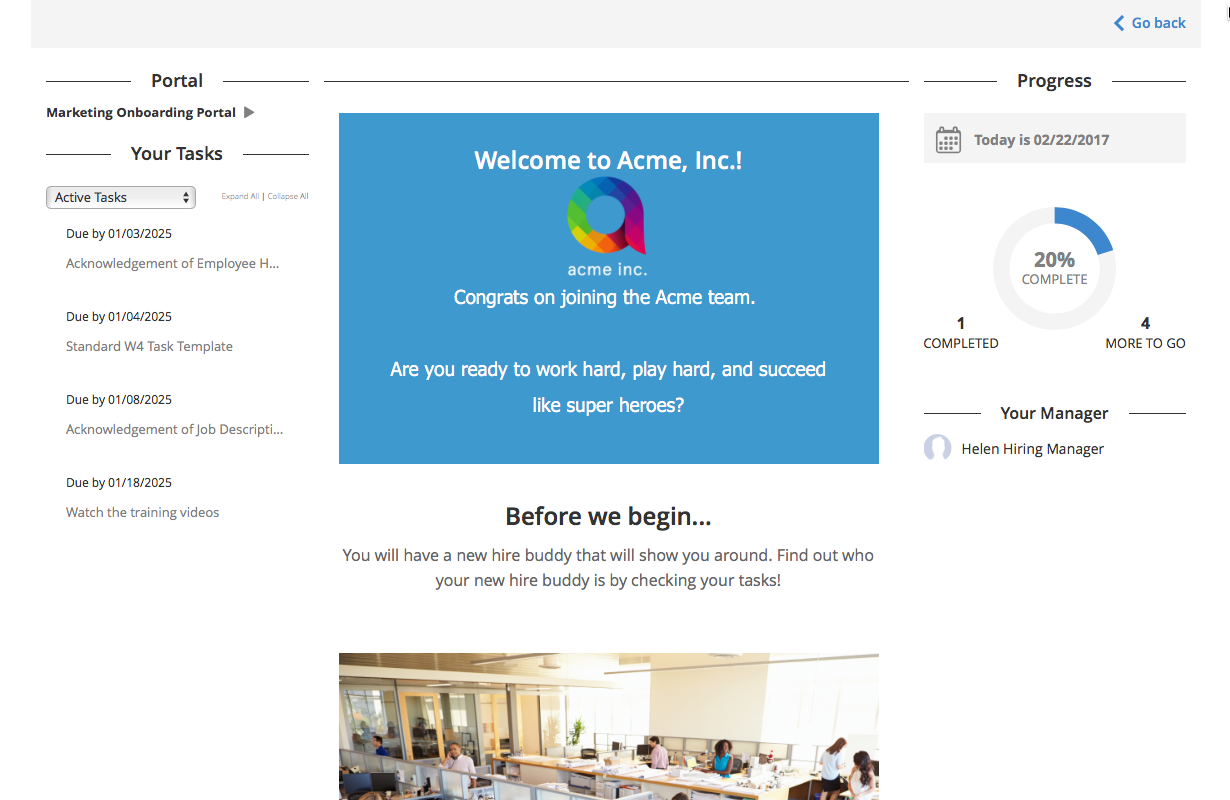
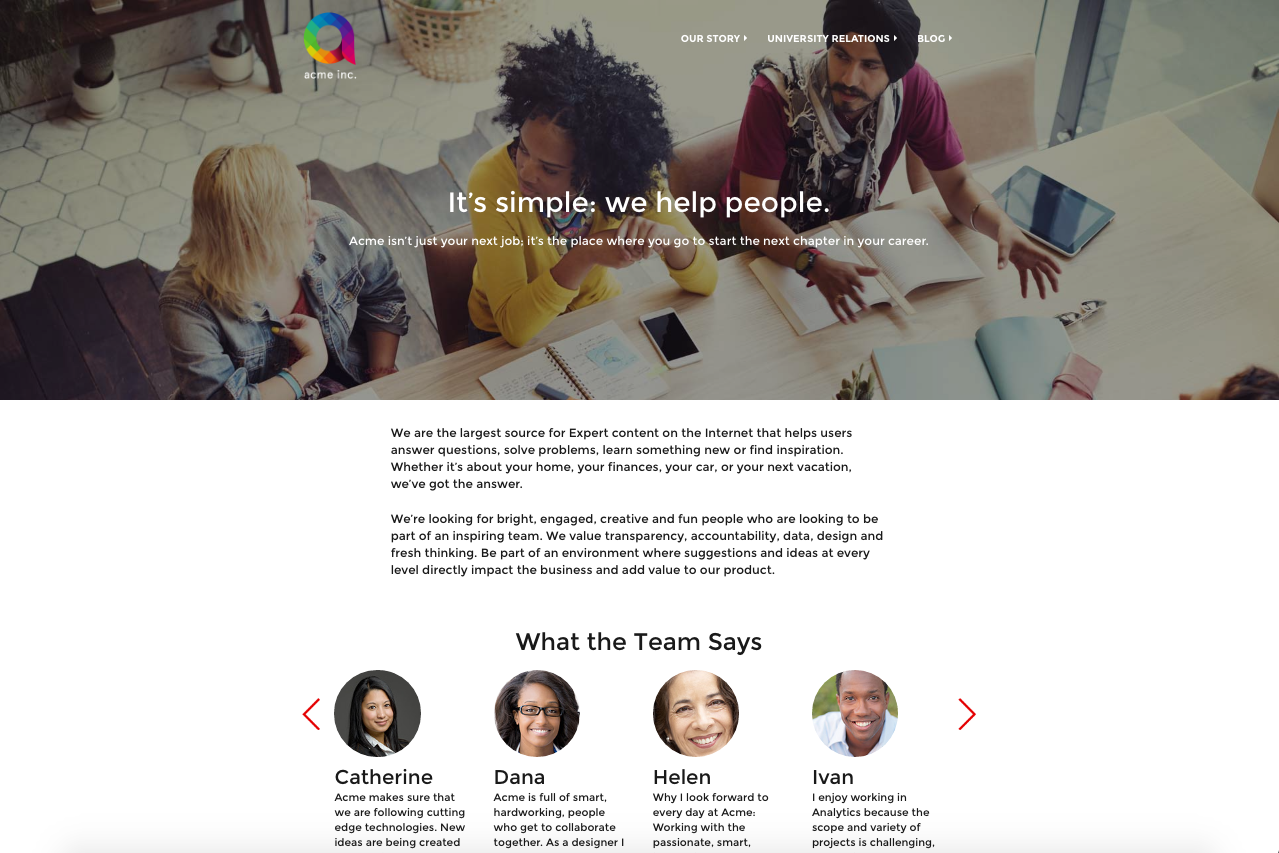
Jobvite is a full recruiting platform. It provides features across the recruiting funnel - from sourcing and managing candidates via CRM and managing workflows to communicating with hiring managers and reporting through custom dashboards and reports.
N/A
Jotform
Score 8.5 out of 10
N/A
Jotform Enterprise is a digital workspace productivity tool that provides a platform for organizations. The aim of Jotform Enterprise is to give companies an easy-to-navigate tool that makes reaching out to customers, collaborating with coworkers, and collecting e-signatures and data a more seamless process. Jotform Enterprise strives to enable companies to make data-driven decisions without compromising when it comes to quality and security. It doesn’t matter what type of…
$0
Pricing
Jobvite
Jotform
Editions & Modules
No answers on this topic
Free
$0.00
Bronze
$34.00
Monthly
Silver
$39.00
Monthly
Gold
$99.00
Monthly
Enterprise
Custom
Offerings
Pricing Offerings
Jobvite
Jotform
Free Trial
No
Yes
Free/Freemium Version
No
Yes
Premium Consulting/Integration Services
No
No
Entry-level Setup Fee
No setup fee
No setup fee
Additional Details
—
—
More Pricing Information
Community Pulse
Jobvite
Jotform
Features
Jobvite
Jotform
Recruiting / ATS
Comparison of Recruiting / ATS features of Product A and Product B
Jobvite
8.6
Ratings
7% above category average
Jotform
-
Ratings
Job Requisition Management
8.60 Ratings
00 Ratings
Company Website Posting
8.00 Ratings
00 Ratings
Publish to Social Media
9.70 Ratings
00 Ratings
Job Search Site Posting
9.70 Ratings
00 Ratings
Customized Application Form
9.00 Ratings
00 Ratings
Resume Management
8.50 Ratings
00 Ratings
Duplicate Candidate Prevention
5.90 Ratings
00 Ratings
Candidate Search
7.90 Ratings
00 Ratings
Applicant Tracking
9.50 Ratings
00 Ratings
Collaboration
8.00 Ratings
00 Ratings
Task Creation and Delegation
6.50 Ratings
00 Ratings
Email Templates
9.60 Ratings
00 Ratings
User Permissions
9.90 Ratings
00 Ratings
Notifications and Alerts
9.90 Ratings
00 Ratings
Reporting
7.60 Ratings
00 Ratings
Survey Format & Appearance
Comparison of Survey Format & Appearance features of Product A and Product B
Jobvite
-
Ratings
Jotform
8.0
Ratings
0% above category average
Survey templates
00 Ratings
8.60 Ratings
Themes
00 Ratings
7.40 Ratings
Custom logo/branding
00 Ratings
8.10 Ratings
Survey Content
Comparison of Survey Content features of Product A and Product B
Jobvite
-
Ratings
Jotform
7.6
Ratings
11% below category average
Changes to live survey
00 Ratings
7.60 Ratings
Question design help
00 Ratings
7.50 Ratings
Multiple question types
00 Ratings
7.70 Ratings
Survey Logic
Comparison of Survey Logic features of Product A and Product B
Jobvite
-
Ratings
Jotform
7.3
Ratings
12% below category average
Survey logic flexibility
00 Ratings
7.30 Ratings
Survey Reporting & Analytics
Comparison of Survey Reporting & Analytics features of Product A and Product B
Jobvite
-
Ratings
Jotform
7.5
Ratings
8% below category average
Response tracking
00 Ratings
7.60 Ratings
Data export
00 Ratings
7.90 Ratings
Standard reports
00 Ratings
7.70 Ratings
Custom reports
00 Ratings
7.40 Ratings
Analytics
00 Ratings
7.20 Ratings
Survey Administration & Security
Comparison of Survey Administration & Security features of Product A and Product B
Jobvite
-
Ratings
Jotform
7.4
Ratings
16% below category average
Access controls
00 Ratings
7.40 Ratings
Compliance
00 Ratings
7.40 Ratings
Survey Distribution
Comparison of Survey Distribution features of Product A and Product B
Jobvite is good for those who are looking for a cost-effective option. It certainly satisfies any basic needs someone would have or need through an applicant tracking system.
Where it does not do as well as in its interface. It’s clunky and difficult to navigate, especially for those who are new to it. I think it takes some real getting used to and not everyone has the time for that.
With a vast selection of pre-designed templates to choose from, ranging from event registrations to customer feedback surveys, JotForm caters to a broad spectrum of needs. Each template is fully customizable, allowing you to align the form's aesthetics with your brand identity effortlessly. JotForm has arrived to streamline and elevate your processes to a whole new level.
The ease of use is my favorite part of the Jotform. You don't have to be an IT guru to use it, but the results of your creation will surely make people think you are.
Jotform keeps all my event request organized and accurate.
I would love for Jotform to offer an a la carte for some of the products like maybe we pay for more form views and submissions but not all the other stuff.
Flexibility in css.
More options in the name field, maybe I want the last name first or for it to be a full one entry box.
If I were to become an internal recruiter again, I would almost definitely use Jobvite. I liked the fact that we could set up any job application link on our company web site to connect directly to Jobvite. I also liked that Jobvite made employee referral easy to submit, as employee referrals tend to be the highest quality candidates. Jobvite really has all the tools a recruiter needs to get a candidate through a recruiting process quickly without anything slipping through the cracks. Even though there are a lot of features I feel can be greatly improved, I don't think there is anything on the market today that is better than Jobvite
After using varios ATS's in the past, I have found most comfort and ease using jobvite. This tool has made the hiring process so easy to manage and just the fact that it is not complicated to use, makes it even better
It is very user-friendly and intuitive. The interface is very simple and straightforward. The elements are easily accessible even without having any prior knowledge of the interface. The customer support is incredibly awesome. They respond to you within 24-48hrs tops. They also provide a list of questions and answers that have already been asked.
As I stated before, Jobvite's CSMs are very polite, responsive, and helpful, constantly vigilant to our needs as an organization and ready to help. I feel that Jobvite's support has always been willing to help, but in the most recent months it has sometimes been stressful or strained for our team to submit Jobvite tickets, as we sometimes receive a response that makes it clear that the person giving support has either not read our ticket completely and just wants to offer a quick fix, or is not invested in assisting and merely suggests ways that we can help ourselves (even in urgent circumstances when we are pressed for time, or in instances where they have done something for us before).
Their support is truly awful and negligent [in my opinion]. It's rare for me to get so mad as to write a review about it but given what we do, I think it's necessary to document it. We work in mental health and having client data [transmitted] through the API correctly can be a matter of life and death for someone in crisis. We have had repeated issues with this in JotForm and reset the integration multiple times and yet it continues. [In my experience] tags don't transmit, complete contacts are absent, or parts of data [are] missing despite being mapped. [Again, per my experience] their support will initially respond and then you hear nothing. It's been a huge issue and we are leaving them as a result. [I feel] it's truly infuriating and negligent.
Had to opt for Jotform to open in a separate window for some of my phones as being intergrated into my own site caused restricted viewing problems on some devices like mobiles.
Jobvite is a superior tool when compared against all the other acquisition tools I have used and definitely can say is the most user-friendly in my opinion. I enjoyed using it as an admin and as a user and would definitely recommend the product to anyone looking for an onboarding tool.
Compared to Google and Microsoft, Jotform has a lot more features. I particularly love the e-signature because it makes the form feel more trustworthy for our team.
When compared to the other form builders, it is frankly too expensive for us to use them, while Jotform has just enough features for casual users like us.
It saved me time. Within minutes I was able to create and share forms to collect demographic data.
While struggling to use another software, I thought of Jotform and it was able to assist me with collating the data I had to confirm results previously obtained.
I could not easily identify what new information was provided in a resubmission by a respondent.