Jira Service Management vs. Web+Center

Overview
ProductRatingMost Used ByProduct SummaryStarting Price
Jira Service Management
Score 7.9 out of 10
N/A
Jira Service Management (formerly Jira Service Desk, now including features from the former Mindville Insight, acquired by Atlassian in June 2020) is a service desk software that is purpose-built for IT, service, and support teams. The software provides everything IT and support teams need out-of-the-box for service request, incident, problem and change management. Jira Service Management integrates seamlessly with Jira Software so that IT and development teams can work better together. Users…
$0
per month
Web+Center
Score 8.0 out of 10
Enterprise companies (1,001+ employees)
Web+Center is a suite of open source, web-based help desk applications that run onsite or in the cloud and support all browser-based devices, including PCs, Macs, smart phones and tablets. With access to 100% of the source code, organizations can create the ideal customized solution for their unique business needs for applications such as IT help desk, customer support, asset tracking and facilities management. According to the vendor, community colleges, hospitals, small businesses,…
$25
Per User per Month
Pricing
Jira Service ManagementWeb+Center
Editions & Modules
Free
$0
per month
Standard
$20
per agent/per month
Premium
$40
per agent/per month
Enterprise
Contact sales team
Cloud Hosted
$25
Per User per Month
Small business Edition
$400
3 techs license + 1 yr support
Cloud Hosted - Unlimited Techs
$1,000
Per Month [Unlimited Users]
Enterprise Edition
$1,700
10 Tech Enterprise Edition
$6,000
10 techs license + 1 year support
Unlimited tech licenses
$18,000
Unlimited tech license + 1 yr support
Offerings
Pricing Offerings
Jira Service ManagementWeb+Center
Free Trial
YesYes
Free/Freemium Version
NoYes
Premium Consulting/Integration Services
NoNo
Entry-level Setup FeeNo setup feeNo setup fee
Additional Details
More Pricing Information
Community Pulse
Jira Service ManagementWeb+Center
Features
Jira Service ManagementWeb+Center
Incident and problem management
Comparison of Incident and problem management features of Product A and Product B
Jira Service Management
8.2
Ratings
1% above category average
Web+Center
8.6
Ratings
7% above category average
Organize and prioritize service tickets7.50 Ratings10.00 Ratings
Expert directory9.00 Ratings7.00 Ratings
Service restoration9.50 Ratings00 Ratings
Self-service tools7.00 Ratings00 Ratings
Subscription-based notifications10.00 Ratings7.00 Ratings
ITSM collaboration and documentation7.00 Ratings7.40 Ratings
ITSM reports and dashboards7.50 Ratings00 Ratings
Ticket creation and submission00 Ratings10.00 Ratings
Ticket response00 Ratings10.00 Ratings
ITSM asset management
Comparison of ITSM asset management features of Product A and Product B
Jira Service Management
10.0
Ratings
20% above category average
Web+Center
-
Ratings
Configuration mangement10.00 Ratings00 Ratings
Asset management dashboard10.00 Ratings00 Ratings
Policy and contract enforcement10.00 Ratings00 Ratings
Change management
Comparison of Change management features of Product A and Product B
Jira Service Management
7.2
Ratings
15% below category average
Web+Center
-
Ratings
Change requests repository7.50 Ratings00 Ratings
Change calendar6.50 Ratings00 Ratings
Service-level management7.50 Ratings00 Ratings
Self Help Community
Comparison of Self Help Community features of Product A and Product B
Jira Service Management
-
Ratings
Web+Center
8.7
Ratings
10% above category average
External knowledge base00 Ratings8.40 Ratings
Internal knowledge base00 Ratings9.00 Ratings
Multi-Channel Help
Comparison of Multi-Channel Help features of Product A and Product B
Jira Service Management
-
Ratings
Web+Center
9.7
Ratings
22% above category average
Customer portal00 Ratings9.50 Ratings
Email support00 Ratings9.50 Ratings
Help Desk CRM integration00 Ratings10.00 Ratings
Best Alternatives
Jira Service ManagementWeb+Center
Small Businesses
Agiloft Service Desk (discontinued)
Score 9.0 out of 10
Agiloft Service Desk (discontinued)
Score 9.0 out of 10
Medium-sized Companies
Agiloft Service Desk (discontinued)
Score 9.0 out of 10
Agiloft Service Desk (discontinued)
Score 9.0 out of 10
Enterprises
ManageEngine ServiceDesk Plus
Score 9.2 out of 10
SysAid
SysAid
Score 9.1 out of 10
All AlternativesView all alternativesView all alternatives
User Ratings
Jira Service ManagementWeb+Center
Likelihood to Recommend
7.3
(0 ratings)
9.0
(0 ratings)
Likelihood to Renew
10.0
(0 ratings)
-
(0 ratings)
Usability
8.0
(0 ratings)
-
(0 ratings)
Support Rating
9.1
(0 ratings)
-
(0 ratings)
User Testimonials
Jira Service ManagementWeb+Center
Likelihood to Recommend
Great to manage your issues in a clear and centralised way. If your development teams work with Jira, it will all naturally come together. Great way to manage the issues from end to end. - Very flexible if you have people who understands the set up and is able to configure it for your needs - Maybe not the best if you want something with very easy set up
Read full review
It works well with any type of help desk/support system. This includes information technology but could be applied to any type of technical support service. It can also be modified quickly to create a totally different type of software package such as an indexing program for libraries and archives or it could be used as a permit management system. The software is very flexible and can be tailored to almost any need.
Read full review
Pros
  • Highly configurable Notification Scheme, allowing free customization on who receives notifications and when
  • Ability to add extra features through the highly diverse Atlassian Marketplace.
  • Simple and highly customizable ticket interface. The Software can be almost completely branded in every aspect to represent your organization.
  • Integration with Jira Software allows support tickets to be moved into other Log Term projects as necessary.
Read full review
  • Web+Center keeps a searchable knowledge base of all past issues. This makes it easy to search for solutions to recurring issues.
  • Web+Center makes it easy to see where techs are spending their time and also to see which techs are your top producers.
  • The automated email and text message alerts are great to alert techs right away to reported problems.
Read full review
Cons
  • Some of the built-in functions and workflows are surprisingly limited given the fact that you can customize a lot with JQL. These limited areas do not allow you to use JQL. For instance, the built-in notifications are lacking. They have one that is great-- "notify on critical ticket creation"-- EXCEPT that it does not allow you to notify a group or anything, only individual users.
  • The ticket interface is a little odd for agents. Changing the status is not a simple drop down from unassigned to open to in progress to pending, etc. There are a couple of tabs ("investigate", "pending", "workflow") where you can change the status in different ways. Maybe I am just not used to this way of doing it, but I feel like it could be simplified.
  • It can get complicated deleting/changing some of the out-of-the-box fields and rules, because you never know what will break workflows or other automated/built-in features.
Read full review
  • I have read reviews where some people comment that the interface "looks dated". I am a believer in function over form. The interface is just eye candy and if it works well, why would you want to re-code software just to make it look different? I like the interface and can quickly find the functions I need. As for room for improvement? Well, that would depend on your location and what types of data you prefer to have access to. For me, the program is great the way it is.
Read full review
Usability
I have given this rating because, in my opinion, I don't see any downsides of Jira until now. We can customise workflows based on the project needs, including task workflows. Jira is very extensible, which is one of its most important features.
Read full review
No answers on this topic
Support Rating
I gave JIRA a 9 rating since for me JIRA works according to its purpose. Since there is a customer portal, our clients can leave a comment or communicate with us using the PR ticket that way it is easier for us to also request any additional information we need for our investigation.
Read full review
No answers on this topic
Alternatives Considered
We chose Jira Service Management due to its easy integrations with the rest of the Atlassian tools, as we have also invested in those. For the price, the ability to add or remove agents, and the cost being reflected in that, it was an excellent medium for us. For the foreseeable future, I do not see us moving off this platform.
Read full review
We've been using Web+Center so long, that I can't even remember what offerings we evaluated. We haven't felt the need to look at others because Web+Center just works for us.
Read full review
Return on Investment
  • It has allowed us to take on a larger volume of work at a faster pace.
  • We have established best practices with the tool that we have taught and sold to clients.
  • It has allowed for further collaboration with a larger team.
Read full review
  • I looked for years trying to find a great software package that did not require a loan to purchase. Web+Center was the perfect fit. Pricing is very affordable even for very small organizations. It is dependent on the number of technicians, not the number of customers.
Read full review
ScreenShots

Jira Service Management Screenshots
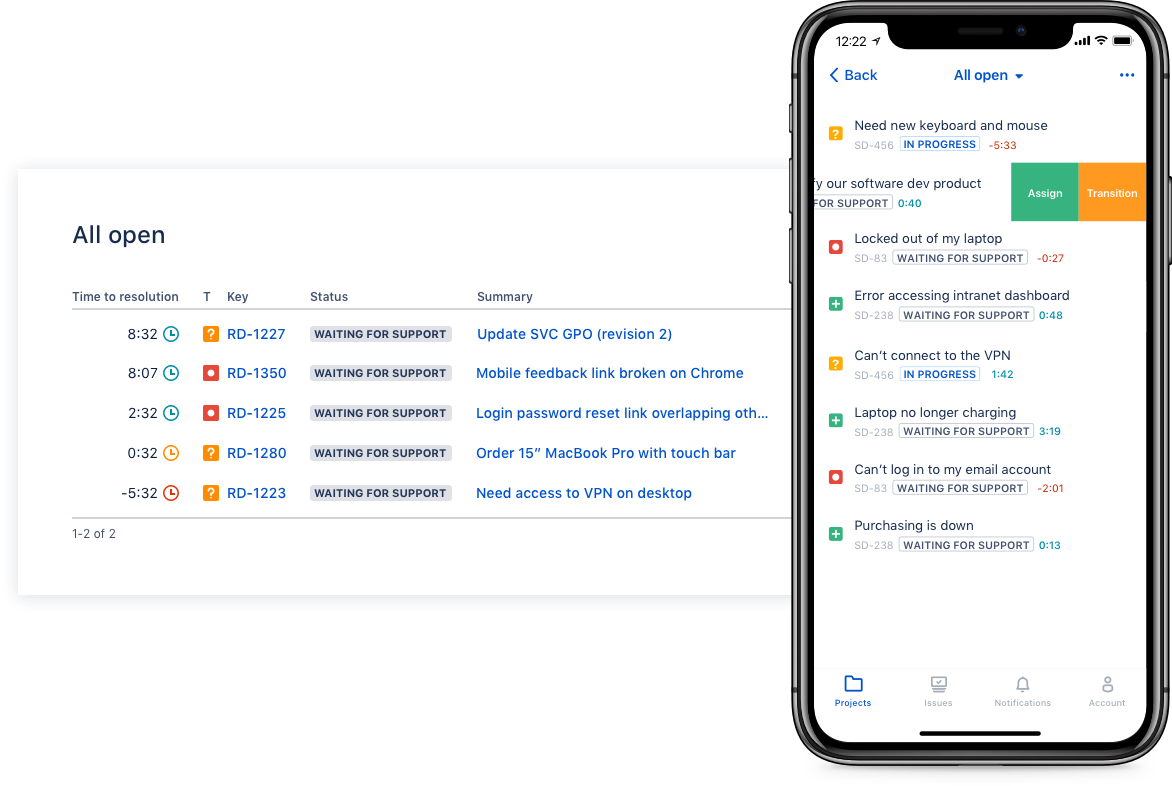
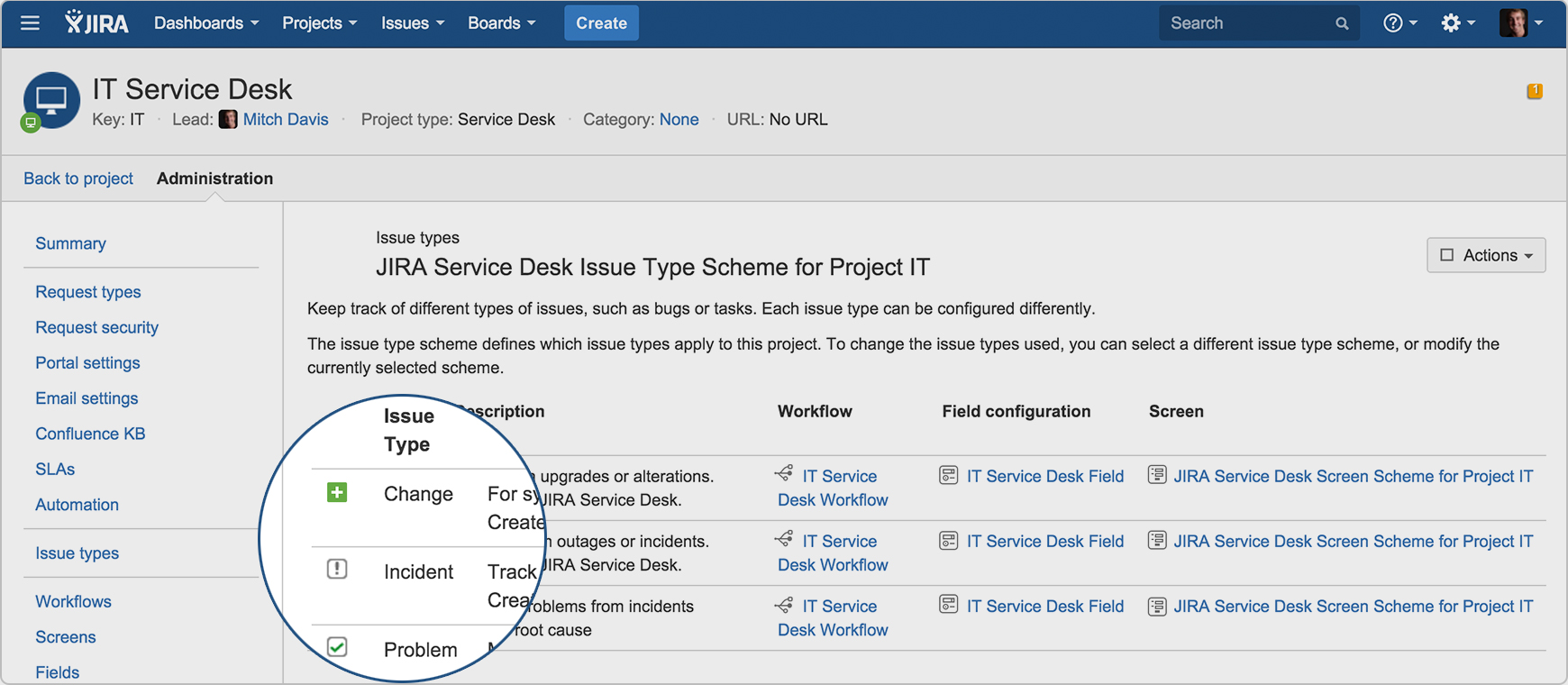
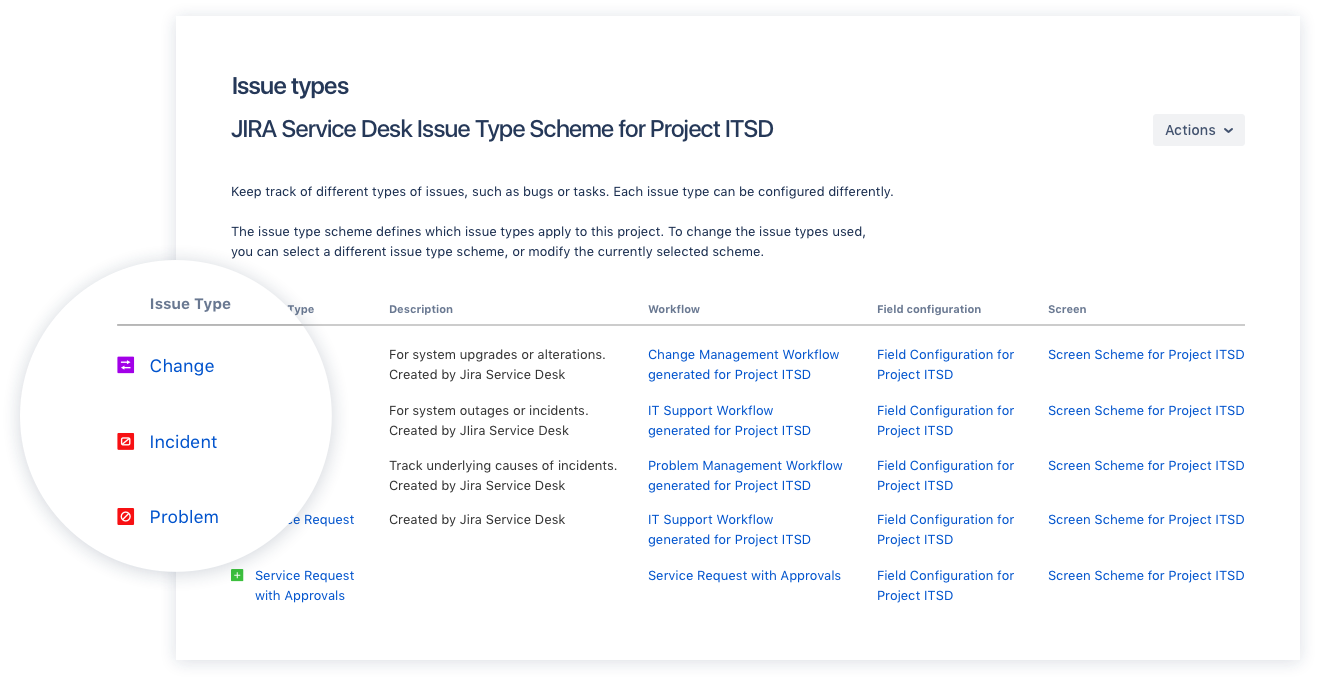
Screenshot of Drive IT best practices with ITIL-ready templates. Get everything your IT teams need out of the box for service request, incident, problem, and change management.Screenshot of Get an ITIL certified service desk. Everything your IT teams need out-of-the-box for service request, incident, problem, and change management. Jira Service Desk is PinkVERIFY™ certified.Screenshot of Deliver a better service experience. Customers or employees can submit requests with an easy-to-use help center and add Confluence to Jira Service Desk to get an integrated knowledge base. Machine learning intelligently recommends the right service and learns from every interaction, so answers are easy to find.Screenshot of Stay in the loop with developers. y linking Jira Service Desk with Jira Software, IT and developer teams can collaborate on one platform to fix incidents faster and push changes with confidence.Screenshot of Deliver on SLA's. Nail your Service Level Agreements, every time. Your agents get a simple queue so they get the important things done first. Configure and get going in minutes.Screenshot of Automate those repetitive tasks. Is your team stuck in gear with repetitive tasks or missing priority requests? Setup automations so your agents can focus on solving the important stuff and help lighten the workload.

Web+Center Screenshots

Screenshot of Tech+Mobile Interface - Mobile app for techs