Jira Service Management vs. vScope

Overview
ProductRatingMost Used ByProduct SummaryStarting Price
Jira Service Management
Score 7.9 out of 10
N/A
Jira Service Management (formerly Jira Service Desk, now including features from the former Mindville Insight, acquired by Atlassian in June 2020) is a service desk software that is purpose-built for IT, service, and support teams. The software provides everything IT and support teams need out-of-the-box for service request, incident, problem and change management. Jira Service Management integrates seamlessly with Jira Software so that IT and development teams can work better together. Users…
$0
per month
vScope
Score 0.0 out of 10
Small Businesses (1-50 employees)
The vScope platform gives a complete view of the IT environment, helping to enhance security and supporting more more efficient work. With vScope, users can: Visualize the IT environment in full, including all relationships, history, and context Locate opportunities to save money and optimize resource allocation Enhance security by identifying complex dependencies and analyzing risk Improve teamwork and streamline operations…N/A
Pricing
Jira Service ManagementvScope
Editions & Modules
Free
$0
per month
Standard
$20
per agent/per month
Premium
$40
per agent/per month
Enterprise
Contact sales team
No answers on this topic
Offerings
Pricing Offerings
Jira Service ManagementvScope
Free Trial
YesYes
Free/Freemium Version
NoNo
Premium Consulting/Integration Services
YesNo
Entry-level Setup FeeNo setup feeNo setup fee
Additional DetailsLicensed based on the size of the IT-environment. This offers customers a flexible and scalable pricing experience.
More Pricing Information
Community Pulse
Jira Service ManagementvScope
Features
Jira Service ManagementvScope
Incident and problem management
Comparison of Incident and problem management features of Product A and Product B
Jira Service Management
8.2
77 Ratings
1% above category average
vScope
-
Ratings
Organize and prioritize service tickets7.576 Ratings00 Ratings
Expert directory9.02 Ratings00 Ratings
Service restoration9.52 Ratings00 Ratings
Self-service tools7.070 Ratings00 Ratings
Subscription-based notifications10.01 Ratings00 Ratings
ITSM collaboration and documentation7.063 Ratings00 Ratings
ITSM reports and dashboards7.564 Ratings00 Ratings
ITSM asset management
Comparison of ITSM asset management features of Product A and Product B
Jira Service Management
10.0
1 Ratings
20% above category average
vScope
-
Ratings
Configuration mangement10.01 Ratings00 Ratings
Asset management dashboard10.01 Ratings00 Ratings
Policy and contract enforcement10.01 Ratings00 Ratings
Change management
Comparison of Change management features of Product A and Product B
Jira Service Management
7.2
71 Ratings
15% below category average
vScope
-
Ratings
Change requests repository7.565 Ratings00 Ratings
Change calendar6.52 Ratings00 Ratings
Service-level management7.569 Ratings00 Ratings
Best Alternatives
Jira Service ManagementvScope
Small Businesses
Agiloft Service Desk (discontinued)
Score 9.0 out of 10
Atera
Atera
Score 8.7 out of 10
Medium-sized Companies
Agiloft Service Desk (discontinued)
Score 9.0 out of 10
KACE Systems Management Appliance
Score 10.0 out of 10
Enterprises
ManageEngine ServiceDesk Plus
Score 9.2 out of 10
KACE Systems Management Appliance
Score 10.0 out of 10
All AlternativesView all alternativesView all alternatives
User Ratings
Jira Service ManagementvScope
Likelihood to Recommend
7.3
(78 ratings)
-
(0 ratings)
Likelihood to Renew
10.0
(1 ratings)
-
(0 ratings)
Usability
8.0
(3 ratings)
-
(0 ratings)
Support Rating
9.1
(25 ratings)
-
(0 ratings)
User Testimonials
Jira Service ManagementvScope
Likelihood to Recommend
Atlassian
I think using a ticketing system is very easy to use and allows multiple teams to create help desks in the same portal. In terms of internal usage, I think this is a great option. However, suppose you're trying to keep internal items and external helpdesks in the same instance. In that case, this is not ideal, as there is no effective way to separate the two instances to protect internal data better.
Read full review
InfraSight Labs
No answers on this topic
Pros
Atlassian
  • Integration with many of the most common tools companies are using (Slack, MS Teams, Salesforce, ... etc)
  • Natural workflow with Jira (as product development / project management tool) which makes the full fix and follow up of the tickets / issues very easy to follow
  • Allow multiple different entry points and work flows for as many different needs your teams / company have
Read full review
InfraSight Labs
No answers on this topic
Cons
Atlassian
  • Navigating through issues outside of a kan ban board can be confusing and task heavy.
  • It's easy to clutter up the tool. It could use some easy clean up capabilities.
  • User interface is decent, but could use work to make it more intuitive.
Read full review
InfraSight Labs
No answers on this topic
Usability
Atlassian
I have given this rating because, in my opinion, I don't see any downsides of Jira until now. We can customise workflows based on the project needs, including task workflows. Jira is very extensible, which is one of its most important features.
Read full review
InfraSight Labs
No answers on this topic
Support Rating
Atlassian
I gave JIRA a 9 rating since for me JIRA works according to its purpose. Since there is a customer portal, our clients can leave a comment or communicate with us using the PR ticket that way it is easier for us to also request any additional information we need for our investigation.
Read full review
InfraSight Labs
No answers on this topic
Alternatives Considered
Atlassian
Zendesk is a similar ticketing system that our organization used before JIRA Service Desk. The main drawback of Zendesk was that it can only be used as a cloud service. This means that our company data would be living on the internet at the hands of their security team. Another drawback of this is the price is significantly more expensive rather than hosting it yourself. Zendesk does have some additional features such as commenting on multiple tickets at once that JSD does lack. However, switching to JSD was significantly more cost effective because we have the ability and the infrastructure to host our own ticketing system, something that Zendesk could not provide. Ultimatley switching to JSD saved us money and allows the ability for integration with all of the other Atlassian Suite products that we use on a day to day basis.
Read full review
InfraSight Labs
No answers on this topic
Return on Investment
Atlassian
  • It is definitely cheaper than Salesforce
  • It allows the IT service desk to be more organized and respond more quickly to tickets, which can save time for both agent and requester.
  • Some things are "not quite there" developmentally, so this means that internal IT will need to spend more time developing and testing the product.
Read full review
InfraSight Labs
No answers on this topic
ScreenShots

Jira Service Management Screenshots
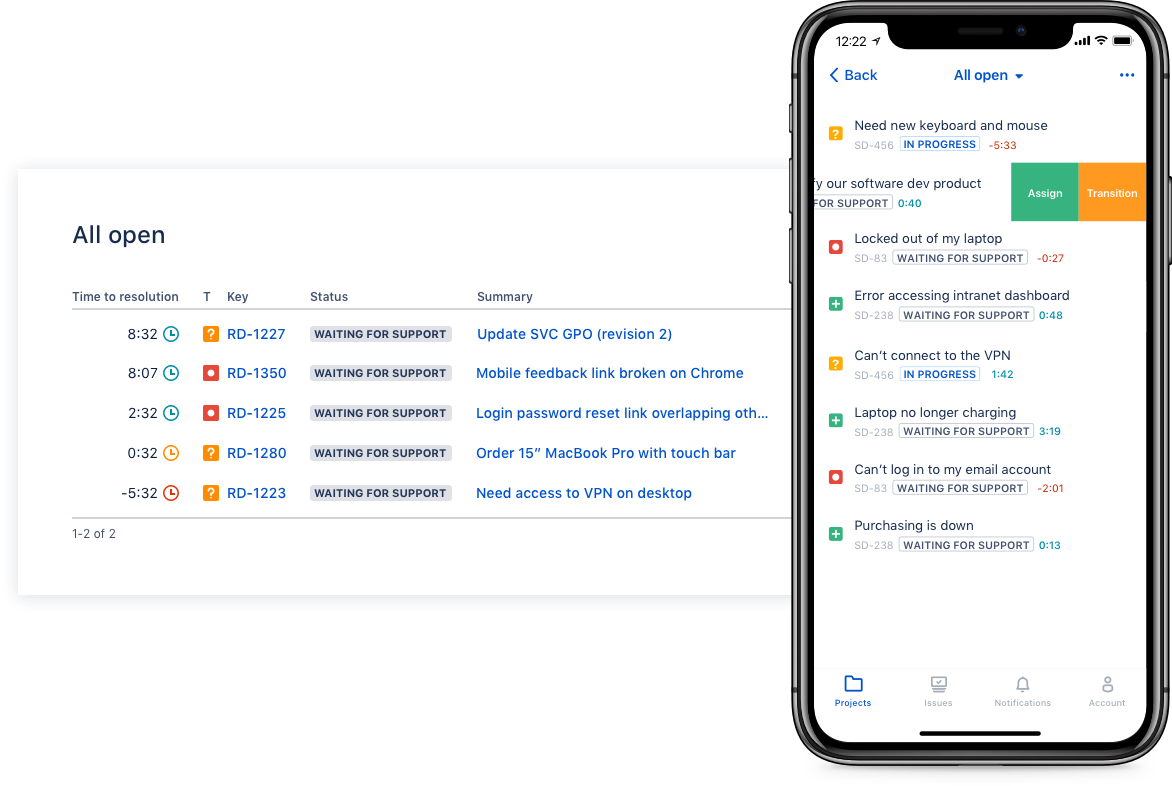
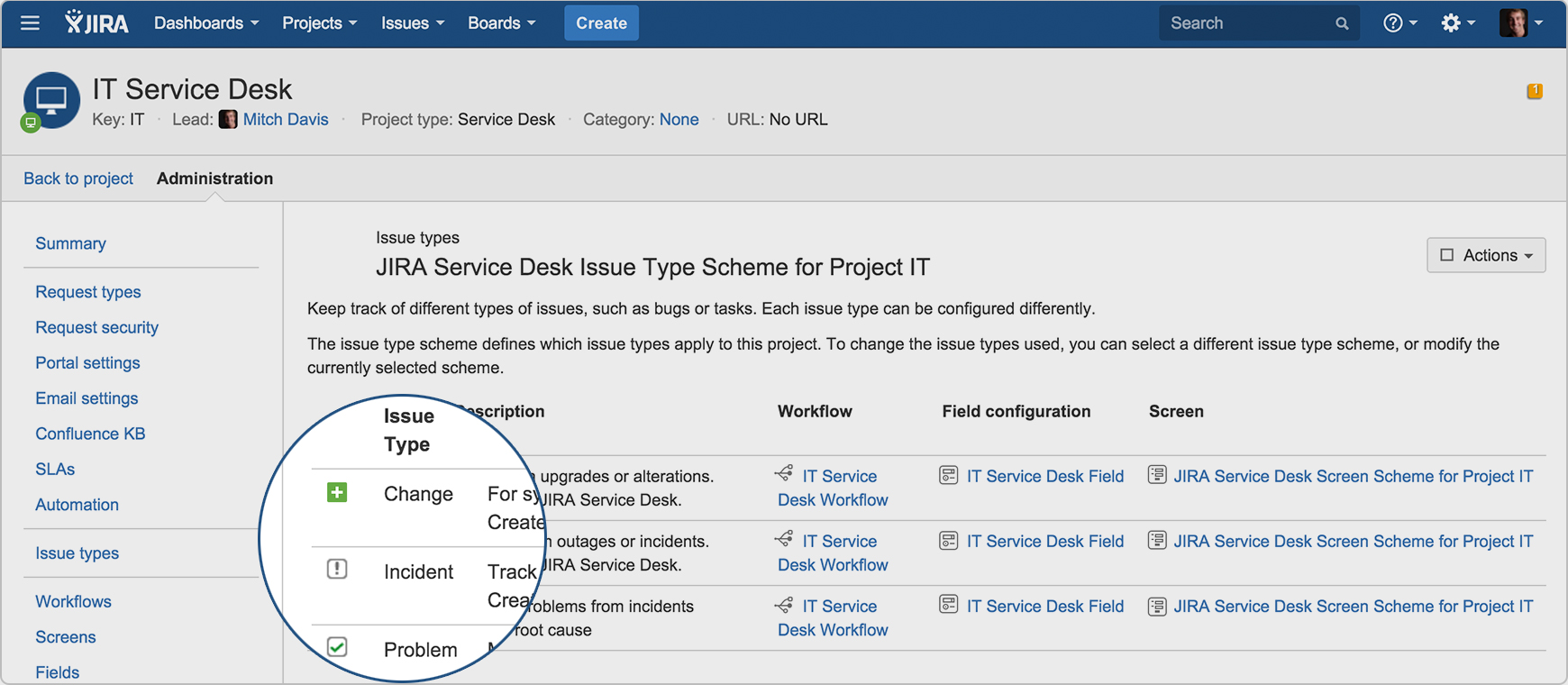
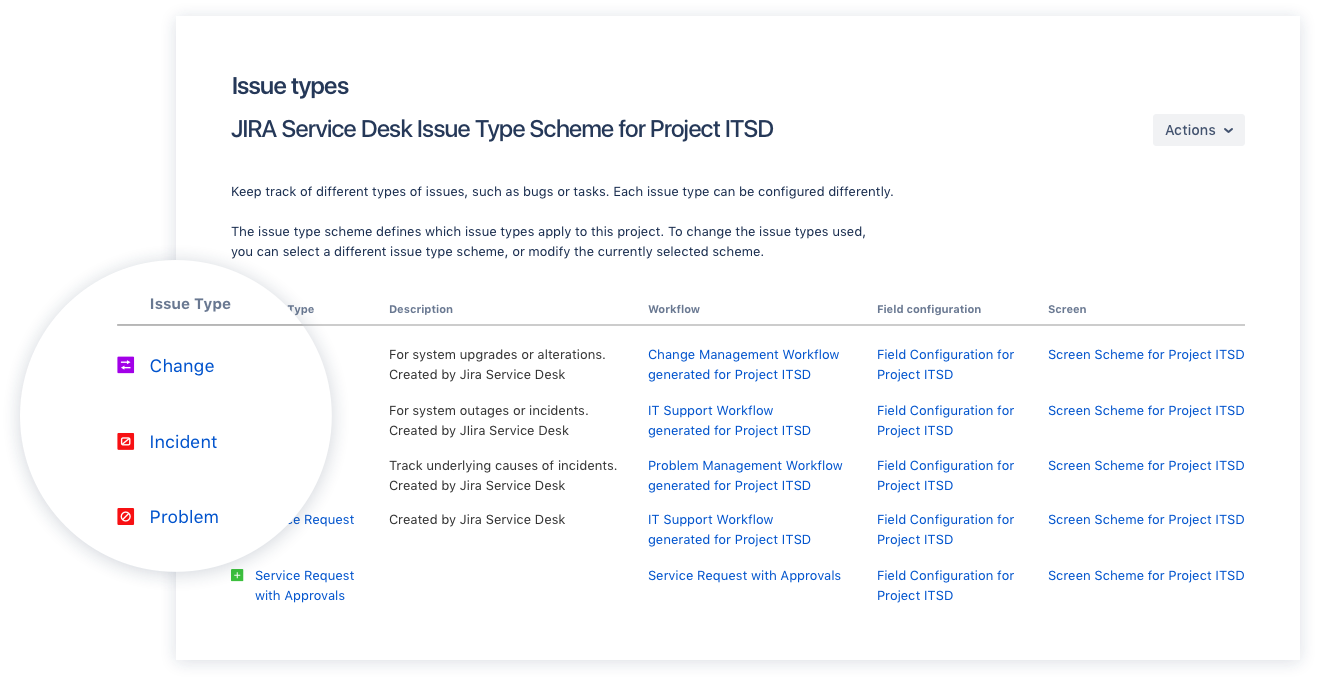
Screenshot of Drive IT best practices with ITIL-ready templates. Get everything your IT teams need out of the box for service request, incident, problem, and change management.Screenshot of Get an ITIL certified service desk. Everything your IT teams need out-of-the-box for service request, incident, problem, and change management. Jira Service Desk is PinkVERIFY™ certified.Screenshot of Deliver a better service experience. Customers or employees can submit requests with an easy-to-use help center and add Confluence to Jira Service Desk to get an integrated knowledge base. Machine learning intelligently recommends the right service and learns from every interaction, so answers are easy to find.Screenshot of Stay in the loop with developers. y linking Jira Service Desk with Jira Software, IT and developer teams can collaborate on one platform to fix incidents faster and push changes with confidence.Screenshot of Deliver on SLA's. Nail your Service Level Agreements, every time. Your agents get a simple queue so they get the important things done first. Configure and get going in minutes.Screenshot of Automate those repetitive tasks. Is your team stuck in gear with repetitive tasks or missing priority requests? Setup automations so your agents can focus on solving the important stuff and help lighten the workload.

vScope Screenshots

Screenshot of Prebuilt content and insights.Screenshot of Drill-down on details from a Dashboard perspective.Screenshot of Displays how configurations have changed over time.Screenshot of Puts IT assets into context, eg. IT services.Screenshot of Customizable layouts for a more user-friendly user experience.Screenshot of Prices can be added to IT assets, to estimate the total cost of the IT environment.