
Jira Service Management vs. Sugar Serve
Jira Service Management vs. Sugar Serve
| Product | Rating | Most Used By | Product Summary | Starting Price |
|---|---|---|---|---|
 Jira Service Management | N/A | Jira Service Management (formerly Jira Service Desk, now including features from the former Mindville Insight, acquired by Atlassian in June 2020) is a service desk software that is purpose-built for IT, service, and support teams. The software provides everything IT and support teams need out-of-the-box for service request, incident, problem and change management. Jira Service Management integrates seamlessly with Jira Software so that IT and development teams can work better together. Users… | $0 per month | |
 Sugar Serve | N/A | SugarCRM offers Sugar Serve, a version of its CRM providing en emphasis on customer service automation, service case management, SLA management, customer self-service and includes the SugarBPM workflow tool to automate processes. | N/A |
| Jira Service Management | Sugar Serve | |||||||||||||||
|---|---|---|---|---|---|---|---|---|---|---|---|---|---|---|---|---|
| Editions & Modules |
| No answers on this topic | ||||||||||||||
| Offerings |
| |||||||||||||||
| Entry-level Setup Fee | No setup fee | No setup fee | ||||||||||||||
| Additional Details | — | — | ||||||||||||||
| More Pricing Information | ||||||||||||||||
| Jira Service Management | Sugar Serve |
|---|
| Jira Service Management | Sugar Serve | ||||||||||||||||||||||||||||||
|---|---|---|---|---|---|---|---|---|---|---|---|---|---|---|---|---|---|---|---|---|---|---|---|---|---|---|---|---|---|---|---|
| Incident and problem management |
| ||||||||||||||||||||||||||||||
| ITSM asset management |
| ||||||||||||||||||||||||||||||
| Change management |
| ||||||||||||||||||||||||||||||
| Self Help Community |
| ||||||||||||||||||||||||||||||
| Multi-Channel Help |
|
| Jira Service Management | Sugar Serve | |
|---|---|---|
| Small Businesses |  Agiloft Service Desk (discontinued) Score 9.0 out of 10 | Agiloft Service Desk (discontinued) Score 9.0 out of 10 |
| Medium-sized Companies | Agiloft Service Desk (discontinued) Score 9.0 out of 10 | Agiloft Service Desk (discontinued) Score 9.0 out of 10 |
| Enterprises |  ManageEngine ServiceDesk Plus Score 9.2 out of 10 |  SysAid Score 9.1 out of 10 |
| All Alternatives | View all alternatives | View all alternatives |
| Jira Service Management | Sugar Serve | |
|---|---|---|
| Likelihood to Recommend | 7.3 (0 ratings) | 9.0 (0 ratings) |
| Likelihood to Renew | 10.0 (0 ratings) | - (0 ratings) |
| Usability | 8.0 (0 ratings) | - (0 ratings) |
| Support Rating | 9.1 (0 ratings) | - (0 ratings) |
| Jira Service Management | Sugar Serve | |
|---|---|---|
| Likelihood to Recommend | 
|
 Abhijeet Raghavan Internet Marketing Manager |
| Pros |
 Gary Smolyak Development Operations Systems Administrator |
Abhijeet Raghavan Internet Marketing Manager |
| Cons |
|
 Brandon R Hudson Software Engineer |
| Usability |
 R PREM KUMAR Software Engineer 2 | No answers on this topic |
| Support Rating |
| No answers on this topic |
| Alternatives Considered |
|
Brandon R Hudson Software Engineer |
| Return on Investment |
|
Brandon R Hudson Software Engineer |
| ScreenShots | Jira Service Management Screenshots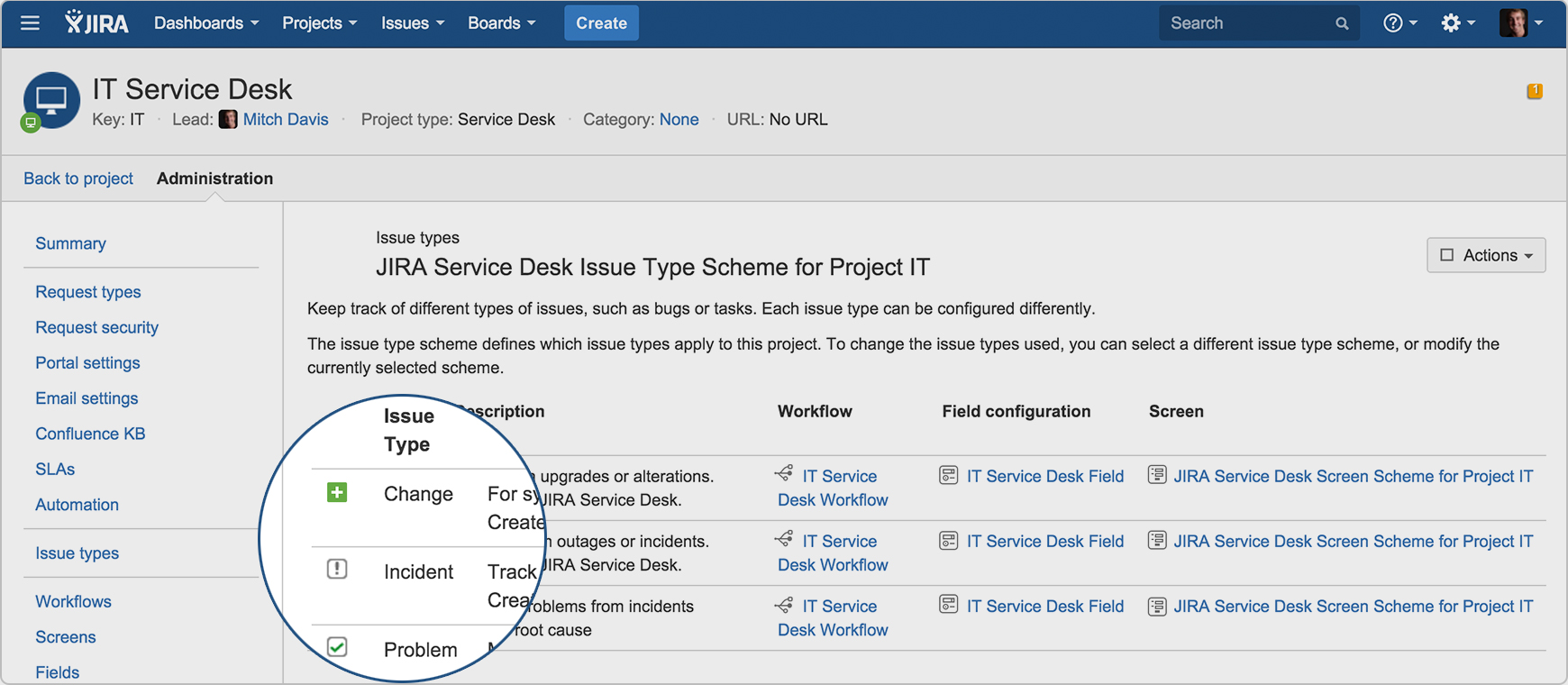  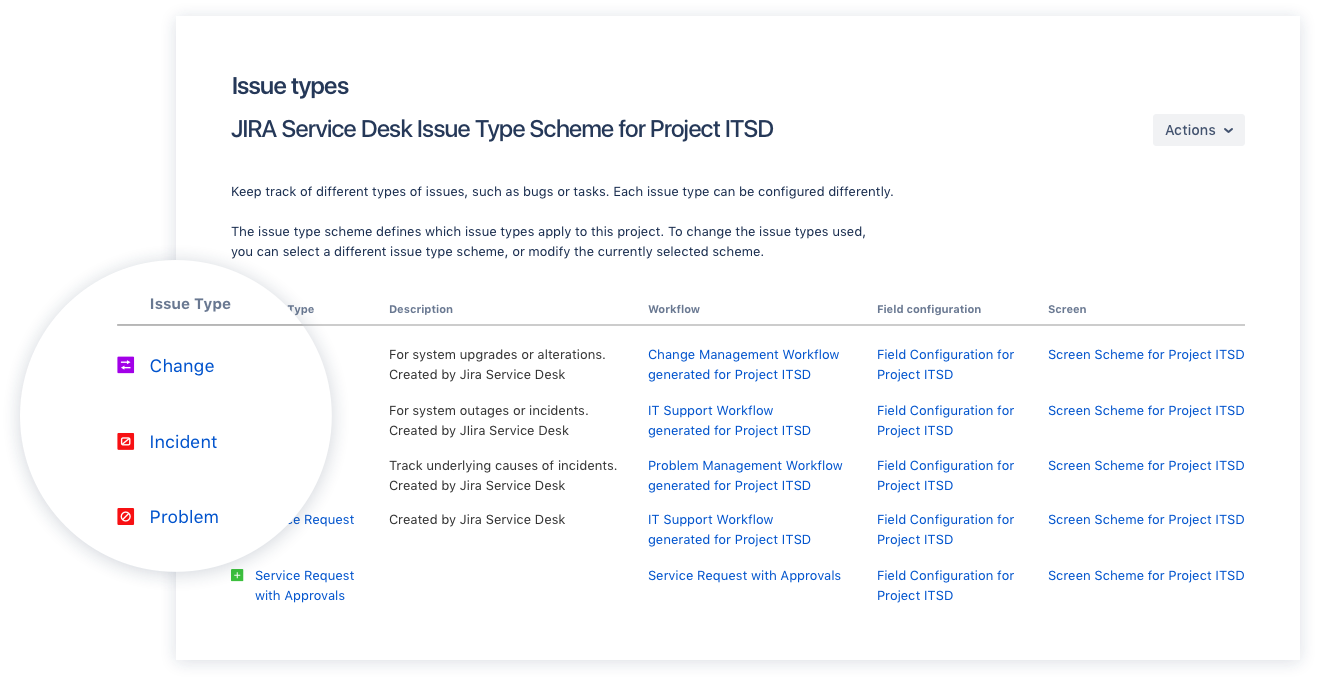  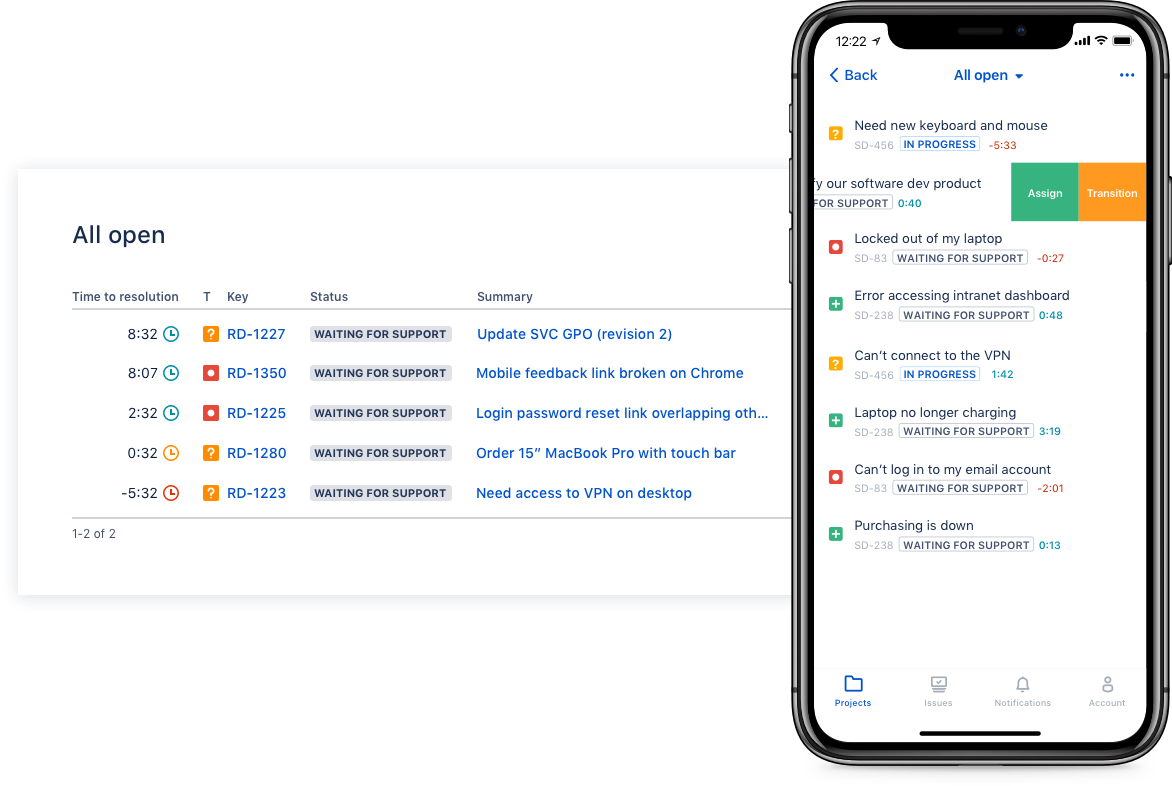  |