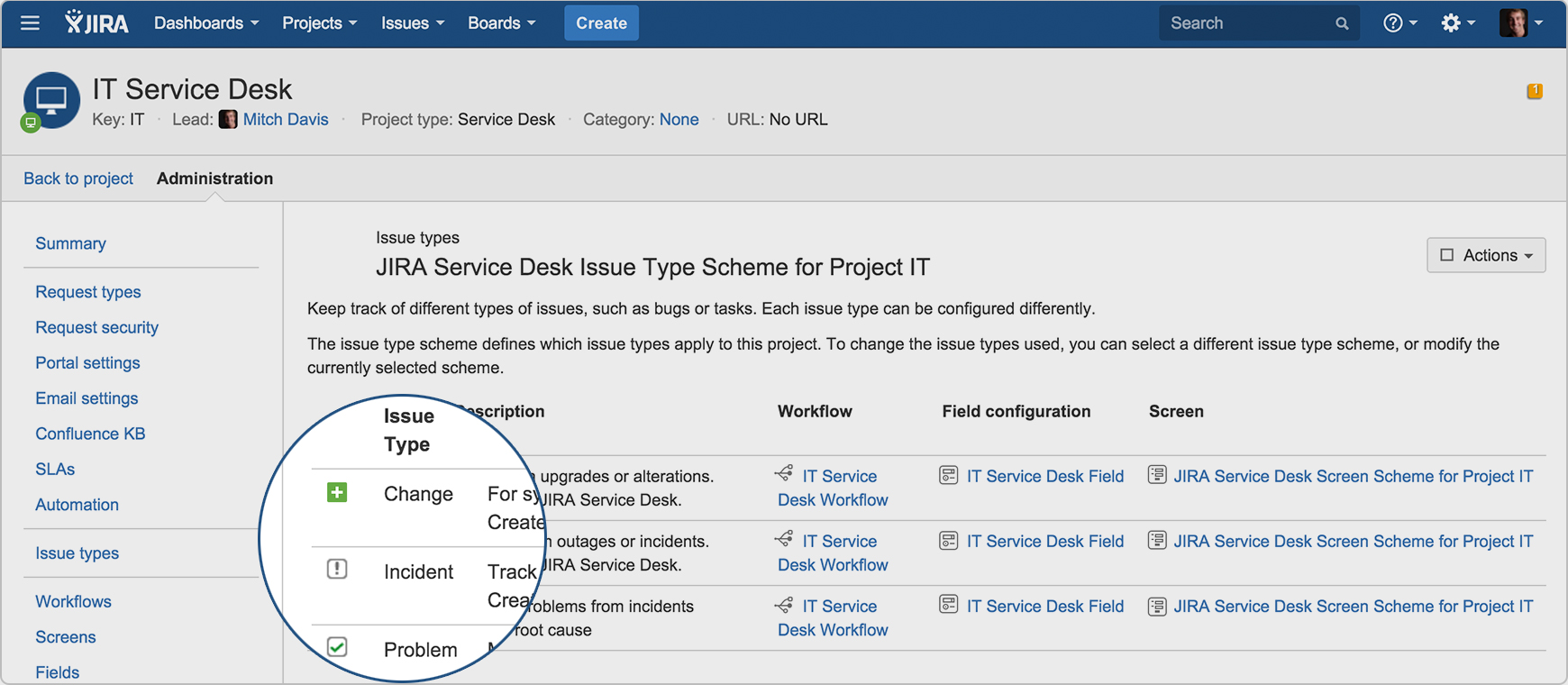
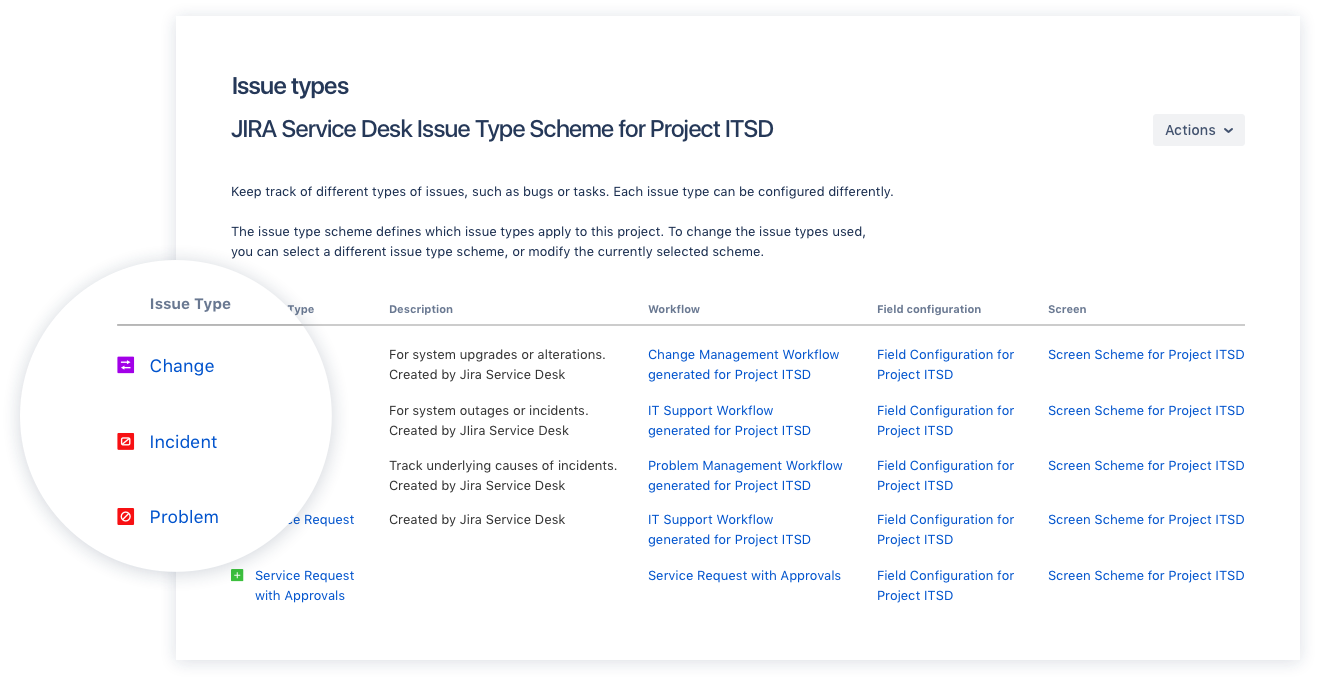
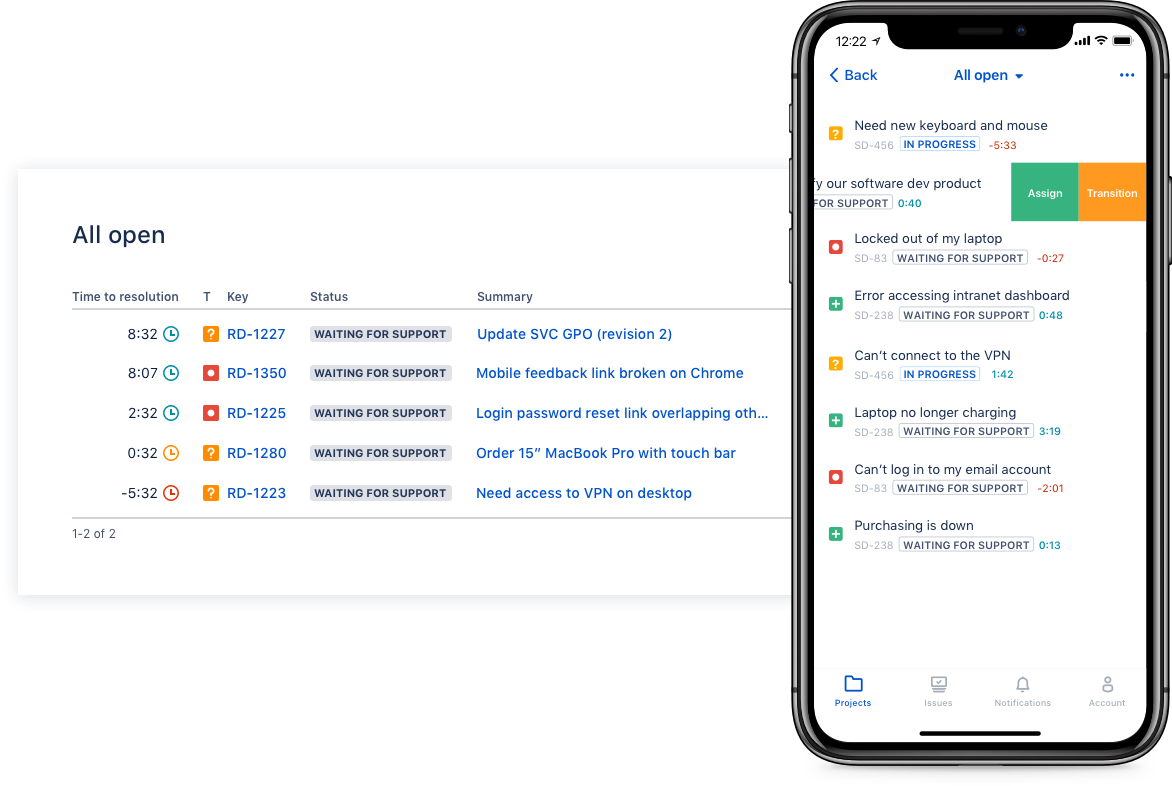
Jira Service Management (formerly Jira Service Desk, now including features from the former Mindville Insight, acquired by Atlassian in June 2020) is a service desk software that is purpose-built for IT, service, and support teams. The software provides everything IT and support teams need out-of-the-box for service request, incident, problem and change management. Jira Service Management integrates seamlessly with Jira Software so that IT and development teams can work better together. Users…
$0
per month
Statuspage
Score 7.0 out of 10
N/A
Atlassian Statuspage provides status updates for shared cloud resources to users, eliminating duplicate support tickets and displaying uptime status.
$29
per month
Pricing
Jira Service Management
Statuspage
Editions & Modules
Free
$0
per month
Standard
$20
per agent/per month
Premium
$40
per agent/per month
Enterprise
Contact sales team
Hobby
$29
per month
Startup
$99
per month
Business
$399
per month
Enterprise
1,499
per month
Free
Free
Offerings
Pricing Offerings
Jira Service Management
Statuspage
Free Trial
Yes
No
Free/Freemium Version
No
No
Premium Consulting/Integration Services
Yes
No
Entry-level Setup Fee
No setup fee
No setup fee
Additional Details
—
—
More Pricing Information
Community Pulse
Jira Service Management
Statuspage
Features
Jira Service Management
Statuspage
Incident and problem management
Comparison of Incident and problem management features of Product A and Product B
Jira Service Management
8.2
77 Ratings
1% above category average
Statuspage
-
Ratings
Organize and prioritize service tickets
7.576 Ratings
00 Ratings
Expert directory
9.02 Ratings
00 Ratings
Service restoration
9.52 Ratings
00 Ratings
Self-service tools
7.070 Ratings
00 Ratings
Subscription-based notifications
10.01 Ratings
00 Ratings
ITSM collaboration and documentation
7.063 Ratings
00 Ratings
ITSM reports and dashboards
7.564 Ratings
00 Ratings
ITSM asset management
Comparison of ITSM asset management features of Product A and Product B
Jira Service Management
10.0
1 Ratings
20% above category average
Statuspage
-
Ratings
Configuration mangement
10.01 Ratings
00 Ratings
Asset management dashboard
10.01 Ratings
00 Ratings
Policy and contract enforcement
10.01 Ratings
00 Ratings
Change management
Comparison of Change management features of Product A and Product B
Jira Service Management
7.2
71 Ratings
15% below category average
Statuspage
-
Ratings
Change requests repository
7.565 Ratings
00 Ratings
Change calendar
6.52 Ratings
00 Ratings
Service-level management
7.569 Ratings
00 Ratings
Project Management
Comparison of Project Management features of Product A and Product B
Jira Service Management
-
Ratings
Statuspage
9.2
3 Ratings
18% above category average
Task Management
00 Ratings
9.01 Ratings
Scheduling
00 Ratings
10.02 Ratings
Workflow Automation
00 Ratings
8.02 Ratings
Mobile Access
00 Ratings
10.02 Ratings
Search
00 Ratings
9.02 Ratings
Visual planning tools
00 Ratings
9.02 Ratings
Communication
Comparison of Communication features of Product A and Product B
Jira Service Management
-
Ratings
Statuspage
8.0
3 Ratings
1% above category average
Chat
00 Ratings
10.01 Ratings
Notifications
00 Ratings
10.03 Ratings
Discussions
00 Ratings
2.01 Ratings
Internal knowledgebase
00 Ratings
9.01 Ratings
Integrates with Gmail and Google Hangouts
00 Ratings
9.01 Ratings
File Sharing & Management
Comparison of File Sharing & Management features of Product A and Product B
I think using a ticketing system is very easy to use and allows multiple teams to create help desks in the same portal. In terms of internal usage, I think this is a great option. However, suppose you're trying to keep internal items and external helpdesks in the same instance. In that case, this is not ideal, as there is no effective way to separate the two instances to protect internal data better.
StatusPage is well suited for notifications on services and products. If you need to have a passive way to notify users, internal staff, or executives on the status of SaaS services, StatusPage is a low barrier way to do this with minimal setup and maintenance. StatusPage is not well suited for scenarios in which you want info kept private. If StatusPage is updated, the subscribers to those alerts will be notified so you just want to make sure you're addressing the right audience with updates.
Integration with many of the most common tools companies are using (Slack, MS Teams, Salesforce, ... etc)
Natural workflow with Jira (as product development / project management tool) which makes the full fix and follow up of the tickets / issues very easy to follow
Allow multiple different entry points and work flows for as many different needs your teams / company have
I have given this rating because, in my opinion, I don't see any downsides of Jira until now. We can customise workflows based on the project needs, including task workflows. Jira is very extensible, which is one of its most important features.
I gave JIRA a 9 rating since for me JIRA works according to its purpose. Since there is a customer portal, our clients can leave a comment or communicate with us using the PR ticket that way it is easier for us to also request any additional information we need for our investigation.
Support is very responsive although we haven't had to contact them in a time of emergency, all of our support inquiries were answered in a timely manner and usually resolved with their first response. Support responsiveness played a big role in our decision since if we need help during downtime, we can't really afford to wait.
Zendesk is a similar ticketing system that our organization used before JIRA Service Desk. The main drawback of Zendesk was that it can only be used as a cloud service. This means that our company data would be living on the internet at the hands of their security team. Another drawback of this is the price is significantly more expensive rather than hosting it yourself. Zendesk does have some additional features such as commenting on multiple tickets at once that JSD does lack. However, switching to JSD was significantly more cost effective because we have the ability and the infrastructure to host our own ticketing system, something that Zendesk could not provide. Ultimatley switching to JSD saved us money and allows the ability for integration with all of the other Atlassian Suite products that we use on a day to day basis.
I would say StatusPage on its own is a great service. StatusPage for Hipchat can only be used with that specific chat client. But on its own StatusPage can be integrated with many tools, like Slack, email notifications, text notifications, etc. I don't know of a tool that compares with StatusPage. You could essentially host your own status site with Greed Yellow or Red statuses, but you would be missing out on the robustness of a tool that keeps historical data, uptime, and segregates services based on components.