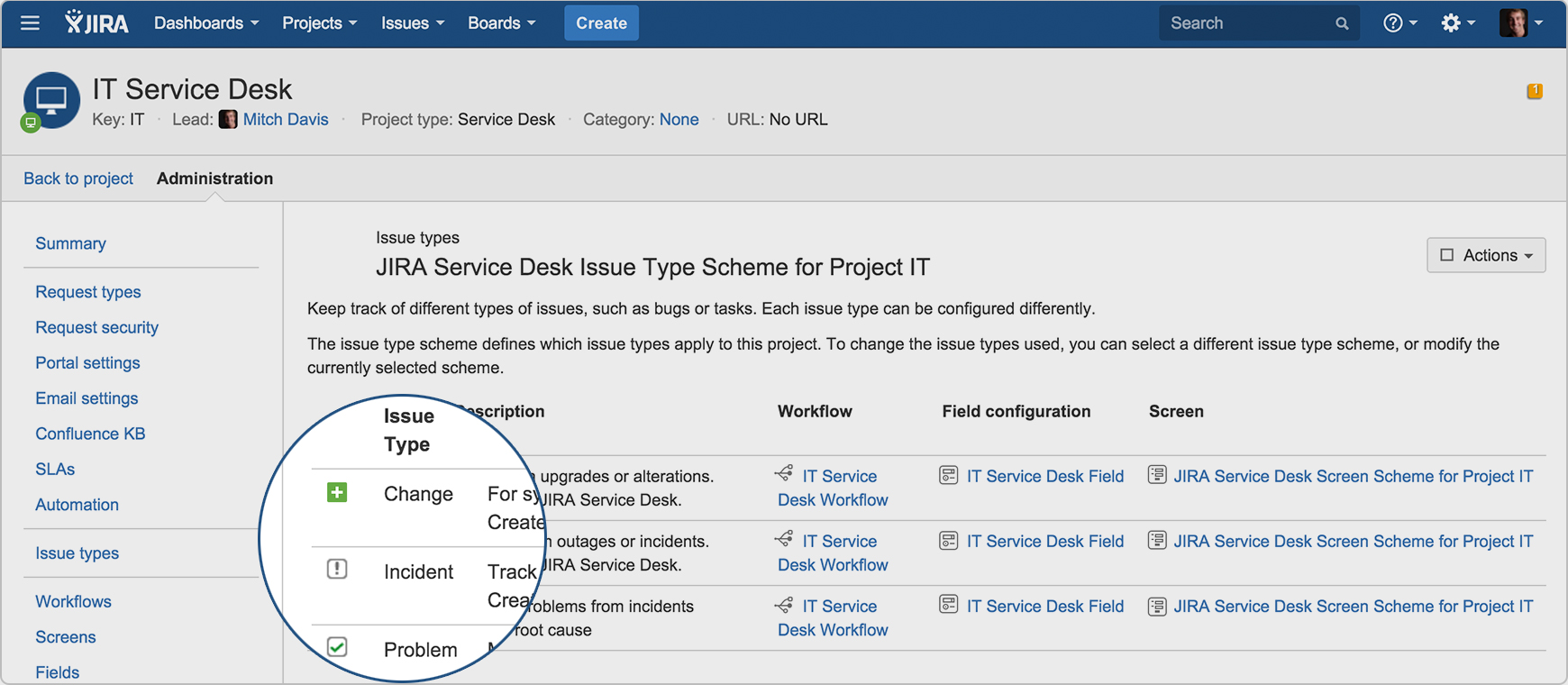
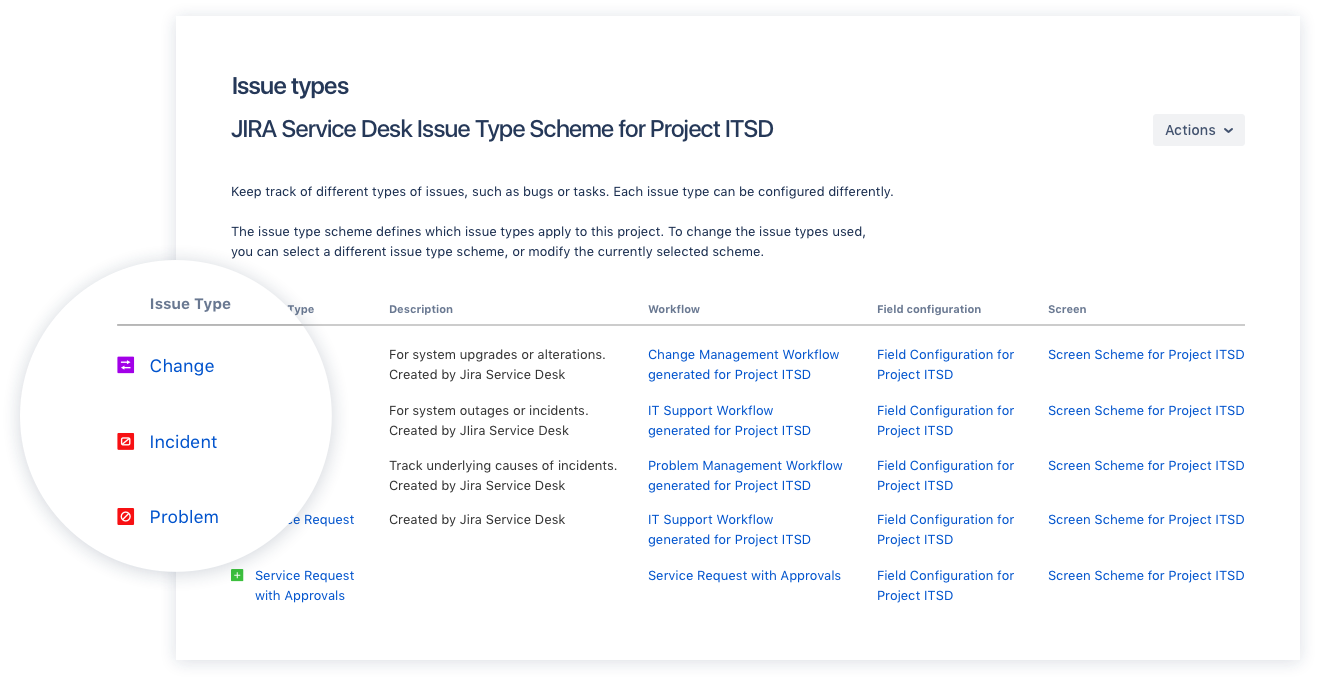
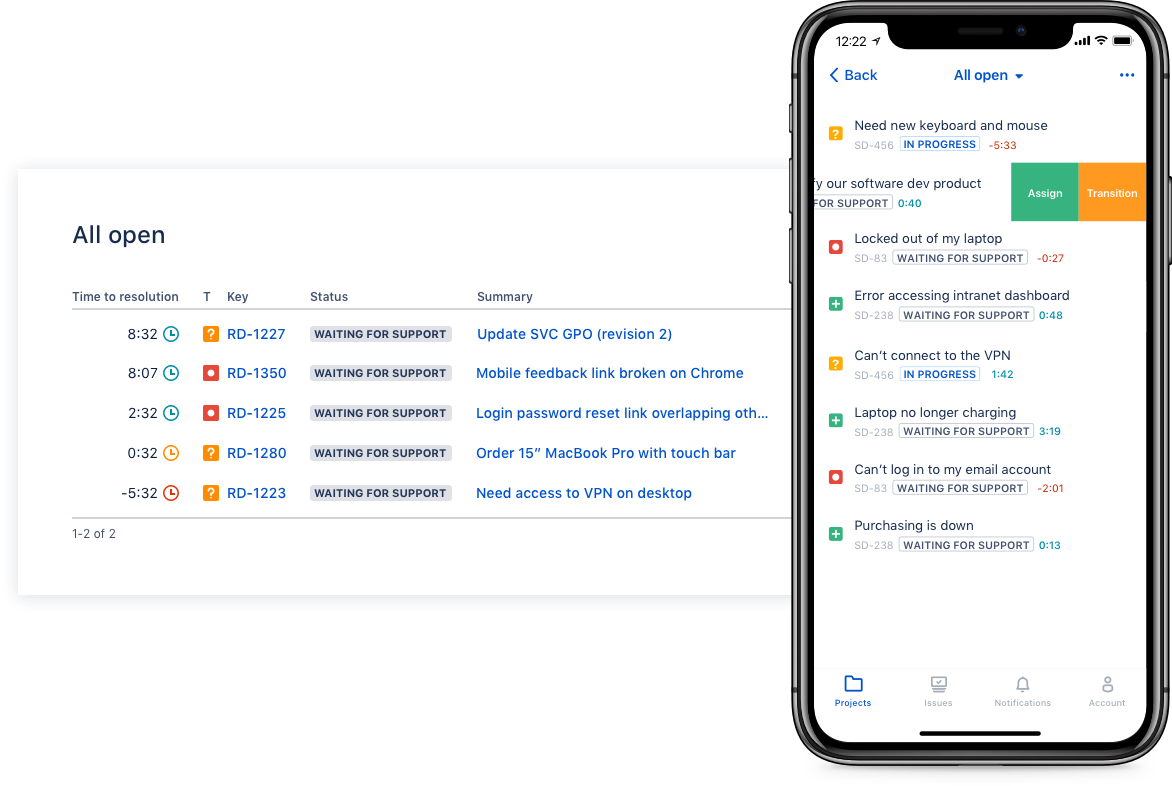
Jira Service Management (formerly Jira Service Desk, now including features from the former Mindville Insight, acquired by Atlassian in June 2020) is a service desk software that is purpose-built for IT, service, and support teams. The software provides everything IT and support teams need out-of-the-box for service request, incident, problem and change management. Jira Service Management integrates seamlessly with Jira Software so that IT and development teams can work better together. Users…
$0
per month
ManageEngine ServiceDesk Plus
Score9.2 out of 10
N/A
ServiceDesk Plus is free help desk software from ManageEngine, a division of Zoho Corporation.
IT Executive in Engineering at HAMIDA TRADERS LTD (https://htl-bd.com/) (Information Technology & Services, 501-1000 employees)
Chose ManageEngine ServiceDesk Plus
I use Jira Service Management in my personal lab environment to explore its features and DevOps integrations. While it's powerful and flexible, I find ManageEngine ServiceDesk Plus more user-friendly and practical for enterprise IT environments.
A de minimis incentive was given to thank the reviewer for their time. The incentive was not used to bias or drive a particular response, nor was the incentive contingent on a positive endorsement. More Info
Head of Enterprise Systems in Information Technology at istegelsin (Marketing & Advertising, 501-1000 employees)
Chose ManageEngine ServiceDesk Plus
Jira Service Management is one of the strongest rival of Manage Engine Service Desk Plus. If we compare, both of them are really good for incident management and workflows. But when time to decide, Manage Engine Service Desk Plus is front of Jira Service Management with a few …
A de minimis incentive was given to thank the reviewer for their time. The incentive was not used to bias or drive a particular response, nor was the incentive contingent on a positive endorsement. More Info
Verified User
Chose ManageEngine ServiceDesk Plus
We are actually moving away from ServiceDesk Plus to JIRA Service Desk. This is because of the flexibility that JIRA offers versus the more "locked in" fields in ServiceDesk. It also is going to allow us to better customize our requests and track our SLAs on different types of …
A de minimis incentive was given to thank the reviewer for their time. The incentive was not used to bias or drive a particular response, nor was the incentive contingent on a positive endorsement. More Info
Disaster Recovery Analyst in Information Technology at Randall-Reilly (Marketing and Advertising, 201-500 employees)
Chose ManageEngine ServiceDesk Plus
We use JIRA and Spiceworks in different departments in our company, but neither had the features we were looking for when it comes to end user facing help desk solutions. JIRA is great for our coding/development teams but it doesn't have the ease of use that service desk plus …
A de minimis incentive was given to thank the reviewer for their time. The incentive was not used to bias or drive a particular response, nor was the incentive contingent on a positive endorsement. More Info
I think using a ticketing system is very easy to use and allows multiple teams to create help desks in the same portal. In terms of internal usage, I think this is a great option. However, suppose you're trying to keep internal items and external helpdesks in the same instance. In that case, this is not ideal, as there is no effective way to separate the two instances to protect internal data better.
A de minimis incentive was given to thank the reviewer for their time. The incentive was not used to bias or drive a particular response, nor was the incentive contingent on a positive endorsement. More Info
We use the free version, it allows up to 10 technicians to be added to the system, but that has never been an issue, as we are a small team. The functionality and usability of MESDP are great and can work with larger teams too. It is well suited to be used as a main Ticketing system, and this is not limited to IT only, I am sure other teams that need to keep track and log issues will be able to utilize MESDP without any issues. There is a self-service portal as an option, however, we do not use it as of yet, as there has not been the need for it. If you would need to use the same instance within multiple departments, this may be a bit tricky to achieve, as there is no easy way to limit visibility to tickets from other departments, however, I am sure there is a way around it.
A de minimis incentive was given to thank the reviewer for their time. The incentive was not used to bias or drive a particular response, nor was the incentive contingent on a positive endorsement. More Info
Integration with many of the most common tools companies are using (Slack, MS Teams, Salesforce, ... etc)
Natural workflow with Jira (as product development / project management tool) which makes the full fix and follow up of the tickets / issues very easy to follow
Allow multiple different entry points and work flows for as many different needs your teams / company have
A de minimis incentive was given to thank the reviewer for their time. The incentive was not used to bias or drive a particular response, nor was the incentive contingent on a positive endorsement. More Info
A de minimis incentive was given to thank the reviewer for their time. The incentive was not used to bias or drive a particular response, nor was the incentive contingent on a positive endorsement. More Info
We would like to see the ability to schedule technician auto-assign based on shifts. Presently we have to manually select technicians after close of business Friday for the weekend shift each week.
When managing a problem, it is difficult to extract a list of attached Incidents for use elsewhere. I must add that it is very easy to bulk add Incidents during an event. The only small issue with the bulk add is that the window only shows you 5-10 incidents at a time, and you must scroll through to select Incidents. We'd like to be able to see a full page view of the list.
When editing a request, the history is graphically & textually very verbose. Too much so in many cases. For example if a user has included screen shots, the entire email string is repeated for each change. For example an email forwarded to Helpdesk, repeats even though the only change made was to update the requestor from the person forwarding to the actual requestor.
It is not currently possible to update a problem automatically using special characters in the subject line, like we are able to do in a request. We overcome this by always creating a root incident for each problem that collects all the email communication of the resolution.
A de minimis incentive was given to thank the reviewer for their time. The incentive was not used to bias or drive a particular response, nor was the incentive contingent on a positive endorsement. More Info
we are looking at other tools like Zendesk which may replace ServiceDesk. We are currently evaluating both tools to see which one would serve our needs better
A de minimis incentive was given to thank the reviewer for their time. The incentive was not used to bias or drive a particular response, nor was the incentive contingent on a positive endorsement. More Info
I have given this rating because, in my opinion, I don't see any downsides of Jira until now. We can customise workflows based on the project needs, including task workflows. Jira is very extensible, which is one of its most important features.
A de minimis incentive was given to thank the reviewer for their time. The incentive was not used to bias or drive a particular response, nor was the incentive contingent on a positive endorsement. More Info
As any other feature-rich software package, starting out with ManageEngine ServiceDesk Plus has a little bit of a learning curve, but it usually doesn't take very long until you can use the basic features. Training new technicians on the use of the software does not take very long, and for users to submit tickets it is as easy as sending an email.
A de minimis incentive was given to thank the reviewer for their time. The incentive was not used to bias or drive a particular response, nor was the incentive contingent on a positive endorsement. More Info
I gave JIRA a 9 rating since for me JIRA works according to its purpose. Since there is a customer portal, our clients can leave a comment or communicate with us using the PR ticket that way it is easier for us to also request any additional information we need for our investigation.
I have a few issues with MESDP and even though we use the free version, the support staff was very quick to respond and extremely competent and helpful. Luckily, I have only had to use them a couple of times over the 2.5 years I have been using their product, but they strike me as very competent, friendly and helpful, regardless of the version of their product you use.
A de minimis incentive was given to thank the reviewer for their time. The incentive was not used to bias or drive a particular response, nor was the incentive contingent on a positive endorsement. More Info
Zendesk is a similar ticketing system that our organization used before JIRA Service Desk. The main drawback of Zendesk was that it can only be used as a cloud service. This means that our company data would be living on the internet at the hands of their security team. Another drawback of this is the price is significantly more expensive rather than hosting it yourself. Zendesk does have some additional features such as commenting on multiple tickets at once that JSD does lack. However, switching to JSD was significantly more cost effective because we have the ability and the infrastructure to host our own ticketing system, something that Zendesk could not provide. Ultimatley switching to JSD saved us money and allows the ability for integration with all of the other Atlassian Suite products that we use on a day to day basis.
A de minimis incentive was given to thank the reviewer for their time. The incentive was not used to bias or drive a particular response, nor was the incentive contingent on a positive endorsement. More Info
Spiceworks was free, which obviously had both benefits and limitations - I will say that the community around Spiceworks has always been great. If we could replicate that experience with the ME user base, it would be terrific.
A de minimis incentive was given to thank the reviewer for their time. The incentive was not used to bias or drive a particular response, nor was the incentive contingent on a positive endorsement. More Info
A de minimis incentive was given to thank the reviewer for their time. The incentive was not used to bias or drive a particular response, nor was the incentive contingent on a positive endorsement. More Info
It has provided better visibility to upper management in terms of the scale of the workload of the IT department
It has allowed licensed software to be tracked more efficiently, allowing redundant license to be reclaimed, rather than additional ones being purchased
It has fulfilled the requirements for multiple audits, including Microsoft audits, as it allows the assets and their software to be tracked
A de minimis incentive was given to thank the reviewer for their time. The incentive was not used to bias or drive a particular response, nor was the incentive contingent on a positive endorsement. More Info