
Jira Service Management vs. OpenText Service Manager
Jira Service Management vs. OpenText Service Manager
| Product | Rating | Most Used By | Product Summary | Starting Price |
|---|---|---|---|---|
 Jira Service Management | N/A | Jira Service Management (formerly Jira Service Desk, now including features from the former Mindville Insight, acquired by Atlassian in June 2020) is a service desk software that is purpose-built for IT, service, and support teams. The software provides everything IT and support teams need out-of-the-box for service request, incident, problem and change management. Jira Service Management integrates seamlessly with Jira Software so that IT and development teams can work better together. Users… | $0 per month | |
 OpenText Service Manager | N/A | OpenText™ Service Manager (formerly from Micro Focus) is scalable service desk software powered by machine learning, analytics, and automation. It provides an ITSM platform for standardizing service delivery and support across the enterprise. | N/A |
| Jira Service Management | OpenText Service Manager | |||||||||||||||
|---|---|---|---|---|---|---|---|---|---|---|---|---|---|---|---|---|
| Editions & Modules |
| No answers on this topic | ||||||||||||||
| Offerings |
| |||||||||||||||
| Entry-level Setup Fee | No setup fee | No setup fee | ||||||||||||||
| Additional Details | — | — | ||||||||||||||
| More Pricing Information | ||||||||||||||||
| Jira Service Management | OpenText Service Manager |
|---|
| Jira Service Management | OpenText Service Manager | ||||||||||||||||||||||||
|---|---|---|---|---|---|---|---|---|---|---|---|---|---|---|---|---|---|---|---|---|---|---|---|---|---|
| Incident and problem management |
| ||||||||||||||||||||||||
| ITSM asset management |
| ||||||||||||||||||||||||
| Change management |
|
| Jira Service Management | OpenText Service Manager | |
|---|---|---|
| Small Businesses |  Agiloft Service Desk (discontinued) Score 9.0 out of 10 | Agiloft Service Desk (discontinued) Score 9.0 out of 10 |
| Medium-sized Companies | Agiloft Service Desk (discontinued) Score 9.0 out of 10 | Agiloft Service Desk (discontinued) Score 9.0 out of 10 |
| Enterprises |  ManageEngine ServiceDesk Plus Score 9.2 out of 10 | ManageEngine ServiceDesk Plus Score 9.2 out of 10 |
| All Alternatives | View all alternatives | View all alternatives |
| Jira Service Management | OpenText Service Manager | |
|---|---|---|
| Likelihood to Recommend | 7.3 (0 ratings) | 9.6 (0 ratings) |
| Likelihood to Renew | 10.0 (0 ratings) | - (0 ratings) |
| Usability | 8.0 (0 ratings) | - (0 ratings) |
| Support Rating | 9.1 (0 ratings) | - (0 ratings) |
| Jira Service Management | OpenText Service Manager | |
|---|---|---|
| Likelihood to Recommend | 
|
|
| Pros |
 Gary Smolyak Development Operations Systems Administrator |
|
| Cons |
|
 Sebastian Torres Senior Field Help Desk Technician |
| Usability |
 R PREM KUMAR Software Engineer 2 | No answers on this topic |
| Support Rating |
| No answers on this topic |
| Alternatives Considered |
|
Sebastian Torres Senior Field Help Desk Technician |
| Return on Investment |
|
Sebastian Torres Senior Field Help Desk Technician |
| ScreenShots | Jira Service Management Screenshots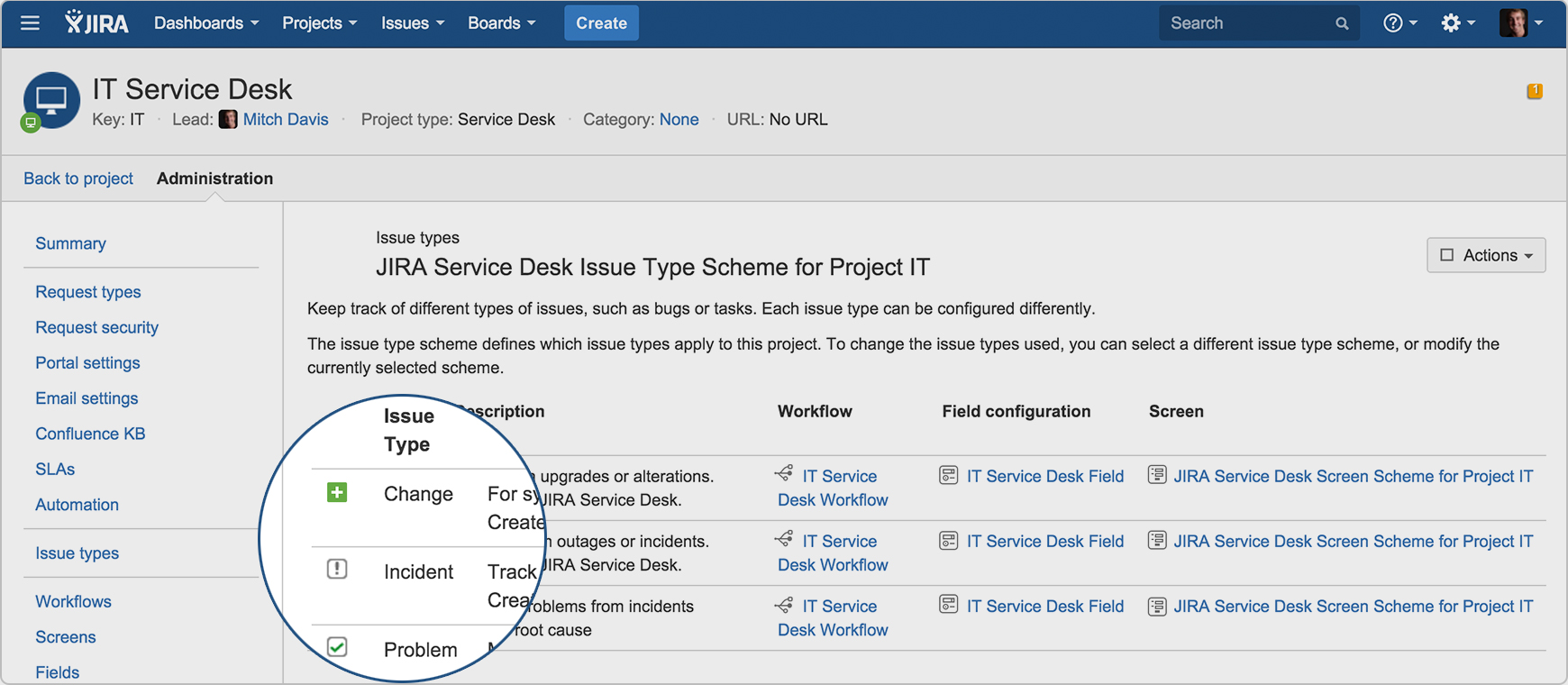  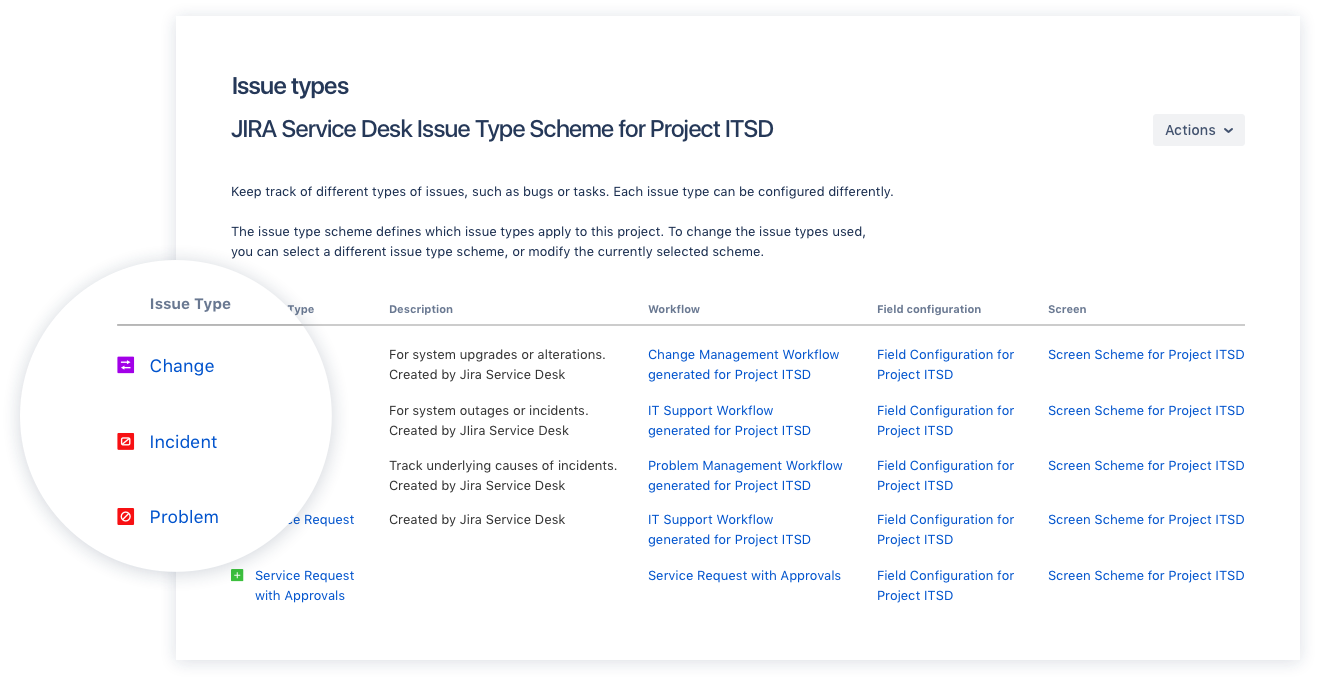  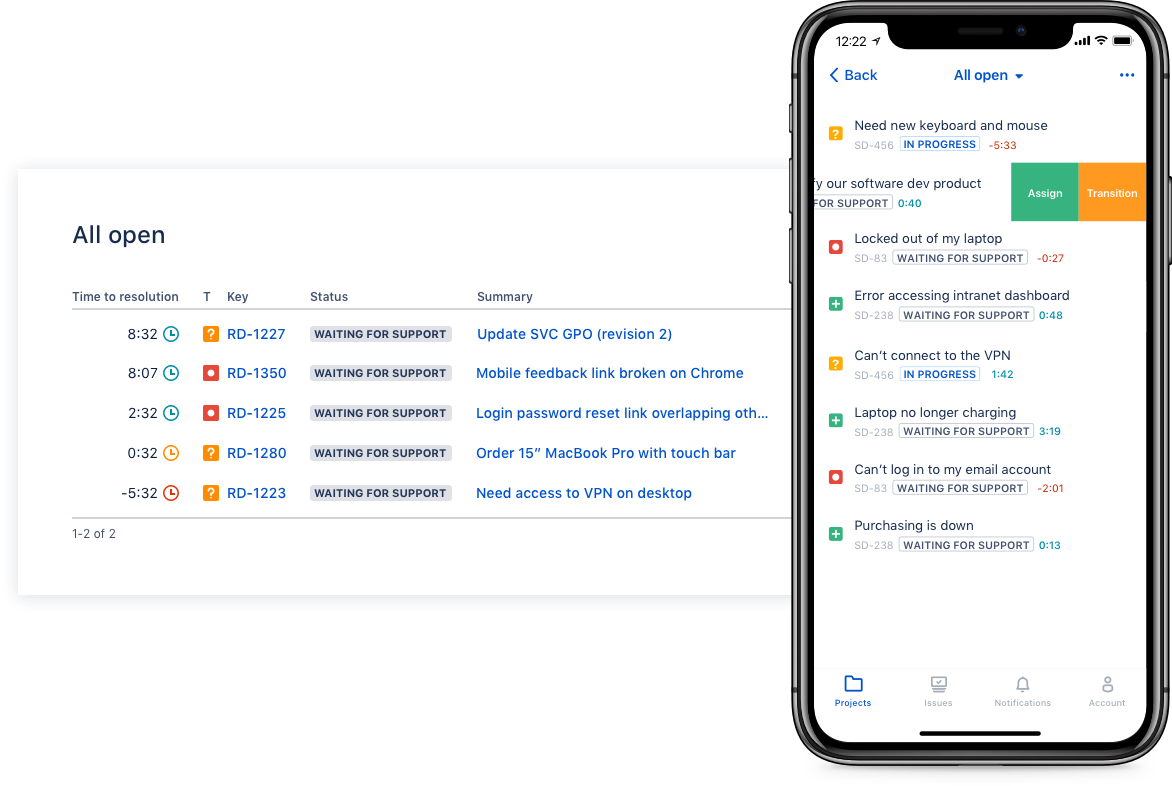  |