
iSpring Suite vs. VidVersity
| Product | Rating | Most Used By | Product Summary | Starting Price |
|---|---|---|---|---|
 iSpring Suite | Score8.1 out of 10 | N/A | iSpring Suite helps users build courses that are mobile-ready and adaptive. It’s integrated with PowerPoint, so users can create the… | $970 per year per user |
 VidVersity | N/A | N/A | VidVersity provides educators and trainers tools to create video based online learning. VidVersity enables users to upload and edit video, create a course, and add a range of interactions. Users can deliver content instantly to learners in a way that suits using the inbuilt learner registration system, or simply upload to a preferred learning management system. | N/A |
| iSpring Suite | VidVersity | |||||||||||||||
|---|---|---|---|---|---|---|---|---|---|---|---|---|---|---|---|---|
| Editions & Modules | No answers on this topic | No answers on this topic | ||||||||||||||
| Offerings |
| |||||||||||||||
| Entry-level Setup Fee | No setup fee | No setup fee | ||||||||||||||
| Additional Details | Academic, non-profit, government and volume discounts are available. | — | ||||||||||||||
| More Pricing Information | ||||||||||||||||
| iSpring Suite | VidVersity | |
|---|---|---|
| Considered Both Products | No answer on this topic | No answer on this topic |
| Key User Insights | ||
| Would buy again | ||
99% Would buy again 115 Answers | No answers on this topic | |
| Delivers good value for the price | ||
98% Delivers good value for the price 106 Answers | No answers on this topic | |
| Happy with the feature set | ||
96% Happy with the feature set 111 Answers | No answers on this topic | |
| Lived up to sales and marketing promises | ||
97% Lived up to sales and marketing promises 101 Answers | No answers on this topic | |
| Implementation went as expected | ||
99% Implementation went as expected 106 Answers | No answers on this topic | |
| iSpring Suite | VidVersity | |
|---|---|---|
| Small Businesses |  Thinkific Score8.1 out of 10 | iSpring Suite Score8.1 out of 10 |
| Medium-sized Companies |  Articulate 360 Score9.3 out of 10 | Articulate 360 Score9.3 out of 10 |
| Enterprises | Articulate 360 Score9.3 out of 10 | Articulate 360 Score9.3 out of 10 |
| All Alternatives | View all alternatives | View all alternatives |
| iSpring Suite | VidVersity | |
|---|---|---|
| Likelihood to Recommend | 9.0 | - |
| Likelihood to Renew | 9.1 | - |
| Usability | 8.3 | - |
| Support Rating | 9.3 | - |
| Implementation Rating | 9.1 | - |
| iSpring Suite | VidVersity | |
|---|---|---|
| Likelihood to Recommend |
| No answers on this topic |
| Pros |
| No answers on this topic |
| Cons |
| No answers on this topic |
| Likelihood to Renew |
| No answers on this topic |
| Usability |
| No answers on this topic |
| Support Rating |
| No answers on this topic |
| Alternatives Considered |
| No answers on this topic |
| Return on Investment |
| No answers on this topic |
| ScreenShots | iSpring Suite Screenshots 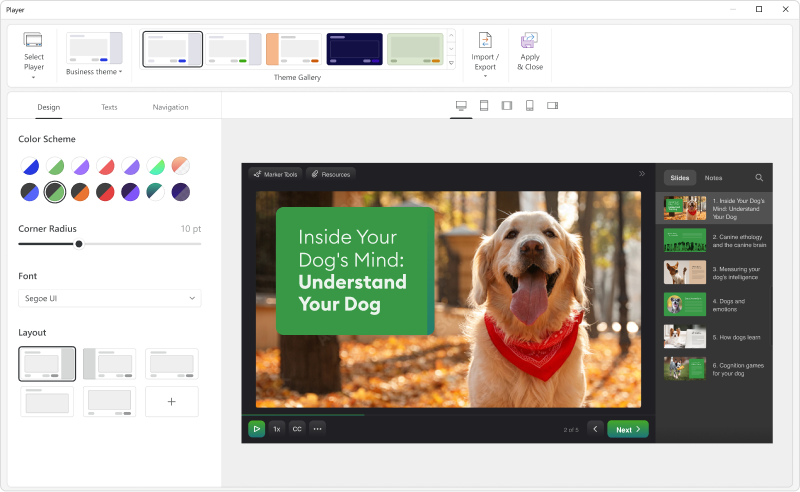 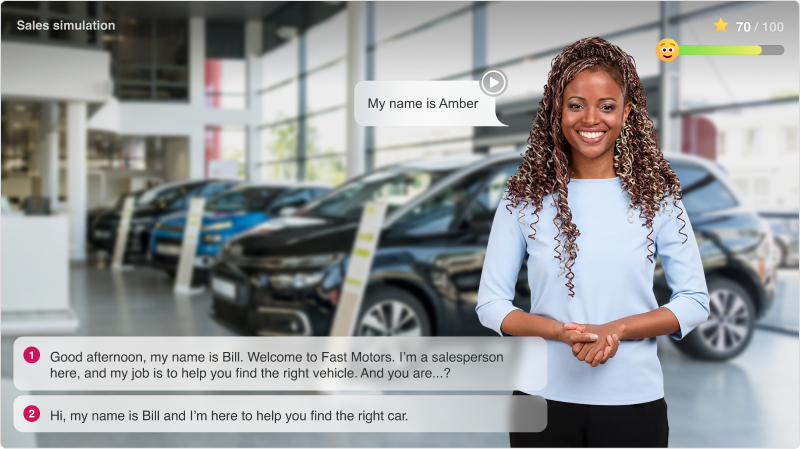  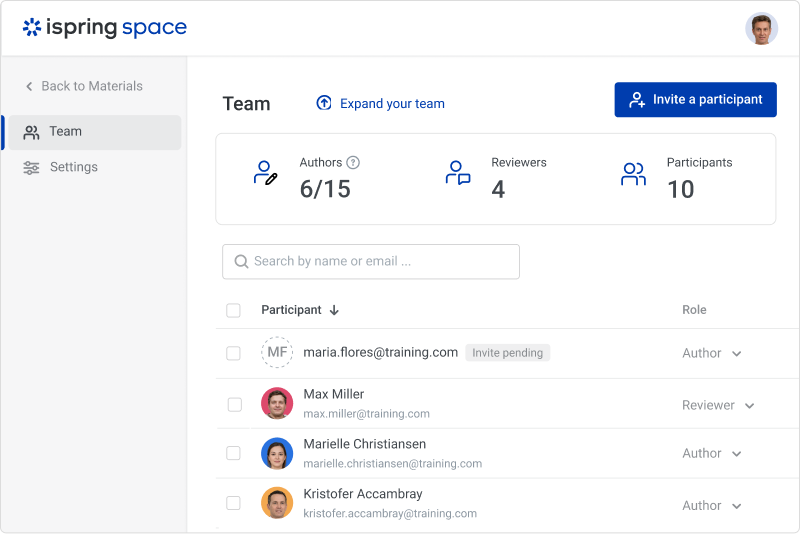  |

