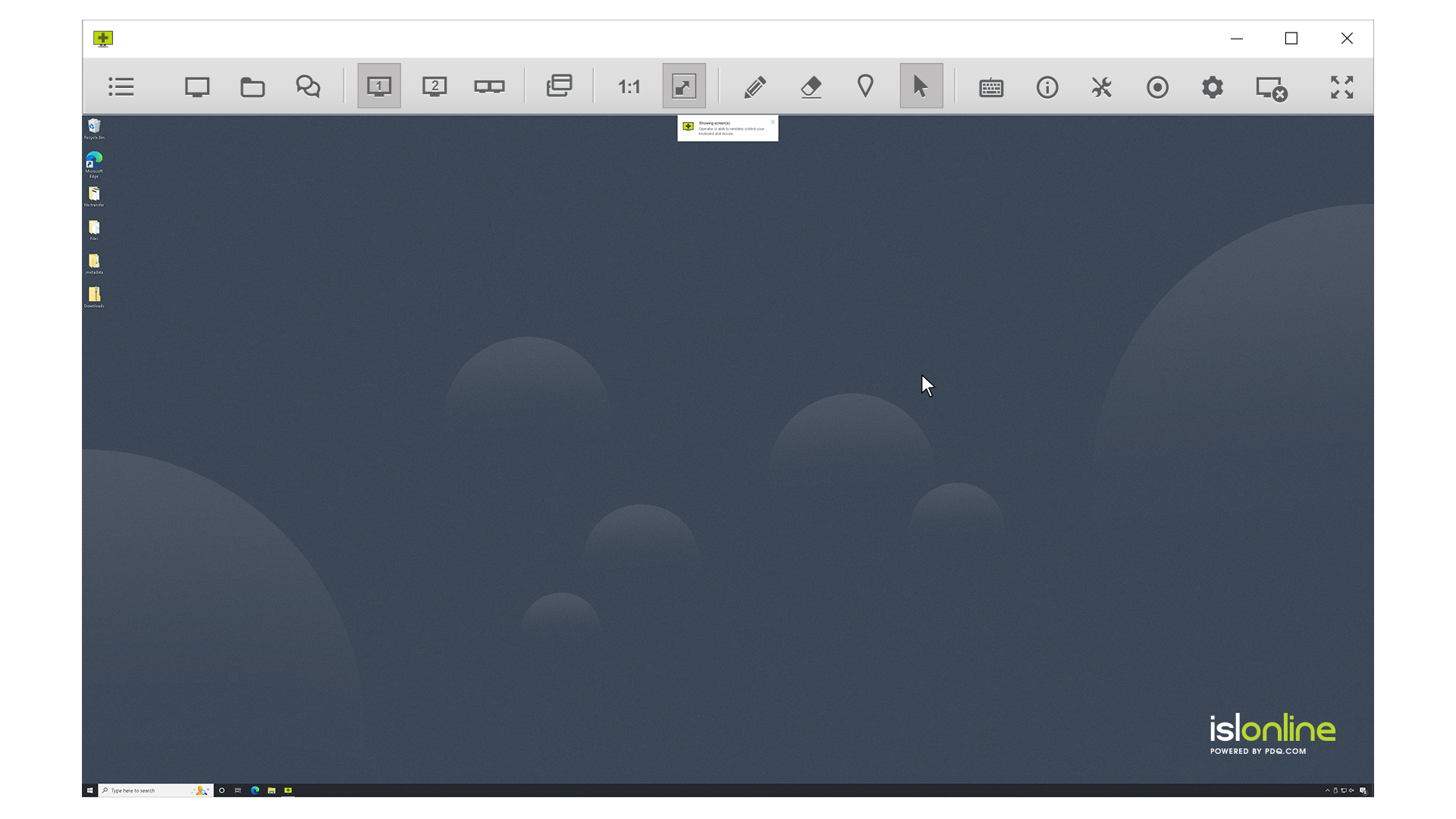
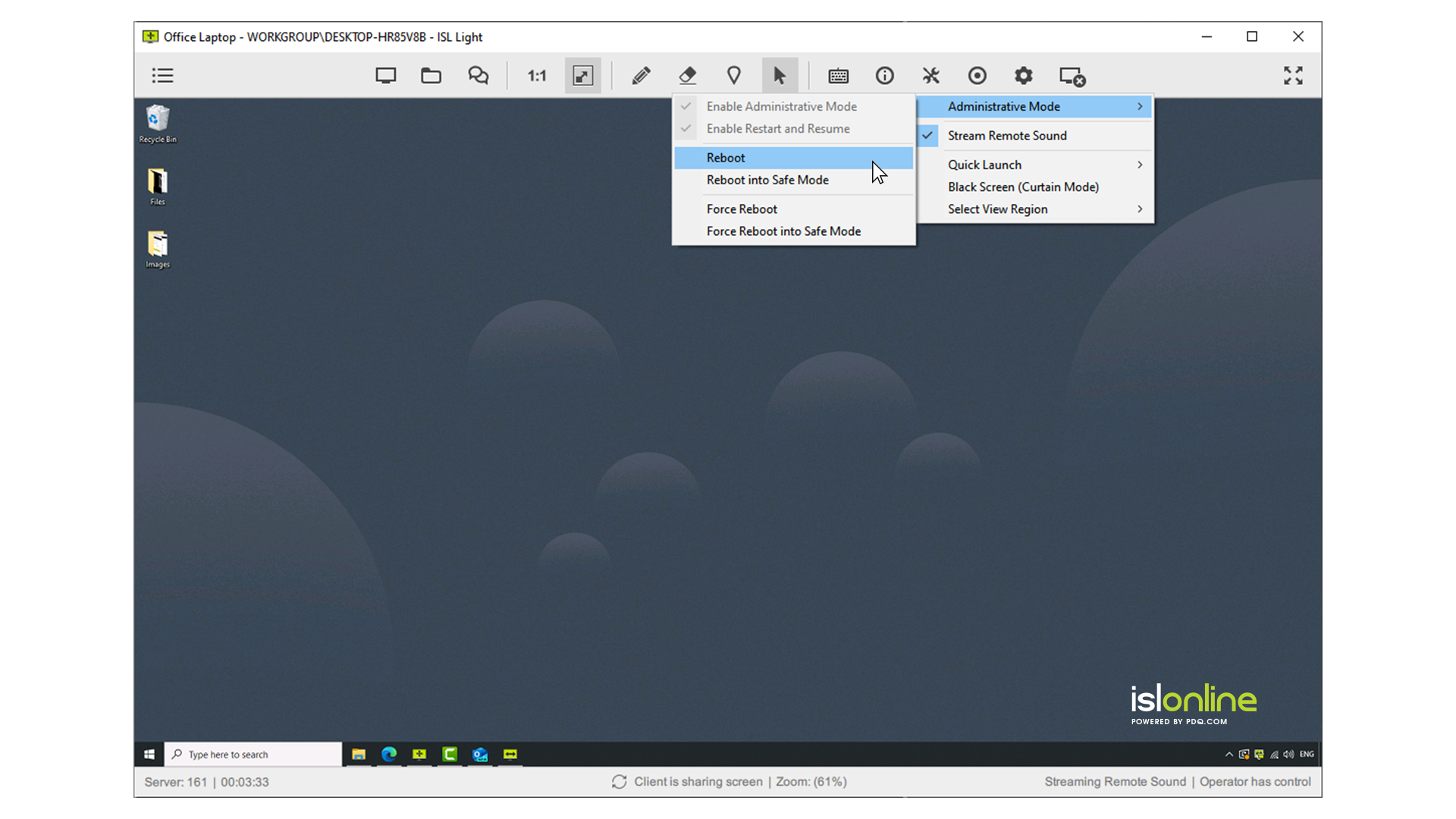
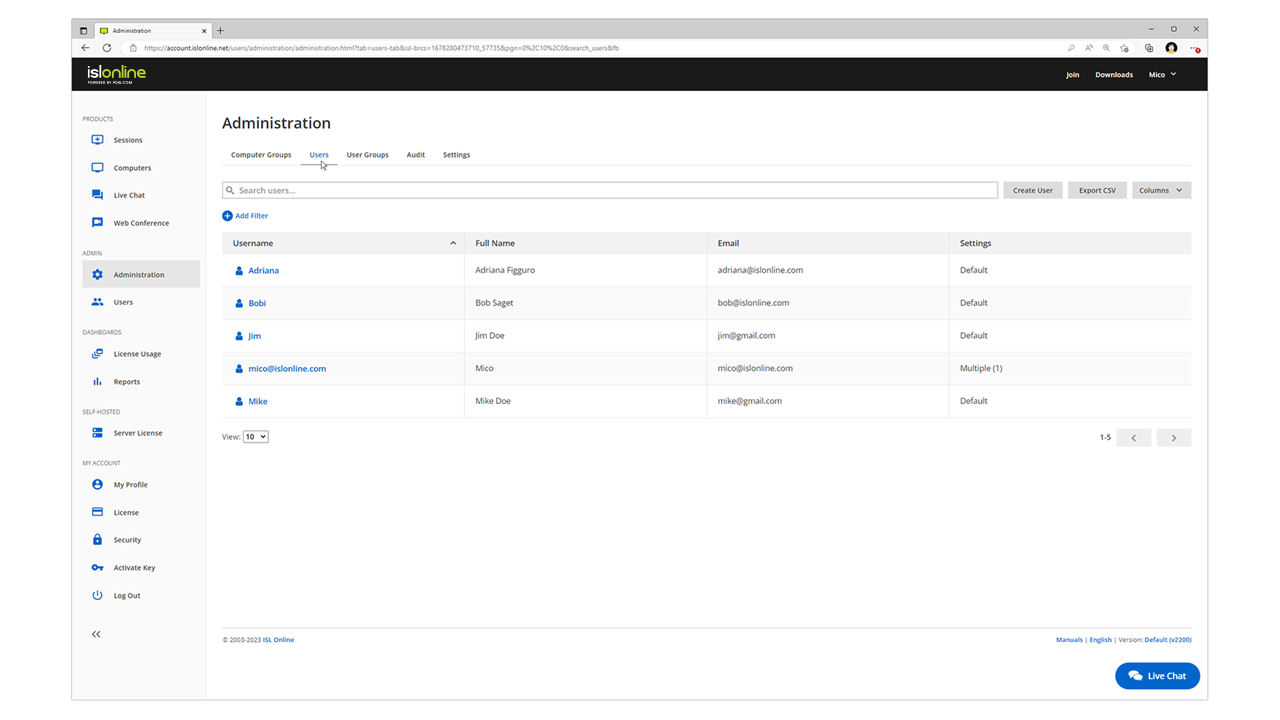
ISL Light is remote support and remote access software that enables SMBs and large enterprises to offer fast and efficient support and maintenance for Windows, Mac and Linux computers as well as mobile device support for Android and iOS.
$418
per year (1 concurrent user)
Wayk Bastion (Discontinued)
Score9.1 out of 10
N/A
Wayk Bastion is a self-hosted remote access management server for machines running Wayk Agent. All remote desktop connections made by technicians using Wayk Client are authorized and monitored with corresponding session audit trails. Allowing remote access is one thing, but keep track of who accessed what, when and for how long is just as important for security. Zero Trust Security Freedom Devolutions Gateway relay servers configured with Wayk Bastion ensure independence from…
$99.99
Per Technician
Pricing
ISL Light
Wayk Bastion (Discontinued)
Editions & Modules
Standard
$34.90
per month (billed annually) per concurrent user
Self-Hosted
$44.90
per month (billed annually) per concurrent user
Premium
$54.90
per month (billed annually) per concurrent user
Enterprise (Managed Private Cloud)
$23,976
per year 20 concurrent users
Technician CAL License
$99.99
Per Technician
Site License
$2,499.99
Unlimited Technicians, Single Site
Country License
Contact Us
Unlimited Technicians, Multiples Sites, Single Country
Global License
Contact Us
Unlimited Technicians, Multiples Sites, Worldwide
Offerings
Pricing Offerings
ISL Light
Wayk Bastion (Discontinued)
Free Trial
Yes
Yes
Free/Freemium Version
No
No
Premium Consulting/Integration Services
Yes
Yes
Entry-level Setup Fee
No setup fee
No setup fee
Additional Details
ISL Online's pricing model considers the number of licenses purchased, which determines the maximum number of concurrent users within the organization. A concurrent user is defined as anyone running one or more sessions simultaneously from any device. There are no restrictions on the number of ISL Light users within a company or the remote devices managed.
For example, with three licenses, an unlimited number of people in a company can use ISL Light and can access an unlimited number of remote devices, but only three users can use it concurrently. When one of these three users ends their session, a fourth user can begin their session, and so on.
Technical Consultant in Information Technology at Schouw Informatisering (Computer Software, 51-200 employees)
Chose Wayk Bastion (Discontinued)
RDM (Remote Desktop Manager) is our main remote connection application. Wayk Now, also from Devolutions, are a very well integrated with RDM and therefore it's a logical choice to also use Wayk Now.
A de minimis incentive was given to thank the reviewer for their time. The incentive was not used to bias or drive a particular response, nor was the incentive contingent on a positive endorsement. More Info
ISL light is suitable for anyone who plans to provide remote assistance services on a medium to large scale. Due to the high entry price, it is less suitable for consultants with a smaller number of clients or remote stations that need management. Their smallest package in which minutes are rented does not seem suitable for most cases.
A de minimis incentive was given to thank the reviewer for their time. The incentive was not used to bias or drive a particular response, nor was the incentive contingent on a positive endorsement. More Info
It is a product that is very small footprint that allows remote control.Can be used very efficiently and effectively in a small environment. That would be up to 50 computers. You can use this in a larger environment but it would require multiple techs to cover. Currently I am the only helpdesk tech in my company.
Wayk Now has 3 authentication methods to use when connecting in to a remote Wayk Now instance - Secure Remote Password (the app password), Secure Remote Delegation (the OS credentials which is used to gain elevated rights should they be required) and finally Prompt for Permission which is very handy if your client isn't IT literate so they just get a prompt to click on to authenticate with the app that way. From what I've seen in other remote assist apps, this is fairly unique.
Another new feature that I think gives Wayk a slight edge over the competition is a new graphics codec for the video feed from the client app called GFWX. Again its certainly a unique take on this problem of streaming the video to the client ends app. Basically it means that the image quality is a lot better for a lot less bandwidth because of the codec's compression.
The last point that Wayk Now does well is its integration with the other Devolutions products such as Remote Desktop Manager in which you can create Wayk Now session entries so that you can build up a DB of your clients/your own unattended Wayk Now instances that you can open from within RDM.
A de minimis incentive was given to thank the reviewer for their time. The incentive was not used to bias or drive a particular response, nor was the incentive contingent on a positive endorsement. TR verified that a representative sample of customers was invited. More Info
Need a control toggle at least on AlwaysOn. User moves the mouse and you lose all control instantly.
Clipboard features are a bit wonky still, and your clipboard seems to get emptied a lot. So if you're trying to copy and paste you might lose something
Passwords for the systems are saved per machine, so if you work from multiple devices it can be tricky if you have complex passwords
A de minimis incentive was given to thank the reviewer for their time. The incentive was not used to bias or drive a particular response, nor was the incentive contingent on a positive endorsement. More Info
Requires an agent install on the remote computer (or a full Wayk install). Would like to see a tool that allowed someone to connect to my WAYK invite, and use the services remotely so that it is a true no-touch on the remote server.
Limited feature set (by design, but if you are looking for a full featured remote support product, this probably isn't it). Of course since this is by design it could be considered a pro.
Considering that Wayk Now comes in a free edition that can be used commercially, even if I wasn't to renew Wayk Now for whatever reason, I would still use it, but I do actually require the unattended access feature which is available for free now with the new free business licence.
A de minimis incentive was given to thank the reviewer for their time. The incentive was not used to bias or drive a particular response, nor was the incentive contingent on a positive endorsement. TR verified that a representative sample of customers was invited. More Info
Everything works well and quickly, and that's all we need. ISL Light always works, and we've never had a situation where the server was inaccessible or the website was down. It simply gives us a 100% guarantee that we can always log in to our customers' systems. We can install the ISL Light client at our customers' sites without any problems, even though security is high.
A de minimis incentive was given to thank the reviewer for their time. The incentive was not used to bias or drive a particular response, nor was the incentive contingent on a positive endorsement. More Info
I feel Wayk Now is very useable as it's still a very simple concept packaged basically the same way that the competition does with their remote assist type apps
A de minimis incentive was given to thank the reviewer for their time. The incentive was not used to bias or drive a particular response, nor was the incentive contingent on a positive endorsement. TR verified that a representative sample of customers was invited. More Info
A de minimis incentive was given to thank the reviewer for their time. The incentive was not used to bias or drive a particular response, nor was the incentive contingent on a positive endorsement. More Info
We had issues with mouse skipping on mobile devices. Support is immediatly availabe, they examined our case and in one of the new versions of the app this problem was gone.
My experience with their support is for a related product, not Wayk Now; however Devolutions support has always been superior to most regardless of the product being used. I left it at a 9 instead of a 10 simply because I haven't used it, but I would expect nothing less than a 10 from my experiences with RDM - both free and paid versions.
A de minimis incentive was given to thank the reviewer for their time. The incentive was not used to bias or drive a particular response, nor was the incentive contingent on a positive endorsement. More Info
Multi-monitor handling is super easy with ISL Light. The licensing model of ISL Light's self-hosted version is unbeatable. Great technical support, which often used before I purchased. The unbelievable price increase during and after the covid time of remote tools, has ended, when I found ISL Light. ISL Light is really a underdog in the remote utility market. I'm glad that I found it.
I think they're great tools also. But. Skype for Business, it's only for 365 users or, with external users, be prepared to download a nice 50Mb PLUGIN.... And TeamViewer, I think it's great, but lots of companies around the world block it thinking it's a malware, more than a support tool.
A de minimis incentive was given to thank the reviewer for their time. The incentive was not used to bias or drive a particular response, nor was the incentive contingent on a positive endorsement. More Info
There is a no-cost version of the tool which has an immediate positive Return on Investment as it allows remote support users to efficiently assist users