ISL Light vs. RemotePC

Overview
ProductRatingMost Used ByProduct SummaryStarting Price
ISL Light
Score 9.3 out of 10
Small Businesses (1-50 employees)
ISL Light is remote support and remote access software that enables SMBs and large enterprises to offer fast and efficient support and maintenance for Windows, Mac and Linux computers as well as mobile device support for Android and iOS.
$34.90
per month (billed annually) per concurrent user
RemotePC
Score 8.9 out of 10
N/A
RemotePC is a remote access solution that allows consumers, businesses and IT professionals to access and control their PCs & Macs remotely from any device including iOS/Android. Connect to remote computers to work from home or anywhere. RemotePC lets the user access remote computers directly via the web, with no software installation required. Includes plans for consumers, small businesses, and large enterprises. IT Technicians can take advantage of RemotePC HelpDesk to connect…
$29.50
per year 1 computer
Pricing
ISL LightRemotePC
Editions & Modules
Standard
$34.90
per month (billed annually) per concurrent user
Self-Hosted
$44.90
per month (billed annually) per concurrent user
Premium
$54.90
per month (billed annually) per concurrent user
Enterprise (Managed Private Cloud)
$23,976
per year 20 concurrent users
Consumer
$29.50
per year 1 computer
SOHO
$99.50
per year 10 computers
HelpDesk
$99.50
per year unlimited computers
Team
$299.50
per year 50 computers
Enterprise
$599.50
per year 100 computers
Offerings
Pricing Offerings
ISL LightRemotePC
Free Trial
YesYes
Free/Freemium Version
NoNo
Premium Consulting/Integration Services
NoNo
Entry-level Setup FeeNo setup feeNo setup fee
Additional DetailsISL Online's pricing model considers the number of licenses purchased, which determines the maximum number of concurrent users within the organization. A concurrent user is defined as anyone running one or more sessions simultaneously from any device. There are no restrictions on the number of ISL Light users within a company or the remote devices managed. For example, with three licenses, an unlimited number of people in a company can use ISL Light and can access an unlimited number of remote devices, but only three users can use it concurrently. When one of these three users ends their session, a fourth user can begin their session, and so on.RemotePC offers regular first year discounts for all plans.
More Pricing Information
Community Pulse
ISL LightRemotePC
Features
ISL LightRemotePC
Remote Administration
Comparison of Remote Administration features of Product A and Product B
ISL Light
7.8
Ratings
4% below category average
RemotePC
9.8
Ratings
19% above category average
Screen sharing7.10 Ratings9.90 Ratings
File transfer6.70 Ratings9.90 Ratings
Instant message6.30 Ratings9.90 Ratings
Secure remote access with Smart Card authentication8.00 Ratings00 Ratings
Access to sleeping/powered-off computers6.70 Ratings00 Ratings
Over-the-Internet remote session8.60 Ratings9.90 Ratings
Initiate remote control from mobile7.40 Ratings9.60 Ratings
Remote management of servers & workstations8.50 Ratings9.80 Ratings
Remote Active Directory® management8.70 Ratings9.90 Ratings
Centralized management dashboard8.20 Ratings9.70 Ratings
Session record8.20 Ratings9.90 Ratings
Annotations8.20 Ratings9.90 Ratings
Monitoring and Alerts7.90 Ratings00 Ratings
Multi-platform remote control8.20 Ratings9.80 Ratings
Best Alternatives
ISL LightRemotePC
Small Businesses
Getscreen.me
Getscreen.me
Score 9.7 out of 10
Getscreen.me
Getscreen.me
Score 9.7 out of 10
Medium-sized Companies
Remote Desktop Manager
Score 9.0 out of 10
Remote Desktop Manager
Score 9.0 out of 10
Enterprises
Remote Desktop Manager
Score 9.0 out of 10
Remote Desktop Manager
Score 9.0 out of 10
All AlternativesView all alternativesView all alternatives
User Ratings
ISL LightRemotePC
Likelihood to Recommend
7.6
(0 ratings)
9.9
(0 ratings)
Likelihood to Renew
9.1
(0 ratings)
9.0
(0 ratings)
Usability
7.1
(0 ratings)
7.5
(0 ratings)
Availability
9.1
(0 ratings)
-
(0 ratings)
Performance
9.1
(0 ratings)
-
(0 ratings)
Support Rating
9.1
(0 ratings)
-
(0 ratings)
Implementation Rating
9.1
(0 ratings)
-
(0 ratings)
Product Scalability
9.1
(0 ratings)
-
(0 ratings)
User Testimonials
ISL LightRemotePC
Likelihood to Recommend
Perfect for remotely accessing user machines. Better than any of the competitors such as Anydesk etc. Feels a lot safer and the auto rollout makes it perfect for large organisations and small Cannot think of a case when it's less appropriate!
Read full review
Being able to use my office computer from any other computer with the RemotePC software seamlessly. Having the ability to control and access software and hardware just like working from my office computer. On the other side, the printing capabilities can be improved to allow for better remote printing. Otherwise the system works very well
Read full review
Pros
  • Prikaz strani na kateri se nahaja uporabnik
  • Prikaz kontaktov uporabnikov
  • Zgodovina pogovorov s strankami
  • Možnost spreminjanja statusa dosegljivosti
  • Nalaganje datotek, zajemov slik,..
  • Klepetalnik, ki je enostaven za uporabo
  • Nas obvesti, da smo dobili sporočilo, tudi če smo izven klepetalnika
  • Display the page the user is on
  • Displaying user contacts
  • Customer conversation history
  • Ability to change availability status
  • Uploading files, capturing images, etc.
  • An easy-to-use chatbot
  • Notifies us that we have received a message, even if we are outside the chat room
Read full review
  • Easy setup, Within minutes of Installation I was up and running
  • Security - OTP 2-Factor authentication, passed security testing.
  • Performance - Though I have not fully pushed the boundary it performs as if I was sitting at my desk at home from an Android tablet in the parking lot of work.
  • Value - We all have taken a gamble when buying a product. This is one of the purchases that I am actually happy with. It is a great value for what you get.
Read full review
Cons
  • Need a control toggle at least on AlwaysOn. User moves the mouse and you lose all control instantly.
  • Clipboard features are a bit wonky still, and your clipboard seems to get emptied a lot. So if you're trying to copy and paste you might lose something
  • Passwords for the systems are saved per machine, so if you work from multiple devices it can be tricky if you have complex passwords
Read full review
  • long waiting time to initiate connection compare to competitors
  • total lack of keyboard translation between macOS - Windows. No keyboard configuration options at all. I don't recommend macOS users, and non-english keyboard layout users.
  • Key combination transfer doesn't work or behaves strange
Read full review
Likelihood to Renew
We are renew the license for 10 years now and we do not see why would change that. It just gets better with every new version.
Read full review
I still find value in this tool. If I needed to increase computers supported, I would need to revaluate pricing concerns.
Read full review
Usability
It is very easy to use. You hardly need any computer knowledge to learn how to use it, as everything is displayed in easily recognizable icons. Although its appearance does not look cutting-edge, it could have a more modern look, but it must be said that everything is understandable, and with just a couple of taps on each icon that appears, you already know what each thing is for, and it allows you to use it skillfully and fluidly. Everything is perfect in this regard.
Read full review
At this point I have no issue with RemotePC's overall usability. It continues to meet my needs for what is required for me to run my business. I would like to see continued improvements with RemotePC's allowing me to continue to work remotely. Waking or starting the computer would be a plus.
Read full review
Reliability and Availability
During the entere time of use, I have never come across any availability issues.
Read full review
No answers on this topic
Performance
High performance!
Read full review
No answers on this topic
Support Rating
We had issues with mouse skipping on mobile devices. Support is immediatly availabe, they examined our case and in one of the new versions of the app this problem was gone.
Read full review
No answers on this topic
Implementation Rating
It was so easy!
Read full review
No answers on this topic
Alternatives Considered
In our specific case user console simplicity in ISL light is a major positive for ISL light. ISL always on agent for unattended access is vastly superior to TeamViewer's solution. TeamViewer has become bloated in recent years, changing things for the sake of changing them, rather than improving their offering. One advantage TeamViewer has is a copy-paste file function that does not require the use of cumbersome file transfer tool.
Read full review
Its just easy to use and does exactly what is advertised. There is nothing complicated about it. If you need access to your home PC from anywhere in the world on a computer with a browser or a smart phone, you now have it for a super low price
Read full review
Scalability
Easy to deploy onto new devices. Ability to group devices so they can managed remotely efficiently.
Read full review
No answers on this topic
Return on Investment
  • We can now help our customers within minutes. Sending a technician could take hours or even days.
  • We can immediately help customers who are stuck and unable to refuel so that they can continue their journey.
  • We can now quickly resolve warranty cases, so that it hardly costs us any money.
Read full review
  • Zero friction remote access on demand
  • Very competitive priced
  • Saving 2 hours travel time per session
  • Saving 30 min reporting per session
Read full review
ScreenShots

ISL Light Screenshots

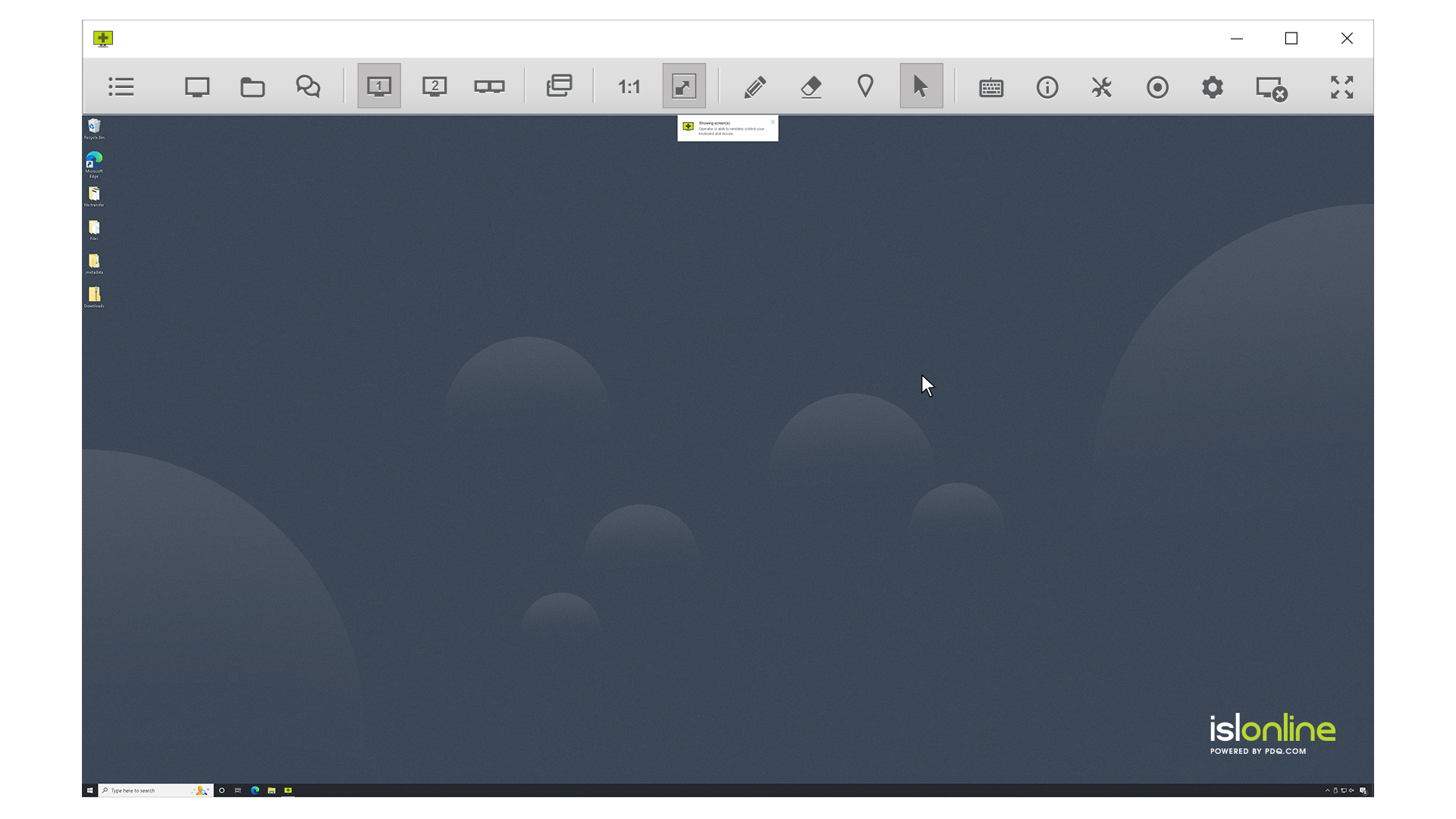
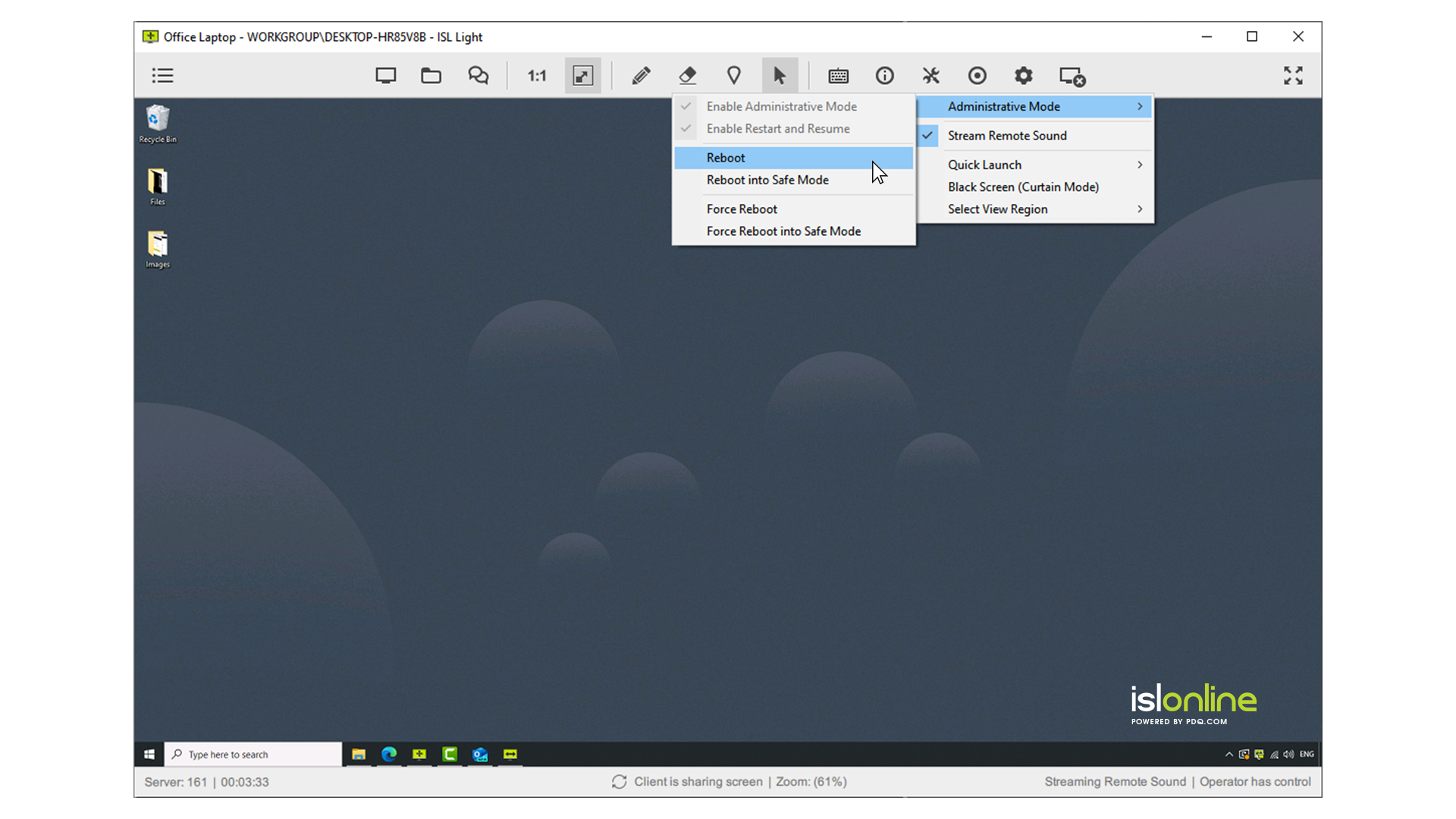
Screenshot of remote access control in ISL Light.Screenshot of unattended access setup. Access can be allowed to as many computers as desired.Screenshot of a connection with a remote client, which can be set up by sending an email or sharing a link.Screenshot of interactions with the Windows UAC on a remote device.Screenshot of the dual panel File Manager, used to transfer files.Screenshot of the web console where remote desktop sessions can be managed from a web browser.

RemotePC Screenshots

Screenshot of Screenshot of Screenshot of