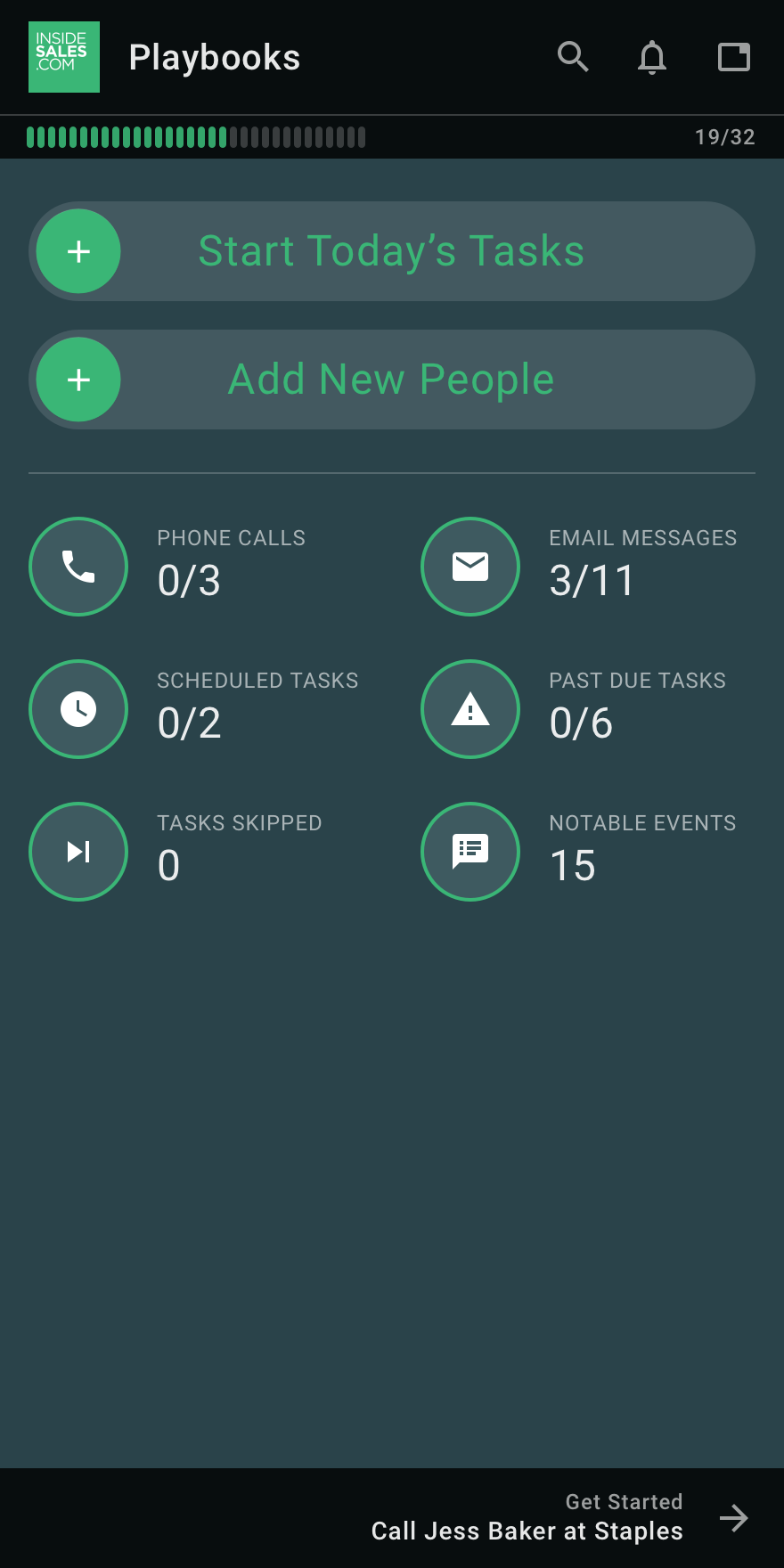
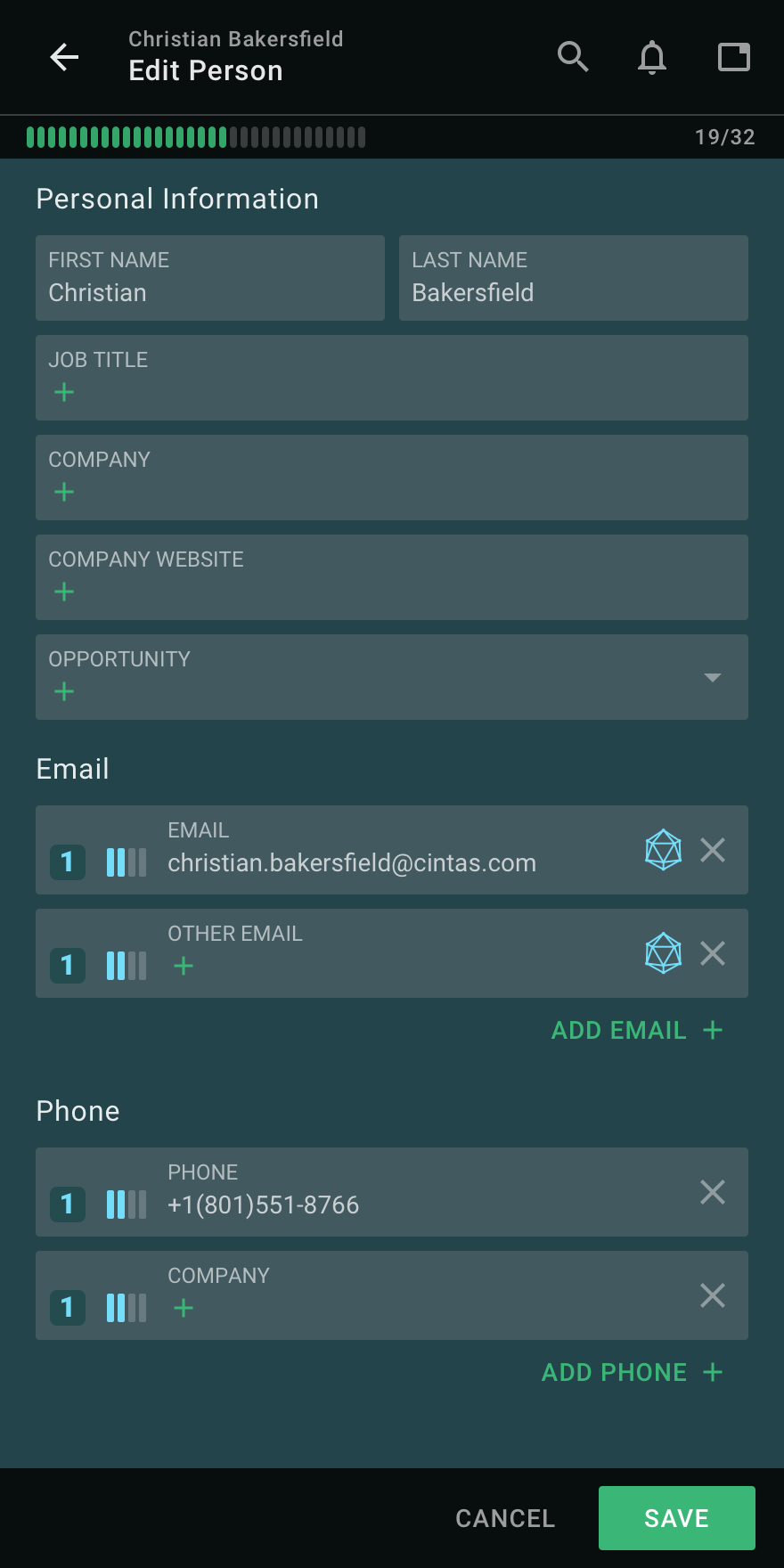
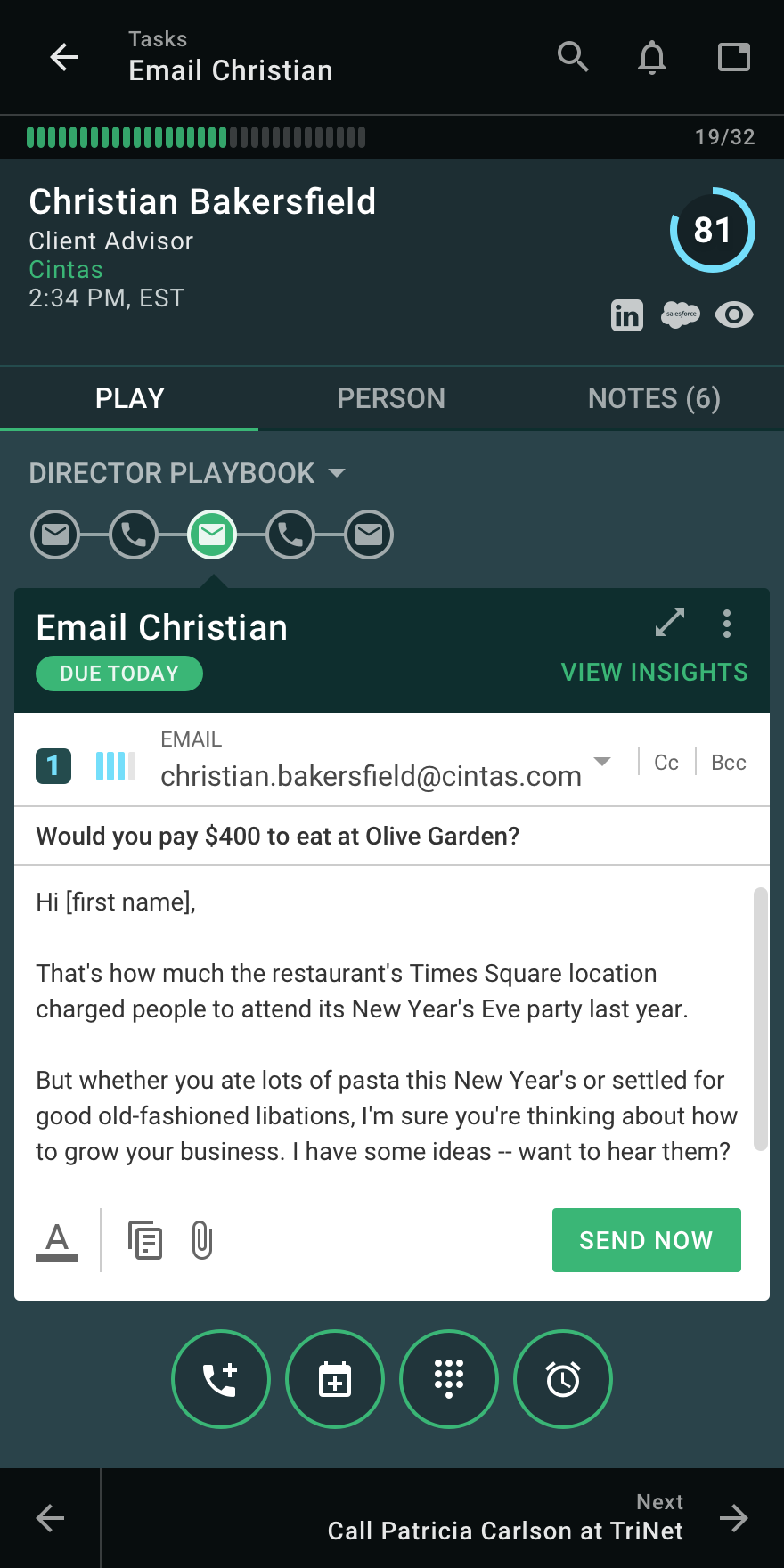
InsideSales Playbooks (formerly XANT Playbooks) aims to help SDRs and AEs quickly build closeable pipeline, by helping salespeople get a hold of more of the right people. InsideSales.com uses their A.I.-platform called Neuralytics to target likely buyers combined with their cadence engine to help sales reps consistently engage all of their prospects in a personalized way. Just like Waze from Google helps drivers get to their destination quickly based on the data from other drivers,…
N/A
Mailshake
Score9.6 out of 10
N/A
Mailshake is a suite of tools for teams sending sales emails, including pre-written emails, follow-up scheduling and send controls, merge fields and customization / personalization, in-built monitoring, and both an API and Zapier integrations, notably with Gmail and Google Suite.
It is well suited for any sales department, to try to get ahold of the person you are trying to get ahold of. Playbooks has increased the number of decision makers that I can get ahold of on a day to day basis. This tool would probably be less suited for people that do not have calls to make outside of the company.
A de minimis incentive was given to thank the reviewer for their time. The incentive was not used to bias or drive a particular response, nor was the incentive contingent on a positive endorsement. More Info
A de minimis incentive was given to thank the reviewer for their time. The incentive was not used to bias or drive a particular response, nor was the incentive contingent on a positive endorsement. More Info
A de minimis incentive was given to thank the reviewer for their time. The incentive was not used to bias or drive a particular response, nor was the incentive contingent on a positive endorsement. More Info
A de minimis incentive was given to thank the reviewer for their time. The incentive was not used to bias or drive a particular response, nor was the incentive contingent on a positive endorsement. More Info
The ability to filter specific plays or pieces of information so that it's more user-friendly for the overall organization. Essentially, more room to customize the organization of accounts and how you're working them.
The initial onboarding process of accounts results in high levels of tasks - the ability to break these down in an easier way to help with time management would be helpful.
A de minimis incentive was given to thank the reviewer for their time. The incentive was not used to bias or drive a particular response, nor was the incentive contingent on a positive endorsement. More Info
It only took a day to get comfortable with Playbooks. The ease of use and overall usability is fantastic in the sense that it's pretty straightforward once you get enough repetitions in the tool. I also like all of the videos and resources available if support is needed
A de minimis incentive was given to thank the reviewer for their time. The incentive was not used to bias or drive a particular response, nor was the incentive contingent on a positive endorsement. More Info
I found it pretty good - we were able to put email templates and campaigns together almost immediately. The reason I gave it an 8 is because if you want to edit those templates, the saving and making sure they were part of the campaigns was a little tricky and not intuitive.
A de minimis incentive was given to thank the reviewer for their time. The incentive was not used to bias or drive a particular response, nor was the incentive contingent on a positive endorsement. More Info
A de minimis incentive was given to thank the reviewer for their time. The incentive was not used to bias or drive a particular response, nor was the incentive contingent on a positive endorsement. More Info
The Insidesales Playbooks is by far more intuitive and organized than other programs I have used in the past. Unfortunately I have not had experience with other products that are available out there. I would hope we will see more improvements from the ISDC tool as we all use it more and provide feedback
A de minimis incentive was given to thank the reviewer for their time. The incentive was not used to bias or drive a particular response, nor was the incentive contingent on a positive endorsement. More Info
For more advanced email campaigns, I use ActiveCampaign and the email sending provider because it gives more control and options related to the drip rules. Besides that, for simple campaigns that need to be followed up in a great, quick, and simple way, Mailshake is perfect from my point of view.
A de minimis incentive was given to thank the reviewer for their time. The incentive was not used to bias or drive a particular response, nor was the incentive contingent on a positive endorsement. More Info
A de minimis incentive was given to thank the reviewer for their time. The incentive was not used to bias or drive a particular response, nor was the incentive contingent on a positive endorsement. More Info
A de minimis incentive was given to thank the reviewer for their time. The incentive was not used to bias or drive a particular response, nor was the incentive contingent on a positive endorsement. More Info