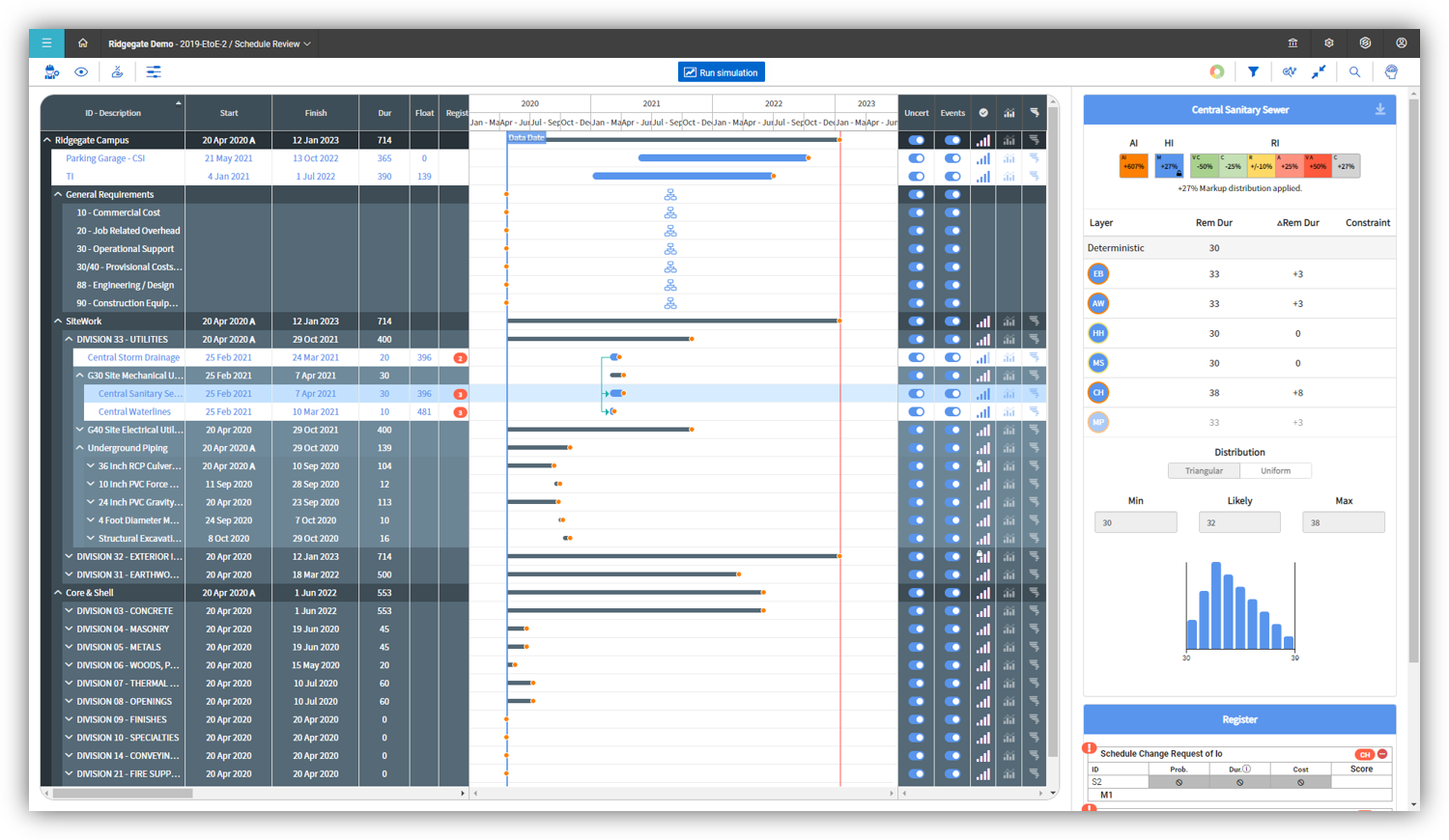
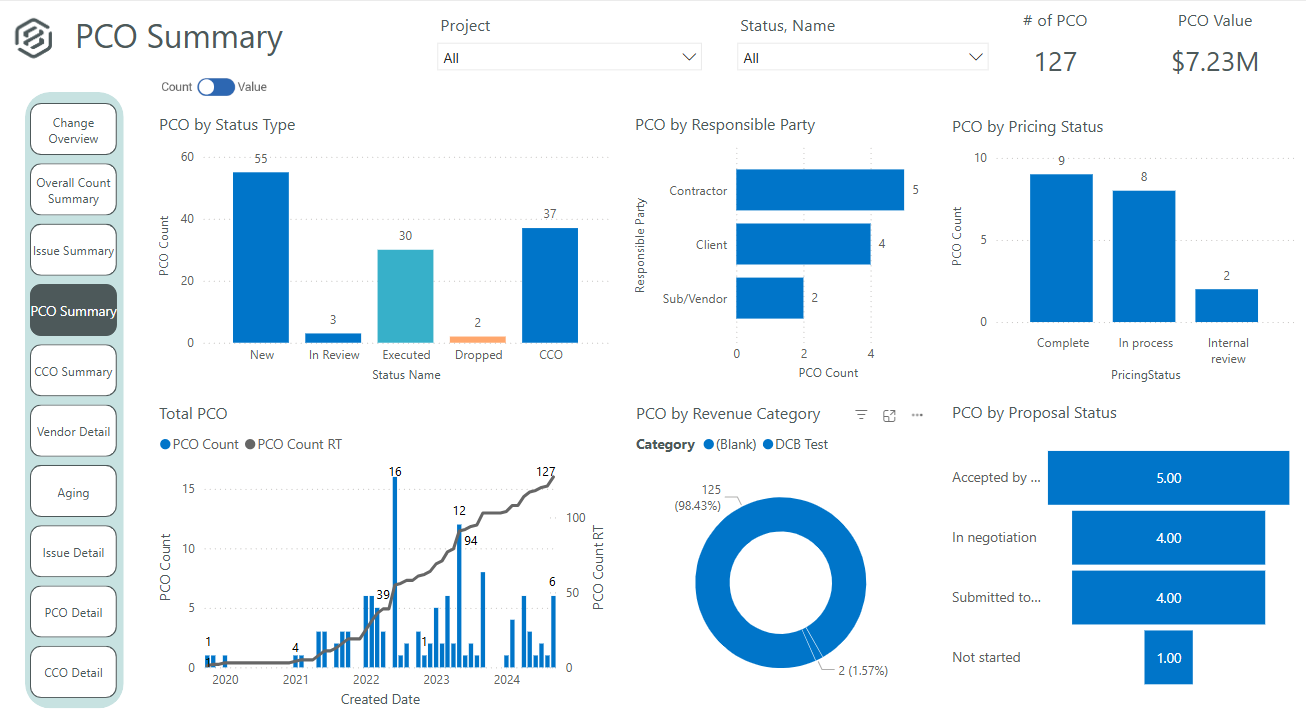
InEight's modular project controls software connects complex project data to improve visibility and delivery in capital construction.
N/A
Planview ProjectPlace
Score 8.4 out of 10
N/A
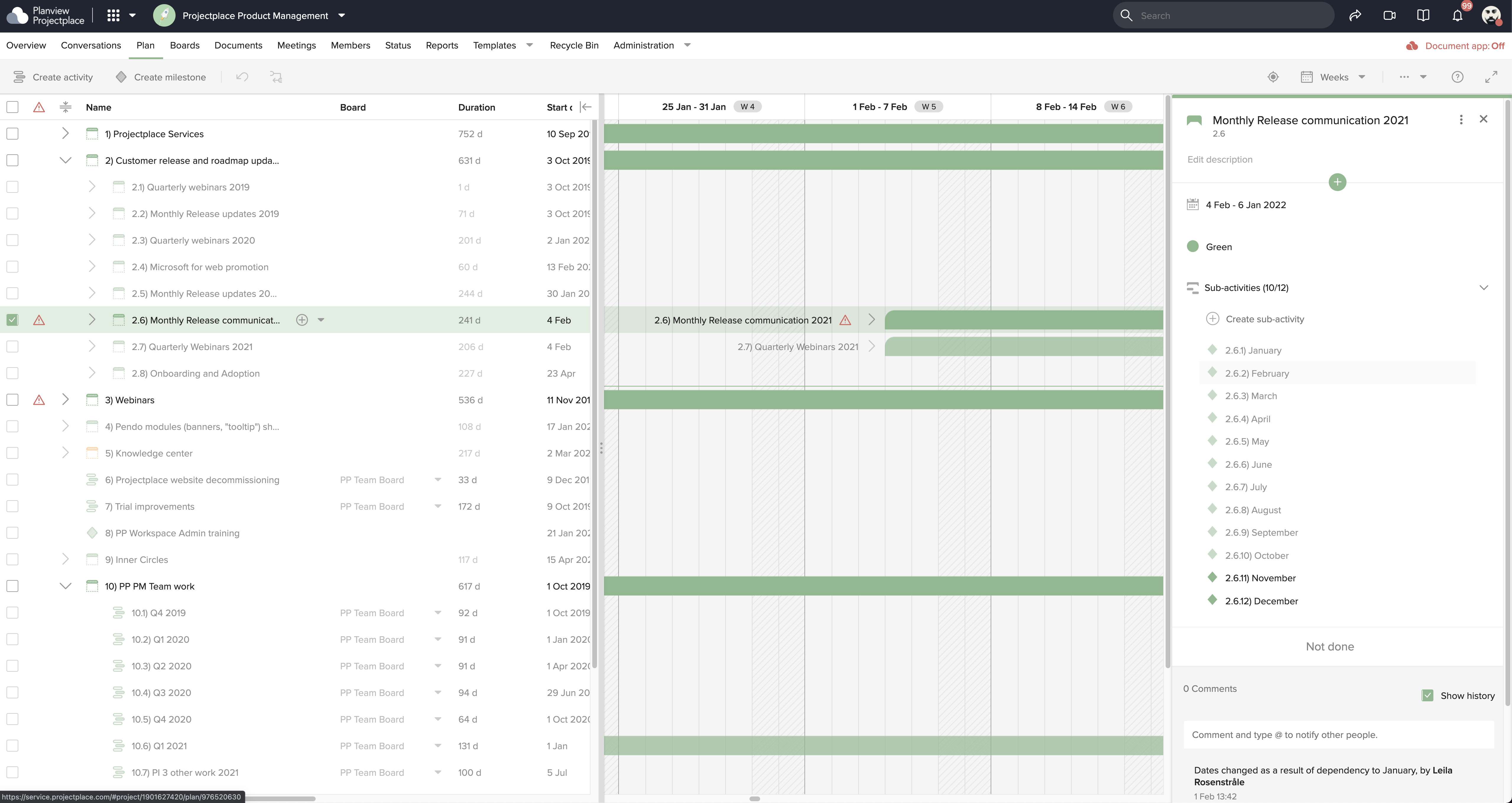
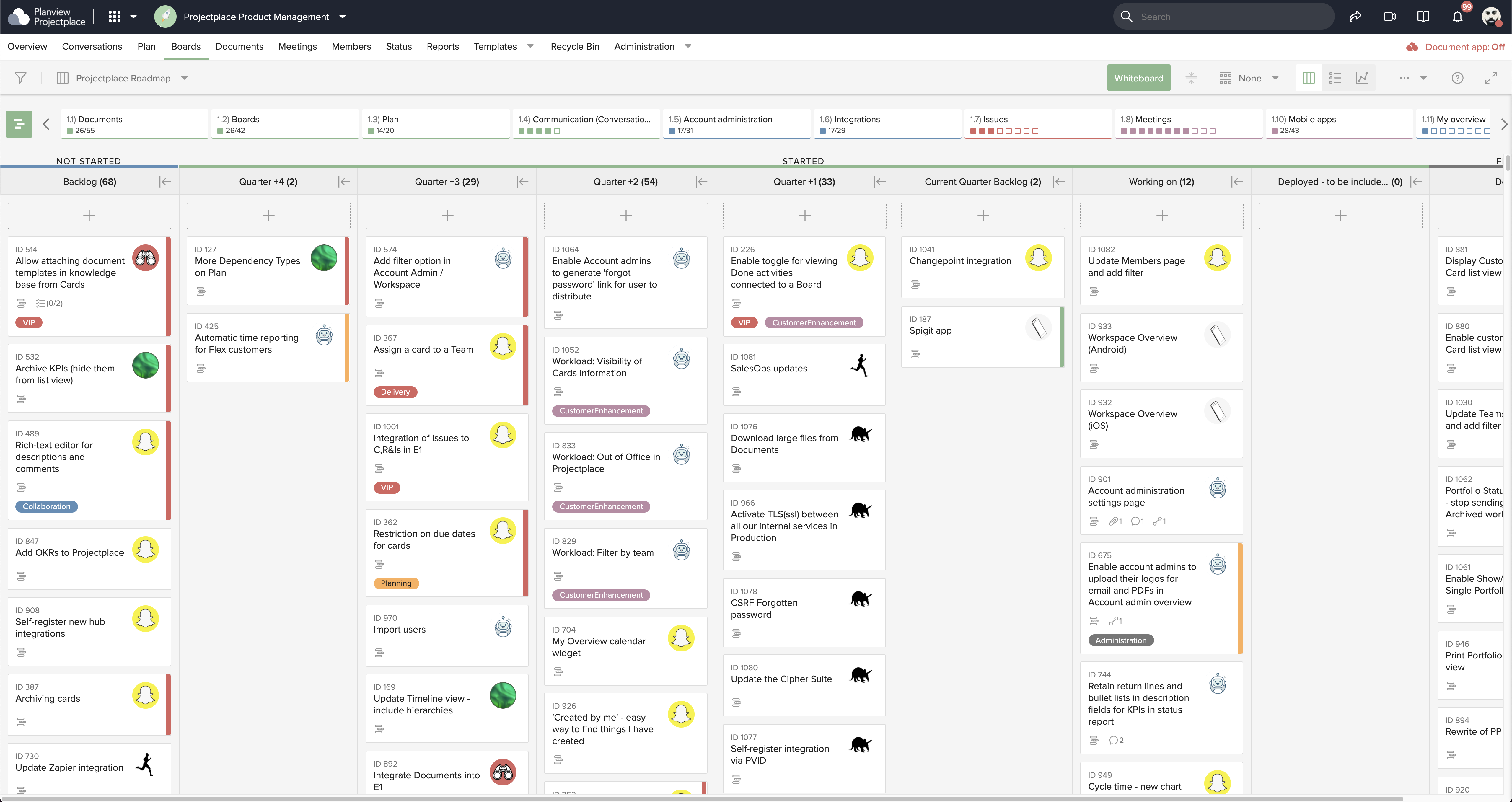
Projectplace is a collaborative work management solution. The vendor says the product is built with teams of all sizes and complexity in mind, from virtual teams of five to entire global enterprises with tens of thousands of active users. It is also designed to incorporate waterfall and agile workflows.
N/A
Pricing
InEight
Planview ProjectPlace
Editions & Modules
No answers on this topic
No answers on this topic
Offerings
Pricing Offerings
InEight
Planview ProjectPlace
Free Trial
No
Yes
Free/Freemium Version
No
No
Premium Consulting/Integration Services
No
No
Entry-level Setup Fee
No setup fee
No setup fee
Additional Details
InEight offers a modular, integrated project controls platform. Because the InEight platform covers the entire construction lifecycle, customers purchase the software based on their specific needs – purchasing stand-alone products, a bundle of products, or the entire platform. As a result, the pricing will vary depending on the specific product, number of users and length of contract. Once InEight has identified the highest impact areas, they offer potential customers a custom proposal. The options they consider include:
Per user pricing: typically annual subscriptions.
Revenue-based: using a percentage of the customer’s revenue.
Project-based: software use dedicated to a specific project or program of work.
—
More Pricing Information
Community Pulse
InEight
Planview ProjectPlace
Features
InEight
Planview ProjectPlace
Reporting & Analytics
Comparison of Reporting & Analytics features of Product A and Product B
InEight
7.0
Ratings
8% below category average
Planview ProjectPlace
-
Ratings
Dashboards
7.40 Ratings
00 Ratings
Standard reports
6.30 Ratings
00 Ratings
Custom reports
6.20 Ratings
00 Ratings
Data exportability
8.10 Ratings
00 Ratings
Construction Project & Field Management
Comparison of Construction Project & Field Management features of Product A and Product B
InEight
6.9
Ratings
9% below category average
Planview ProjectPlace
-
Ratings
Plan distribution & viewing
7.20 Ratings
00 Ratings
Plan markups & sharing
7.20 Ratings
00 Ratings
Issue tracking & punchlists
7.90 Ratings
00 Ratings
Photo documentation
7.50 Ratings
00 Ratings
Jobsite reports
8.00 Ratings
00 Ratings
Document sharing
5.70 Ratings
00 Ratings
RFI tools
4.80 Ratings
00 Ratings
Collaboration & approvals
7.40 Ratings
00 Ratings
As-built drawings
6.30 Ratings
00 Ratings
Mobile app
7.60 Ratings
00 Ratings
Submittal design and management
6.40 Ratings
00 Ratings
Checklists
7.50 Ratings
00 Ratings
Meeting Minutes
6.90 Ratings
00 Ratings
Specifications
6.40 Ratings
00 Ratings
Change orders
5.90 Ratings
00 Ratings
Estimating
Comparison of Estimating features of Product A and Product B
InEight
8.3
Ratings
4% above category average
Planview ProjectPlace
-
Ratings
Takeoff tools
6.80 Ratings
00 Ratings
Job costing
8.80 Ratings
00 Ratings
Cost databases
8.40 Ratings
00 Ratings
Cost calculator
8.80 Ratings
00 Ratings
Bid creation
8.50 Ratings
00 Ratings
Project Management
Comparison of Project Management features of Product A and Product B
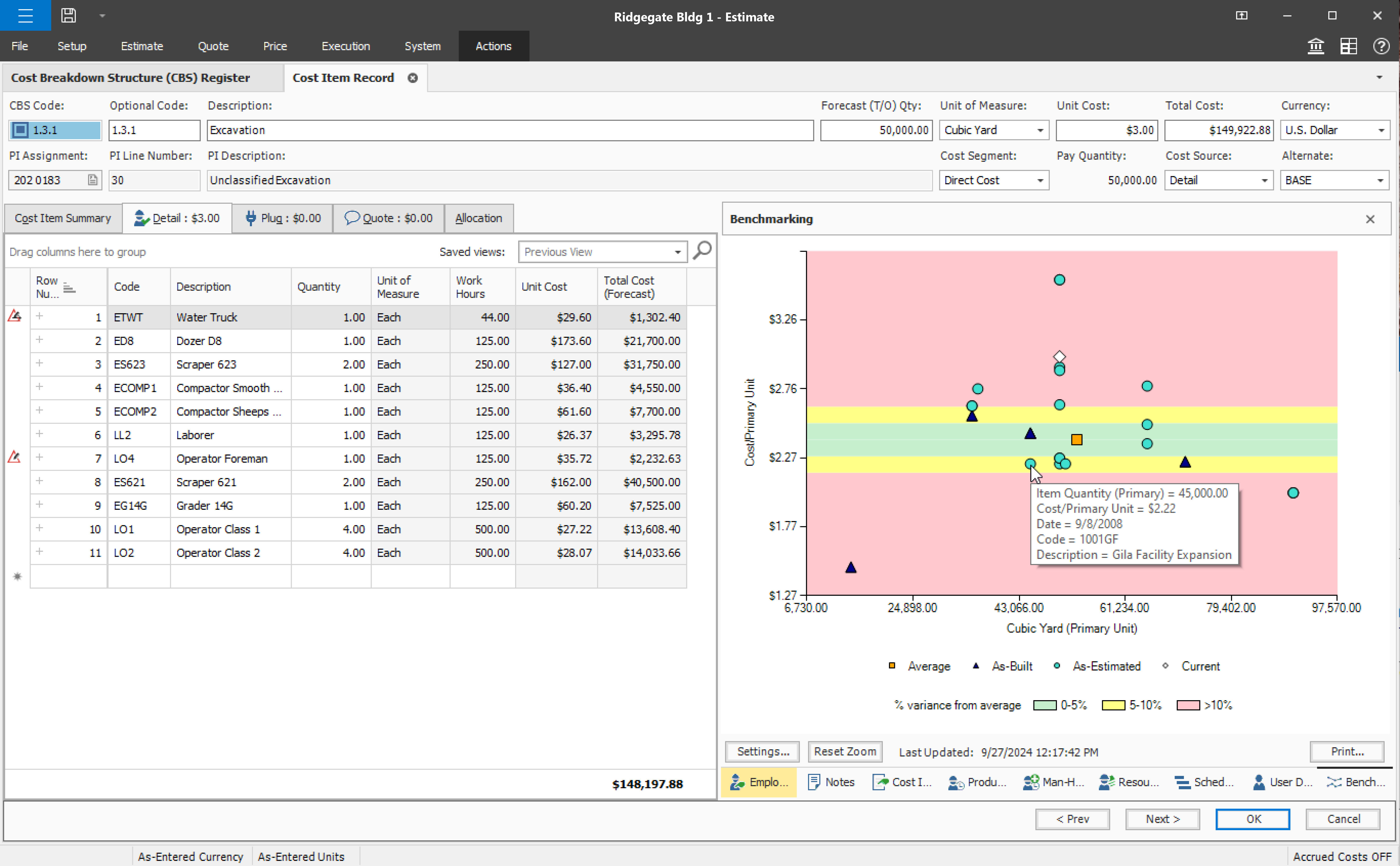
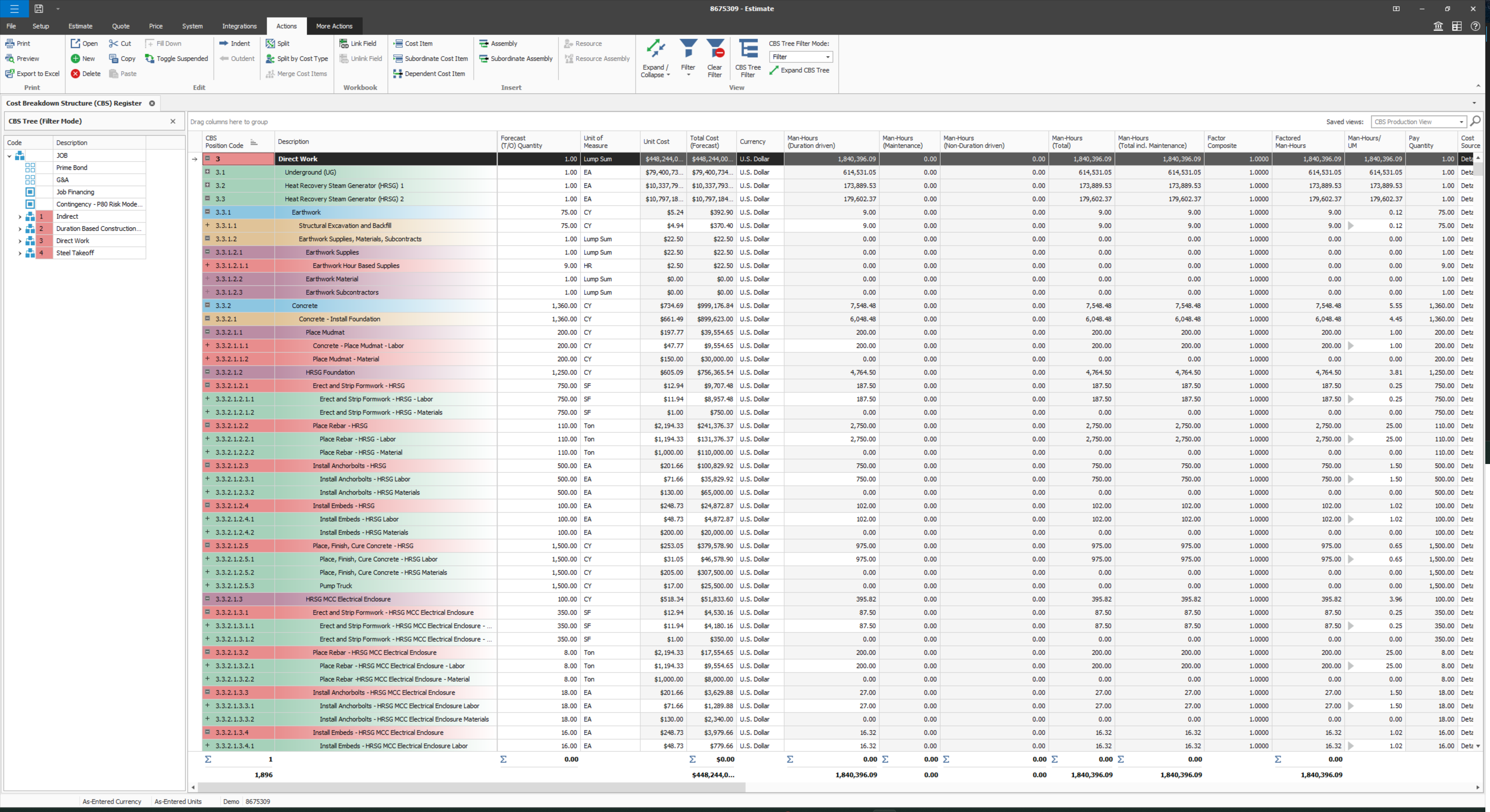
Compared to other Estimating software I have used, InEight has superior capabilities and features. The ability to use a line item or an assembly to create an estimate is an outstanding feature of the program. The ability to create crew rates and use them in the estimate is a handy feature, especially when estimating construction projects.
Planview ProjectPlace is a vibrant platform that manages all activities and schedules different roles based on their urgency, importance, and requests. Further, Planview ProjectPlace outlines the need for proper documentation with the aim of accurate referencing. Tasks are credibly shared, and proper reporting is enhanced to transform firms' work environment. ; Lastly, Planview ProjectPlace brings sustainable email integration for enterprises.
Under the time tracking, it would be nice to have a set template that would load each week and not have to click a button to load the previous week's template.
Somehow making it more intuitive.
Having to add in each service line and each detail that I cover for every service line each week is a bit ridiculous.
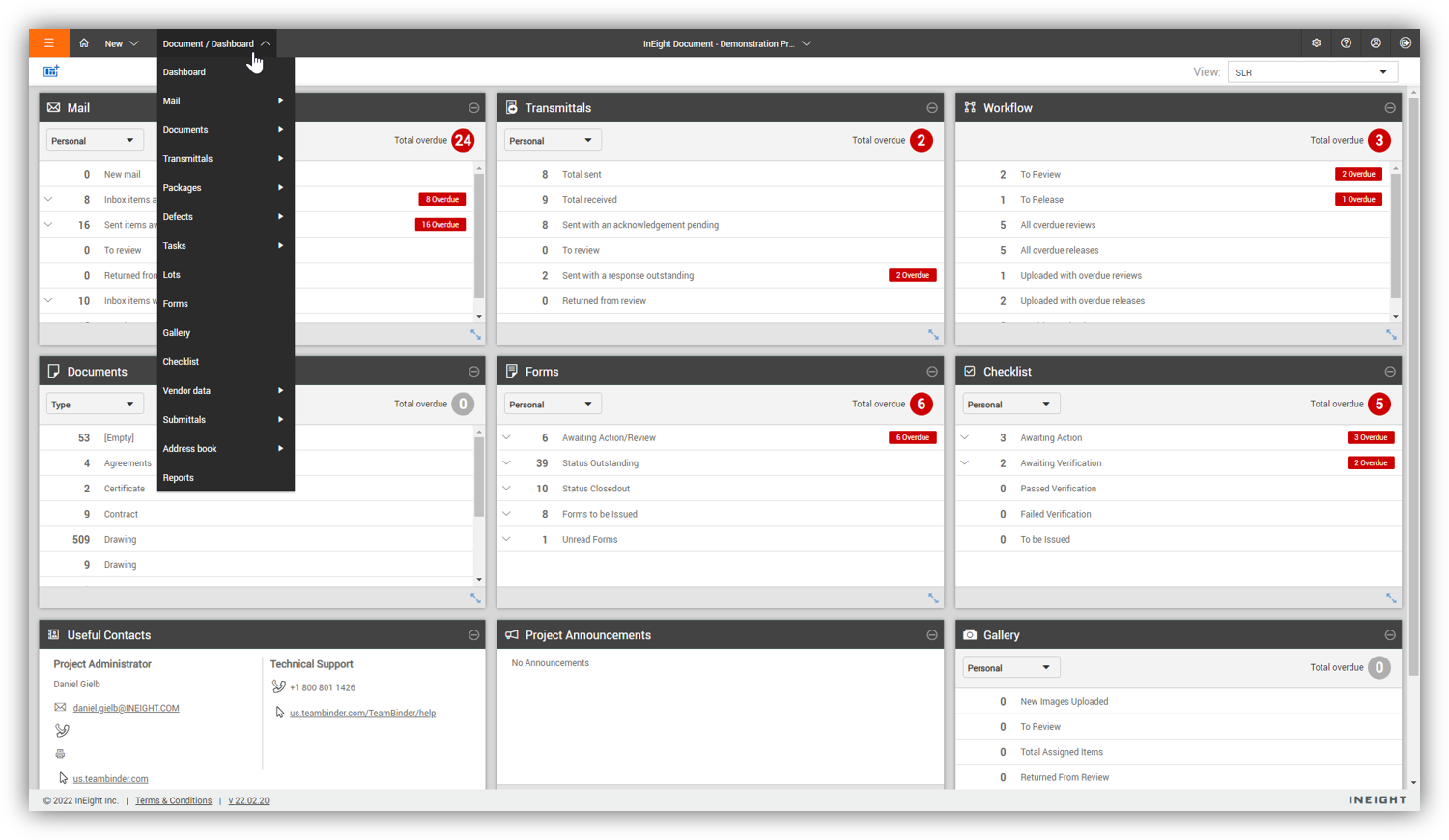
Some features with InEight's TeamBinder are worthy of single use, however the review feature and subsequent revision and version numbering could be improved. We will be aiming to roll out the package to encompass our internal documentation in the near future and will be in a better position to judge the usability after that point in time.
I have loved using Projectplace the last few years, however with recent budget issues, we likely need to cut costs in this area, and Projectplace is on the higher price point for project management platforms. There are also a lot of features in Projectplace that our team doesn't utilize/doesn't apply to our workflow needs.
I would give it an 8 out of 10 because the software can be a bit cumbersome to new users. It also takes a long time to set up the library and input all of your companies needs so that the software will provide the level of service required to estimate projects. However, once the software is set up it is a powerful tool. We only use a portion of what the software is capable of delivering
Easy to use platform and provides the user with an amazing experience and straightforward tools that empower and help execute tasks with fast performances that allow quick and easy service delivery. Easy on implementation and get started immediately with enterprise-ready Planview Projectplace and start to connect with teams and departments at once.
Every time I have contacted support, they have gotten back to [me] quickly and with a few solutions. I like that they seem to be US-based, so there is no language barrier when I try to communicate my problem. For the few times, they did not have a solution ready, they told me they would respond later after further research, and they actually followed up! Better than most support I have used in the past with other software.
I do not think Planview Projectplace is as polished and refined as other project management tools, nor is it as simple and easy to use as other free tools. Integration with the tools we required was difficult to impossible with our staff and toolset. The overall design seemed dated, and we preferred the look and feel of Jira.
Since the original inception, I have been required to overhaul the system so that it is more user friendly and combines both aspects of our business, documentation and drawings. Being able to control revision and version numbering has been a key struggle that only staff training has been able to mark this as complete.
I've used SAP for more than 10 years before my current job in this company. The best thing in SAP, is exactly what I have commented before, it's a single one tool, that does all what InEight do. Here at CCC, we have COINS for cost management, and I don't know exactly if InEight would be able to do whatever that COINS does, but what I'm trying to say is that, for systems, as much less external communication, better. InEight is covering a great portion on planning, we will see schedule and estimate, it will definitely improve, so, waiting on that to see.
It offers a simpler alternative that's easier to manage by the less tech-savvy people. I also think that Planview Projectplace has managed to keep the product updated compared to other project management tools. Miro is perhaps the one that comes to mind, but while evaluating, we saw fewer issues with Planview Projectplace. Overall, the decision came down to the project manager, that had previous experience and recommended the product. For me, using a product from a smaller company is better because I know that there will be a focus on improving it, unlike, for example, Microsoft products that can be discontinued at any moment.
InEight is a good system that has scaled nicely as the company has grown. the tools are still readily available and applicable for our larger scope of work. It has kept up with the growth of the company very nicely
[We have the] ability to support remote work through projects that scale across multiple groups
We have large-scale quarterly projects, so the ability to save and duplicate project templates are helpful for us to keep track of tasks down to the specific card