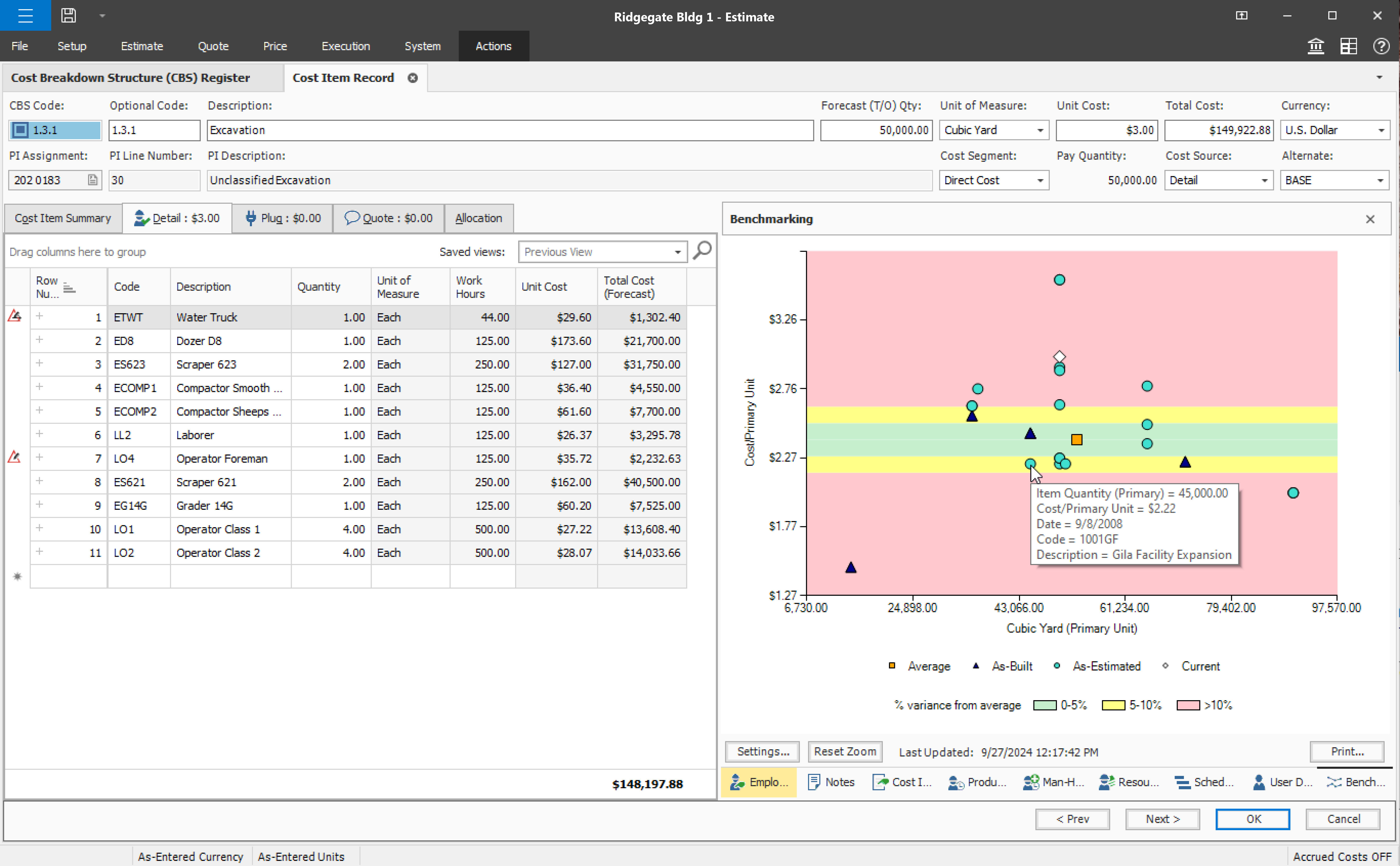
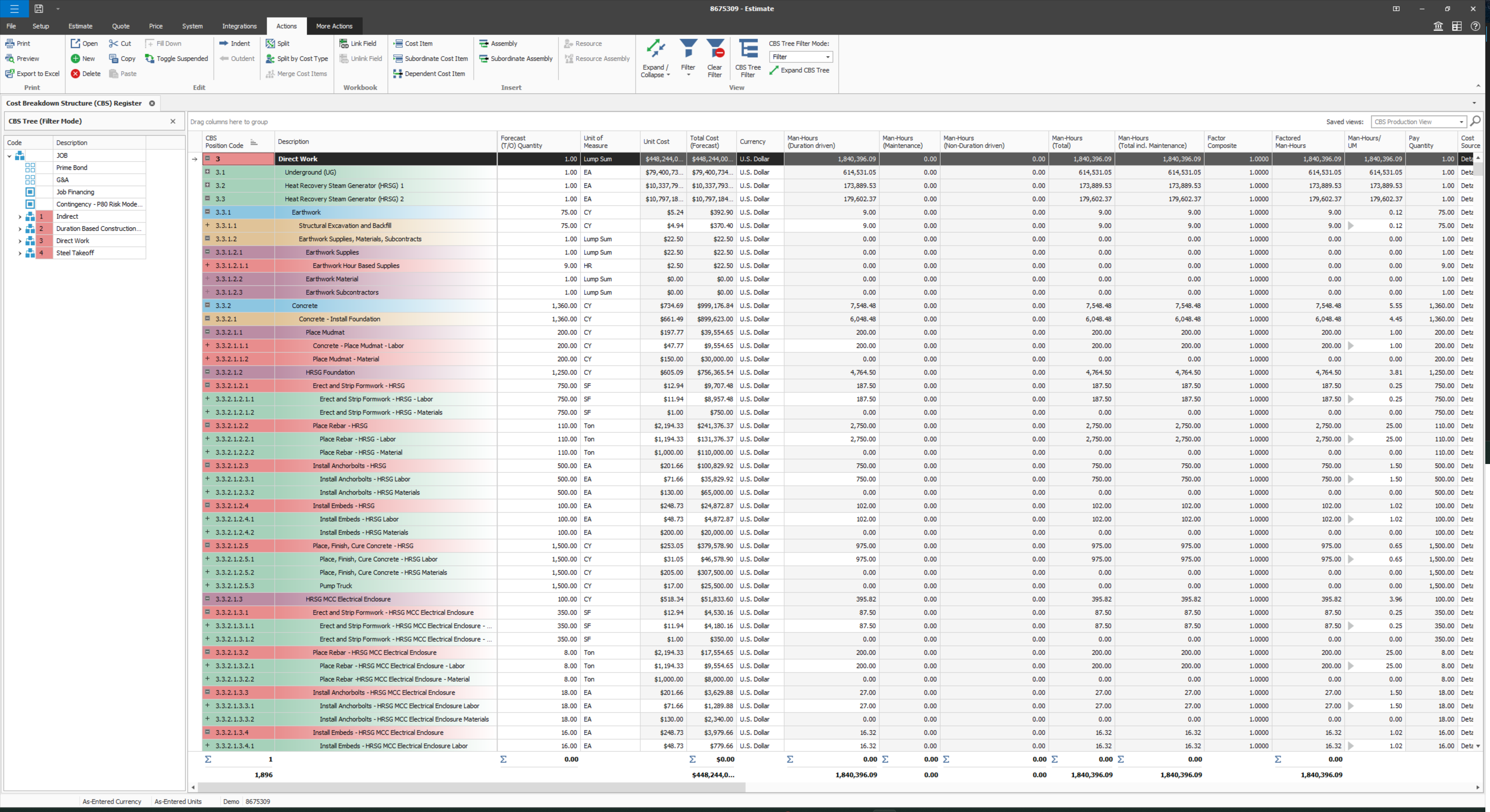
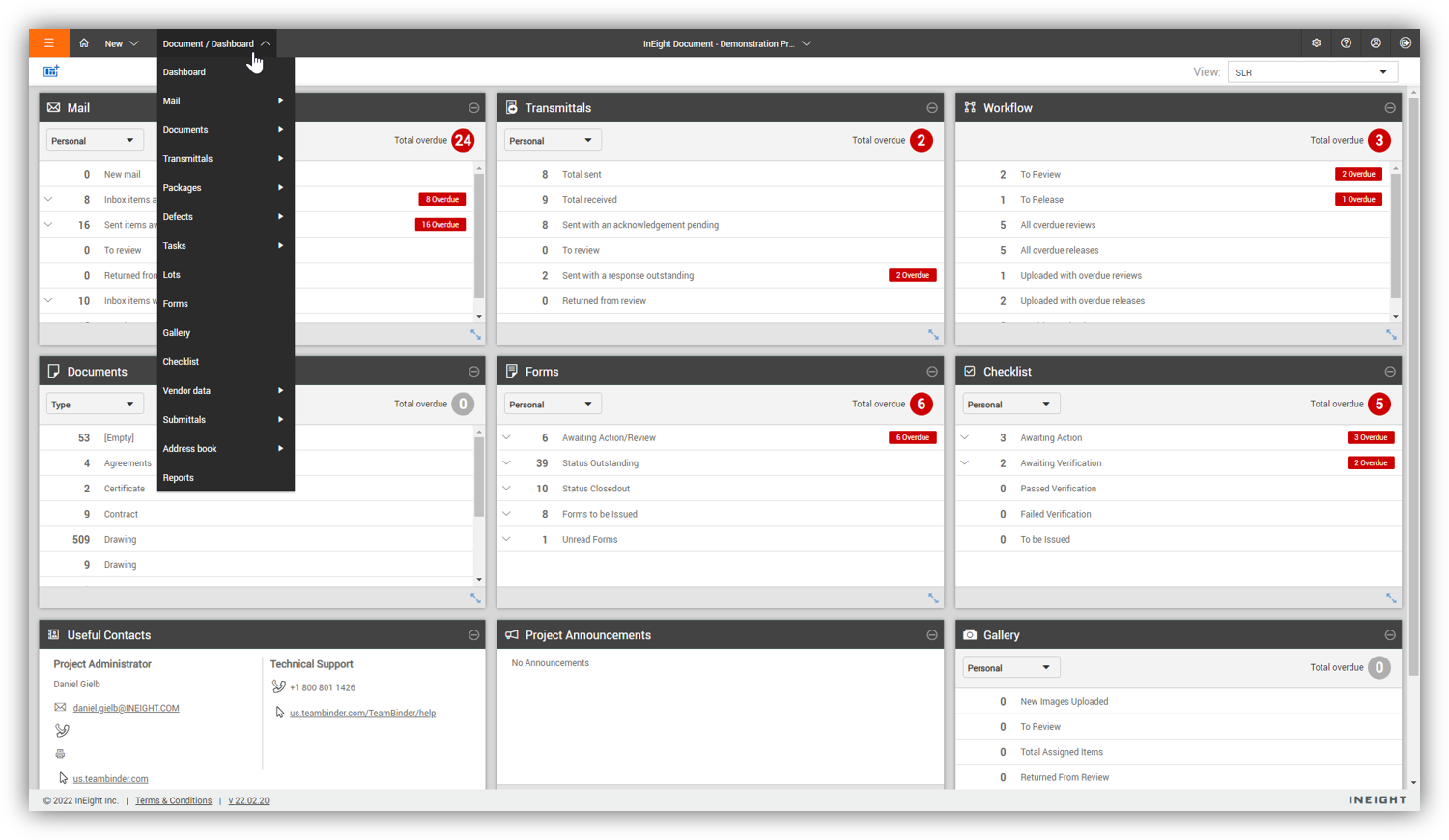
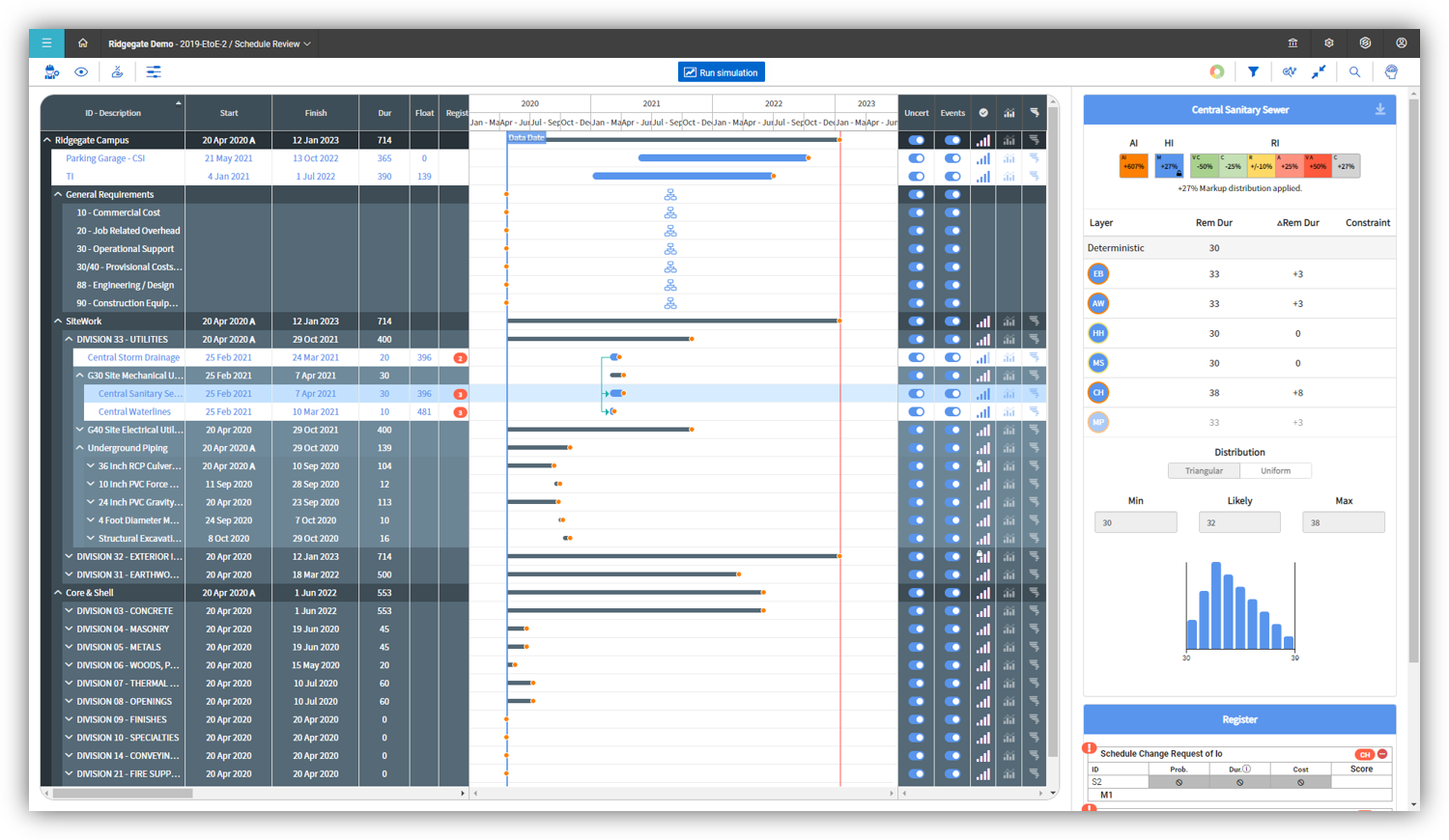
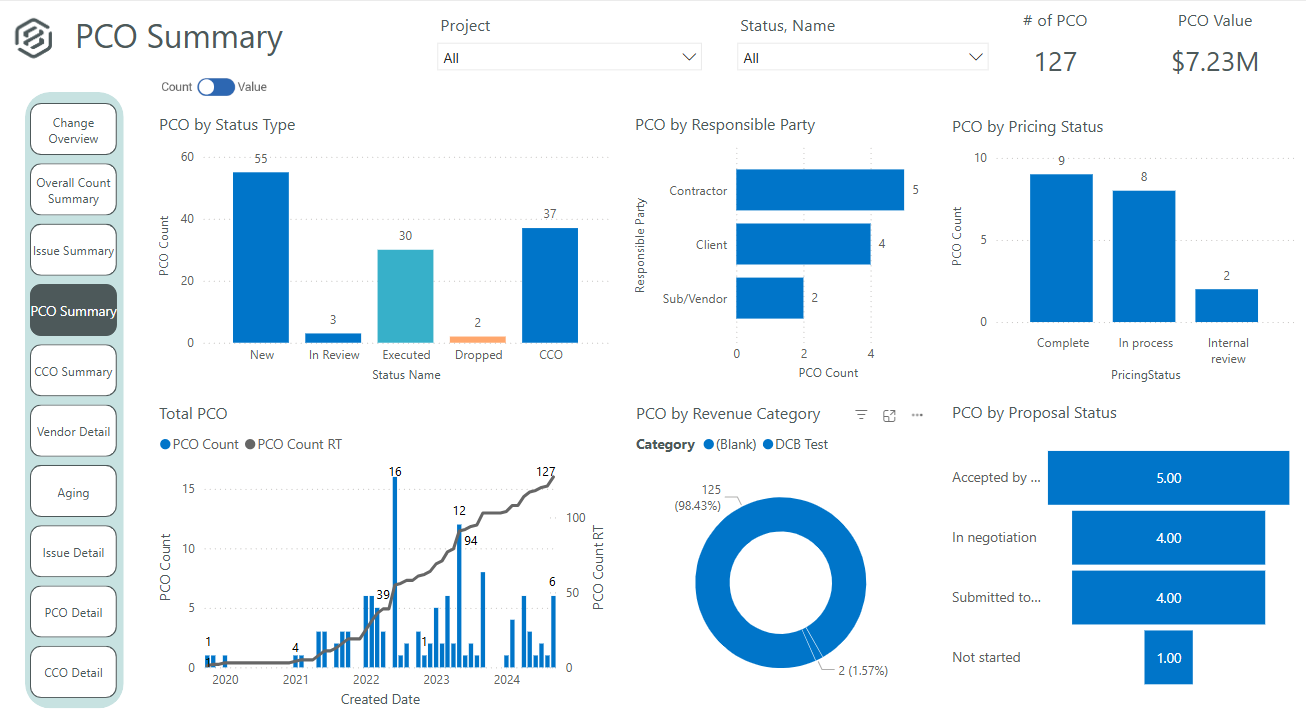
InEight's modular project controls software connects complex project data to improve visibility and delivery in capital construction.
N/A
iSqFt
Score 9.7 out of 10
N/A
ConstructConnect retains the iSqFt brand after merging the company; the platform is ConstructConnect's bidding and digital take off platform focused on helping construction contractors and companies locate bids and earn jobs.
N/A
Pricing
InEight
iSqFt
Editions & Modules
No answers on this topic
No answers on this topic
Offerings
Pricing Offerings
InEight
iSqFt
Free Trial
No
No
Free/Freemium Version
No
No
Premium Consulting/Integration Services
No
No
Entry-level Setup Fee
No setup fee
No setup fee
Additional Details
InEight offers a modular, integrated project controls platform. Because the InEight platform covers the entire construction lifecycle, customers purchase the software based on their specific needs – purchasing stand-alone products, a bundle of products, or the entire platform. As a result, the pricing will vary depending on the specific product, number of users and length of contract. Once InEight has identified the highest impact areas, they offer potential customers a custom proposal. The options they consider include:
Per user pricing: typically annual subscriptions.
Revenue-based: using a percentage of the customer’s revenue.
Project-based: software use dedicated to a specific project or program of work.
—
More Pricing Information
Community Pulse
InEight
iSqFt
Features
InEight
iSqFt
Reporting & Analytics
Comparison of Reporting & Analytics features of Product A and Product B
InEight
7.0
Ratings
8% below category average
iSqFt
-
Ratings
Dashboards
7.40 Ratings
00 Ratings
Standard reports
6.30 Ratings
00 Ratings
Custom reports
6.20 Ratings
00 Ratings
Data exportability
8.10 Ratings
00 Ratings
Construction Project & Field Management
Comparison of Construction Project & Field Management features of Product A and Product B
InEight
6.9
Ratings
9% below category average
iSqFt
8.7
Ratings
14% above category average
Plan distribution & viewing
7.20 Ratings
8.00 Ratings
Plan markups & sharing
7.20 Ratings
9.70 Ratings
Issue tracking & punchlists
7.90 Ratings
10.00 Ratings
Photo documentation
7.50 Ratings
9.70 Ratings
Jobsite reports
8.00 Ratings
10.00 Ratings
Document sharing
5.70 Ratings
7.00 Ratings
RFI tools
4.80 Ratings
9.70 Ratings
Collaboration & approvals
7.40 Ratings
7.00 Ratings
As-built drawings
6.30 Ratings
8.00 Ratings
Mobile app
7.60 Ratings
8.00 Ratings
Submittal design and management
6.40 Ratings
9.70 Ratings
Checklists
7.50 Ratings
00 Ratings
Meeting Minutes
6.90 Ratings
00 Ratings
Specifications
6.40 Ratings
7.60 Ratings
Change orders
5.90 Ratings
00 Ratings
Estimating
Comparison of Estimating features of Product A and Product B
Compared to other Estimating software I have used, InEight has superior capabilities and features. The ability to use a line item or an assembly to create an estimate is an outstanding feature of the program. The ability to create crew rates and use them in the estimate is a handy feature, especially when estimating construction projects.
I have noticed that many projects listed on iSqFt do not have all of the project details required to accurately bid a project. It would be nice if they had a vetting process that would required customers to upload certain documents and confirm they have certain information beofre placing the job out to bid through their platform.
Even with a "Limited Access" free account, you are able to see all the necessary files. When using it to just look at a job and download documents, this is all you should need. With more access you can see more projects that are out to bid but as a sales engineer for a manufacturer, I receive the bid requests from my contractors who are bidding there is no need to upgrade my access level.
Documents are very easy to download into a .zip file and you can pick and choose which documents you want to download for specific trades. Plus there is a specific tab for Addenda so you don't have to search through the Documents tab. The tabs also show the amount of files in each tab so you can easily stay up to date on current documents.
The Dashboard of each job shows the project general contractor and for subcontractors, responding to a bid request is as easy as clicking a button to indicate if you will bud or will not bid. This dashboard also shows location and the project description which are particularly helpful for a manufacturers rep/sales engineer that may not see the project description otherwise.
iSqFt has one major flaw that makes it a pain to use. I go there to get plans and specs. You think a company that sends you plans and specs would have a faster download speed, it takes forever to get the plans and specs. I usually find a way around iSqFt to get the plans and specs.
Some features with InEight's TeamBinder are worthy of single use, however the review feature and subsequent revision and version numbering could be improved. We will be aiming to roll out the package to encompass our internal documentation in the near future and will be in a better position to judge the usability after that point in time.
I would give it an 8 out of 10 because the software can be a bit cumbersome to new users. It also takes a long time to set up the library and input all of your companies needs so that the software will provide the level of service required to estimate projects. However, once the software is set up it is a powerful tool. We only use a portion of what the software is capable of delivering
Every time I have contacted support, they have gotten back to [me] quickly and with a few solutions. I like that they seem to be US-based, so there is no language barrier when I try to communicate my problem. For the few times, they did not have a solution ready, they told me they would respond later after further research, and they actually followed up! Better than most support I have used in the past with other software.
I have never had a problem with support from the iSqFt team. They are continually reaching out with tips and tricks to make using their software easier. Anytime I've had a problem - which is seldom - they have been extremely prompt with their response on how to fix it.
Since the original inception, I have been required to overhaul the system so that it is more user friendly and combines both aspects of our business, documentation and drawings. Being able to control revision and version numbering has been a key struggle that only staff training has been able to mark this as complete.
I've used SAP for more than 10 years before my current job in this company. The best thing in SAP, is exactly what I have commented before, it's a single one tool, that does all what InEight do. Here at CCC, we have COINS for cost management, and I don't know exactly if InEight would be able to do whatever that COINS does, but what I'm trying to say is that, for systems, as much less external communication, better. InEight is covering a great portion on planning, we will see schedule and estimate, it will definitely improve, so, waiting on that to see.
iSqFt is a solid competitor in the bidding/estimating platform world but as a user, Building Connected is the front runner. iSqFt lacks on the collaboration side and isn't as easy to use and access as its competitors. Building Connected is used by most of our clients so it's easier to use because there is more information in one place.
InEight is a good system that has scaled nicely as the company has grown. the tools are still readily available and applicable for our larger scope of work. It has kept up with the growth of the company very nicely