If you must simultaneously edit documents on a project, Huddle is not a good option. Also, if your team is not technically savvy, the learning curve can be challenging. Finally, if you need hundreds or thousands of people working on a project, Huddle might not be the right choice. I think it is better for teams under 100 people.
If you don't have a huge budget and want something that works with minor quirks here and there then Zoho Mail is definitely something you should look into. For half the price of Google G Suite or Office account you get 5GB of storage per user and can send up to 25MB emails without restrictions. Great for small businesses in my opinion. I have had some issues with their spam filter, but we use SpamTitan and just shut off the one that comes with Zoho Mail. Zoho's spam filter isn't horrible but you should definitely use something in addition or instead of what comes with Zoho.
I really like that there is a free version in which a single user can be created. It is really useful because it allows you to evaluate each characteristic of the service without having to buy it.
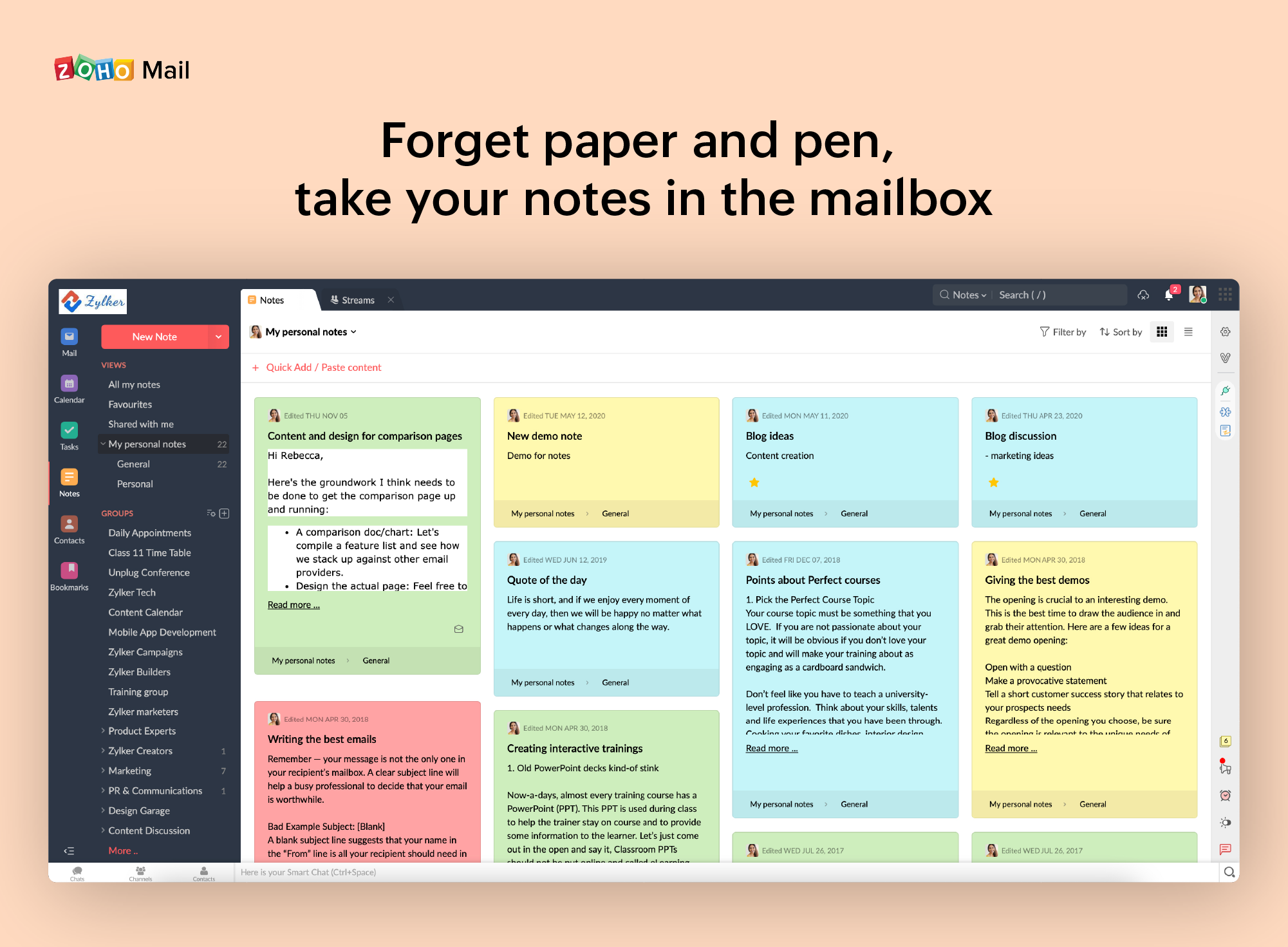
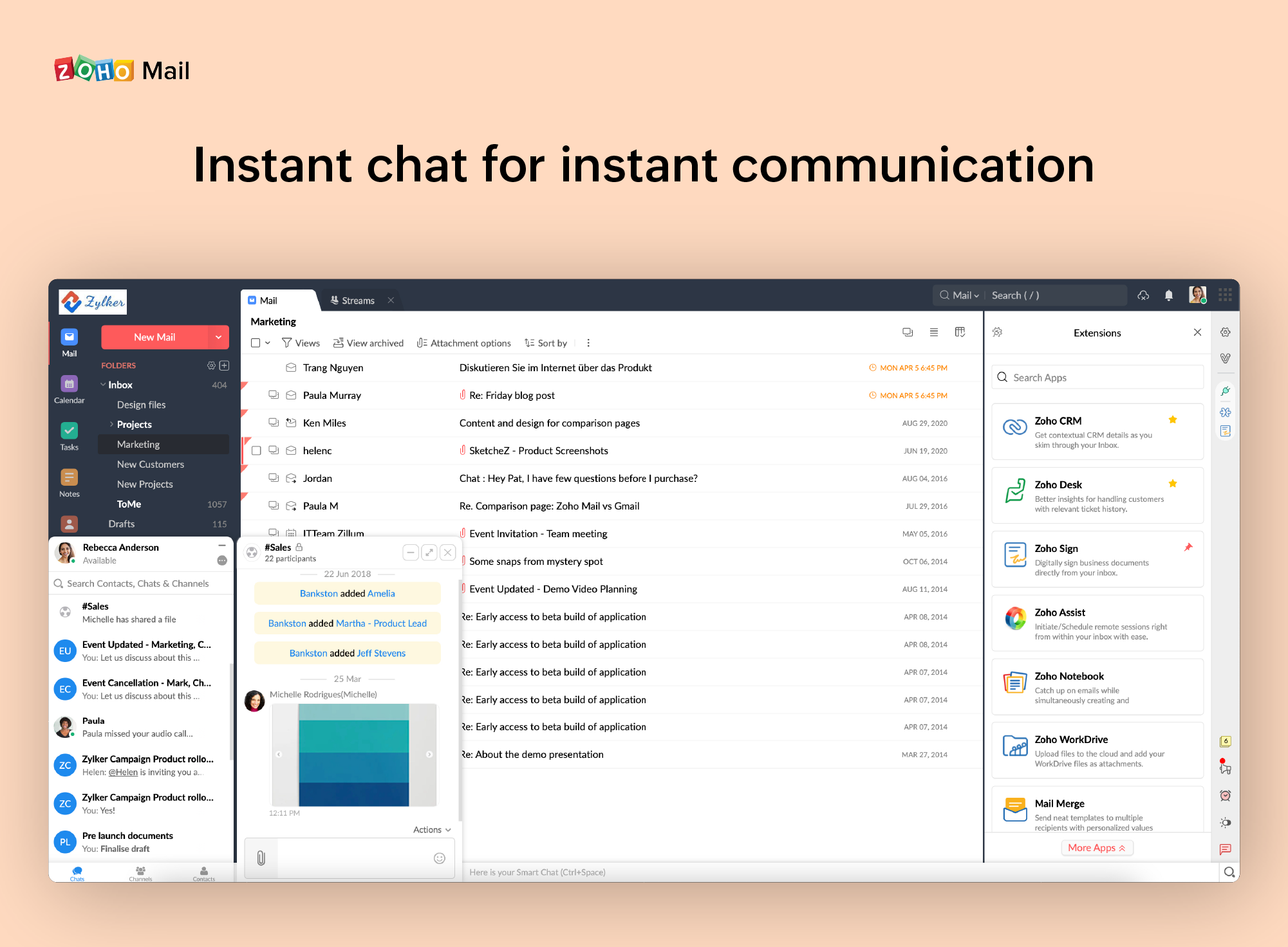
I also really like the visual aspect of the inbox, which is partially customizable. Because you can make small changes such as changing the color, the language, and among other things.
The desktop app is occasionally unreliable and it is never easy to get to the bottom of it with the tech support people...
Tasks are virtually useless as they have no context. We want tasks to be against documents so we can make our workflow more formal but they are not, so we don't use them. A reimplementation of to do and calendar facilities with files/documents as the context would make a huge difference to us.
The Huddle Office plugins are a great idea, but they cause us far too many Word and Excel crashes so we have to turn them off.
When receiving an email with images that are not displayed automatically, you have to activate this function manually. It is a bit uncomfortable, I would prefer that it be activated automatically
The filter to search for information is not very accurate and unfriendly
The way to manage the storage capacity and to buy more space for the mail is not very friendly
Huddle is very easy to use whether you are a new user or you have used it for years, it is an incredibly intuitive system that is so simple to teach to new users, the lock feature prevents important documents from being edited accidentally, while the edit features allow for true collaborative working
It is very easy to use and does all you need. It sends newsletters to their own folder. A notification folder for more important things. The Spam folder collect the right amount of spam emails
I have spoken with Zoho several times and their support is always friendly and helpful. I have always been asked for security pins and codes when seeking assistance which helps me to feel my accounts are secure and I have never had to wait on hold to speak with someone for more than 5 minutes. They always seem to have someone available to help. If you call asking for instructions on how to do something they gladly walk you through the process and if you just need something done and don't have time to do it yourself they will happily customize whatever you need without you having to spend all day with it.
Oh Slack is more expensive and Huddle gets exactly what we need done, not much to say other than they have proven themselves and we can go confidently with them knowing if there's an issue we'll get the support we need
Zoho is free. Also, there is no need for a separate IT guy for creating mail, or if any issues come you don't have to find anyone anyone can check and fix all issues from their super admin panel. Zoho overview is much better than outlook and its appearance of getting mail popup and functionality is better than outlook. My friend suggested for this and also after using I have referred my friend