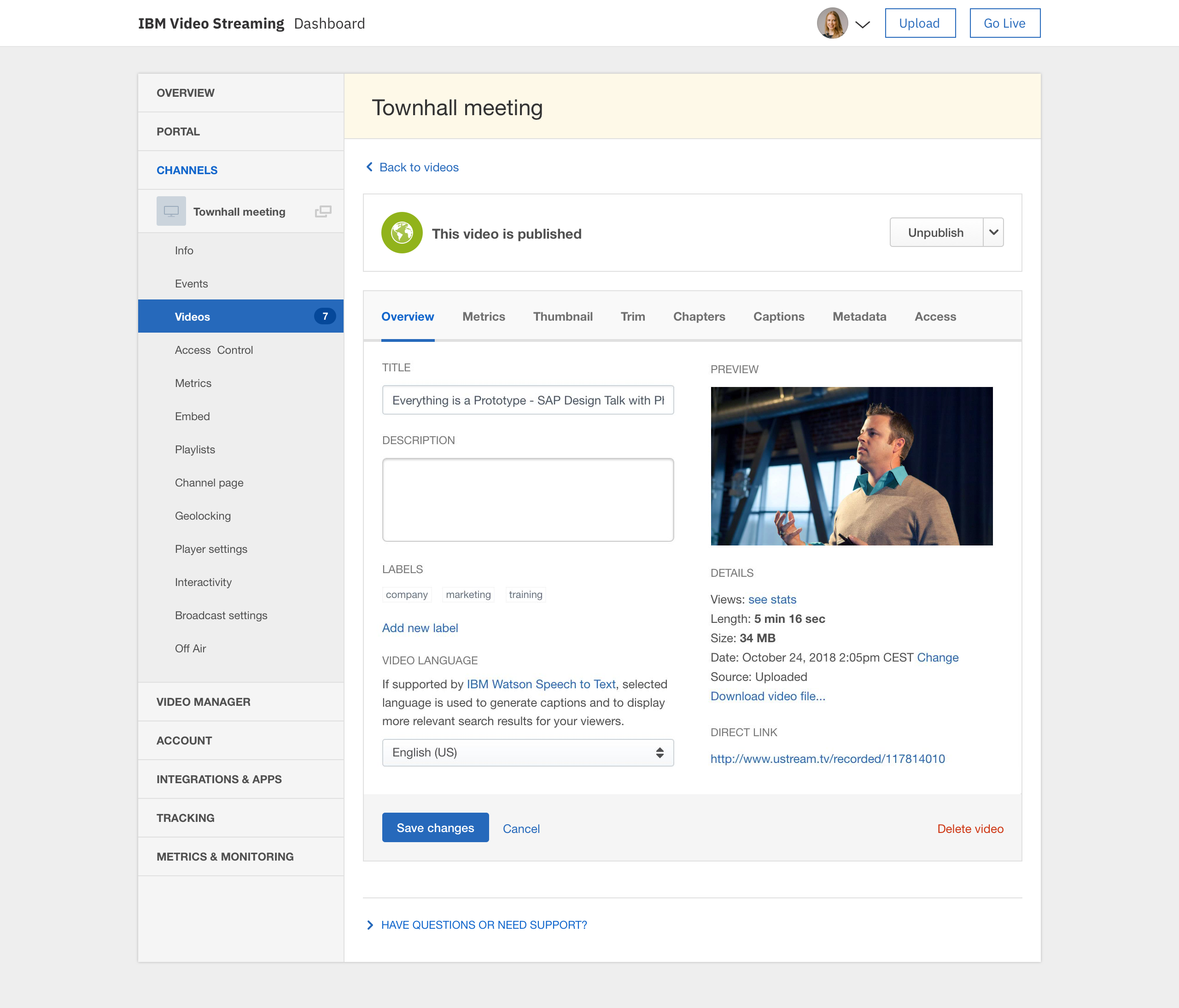
IBM Video Streaming solutions are used to stream virtual events, executive town halls, video marketing product launches, and 24-hour streaming channels. According to IBM, the solution is built for privacy, reliability and scale, to optimize video quality, and powered by IBM Watson AI for video search and automated closed captioning. IBM Enterprise Video Streaming can power security-rich video communications ranging from employee town halls, to…
$137
per month 100 viewer hours
Ramp
Score9.3 out of 10
N/A
Ramp is a corporate card and spend management solution that helps companies of all sizes to accelerate growth without compromising on their finances. With a direct integration with the user's accounting solutions, Ramp helps finance teams save time tracking expenses, following up with employees, and closing their books. Ramp offers companies real time visibility into spending, automated expense reporting, and advanced insights into ways to cut spend.
$0
Pricing
IBM Video Streaming
Ramp
Editions & Modules
Silver
$137
per month 100 viewer hours
Gold
$688
per month 2,000 viewer hours
Platinum
$1380
per month 5,000 viewer hours
No answers on this topic
Offerings
Pricing Offerings
IBM Video Streaming
Ramp
Free Trial
Yes
No
Free/Freemium Version
No
Yes
Premium Consulting/Integration Services
Yes
No
Entry-level Setup Fee
Optional
No setup fee
Additional Details
Video Streaming edition is available for purchase via credit card online (or via IBM salesperson if needs exceed those outlined in the online plans).
Enterprise Video Streaming edition must be purchased from an IBM salesperson.
Ramp provides a free tier for smaller teams who want to simplify finances. A step-up to our free tier is Ramp Plus, starting at $15/month/user along with platform fees based on team size. Then, for large businesses, the Enterprise plan requires a custom quote.
Very limited customization features. Permissions are a mess too if you want to have people assigned as chat moderators for events for instance, but dont want them access to the admin panel. The quality of the broadcast and live captions work well, but they charge extra for live captions. For operating a video on demand site, the design of the page is really poor and limited on customization. Been a user for years and seen almost no new innovation on the platform which has been disappointing. The metrics are a mess on the user panels too. They do provide an api link for your external metrics and/or data dumps for using something like tableau, but that features not really something to write home about and a rather basic offering. This is an expensive platform with limited options and an outdated style unfortunately. We have been getting by for our uses but there's nothing really keeping us with IBM if another platform offering came around
Ramp is well suited for managing everyday spending. We have been able to set standard permissions across the board for our team, monitor spending easily, and adjust "allowances" accordingly and quickly. The instant funding once a request is approved makes it so much faster to make a purchase, if outside of the set parameters. Ramp travel offerings are sometimes unattractive, and we have found many flights, hotels, and car rentals by going to other platforms or the suppliers directly. Pricing is comparable, but many times it is cheaper to book outside of Ramp.
A de minimis incentive was given to thank the reviewer for their time. The incentive was not used to bias or drive a particular response, nor was the incentive contingent on a positive endorsement. More Info
IBM Video Streaming allows for the integration of interactive elements into video content, such as quizzes, polls, and live Q&A sessions. This can make learning more engaging for young students by making it interactive and fun, thus increasing their attention and participation.
Teachers in a K-5 setting can access and share professional development materials and teaching resources through the platform. This can help them stay updated on the best practices for early childhood education, innovative teaching methods, and subject-specific strategies, ultimately benefiting their students.
IBM Video Streaming provides the capability for teachers to create a library of on-demand educational videos. This is particularly useful for young learners who may need to revisit concepts multiple times to fully understand them. It also supports differentiated learning by allowing students to learn at their own pace.
Young students often benefit from visual aids in their learning process. IBM Video Streaming can deliver high-quality video content that includes animations, demonstrations, and visual explanations of concepts. This can be particularly effective in subjects like science, math, and reading, where visualizations can enhance understanding.
A de minimis incentive was given to thank the reviewer for their time. The incentive was not used to bias or drive a particular response, nor was the incentive contingent on a positive endorsement. TR verified that a representative sample of customers was invited. More Info
A de minimis incentive was given to thank the reviewer for their time. The incentive was not used to bias or drive a particular response, nor was the incentive contingent on a positive endorsement. More Info
Occasionally, we experience a form of static that lasts for about 1 to 2 minutes. It appears in the live stream and in the auto-recorded file, but not in the live worship assembly. It occurs roughly 1 in every 4 hours of webcast time. I wish there was a way to trace the source of that recurring static. The diagnostic tools could be more robust.
It would be nice if the chat room allowed a user photo/avatar for each user to personalize that a little more.
I have wished for a way that an admin could use a “laser pointer” on the video window to point out something on the feed that other live viewers could see.
It would be wonderful to have a mini-tutorial for viewers who are not technically savvy that would inform them of how to get to the site and explain how they can use the software. For example, how they can see and type in the chat room, how to maximize the screen and make it smaller. Some of our viewers are in nursing homes or otherwise limited in capability to learn to use this on their own.
A de minimis incentive was given to thank the reviewer for their time. The incentive was not used to bias or drive a particular response, nor was the incentive contingent on a positive endorsement. More Info
Even more integration to have us spend less time on reporting expenses for grant reports
This does not happen often, but if you make a purchase and then cancel it with the vendor, for some reason, Ramp does not immediately recognize that purchase cancellation and will continue to remind you to submit a receipt or tag it as an accidental charge, but there is no option to tag it as a canceled purchase.
A de minimis incentive was given to thank the reviewer for their time. The incentive was not used to bias or drive a particular response, nor was the incentive contingent on a positive endorsement. More Info
Our organization depends heavily on this streaming service. Now that we have the option of allowing our clients to attend meetings virtually, we can never retract that option as so many of our clients love the flexibility. Also, we have no complaints with the service itself. It is reliable and dependable and any issues we have encountered have never been to blame on the service but rather our lack of knowledge of it or needing to update our embed code
A de minimis incentive was given to thank the reviewer for their time. The incentive was not used to bias or drive a particular response, nor was the incentive contingent on a positive endorsement. TR verified that a representative sample of customers was invited. More Info
The user interface is pretty straightforward, but simply needs optimization. (Please hire a seasoned UX person to fix it.) However, all of the key features are there and understandable. It's a great platform overall, a bit expensive, and could use some more options for its viewing experience, and a better "smart" embedding window for mobile applications.
A de minimis incentive was given to thank the reviewer for their time. The incentive was not used to bias or drive a particular response, nor was the incentive contingent on a positive endorsement. More Info
Ramp offers an exceptionally intuitive user interface with a clean, well-organized design. The platform demonstrates continuous improvement through regular feature enhancements and updates. New employee onboarding requires minimal training due to the platform's logical section-based layout and user-centric design, which facilitates rapid adoption and efficient navigation. Overall Ramp's interface and UI is very user friendly.
A de minimis incentive was given to thank the reviewer for their time. The incentive was not used to bias or drive a particular response, nor was the incentive contingent on a positive endorsement. More Info
Absolutely. We have never had an outage problem or any application errors that I have been privy to. We are duly notified generally in advance of outages or updates
A de minimis incentive was given to thank the reviewer for their time. The incentive was not used to bias or drive a particular response, nor was the incentive contingent on a positive endorsement. TR verified that a representative sample of customers was invited. More Info
As we use it now, we are satisfied with the streaming performance. I cannot speak to integration yet as we have yet to engage in that but have plans to in the future
A de minimis incentive was given to thank the reviewer for their time. The incentive was not used to bias or drive a particular response, nor was the incentive contingent on a positive endorsement. TR verified that a representative sample of customers was invited. More Info
We funded 'white glove' service as our timelines were tight and our needs were well-defined. Tier 1 and Tier 2 support were able to help us get up and running in shorter order than we would have on our own. Documentation on the eCDN product had gaps, increasing the time to resolve and created concerns about success.
A de minimis incentive was given to thank the reviewer for their time. The incentive was not used to bias or drive a particular response, nor was the incentive contingent on a positive endorsement. More Info
Ustream is easy to implement. It takes any stream we have thrown its way and distributed it quickly and with quality. When talking to others that are pursuing live stream implementations, I often remind them that the technology used to distribute your live stream is less important than the quality of the content you are distributing. Taking care to use the right camera equipment, the proper encoder, and quality sound gear will result in a high-quality stream that will allow the strength of the Ustream CDN to shine.
A de minimis incentive was given to thank the reviewer for their time. The incentive was not used to bias or drive a particular response, nor was the incentive contingent on a positive endorsement. More Info
Vimeo offers better tools for on-demand like chapters and marketing tools. But their live options are limited to event durations. YouTube can stream for longer durations but IBM 24/7 stream has been much more reliable and easy to use.
A de minimis incentive was given to thank the reviewer for their time. The incentive was not used to bias or drive a particular response, nor was the incentive contingent on a positive endorsement. More Info
We moved to Ramp from Expensify at our accountant's advice. We went with her advice due to ease of use, ease of Quickbooks sync, ability to send reminders with one click, and more. We are very happy with the decision to switch to Ramp.
A de minimis incentive was given to thank the reviewer for their time. The incentive was not used to bias or drive a particular response, nor was the incentive contingent on a positive endorsement. More Info
A de minimis incentive was given to thank the reviewer for their time. The incentive was not used to bias or drive a particular response, nor was the incentive contingent on a positive endorsement. More Info
Our ROI is measured by the provision of ministry and satisfaction of our congregation. We are extremely pleased with our USTREAM and feel that it is a valuable asset to our church.
A de minimis incentive was given to thank the reviewer for their time. The incentive was not used to bias or drive a particular response, nor was the incentive contingent on a positive endorsement. TR verified that a representative sample of customers was invited. More Info
The actual dollar savings is difficult to determine at this point. We'll have a better idea the ROI at the end of the year. Previously, we received 1% back on all purchases with our corporate card. We receive 1.5% with Ramp, pay per number of cards annually (for Ramp Plus) to auto-lock cards and for additional features.
Time savings for admin and employees has been significant due to ease of use.
A de minimis incentive was given to thank the reviewer for their time. The incentive was not used to bias or drive a particular response, nor was the incentive contingent on a positive endorsement. More Info