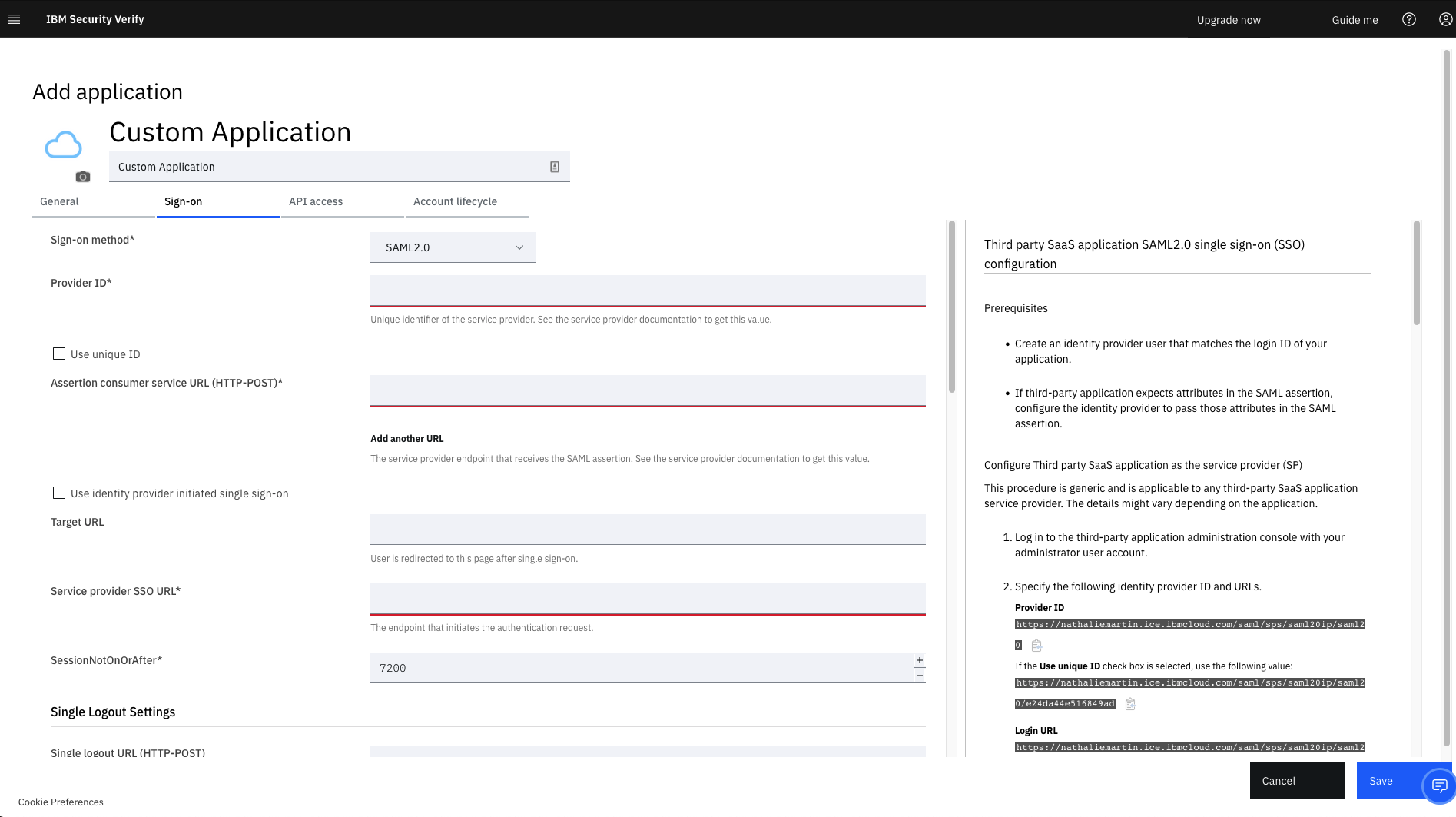
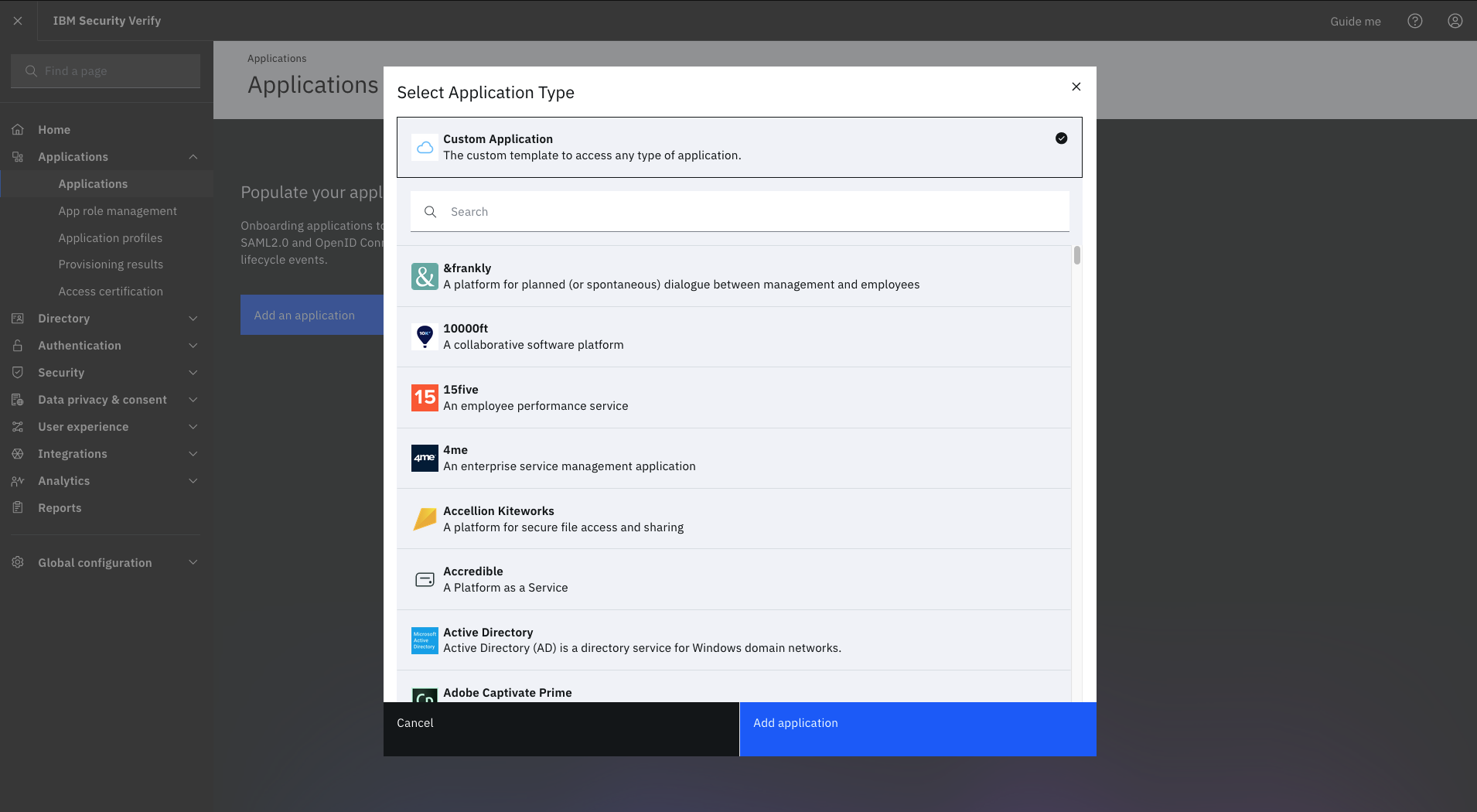
IBM Verify, formerly known as IBM Cloud Identity, is an identity-as-a-service (IDaaS) offering that aggregates dynamic user, device and environmental context to automate risk protection and continuously authenticate any user to any resource.
$1.71
per month per user
Microsoft Entra ID
Score 8.7 out of 10
N/A
Microsoft Entra ID (formerly Microsoft Azure Active Directory or Azure AD) is a cloud-based identity and access management (IAM) solution supporting restricted access to applications with Azure Multi-Factor Authentication (MFA) built-in, single sign-on (SSO), B2B collaboration controls, self-service password, and integration with Microsoft productivity and cloud storage (Office 365, OneDrive, etc) as well as 3rd party services.
$6
per user/per month
Pricing
IBM Verify
Microsoft Entra ID
Editions & Modules
No answers on this topic
Premium P1
$6.00
per user/per month
Premium P2
$9.00
per user/per month
Offerings
Pricing Offerings
IBM Verify
Microsoft Entra ID
Free Trial
Yes
Yes
Free/Freemium Version
No
Yes
Premium Consulting/Integration Services
Yes
No
Entry-level Setup Fee
Optional
No setup fee
Additional Details
Sample Pricing Breakdown (NOTE: for competitive pricing per contract, please consult with your IBM Security Account Rep)
Users: 5,000
SSO* -- USD 1.71 per user per month
MFA* -- USD 1.71 per user per month
Adaptive Access* -- USD 1.71 per user per month
Lifecycle and provisioning** -- USD 2.01 per user per month
Identity analytics** -- USD 2.13 per user per month
* Single sign-on (SSO), multifactor authentication (MFA) and adaptive access pricing based on total active monthly users per use case. Costs decrease if users are active less than once per month.
** Lifecycle and provisioning and identity analytics pricing based on total users per use case.
IBM Security Verify stacks up with Microsoft Entra ID better than SecurID due to categories in common such as, Self Service password resets, Multi-Factor Authentication, User Provision and Governance Tools, SSO, and IAM. SecurID not so much because it doesn't have that full …
Owing to the general findings formulated in this paper, comparing Okta and Microsoft Entra ID to IBM Verify, the latter appears to be the only tool that delivers a number of features for integrating with legacy systems. However, since IBM Verify has the upper hand in terms of …
During our proof of concept and demonstrations, we were clearly able to see how much better the identity, access and authorisation features were compared to the competition. We were compelled to make a decision, not only on this, but also on the ease and simplicity of …
I believe that the decision for selecting IBM Security Verify was based on our IT technical analysis but also due to our trust that this provider would deploy a solution according to our needs and expectations. The free trial made it possible to test it and understand, at an …
It is brilliant for use as an identity and access management tool and ensures the safeguarding of our systems and upholds data integrity as a consequence. It was very easy to set up and apart from a straightforward installation, we have found customisation and configuration easy. It was easy to deploy in the cloud after using it previously on premises.
It is especially good for organizations that are otherwise in the Microsoft ecosystem (Microsoft 365 applications). Microsoft Entra ID is really well supported sign-in method in various SaaS-applications and they often have step-by-step guides how to deploy the SSO with Microsoft Entra ID. It's less suitable for organizations that might use other productivity tools than M365 or do not have Windows-based computers.
Single Sign-on helps ease the user experience, allowing users to avoid typing multiple passwords.
The identity and management are straightforward to use and easy to connect to other applications, as well as third-party applications.
The support of remote work. Nowadays, many people work from home and need to access their accounts. Microsoft Enterprise ID gives secure access to the company data.
Probably the most primary thing is just the interface itself. It's frequently changing and so oftentimes we kind of have to go back and redocument our processes for our IT staff because the steps that they would take to perform a task one month. Now it's a totally different staff, new dashboard, even a new name for the product or the feature. So it would be nice if that stuff was a little bit more consistent.
It works flawlessly, i have never faced any major issues with this. It has all the features such as Iam and security management. I think its a good investment and the benefits we reap from this software are worth the price.
MSFT Entra ID has been essential for managing our geographically dispersed team. We're confident that it will scale with us as grow, and we'll be able to take advantage of additional security and ID management features as they become necessary. Being able to centrally manage our user access from anywhere with a small support team is such a relief.
While setup and implementation takes work and time, the flexibility and possibilities make up for that in the long run. This is not a product you can just install and run, but if you design and implement your ruleset well, it will save you a lot of work afterwards. Just make sure that the systems you want to use it for have an existing and proven connector.
I mean it's pretty good. It is click, click. I mean, oftentimes I can go to the expert or layer two support to get help. Suddenly I go to them. So it has to be pretty useful to be honest. I do a lot of, and there's a lot of, you could do research quickly online to find out how to do certain things. I think that's the only thing we can improve to in terms of kind of a best practice path is setting up it. But because I'm it profess of tons of years in co-management services, I can figure it out. But for others they may not be able to figure it out. You still need an IT person of course to translate all of that. But to me pretty straightforward. I come from the days of directory from 2008, 2000, Microsoft server 2000.
Throughout the system testing we conducted, we never encountered an issue that wasn't easily solvable. We did find some of the documentation confusing at times, but we overcame this quickly with some speedy support assistance. Implementation into production was a lot smoother following the testing we conducted.
The support team has always been the primary consultation base when we are faced by performance problems. From the deployment stage the team has managed to monitor the operation lifecycle and give best insights based on their observation. It works 24/7 to enhance productive service delivery to clients. The IBM Security Verify Support team has been the main player in the successful performance of this software.
I have not needed to engage support for anything at this time. I have been able to find the answers either online or in a knowledgebase. I tried to skip the question but it would not let me, so I rated a 9 based on other interactions with Microsoft support I have had
Make sure you use a good partner. Our implementation was a bit longer and more problematic than we expected. Our partner got it done, but, in my opinion, some of their inexperience and staffing issues were evident.
We conducted a comparison study between IBM Verify and Okta as well as Duo Security before making our selection. IBM Verify emerged as the perfect fit because its superior capability to integrate with our current system environment surpassed competitor security solutions. IBM Verify demonstrated superior reliability through its enterprise-class scalability and fully transparent auditing mechanisms.
We've used other Microsoft products and we've also used some standalone products, like each application you can have its own identity, so we've looked at some of those too, but we try to use the Entra ID as much as possible because it offers a wider range of reliability.
The licensing terms were favourable due to their flexibility based on the size and purpose of implementation. The billing frequency is done on quarterly basis. The vendor team has enacted best user policies that gives the company the full control of this platform. It is cost-effective as compared to most security verification tools in the market.
In the case of adjustments, we were often able to carry them out completely on our own and only used professional services for new requirements. Particularly in the case of access management, it is very positive that we usually needed IBM for a task in less than an hour and then developed the solution further on our own.
Microsoft Professional Services' technical knowledge is appreciable as consultants design the solution as per customer requirements. Mapping of features per user specifications and assisting Customer IT engineers to implement so they can manage and administer the services.
I think it's had positive. It's enabled us to make authentication easier and more streamlined across the organization from frontline workers to back office workers.
It's allowed us to really adopt authentication policies and methods that suit that user and their work environment.