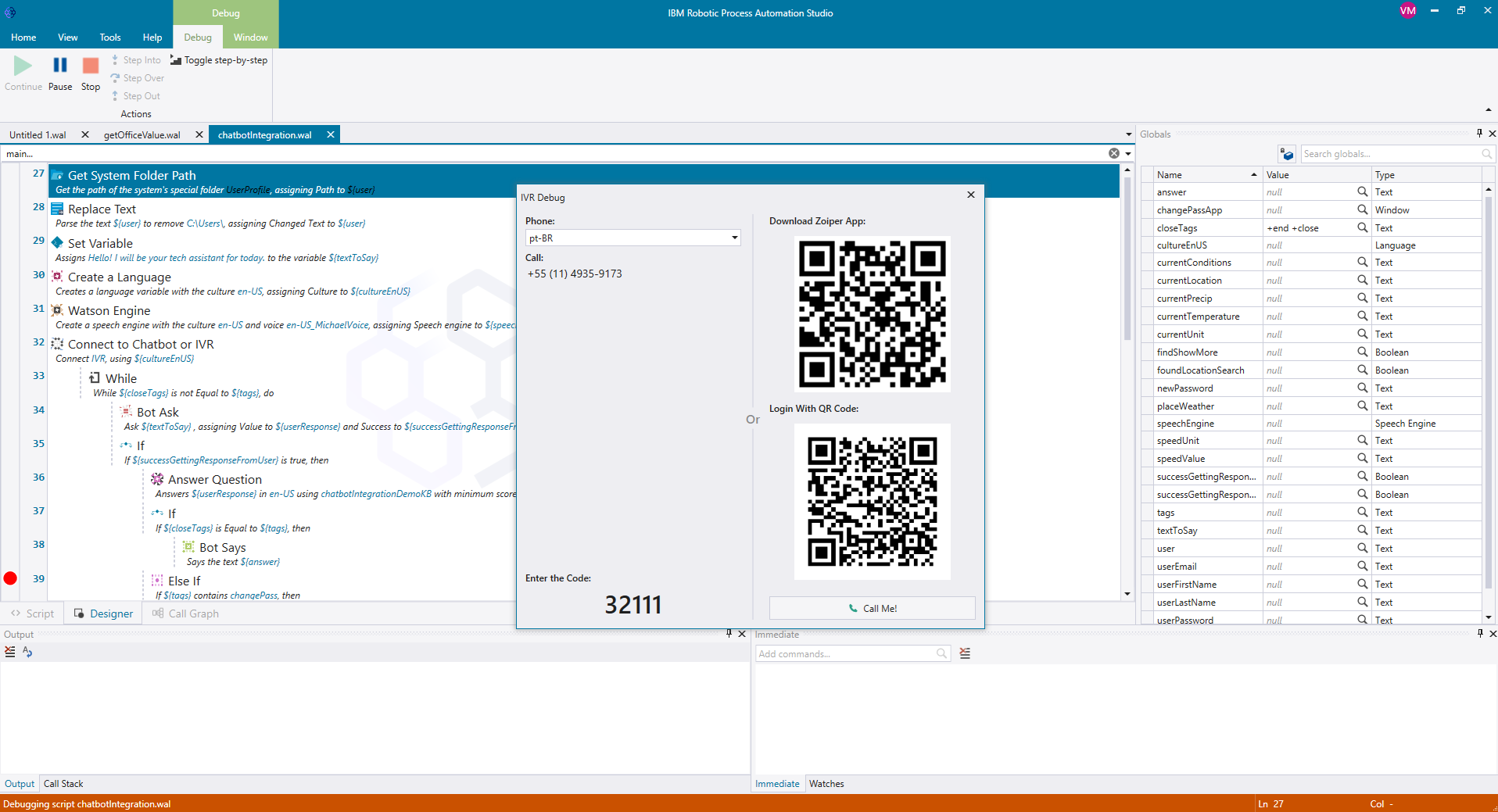
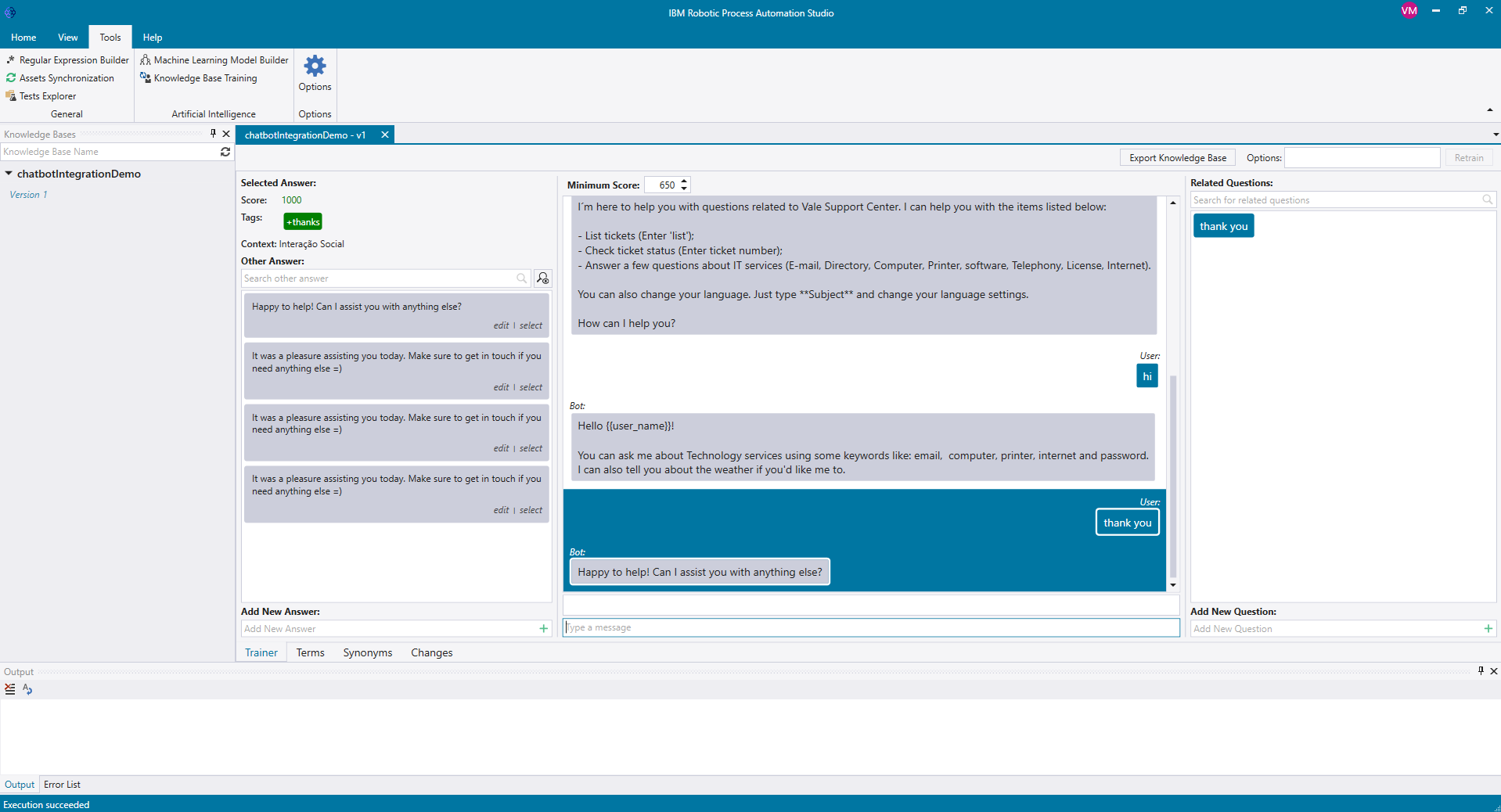
IBM Robotic Process Automation with Automation Anywhere is a robotic process automation solution combining business process management tools from IBM with Automation Anywhere's bots and automation capabilities.
$840
per month
Microsoft Power Automate
Score8.3 out of 10
N/A
Microsoft Power Automate is an advanced automation platform offering a range of features, including AI-powered automation, robotic process automation (RPA), business process automation (BPA), digital process automation (DPA), and process/task mining. The platform aims to empower organizations to securely automate their operations at scale by leveraging low-code and AI technologies.
$15
per month per user
Pricing
IBM Robotic Process Automation
Microsoft Power Automate
Editions & Modules
IBM RPA On premises
Platform starter pack, starting at USD 840.00 per month
per month
IBM RPA Software as a service (SaaS)
Platform starter pack, starting at USD 840.00 per month
Computer and Information Systems Manager in Information Technology at Housing Authority of the Cherokee Nation (Government Administration, 201-500 employees)
Chose IBM Robotic Process Automation
I would say IBM Robotic Process Automation is easier to use and more intuitive than Microsoft Power Automate. Templates were much more useful as well. Microsoft Power Automate templates seemed rather limited and really only serve as examples of what is possible rather than …
A de minimis incentive was given to thank the reviewer for their time. The incentive was not used to bias or drive a particular response, nor was the incentive contingent on a positive endorsement. More Info
Verified User
Chose IBM Robotic Process Automation
Looking forward to the long run the IBM provides the better cost effective licensing cost as compared to other tools. The cost is a bit high but the usage flexibility copes with that. The bots can sometime gets inaccurate and could get costly, IBM AI and cognitive interaction …
A de minimis incentive was given to thank the reviewer for their time. The incentive was not used to bias or drive a particular response, nor was the incentive contingent on a positive endorsement. More Info
Verified User
Chose IBM Robotic Process Automation
Considering alternatives to IBM Robotic Process Automation? See what Robotic Process Automation IBM Robotic Process Automation users also considered in their purchasing decision. When evaluating different solutions, potential buyers compare competencies in categories such as …
A de minimis incentive was given to thank the reviewer for their time. The incentive was not used to bias or drive a particular response, nor was the incentive contingent on a positive endorsement. TR verified that a representative sample of customers was invited. More Info
Consumer Experience Journey Expert in Marketing at Bosch Siemens Hausgerate (Consumer Goods, 10,001+ employees)
Chose IBM Robotic Process Automation
The decision generally and most obviously falls behind the PO deparment however I did use IBM Watson before that's why I have likened the IBM products and also when we alongside with the procurement department compare it to UiPath, IBM sounded more enterprise friendly and the …
A de minimis incentive was given to thank the reviewer for their time. The incentive was not used to bias or drive a particular response, nor was the incentive contingent on a positive endorsement. More Info
Relief Cashier in Customer Service at BlueStart Capital Jamaica Limited (Consumer Services, 11-50 employees)
Chose IBM Robotic Process Automation
Working inside with the cycle mechanization group is my suggestion to clients who are curious about IBM Mechanical Interaction Robotization, outwardly it appears like an exceptionally simple to-utilize programming however this is a long way from the real world. IBM Mechanical …
A de minimis incentive was given to thank the reviewer for their time. The incentive was not used to bias or drive a particular response, nor was the incentive contingent on a positive endorsement. More Info
Head Research Assistant in Engineering at Nazarbayev University JSC (Research, 1001-5000 employees)
Chose IBM Robotic Process Automation
Compared with other products in the field of automation, IBM's solution stands out in several ways: firstly, they have a massive and great community with provided technical support on a variety of topics interested in; secondly, it can be implemented and integrated with a …
A de minimis incentive was given to thank the reviewer for their time. The incentive was not used to bias or drive a particular response, nor was the incentive contingent on a positive endorsement. More Info
Analista de Sistemas SR | RPA & RDA Consultant | IBM Robotic Process Automation Certified in Information Technology at SysMap Solutions (Telecommunications, 10,001+ employees)
Chose IBM Robotic Process Automation
The IBM Robotic Process Automation tool has advantages such as a more user-friendly interface, greater ease of coding the program, a range of easy-to-understand commands to be used, and an emphasis on the ease of deploying robots in production. It also has a lower cost and …
A de minimis incentive was given to thank the reviewer for their time. The incentive was not used to bias or drive a particular response, nor was the incentive contingent on a positive endorsement. More Info
While it can be applied to various scenarios, its suitability can depend on the specific requirements of a given task or process. Here are some scenarios where IBM RPA is well-suited and scenarios where it may be less appropriate: Well suited: 1.Data Entry and Data Migration: RPA can efficiently automate data entry tasks, such as copying information from one system to another or migrating data between databases, reducing the risk of human error 2. Report Generation: RPA can generate routine reports by extracting data from various sources, formatting it, and delivering the reports to the relevant stakeholders, saving time and effort. 3. Email and Message Handling: RPA can help manage and categorize emails and messages, such as routing customer inquiries to the right department or processing routine email requests.Less suited for: 1. Cases where there is High Variability: RPA may struggle with tasks that have a high degree of variability, where each case is unique and difficult to standardize. 2. For Complex Decision-Making: RPA is rule-based and not designed for complex decision-making processes. It cannot replace the judgment and decision-making capabilities of humans. 3.Tasks Requiring Creativity: RPA is not suitable for tasks that require creativity, innovation, or problem-solving skills, as it operates based on predefined rules and logic.
If you are in a team that needs to develop automated solutions but have no coding experience and no access to a developer, Power Automate is one of the best places to start. It is incredibly flexible and likely has triggers and actions that can connect with your platforms, especially if you use the Microsoft stack. Additionally, using webhooks, you can connect to many different endpoints to get systems working together.
A de minimis incentive was given to thank the reviewer for their time. The incentive was not used to bias or drive a particular response, nor was the incentive contingent on a positive endorsement. TR verified that a representative sample of customers was invited. More Info
It was programmed to navigate to the web page requiring reCAPTCHA verification, locate the reCAPTCHA challenge, and generate a screenshot or other data to present to a user for manual input.
It was programmed to extract employee data from emails or forms, update the employee record in Workday, and send automated notifications.
A de minimis incentive was given to thank the reviewer for their time. The incentive was not used to bias or drive a particular response, nor was the incentive contingent on a positive endorsement. More Info
A de minimis incentive was given to thank the reviewer for their time. The incentive was not used to bias or drive a particular response, nor was the incentive contingent on a positive endorsement. More Info
Security and data privacy: IBM RPA may not have the strongest security features, which can leave sensitive data vulnerable to breaches or hacking.
Scalability: IBM RPA may not scale well to accommodate larger businesses and more complex processes, which can lead to performance issues and increased costs.
Customization: IBM RPA may not provide as much customization options as some users would like, making it difficult to tailor the software to specific business needs.
A de minimis incentive was given to thank the reviewer for their time. The incentive was not used to bias or drive a particular response, nor was the incentive contingent on a positive endorsement. More Info
I REALLY wish I could just drop in a block of python or PowerShell code sometimes. The visual low-code things are great for moving around data but sometimes it would be faster if I could just tap out some code.
The DOM (Document Object Model) is not entirely apparent and takes a lot of trial and error, and sometimes it's even different between different connectors. I would love to be able to just see the path to access some specific variables from earlier processes.
A de minimis incentive was given to thank the reviewer for their time. The incentive was not used to bias or drive a particular response, nor was the incentive contingent on a positive endorsement. TR verified that a representative sample of customers was invited. More Info
By implementing IBM Robotic Process Automation, we realized that they are digital robots with a great impact on our manual tasks, generating good automation capabilities that are beneficial to the entire company.
A de minimis incentive was given to thank the reviewer for their time. The incentive was not used to bias or drive a particular response, nor was the incentive contingent on a positive endorsement. More Info
The tool is very useful when used with its various native connectors, taking great advantage of the integration between the components and systems of the Office365 universe. However, its cost is still high, and automation using more advanced components containing AI resources becomes unfeasible for some companies. Due to the financial crisis that many companies are currently experiencing, investment in automation systems or tools is taking a back seat.
A de minimis incentive was given to thank the reviewer for their time. The incentive was not used to bias or drive a particular response, nor was the incentive contingent on a positive endorsement. More Info
IBM RPA is a very powerful tool, it has almost all the features that are necessary to build, implement and manage highly functional robots. The learning curve is very fast, so excellent skills are acquired. It is not necessary to have strong programming knowledge because its use is very easy. It is just drag and drop commands. By adding rules and logic, wonderful robots can be achieved.
Power Automate features a clean and intuitive user interface that allows users to create, manage, and monitor workflows easily. The UI is designed to be accessible to both technical and non-technical users, with drag-and-drop functionality for building workflows. Power Automate supports integration with a wide range of Microsoft and third-party applications. This flexibility in integration allows users to automate workflows across various systems, enhancing overall productivity and efficiency.
A de minimis incentive was given to thank the reviewer for their time. The incentive was not used to bias or drive a particular response, nor was the incentive contingent on a positive endorsement. TR verified that a representative sample of customers was invited. More Info
A de minimis incentive was given to thank the reviewer for their time. The incentive was not used to bias or drive a particular response, nor was the incentive contingent on a positive endorsement. More Info
A de minimis incentive was given to thank the reviewer for their time. The incentive was not used to bias or drive a particular response, nor was the incentive contingent on a positive endorsement. More Info
IBM has done a great job with enablement for the product. There is documentation for use-cases, development videos for beginners, and a community forum that has proven useful for getting started with the application. Although the resources cannot solve every problem a developer comes across, they have been very beneficial to our technical team.
A de minimis incentive was given to thank the reviewer for their time. The incentive was not used to bias or drive a particular response, nor was the incentive contingent on a positive endorsement. More Info
both Community support and Microsoft official support typically respond to (and resolve) reported issues in a VERY expedient manner, usually going above and beyond for education and bugfixing. I have been thoroughly impressed with the level of support I had been provided in the past.
A de minimis incentive was given to thank the reviewer for their time. The incentive was not used to bias or drive a particular response, nor was the incentive contingent on a positive endorsement. More Info
after reviewing the main features of Power Automate, the Microsoft trainer focused on some of our real life use cases implementation, from simple to more advanced.
A de minimis incentive was given to thank the reviewer for their time. The incentive was not used to bias or drive a particular response, nor was the incentive contingent on a positive endorsement. TR verified that a representative sample of customers was invited. More Info
although it was productive, it is more difficult to stay focused and in a 7 hours a day online training (including screen share issues and the fact that the trainer just can't precisely show the exact location of your mistake)
A de minimis incentive was given to thank the reviewer for their time. The incentive was not used to bias or drive a particular response, nor was the incentive contingent on a positive endorsement. TR verified that a representative sample of customers was invited. More Info
I am main developer of the this implementation. I have faced many chanllenges in implementation as IBM RPA not provided direct commands to automate Excel. I enjoyed in finding solution and best approach for the implementation
A de minimis incentive was given to thank the reviewer for their time. The incentive was not used to bias or drive a particular response, nor was the incentive contingent on a positive endorsement. More Info
I was part of the migration of classic SharePoint workflows and Nintex workflows. We didn't spend much time learning the new platform because of its user-friendly interface and intuitive drag-and-drop functionality. We have mostly O365 E1 and E3 licensed users, so they can participate in our Citizen Development program and utilize Power Automate to build day-to-day business processes.
A de minimis incentive was given to thank the reviewer for their time. The incentive was not used to bias or drive a particular response, nor was the incentive contingent on a positive endorsement. TR verified that a representative sample of customers was invited. More Info
I've always had excellent service and had no trouble communicating. It has aided in my understanding of how I can continue to use the bots. Reading peer assessments reveals that while IBM RPA demands a substantial initial financial commitment, it justifies its cost, unlike Blue Prism RPA, which does not.
A de minimis incentive was given to thank the reviewer for their time. The incentive was not used to bias or drive a particular response, nor was the incentive contingent on a positive endorsement. More Info
I have many years of experience with Nintex applications and it stands up very well against Microsoft Power Automate. I hope Microsoft Power Automate can become the better workflow application. With the Integrated AI builder and continuous updates I expect they can become the better one in a few years.
A de minimis incentive was given to thank the reviewer for their time. The incentive was not used to bias or drive a particular response, nor was the incentive contingent on a positive endorsement. TR verified that a representative sample of customers was invited. More Info
A de minimis incentive was given to thank the reviewer for their time. The incentive was not used to bias or drive a particular response, nor was the incentive contingent on a positive endorsement. TR verified that a representative sample of customers was invited. More Info
A de minimis incentive was given to thank the reviewer for their time. The incentive was not used to bias or drive a particular response, nor was the incentive contingent on a positive endorsement. More Info
Microsoft's professional services provide hands-on support throughout the implementation lifecycle of Power Automate.This includes initial setup, configuration, integration with existing systems, testing, and deployment. They ensure that workflows are correctly designed, optimized for performance, and aligned with security best practices.
A de minimis incentive was given to thank the reviewer for their time. The incentive was not used to bias or drive a particular response, nor was the incentive contingent on a positive endorsement. TR verified that a representative sample of customers was invited. More Info
IBM Robotic Process Automation has helped save on cost and time as it is able to automate tasks that are repetitive and routine tasks.
IBM Robotic Process Automation has helped us increase productivity. This is because it is able to perform tasks with a high degree of accuracy and speed.
It has enhanced compliance as it is able to automate compliance-related tasks. This has helped us improve our reputation.
A de minimis incentive was given to thank the reviewer for their time. The incentive was not used to bias or drive a particular response, nor was the incentive contingent on a positive endorsement. More Info
A de minimis incentive was given to thank the reviewer for their time. The incentive was not used to bias or drive a particular response, nor was the incentive contingent on a positive endorsement. TR verified that a representative sample of customers was invited. More Info