Hubstaff vs. Workday Prism Analytics

Overview
ProductRatingMost Used ByProduct SummaryStarting Price
Hubstaff
Score 9.4 out of 10
Small Businesses (1-50 employees)
Hubstaff is a workforce analytics software tailored to boost productivity in remote, hybrid, and in-house teams while fostering a positive employee experience. Integrating with over 30 apps, Hubstaff's key features include time tracking, screenshots, activity tracking, URL and app monitoring, workforce analytics, automatic payroll and invoicing, scheduling, GPS and location monitoring, and timesheets. Hubstaff is compatible with Mac, Windows, Linux, Chrome, iOS, and…
$7
per month per user (2 seat minimum)
Workday Prism Analytics
Score 7.1 out of 10
N/A
Workday Prism Analytics is a scalable data hub that enables Finance and HR to securely ingest, blend, and transform high volumes of data from any source—integrated with Workday’s people and financial data. Prism Analytics powers deeper insights across Workday HCM, Financials, and Adaptive Planning, helping teams make smarter decisions without heavy IT reliance. Built on a high-performance Spark engine with machine learning-based resource management, multi-cloud support, and a tables-based…N/A
Pricing
HubstaffWorkday Prism Analytics
Editions & Modules
Starter
$7
per month per user (2 seat minimum)
Grow
$9
per month per user (2 seat minimum)
Team
$12
per month per user (2 seat minimum)
Enterprise
$300
per year per seat
No answers on this topic
Offerings
Pricing Offerings
HubstaffWorkday Prism Analytics
Free Trial
YesNo
Free/Freemium Version
YesNo
Premium Consulting/Integration Services
NoNo
Entry-level Setup FeeNo setup feeNo setup fee
Additional DetailsDiscount available for annual pricing.
More Pricing Information
Community Pulse
HubstaffWorkday Prism Analytics
Features
HubstaffWorkday Prism Analytics
Workforce Analytics
Comparison of Workforce Analytics features of Product A and Product B
Hubstaff
-
Ratings
Workday Prism Analytics
8.9
Ratings
4% above category average
Data integration00 Ratings8.80 Ratings
Data management00 Ratings9.00 Ratings
Best Alternatives
HubstaffWorkday Prism Analytics
Small Businesses
Dayforce Powerpay
Dayforce Powerpay
Score 9.5 out of 10
Rippling
Rippling
Score 8.9 out of 10
Medium-sized Companies
TimeClock Plus
TimeClock Plus
Score 9.5 out of 10
Predictive Index Behavioral Assessment
Score 6.3 out of 10
Enterprises
Zoho People
Zoho People
Score 8.4 out of 10
Predictive Index Behavioral Assessment
Score 6.3 out of 10
All AlternativesView all alternativesView all alternatives
User Ratings
HubstaffWorkday Prism Analytics
Likelihood to Recommend
9.4
(0 ratings)
8.6
(0 ratings)
Usability
9.5
(0 ratings)
-
(0 ratings)
Support Rating
10.0
(0 ratings)
-
(0 ratings)
User Testimonials
HubstaffWorkday Prism Analytics
Likelihood to Recommend
It enables you to monitor workers' time on every project. It monitors productivity even if an internet connection is not available. It provides a customizable interface. Every task is customizable to suit project requirements. It allows you to track time from anywhere in the world. In this way, it provides powerful insights to determine how many hours are required to do a project.
Read full review
In my organization, we mainly use Workday Prism Analytics in HR and Finance departments. It not only enables us to make data-centric decisions but also helps reduce the need for data experts since we are able to visualize data on our own through self-service analytics.
Read full review
Pros
  • It has all the features that need to have while managing the project like screen capturing, sending invoices, create and view reports, pay and quick insights.
  • It also gives me the reports of my team effectiveness.
  • It tracks all the project progress along with team effectiveness and productivity at the workplace, gives me all the insights into team performance, and also helps me to track team productivity easily.
  • Another great feature that Hubstaff has which is its integration module.
Read full review
  • It's web based. No need to install any desktop clients on your machine to use platfora.
  • It's best suited for a big data Hadoop environment. I can rate it as the #1 BI tool for a big data hadoop environment.
  • Platfora follows kind of the same architecture as Hadoop architecture like Master and Slave architecture. It scales with the data volumes.
  • Querying data is very good and very fast. (Platfora Lens)
  • Client presentation wise it's good. You can get different kinds of graphs.
  • Platfora almost supports everything on Big Data technologies including file formats, compression etc.
  • Security is not compromised and it can deal in parallel with any Hadoop distributor security implementations. Just take an example of Knox on Hortonworks, so it will deal with that and cloudera , MapR
  • Its very easily understandable and for the new people who wants to try platfora, learning curve is low
  • You can create your own datasets in platfora. You can store your results as a dataset in platfora and can share across
Read full review
Cons
  • [Hubstaff] is limited to integrations, while working on the projects I face difficulty to drag the drop because sometimes the plan requires to be discussed and it becomes a necessity to insert various attachments on the spot so that we could achieve the maximum.
  • Further live chats should be made available.
Read full review
  • Data Movement - Data needs to be moved from Hadoop to Platfora to create Platfora Lens and to do analytics.
  • To support Data movement, infrastructure cost is high.
  • To support data movement, network bandwidth consumption is high.
  • No trial versions for companies to evaluate.
Read full review
Likelihood to Renew
Because it's easy to implement and use. It does not disrupt your work.
Read full review
No answers on this topic
Usability
I give it 9 because it is really good for time tracking and managing remote teams. It helps me to manage my team very efficiently. Still, prices are high, so don't give 10. I need more discounts to add more team. Also need more accuracy as users are now fooling the tools with various cheats. Overall it is good and helfull
Read full review
No answers on this topic
Reliability and Availability
I've never had any issues and always received proper support. They let you know in advance when they'll be in maintenance and it's always in odd hours, so it's good. You still can use it when they are maintaining it.
Read full review
No answers on this topic
Performance
I've never had any issues. It loads correctly and works like a charm.
Read full review
No answers on this topic
Support Rating
Hubstaff has always responded to support requests in a timely manner and has kept me in the loop of changes. When contacting them about future changes/features they've always been upfront on whether that is a change they are looking to make and when that change may occur. Finally, if the person I have communicated with was unable to resolve, they always escalated to the next best person who can answer/resolve.
Read full review
No answers on this topic
Implementation Rating
None, everything went smoothly.
Read full review
No answers on this topic
Alternatives Considered
Hubstaff is a better tool than Hubstaff. There
are certain details which if present can enhance the overall user experience
and I must mention that Hubstaff has carefully taken into account and has given
attention to detail by even making easy to understand training videos available
for beginners that can further help and aid them in training.
Read full review
Both are great products. The advantage of SAP Workforce Analytics is that it's widely interoperable between different APIs and databases. Having said that, Workday Prism Analytics scores much better in user-friendliness and the learning curve for the teams to start using it is very low. If Workday enhances its APIs functionality, it can compete easily with SAP Workforce Analytics.
Read full review
Return on Investment
  • The availability of the recording feature is the biggest plus of this software so that I can easily record things that can be proved helpful to me further.
  • It has replaced timesheets with spreadsheets and this is how it makes my work easier and interesting for me.
Read full review
  • Improved ROI by decreasing the necessary time investment that managers must make to upkeep employee data sectors.
  • Improved ease of access for employees, reducing unnecessary communication between employees and management.
  • Has led to fewer accounting errors overall.
Read full review
ScreenShots

Hubstaff Screenshots

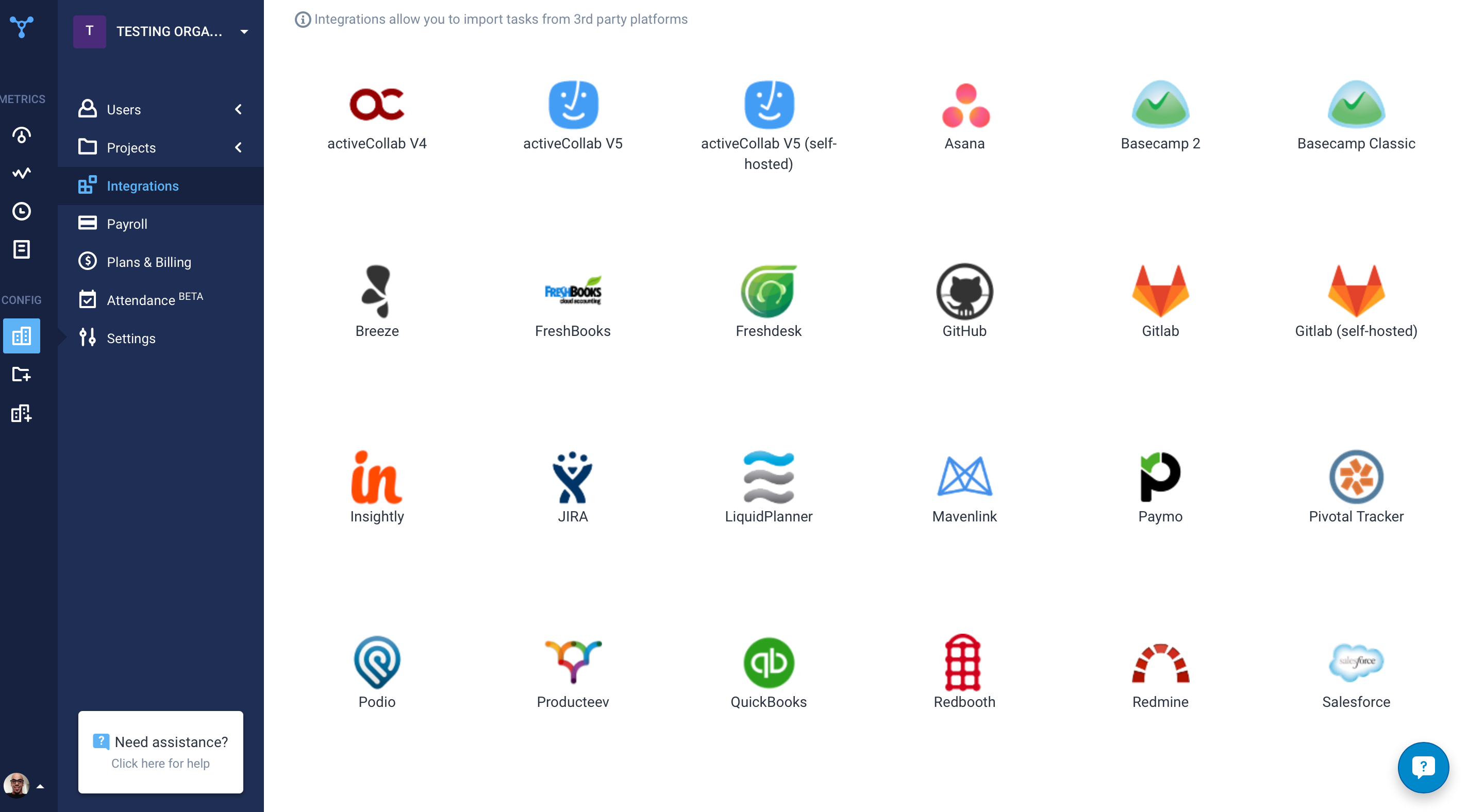
Screenshot of the time tracking interface, with screenshotsScreenshot of the remote work dashboardScreenshot of Hubstaff's 30 project management integrations

Workday Prism Analytics Screenshots

Screenshot of Workday Prism Analytics Data LineageScreenshot of Workday Prism Analytics Total Cost of LaborScreenshot of Workday Prism Analytics Sales Performance Analytics