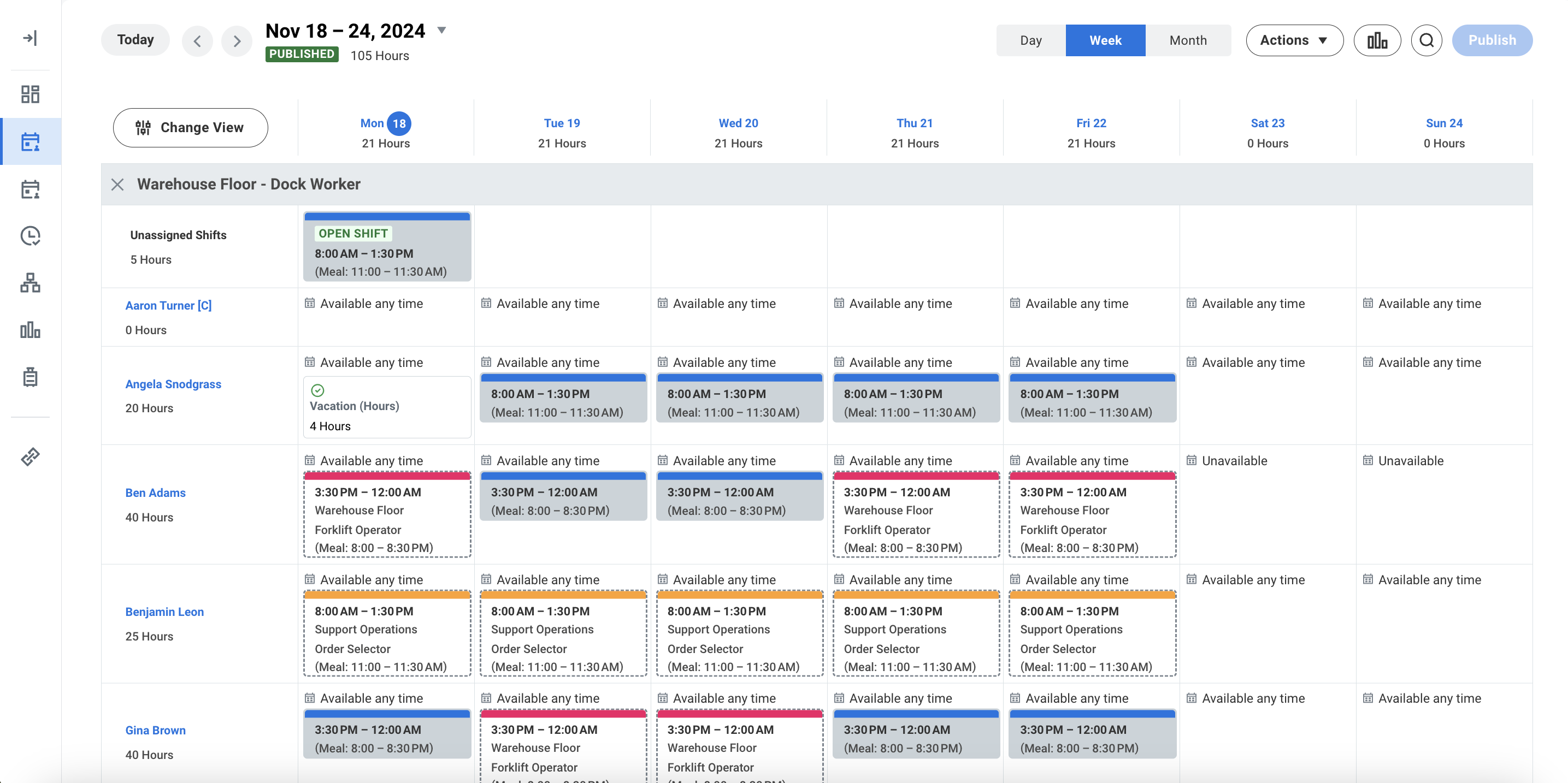
Homebase in San Francisco offers restaurants, hotels, hospitals, and retailers their employee scheduling and time tracking tools with scheduling optimization and team messaging for coordinating shifts; service includes a free time tracking app.
$14
per month
Workday Workforce Management
Score8.9 out of 10
N/A
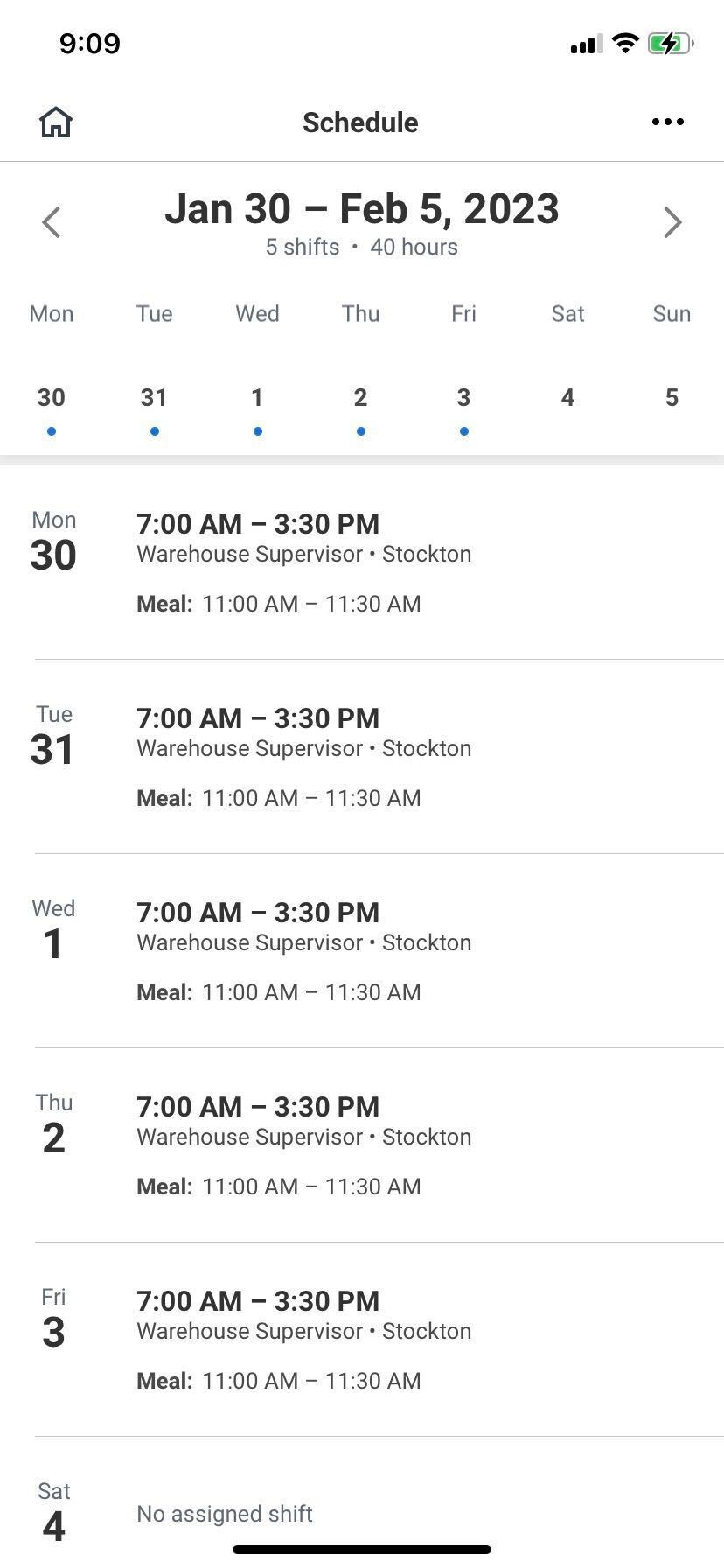
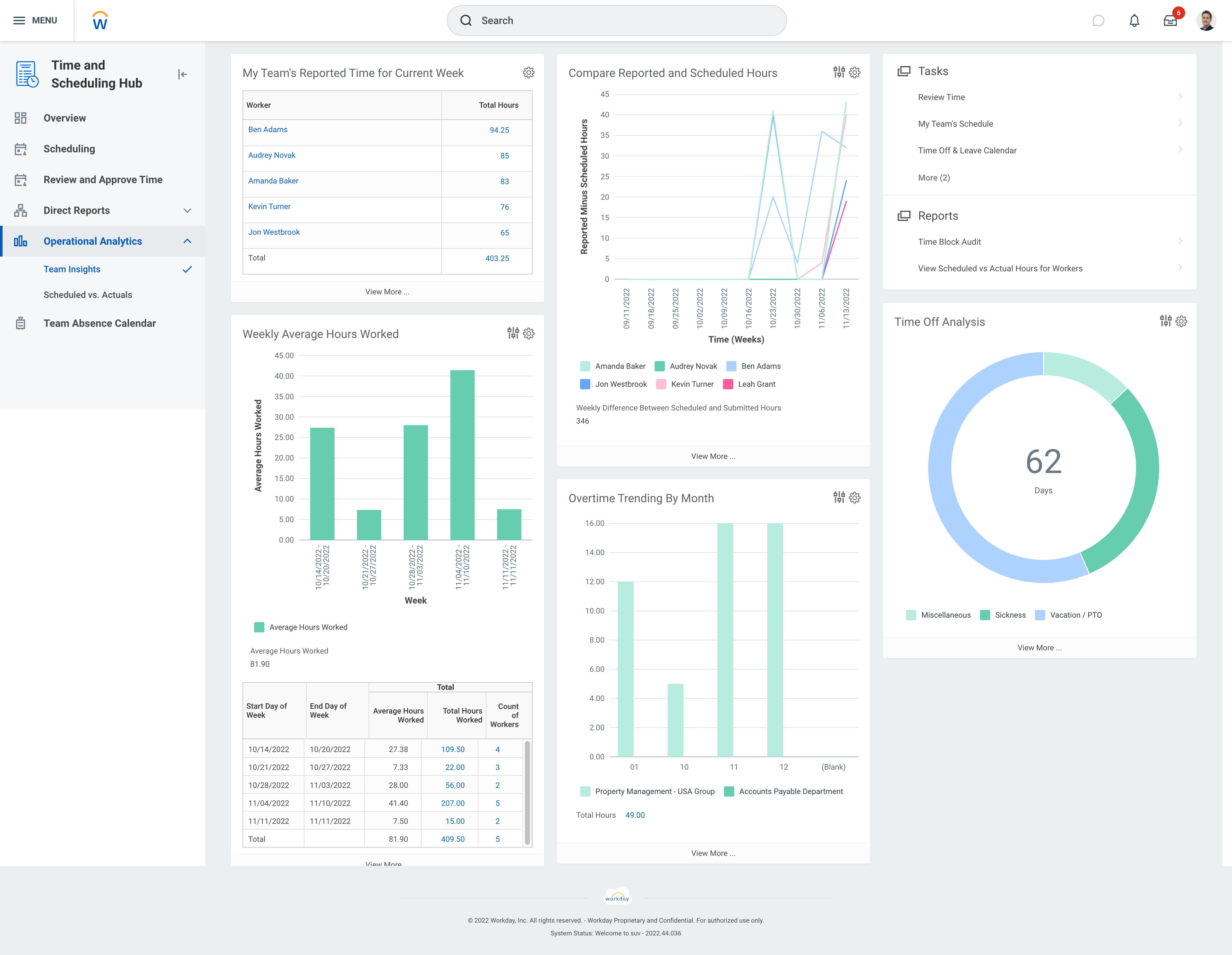
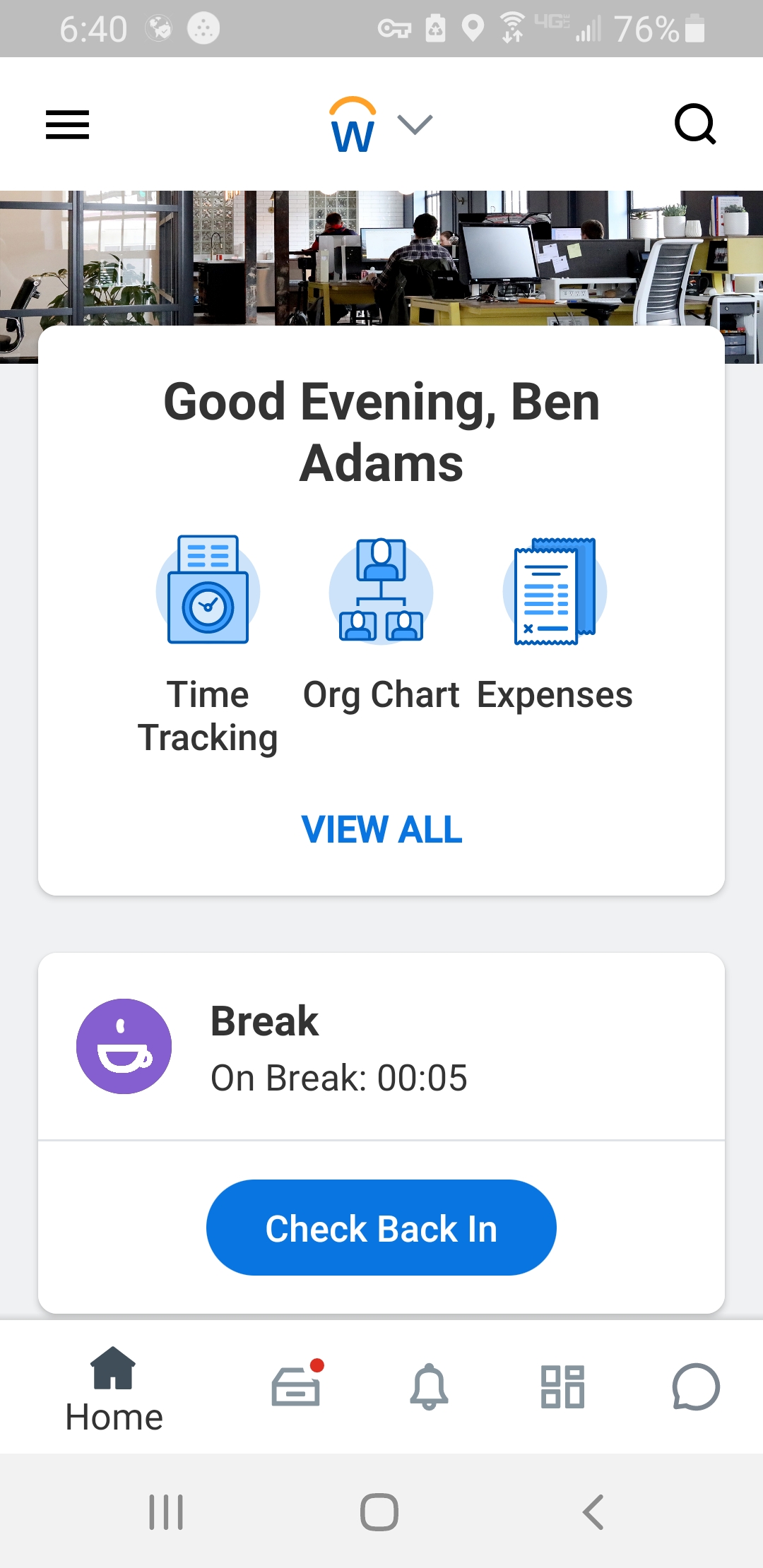
Workday Workforce Management is a workforce operations software that integrates HR, time, and scheduling data, to eliminate disjointed processes that halt day-to-day operations. Consistent with a worker-first approach, Workday provides mobile-first access to personalized pay, time, and schedules, giving workers frictionless on-the-go access. This helps overcome difficulties in retaining workers and keeps them engaged in a competitive labor…
N/A
Pricing
Homebase
Workday Workforce Management
Editions & Modules
Essentials
$14
per month
Plus
$35
per month
All-in-one
$70
per month
Basic
Free
No answers on this topic
Offerings
Pricing Offerings
Homebase
Workday Workforce Management
Free Trial
Yes
No
Free/Freemium Version
Yes
No
Premium Consulting/Integration Services
No
No
Entry-level Setup Fee
No setup fee
No setup fee
Additional Details
—
—
More Pricing Information
Features
Homebase
Workday Workforce Management
Payroll Management
Comparison of Payroll Management features of Homebase and Workday Workforce Management
I loved using Homebase! The best feature, by far, is scheduling in shifts! It really could not be easier! For restaurants and bars it is the easiest and best software! Using the payroll feature can be very easy! The only downfall is trying to separate scheduled worked hours and overtime. The layout is simple and easy to navigate. The only real con I can think of is that lag.
A de minimis incentive was given to thank the reviewer for their time. The incentive was not used to bias or drive a particular response, nor was the incentive contingent on a positive endorsement. More Info
Workday is well suited as am employee because it allows me to easily access pay and goal-setting information at a large org. It also made the process of getting hired and initially onboarded simple. I imagine it could be less helpful at a smaller organization where people have more direct access to folks in payroll
A de minimis incentive was given to thank the reviewer for their time. The incentive was not used to bias or drive a particular response, nor was the incentive contingent on a positive endorsement. More Info
Homebase provides an easy way to schedule employees. Their scheduling platform is extremely user-friendly and easy to edit once the schedule is made.
Homebase makes it easy for employees to switch schedules on their own, a manager just simply has to approve rather than physically rescheduling both employees, this is great for any small retail business or restaurant with many hourly employees.
Homebase makes it easy to adjust hours that have been incorrectly clocked or clockouts that have been missed.
A de minimis incentive was given to thank the reviewer for their time. The incentive was not used to bias or drive a particular response, nor was the incentive contingent on a positive endorsement. More Info
A de minimis incentive was given to thank the reviewer for their time. The incentive was not used to bias or drive a particular response, nor was the incentive contingent on a positive endorsement. More Info
A de minimis incentive was given to thank the reviewer for their time. The incentive was not used to bias or drive a particular response, nor was the incentive contingent on a positive endorsement. More Info
A de minimis incentive was given to thank the reviewer for their time. The incentive was not used to bias or drive a particular response, nor was the incentive contingent on a positive endorsement. More Info
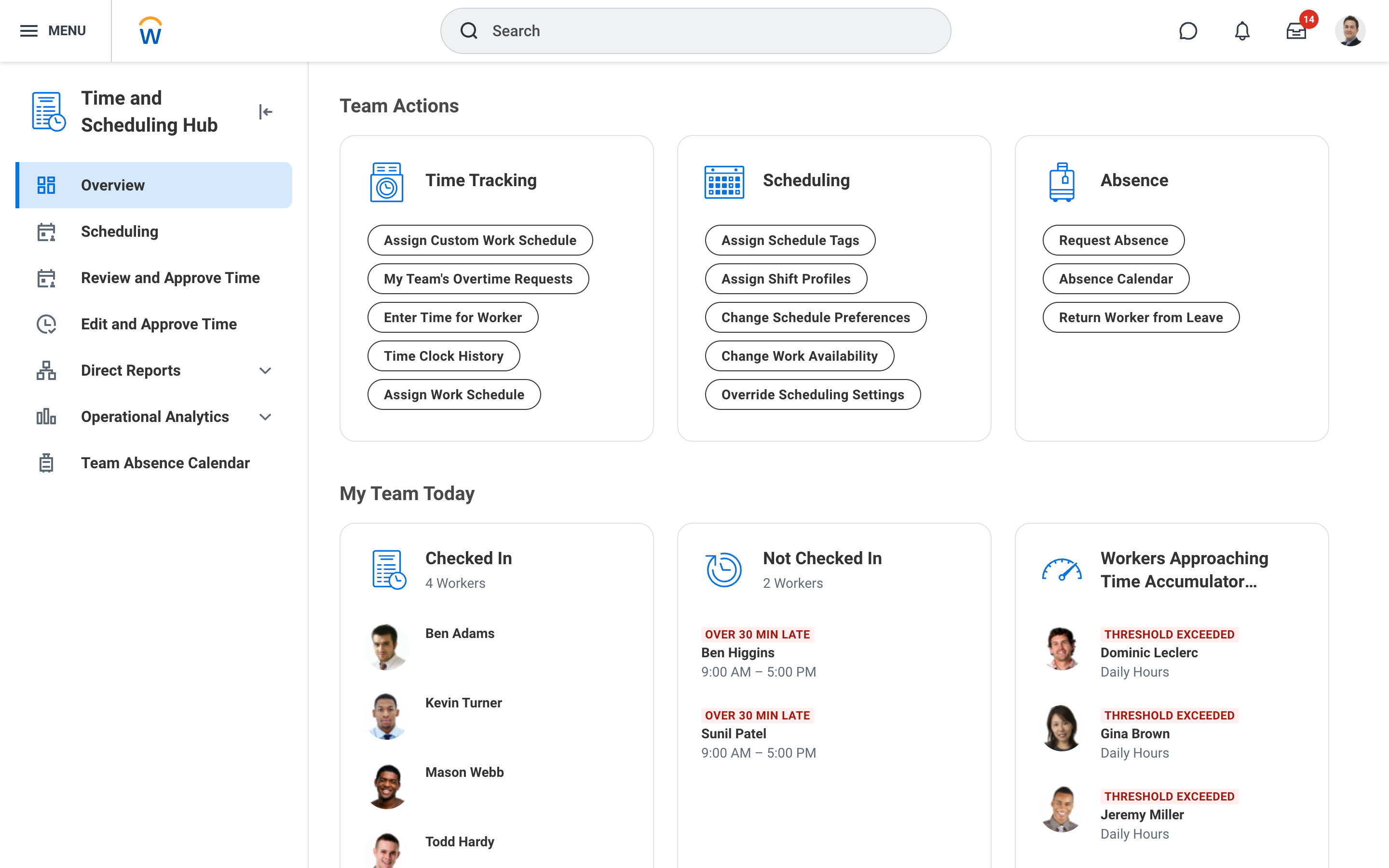
The way that the menus are laid out into Home, Personal, Organization, and more makes it fairly simple to find what you are looking for even if you do not know exactly where to find what you are looking for. The "Timely Suggestions" and other recommended tasks also elevate important tasks to your attention
A de minimis incentive was given to thank the reviewer for their time. The incentive was not used to bias or drive a particular response, nor was the incentive contingent on a positive endorsement. More Info
Homebase is simpler to use. Easier to navigate and is much cheaper than other alternatives! We had trouble when I worked as they were harder to reach our ROI. Deputy was too expensive and it was the reason we decided on Homebase! Employees also find it easy to use on their end!
A de minimis incentive was given to thank the reviewer for their time. The incentive was not used to bias or drive a particular response, nor was the incentive contingent on a positive endorsement. More Info
A de minimis incentive was given to thank the reviewer for their time. The incentive was not used to bias or drive a particular response, nor was the incentive contingent on a positive endorsement. More Info
Homebase has made the day to day management of employees easier, freeing up time for management to work on other things that help secure customer satisfaction.
It has also made payroll easier since it's implementation and allowed for fewer mistakes than the previous manual method, leading to less monetary mistakes and happier employees.
Homebase has made monitoring hours and overtime, as well as completion of internship and volunteer hours, much easier to monitor, leading to less confusion and more satisfied volunteers, interns, and payroll managers
A de minimis incentive was given to thank the reviewer for their time. The incentive was not used to bias or drive a particular response, nor was the incentive contingent on a positive endorsement. More Info
A de minimis incentive was given to thank the reviewer for their time. The incentive was not used to bias or drive a particular response, nor was the incentive contingent on a positive endorsement. More Info