Heyflow is a no-code platform to build, design and integrate clickflows, headquartered in Hamburg. They state their belief that user interaction is the most important activity on the web. And they believe that clickflows are the best way to achieve great interactions. They aim to empower businesses to convert more traffic with clickflows.
$72
per month
LeadIQ
Score 8.3 out of 10
N/A
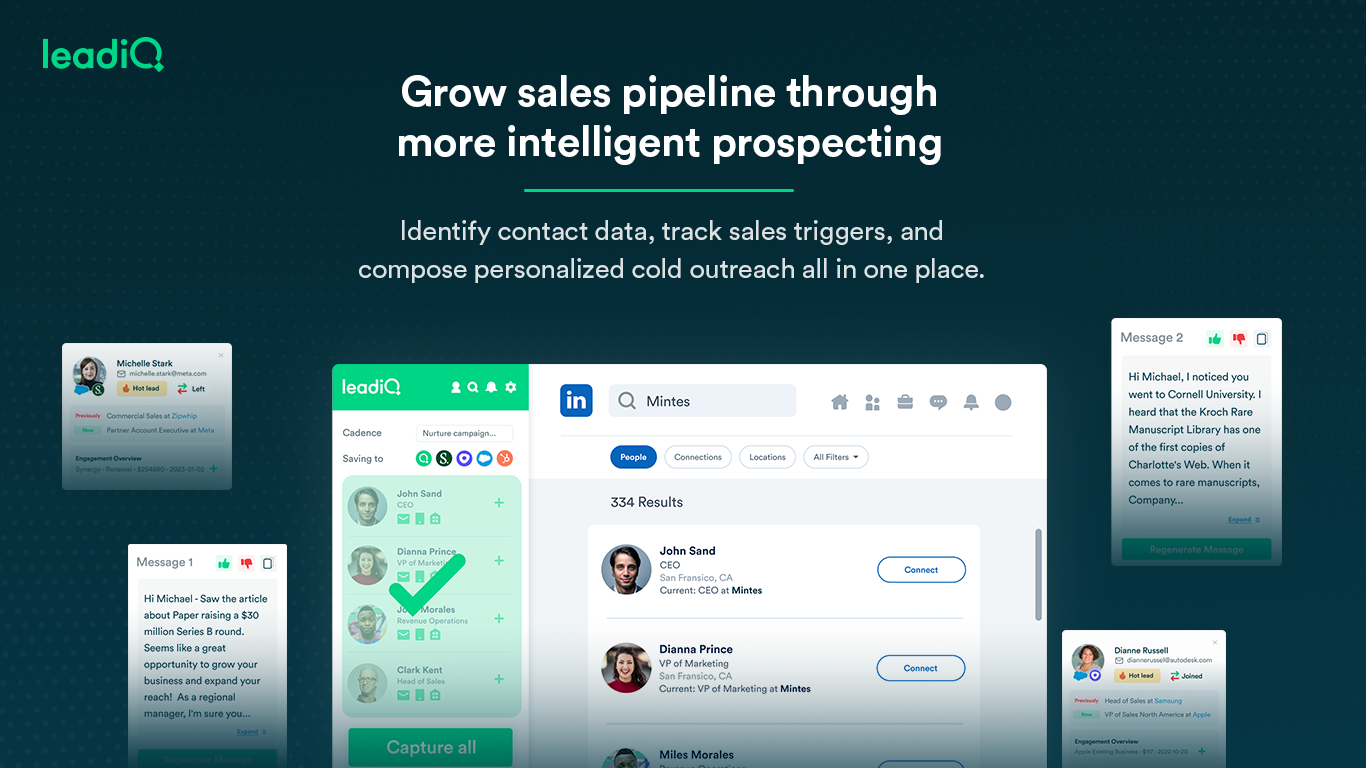
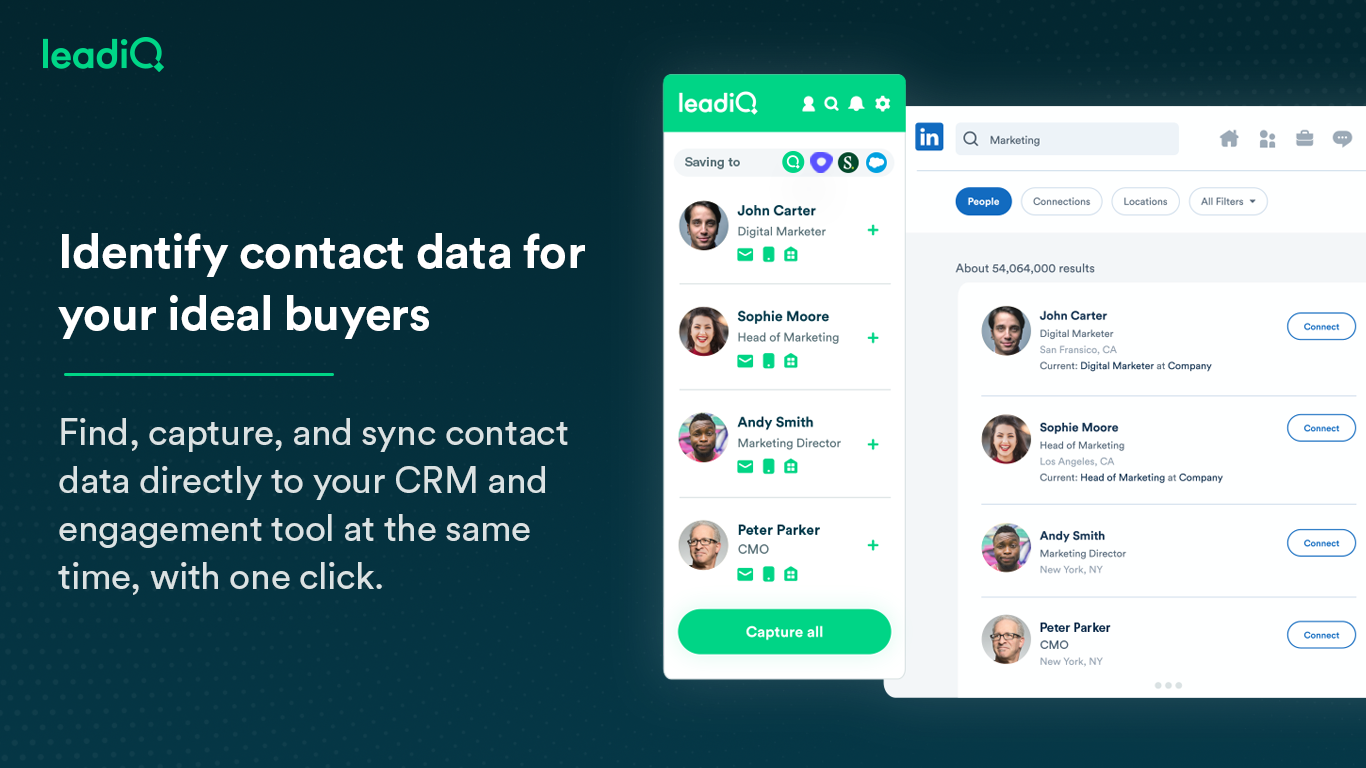
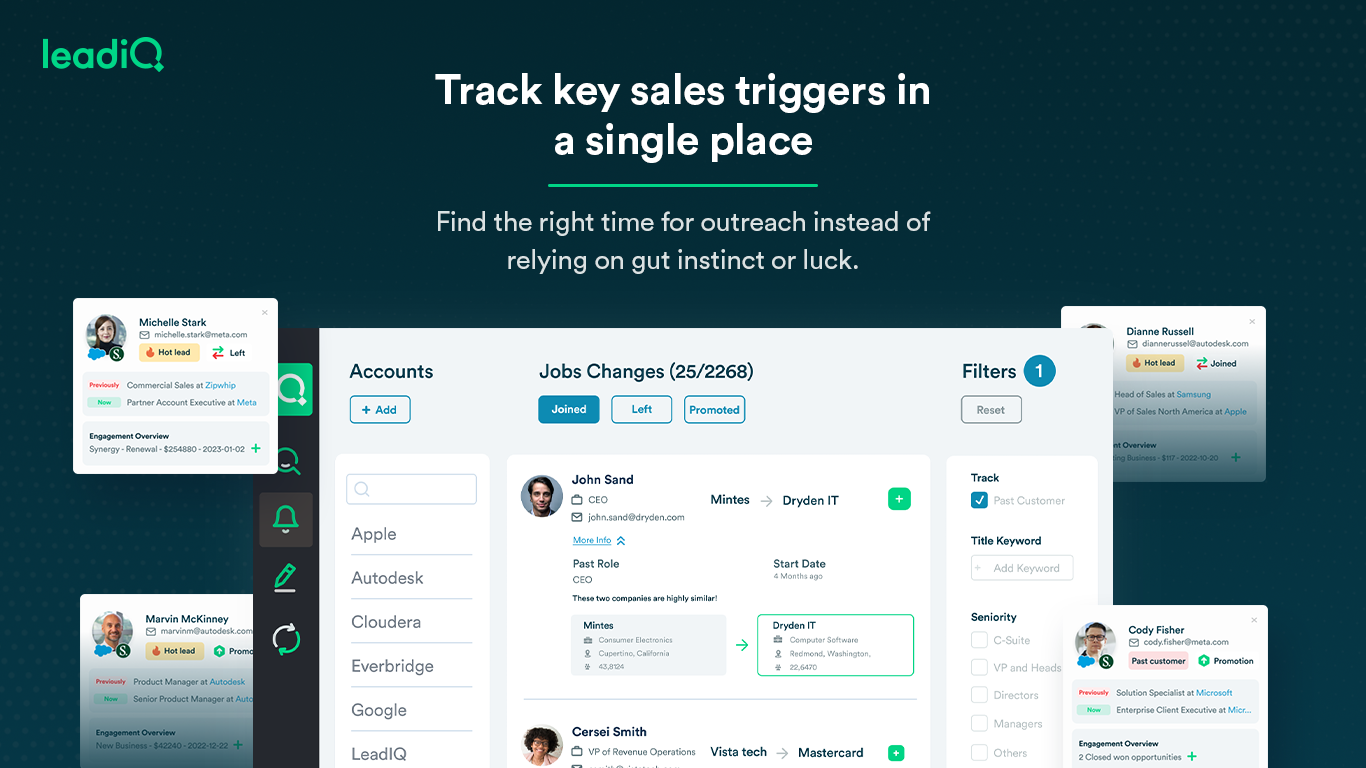
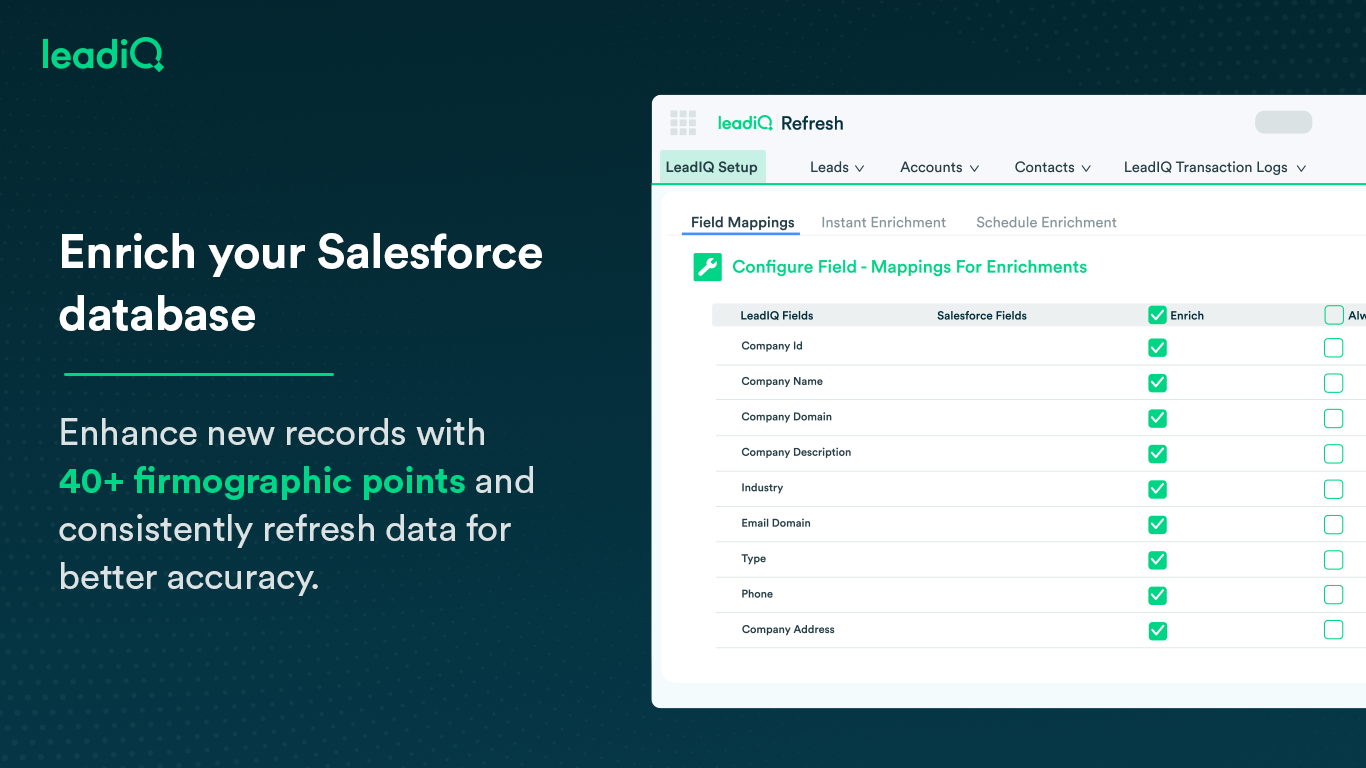
LeadIQ is a prospecting platform that helps outbound sales teams build pipeline through contact data, a AI cold email writing assistant, contact and account tracking for job changes, and CRM enrichment, all integrated into sales tools used daily.
$0
per month per user
Pricing
Heyflow
LeadIQ
Editions & Modules
Basic
$72
per month
Pro
$144
per month
Business
$459
per month
Business
$459
per month
Enterprise
Contact Sales
Free
$0
per month per user
Essential
$39
per month per user
Pro
$79
per month per user
Enterprise
Ask Sales
Offerings
Pricing Offerings
Heyflow
LeadIQ
Free Trial
Yes
Yes
Free/Freemium Version
No
Yes
Premium Consulting/Integration Services
No
No
Entry-level Setup Fee
No setup fee
No setup fee
Additional Details
Discount available for annual subscription as well as for start ups.
—
More Pricing Information
Community Pulse
Heyflow
LeadIQ
Features
Heyflow
LeadIQ
Lead Management
Comparison of Lead Management features of Product A and Product B
Heyflow
7.1
Ratings
9% below category average
LeadIQ
-
Ratings
Automated sales alerts and tasks
7.10 Ratings
00 Ratings
Automated follow-ups
7.10 Ratings
00 Ratings
Lead Management Integrations
Comparison of Lead Management Integrations features of Product A and Product B
Heyflow
8.7
Ratings
23% above category average
LeadIQ
-
Ratings
Integrations with advertising platforms
9.90 Ratings
00 Ratings
Integrations with CRMs
7.90 Ratings
00 Ratings
Integrations with data storage tools
8.30 Ratings
00 Ratings
Integrations with lead automation tools
8.90 Ratings
00 Ratings
Conversion Rate Optimization
Comparison of Conversion Rate Optimization features of Product A and Product B
Heyflow
7.6
Ratings
1% below category average
LeadIQ
-
Ratings
KPI analytics
7.30 Ratings
00 Ratings
Drop-off analytics
7.50 Ratings
00 Ratings
A/B tests
8.10 Ratings
00 Ratings
Form Building
Comparison of Form Building features of Product A and Product B
Heyflow
8.0
Ratings
9% above category average
LeadIQ
-
Ratings
Drag & Drop editing
8.30 Ratings
00 Ratings
Branding customization
9.20 Ratings
00 Ratings
Different question types
7.30 Ratings
00 Ratings
Conditional logic paths
6.30 Ratings
00 Ratings
Embedded calculations
6.20 Ratings
00 Ratings
Form templates
6.50 Ratings
00 Ratings
Custom code
8.60 Ratings
00 Ratings
Web embedding
9.40 Ratings
00 Ratings
Mobile responsiveness
9.40 Ratings
00 Ratings
Date picker
7.10 Ratings
00 Ratings
File upload
9.10 Ratings
00 Ratings
Dynamic content
8.10 Ratings
00 Ratings
Prospecting
Comparison of Prospecting features of Product A and Product B
Heyflow
-
Ratings
LeadIQ
7.3
Ratings
6% below category average
Advanced search
00 Ratings
7.00 Ratings
Identification of new leads
00 Ratings
5.60 Ratings
List quality
00 Ratings
7.00 Ratings
List upload/download
00 Ratings
8.00 Ratings
Ideal customer targeting
00 Ratings
7.00 Ratings
Load time/data access
00 Ratings
9.00 Ratings
Sales Intelligence Data Standards
Comparison of Sales Intelligence Data Standards features of Product A and Product B
Heyflow
-
Ratings
LeadIQ
8.3
Ratings
7% above category average
Contact information
00 Ratings
8.00 Ratings
Company information
00 Ratings
9.00 Ratings
Industry information
00 Ratings
8.00 Ratings
Data Augmentation & Lead Qualification
Comparison of Data Augmentation & Lead Qualification features of Product A and Product B
Heyflow
-
Ratings
LeadIQ
7.5
Ratings
1% above category average
Lead qualification process
00 Ratings
6.40 Ratings
Smart lists and recommendations
00 Ratings
5.30 Ratings
Salesforce integration
00 Ratings
9.00 Ratings
Company/business profiles
00 Ratings
8.00 Ratings
Alerts and reminders
00 Ratings
7.50 Ratings
Data hygiene
00 Ratings
7.00 Ratings
Automatic data refresh
00 Ratings
8.00 Ratings
Tags
00 Ratings
8.00 Ratings
Filters and segmentation
00 Ratings
8.00 Ratings
Sales Intelligence Email Features
Comparison of Sales Intelligence Email Features features of Product A and Product B
Its well suited for us when we start a new campaign independent from Unbounce, and for making more creative and fluid user flows. Its worked well for us on our lower volume lead campaigns, we havent yet used it for anything high volume. We love the drop off analysis, where it gives you an exit rate each step of the journey, but feel the a/b testing side could be improved, in Unbounce we can test 20 variants at once (due to the amount of traffic), doesnt seem as easy on Heyflow. Also I've hit a max number of flows quite quickly so probably due to upgrade account, however with Unbounce we could have 100s of flows
Outbound Demand Generation: Self Sourcing leads for prospecting can be a challenge for any outbound team. It was even for us, and when we were doing it manually through LinkedIn and finding emails through email hunter extension. The task was cumbersome and time-taking, and painful. Having something like LeadIQ was magical for the Outbound team when it came to self-sourcing our own contacts and accounts, from our TAM.
TAT for Prospecting decreases: Since sourcing of leads and accounts becomes much more efficient. Reps spend more time on the ground and phone and less time on the CRM. This was again a challenge for us in the past, but we have capitalized on LeadIQ and made our "spending time on the ground" metric much better.
Once set up, it's super easy. Just click a button and capture the lead.
Love that you can capture as a contact instead of a lead and that it will attach to an existing account in Salesforce based on a fuzzy match with Company Name.
Love that you can capture data from a lead search list in Sales Navigator, not just from the person's profile page. So you can capture multiple people at a time.
I really like that I can see all the related objects that a given contact might have in SFDC. Lead and/or contact records (even with a company mismatch if it's an old record), accounts, and opportunities.
Restricted webhook functionality, wed like to be able to map fields without having to post the full request and change the receiving webhook our end to cater to Heyflow
a/b testing, not being able to 'keep' older variants which we may want to retest later
little things like we only do uk market so all phone numbers start with 01 or 07 so we want to have a placeholder example thats familiar to the user eg 07766554433 but the system is restricted to +447766554433 which is a conversion factor for us
Rocky start to using it - but good follow up with customer service.
It can create duplicates in salesforce sometimes which is a headache for some departments who require salesforce to be our pure data source.
Sometimes the numbers aren't correct for the right individual - it gets numbers from wrong people with the same name - this has only happened a couple of times, very rare.
Heyflow hat mich von Anfang an begeistert – und das nicht nur wegen der intuitiven Benutzeroberfläche. Die Plattform schafft es, komplexe Prozesse wie Leadgenerierung, Qualifizierung oder Terminvereinbarungen in einfache, interaktive und visuelle Erlebnisse zu verwandeln.
In wenigen Minuten lassen sich Flows erstellen, anpassen und live schalten – ohne auf Entwickler warten zu müssen.
Mit Features wie progressiver Datenerfassung, A/B-Testing, personalisierter Ansprache und reibungsloser UX steigern wir messbar die Conversion Rates. Ich kann CI-konforme, moderne und mobiloptimierte Flows gestalten, die genau zu der Zielgruppe passen. Für mich ist Heyflow nicht nur ein Tool, sondern ein echter Gamechanger im digitalen Marketing. Es verbindet Effizienz mit Kreativität – und das mit einem Wow-Effekt für Nutzer und Kund:innen
We have been very happy with LeadIQ for the past several years. They have quality data at a fair price and that is the most important thing for us. Their product continues to grow and expand and they are great to work with from a customer experience point of view.
Intuitive interface: The platform should have a user-friendly interface that guides users through the design process seamlessly. Ease of customization: Users should be able to easily customize their forms, flows, and landing pages to match their branding and requirements. Accessibility: The platform should be accessible to users of all skill levels, from beginners to experienced designers. Speed and efficiency: Users should be able to quickly create and deploy their content without encountering unnecessary delays or complications. Helpful support and resources: Heyflow should provide adequate support and resources, such as tutorials, documentation, and customer service, to assist users in navigating the platform effectively.
the data pool of contacts and lead info could be better compared to the other software competitors. The software is still quite easy to use and it has an extension which makes it easy to work side by side with either linkedin or salesforce. One item that doesn't work well which the rep showed us was pulling up the account page on salesforce and LeadIQ being able to pull up the company details based on the domain. That isn't working for us. Perhaps it's the industry we're in.
I have yet to contact LeadIQ regarding support for the tool. Usability is pretty straight forward, and I was trained well to use the tool properly. I am giving the rating of a five since I can not say I have had contact with the support team.
Before I switched to Heyflow, I used Go High Level. The difference is night and day. Though Go High Level has some basic survey and quiz features, it's way harder to make it look professional and actually work like you want it to. First, I tried switching to ScoreApp, but I found the quiz design options lacking and found the way it was set up a bit confusing.
I think that LeadIQ is overall better. I think so because i can use LeadIQ for more things than zoominfo. For example, the scribe feature and importing leads directly from sales navigation. That, I think, is one of the best features. Tho, i feel like zoominfo sometimes had more accurate information.