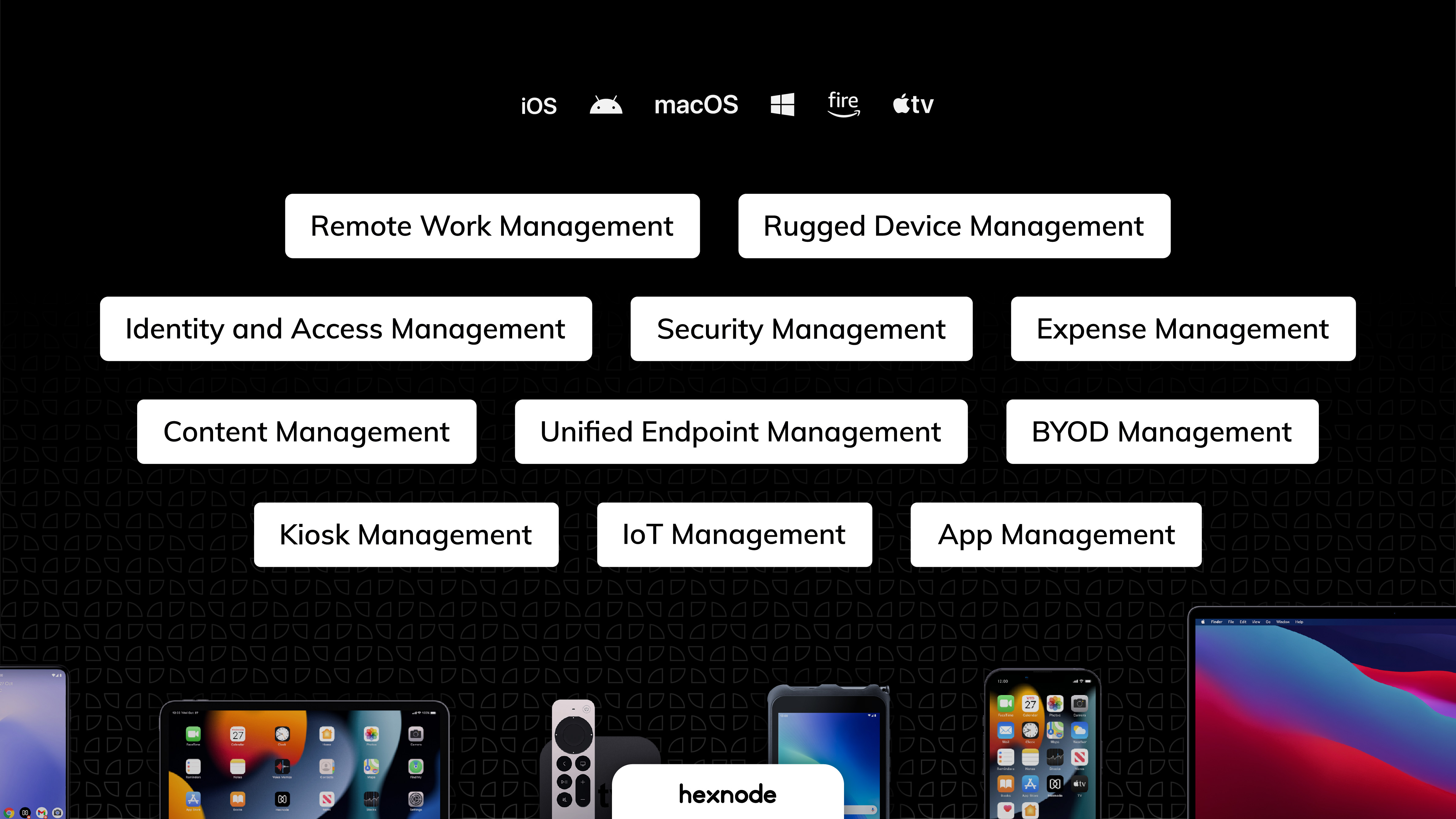
Hexnode is a Unified Endpoint Management solution from Mitsogo Inc. that aims to simplify the way people work with the help of intelligent tools. The management platform streamlines the device lifecycle model to offer its support at every stage, from device onboarding to the end of its life. It also gives a hands-free experience with automatic enrollment using Zero-touch enrollment, Knox Mobile Enrollment, and ABM and endpoint management with the help of dynamic group allocation in…
$36
per month 15 devices (minimum)
Splashtop
Score8.5 out of 10
N/A
Splashtop is a software solution for both remote access and remote support. Boasting 30+ million customers worldwide and users among both large and small organizations across the globe, Splashtop presents their solution as secure, high-performing, and fit to specific use-cases. Splashtop is ISO certified, SOC 2 and GDPR compliant. Splashtop Remote Access provides remote desktop connections for business professionals and teams to work from anywhere, using any device.…
$99
per year per user
Pricing
Hexnode UEM
Splashtop
Editions & Modules
Pro
$2.40
per month per device
Enterprise
$3.60
per month per device
Ultimate
$5.20
per month per device
Ultra
Contact Hexnode for a Quote
Splashtop Remote Access Pro
$8.25
per month per user, billed annually
Splashtop Remote Access Performance
$13.00
per month per user, billed annually
Splashtop Remote Support Enterprise
Contact Sales
per month per concurrent technician, billed annually
Splashtop Remote Access Enterprise
Contact Sales
per month per user, billed annually
Splashtop On-Prem
Contact Sales
Splashtop Autonomous Endpoint Management (AEM)
Contact Sales
per month per endpoint, billed annually
Splashtop Remote Support SOS
Starting at $22.00
per month per concurrent technician, billed annually
Offerings
Pricing Offerings
Hexnode UEM
Splashtop
Free Trial
Yes
Yes
Free/Freemium Version
Yes
No
Premium Consulting/Integration Services
Yes
No
Entry-level Setup Fee
No setup fee
No setup fee
Additional Details
No support costs, No maintenance charges. Per device pricing. Discount available for annual pricing.
We enjoy the ability to remotely support our end users with their tablets while they are traveling. I've had the ability to provide support to some of our remote sales users as they are working at a customers location. However, sometimes the remote view can be a bit of a lagging issue that makes things a bit difficult. Though overall this has been a great experience that helps us support our various users throughout the company.
A de minimis incentive was given to thank the reviewer for their time. The incentive was not used to bias or drive a particular response, nor was the incentive contingent on a positive endorsement. More Info
Well Suited for Remote users with PCs needing to login to specific remote PC's. It is less functional for remote users on Cell phones although Cell phone users can look on the remote PC to see if they need to logon from a desktop to conduct transactions
A de minimis incentive was given to thank the reviewer for their time. The incentive was not used to bias or drive a particular response, nor was the incentive contingent on a positive endorsement. More Info
Android zero-touch enrollment allows bulk enrollment of corporate-owned android devices with a single click.
With the help of the dynamic device grouping function, devices may be grouped in accordance with specific pre-configured criteria.
The kiosk mode supports both single-app kiosk mode, in which the device is restricted to using a single app, and multi-app kiosk mode, in which the device is in kiosk mode but has access to a number of other programs and files.
A de minimis incentive was given to thank the reviewer for their time. The incentive was not used to bias or drive a particular response, nor was the incentive contingent on a positive endorsement. More Info
Devices running watchOS cannot be handled or enrolled.
The policies under WIFI, which allowed certain websites to be blocked using website certificates, were complicated .
The app management features provide the ability to push the installation of corporate apps on the devices. Even though it was successful on the Hexnode Portal, this feature periodically malfunctioned, and the apps were not loaded.
I would like to see an integration with a wider variety of antivirus XDRs. We spend a lot of money on Sophos, which is arguably the most effective product on the market. It would be nice if Splashtop and Sophos Central could work together to increase some efficiency and security.
It would be really great if PCs or devices could be excluded from the antivirus monitoring of Splashtop. For example, some employees use the Splashtop Streamer on home PCs (not owned by the company), so they can remote to their home machines while at the office. Occasionally, Splashtop will report threats to a home user PC that are false or breach personal privacy. Then, those get logged with the device forever. The ability to have IT Admins command Splashtop to ignore device security would be very welcomed.
A de minimis incentive was given to thank the reviewer for their time. The incentive was not used to bias or drive a particular response, nor was the incentive contingent on a positive endorsement. More Info
A de minimis incentive was given to thank the reviewer for their time. The incentive was not used to bias or drive a particular response, nor was the incentive contingent on a positive endorsement. TR verified that a representative sample of customers was invited. More Info
I believe that I will renew Splashtop without any problems in the coming years as eating stable costs without increases even in critical periods such as the Covid virus, Splashtop allows access to 25 unattended stations and has continuous updates and new features. It also allows resale to users with sub-accounts
A de minimis incentive was given to thank the reviewer for their time. The incentive was not used to bias or drive a particular response, nor was the incentive contingent on a positive endorsement. More Info
UX is pretty good, but various screens are a bit redundant. Managing user and managing devices is often one in the same operation, but is broken across multiple screens. Device management policies are strange because if you make a "macOS" policy, why does it have all the Windows, iOS, Android etc options? It's unlikely you'll want all of these options for all possible OSes in one policy, but that's the only way to build a policy. Manage policy changes require remote system restart which is highly disruptive to employees.
A de minimis incentive was given to thank the reviewer for their time. The incentive was not used to bias or drive a particular response, nor was the incentive contingent on a positive endorsement. More Info
It's hard to find any significant faults with Splashtop. It offers a very responsive remote access experience with clear and simple interface. There's very little learning curve as it's toolbar mimics other popular remote access solutions graphical user interface. It's gives you access to your remote computer quickly and stays out of your way
A de minimis incentive was given to thank the reviewer for their time. The incentive was not used to bias or drive a particular response, nor was the incentive contingent on a positive endorsement. More Info
I've never had any issues with it, nor any connectivity issues. They always say when they'll be maintaining the system and it's always in the odd hours, so nobody uses then. But I've never had any issues.
A de minimis incentive was given to thank the reviewer for their time. The incentive was not used to bias or drive a particular response, nor was the incentive contingent on a positive endorsement. More Info
A de minimis incentive was given to thank the reviewer for their time. The incentive was not used to bias or drive a particular response, nor was the incentive contingent on a positive endorsement. More Info
A de minimis incentive was given to thank the reviewer for their time. The incentive was not used to bias or drive a particular response, nor was the incentive contingent on a positive endorsement. TR verified that a representative sample of customers was invited. More Info
Splashtop has good customer support - they respond quickly and provide adequate solutions, but we honestly rarely find ourselves needing to reach out to them. The software is so easy to use and about as plug-and-play as it gets, so we generally don't run into an issue that does not have an immediate, obvious solution provided in the software.
A de minimis incentive was given to thank the reviewer for their time. The incentive was not used to bias or drive a particular response, nor was the incentive contingent on a positive endorsement. More Info
A de minimis incentive was given to thank the reviewer for their time. The incentive was not used to bias or drive a particular response, nor was the incentive contingent on a positive endorsement. TR verified that a representative sample of customers was invited. More Info
It couldn't have been any easier to setup and I have had no issues with it since it was implemented. It's a great product and makes remotely connecting to another device so simple and quick. I can't recommend it enough
A de minimis incentive was given to thank the reviewer for their time. The incentive was not used to bias or drive a particular response, nor was the incentive contingent on a positive endorsement. TR verified that a representative sample of customers was invited. More Info
I am currently using both the platforms, Hexnode UEM and Esper. Esper is used for managing mobile devices and Lenovo Tablets while Hexnode UEM is being used for Microsoft tablets. The basic framework behind both of them is almost the same. Both of them have a clean and interactive UI with good functionality.
Splashtop Business Enterprise is actually easier to implement and get it up and running, all users have to do is download the standard or personalize file and run it, then share the code with you and you are all set to go, i like it because you can even do it from your phone if necessary
A de minimis incentive was given to thank the reviewer for their time. The incentive was not used to bias or drive a particular response, nor was the incentive contingent on a positive endorsement. More Info
A de minimis incentive was given to thank the reviewer for their time. The incentive was not used to bias or drive a particular response, nor was the incentive contingent on a positive endorsement. More Info
It's a product that allows us to work remotely and access our servers from anywhere in the world. Our team works from different parts of the world and it's a great tool for us.
A de minimis incentive was given to thank the reviewer for their time. The incentive was not used to bias or drive a particular response, nor was the incentive contingent on a positive endorsement. More Info
A de minimis incentive was given to thank the reviewer for their time. The incentive was not used to bias or drive a particular response, nor was the incentive contingent on a positive endorsement. More Info
We already had someone try to walk away with an ipad after deploying Hexnode, and we were immediately able to force an activation lock telling them to bring it back and they did.
It has saved us a lot of time setting up ios devices as we have a limited amount of IT staff and Hexnode makes it take probably around ten minutes an ipad.
Employee experience has improved since we can reset code remotely and they no longer have to send the ipads back to the corporate office to get reset.
A de minimis incentive was given to thank the reviewer for their time. The incentive was not used to bias or drive a particular response, nor was the incentive contingent on a positive endorsement. More Info
Since we cannot utilize an enterprise-level POS system, Splashtop bridges the data gap between our store locations and our headquarters. This is what enables us to function. Without remote terminal access, our business would be unable to operate. Period. I can't overstate this.
A de minimis incentive was given to thank the reviewer for their time. The incentive was not used to bias or drive a particular response, nor was the incentive contingent on a positive endorsement. More Info