
Helpjuice vs. Spiceworks Cloud Help Desk
Helpjuice vs. Spiceworks Cloud Help Desk
| Product | Rating | Most Used By | Product Summary | Starting Price |
|---|---|---|---|---|
 Helpjuice | Enterprise companies (1,001+ employees) | Helpjuice is a web app that companies can use to keep their help pages up-to-date. Instead of answering the same question repeatedly, companies can use Helpjuice to keep track of content. This app includes analytics that enable businesses to see the content their users are searching for the most as well as content that needs improvement. The vendor says that companies that manage a support page full of FAQs and user guides can benefit from using Helpjuice. This app can be integrated… | N/A | |
 Spiceworks Cloud Help Desk | N/A | Spiceworks offers a set of free tools for IT network management and help desk support ticketing. The inventory management system essentially provides comprehensive device information for asset management. | $0 |
| Helpjuice | Spiceworks Cloud Help Desk | |||||||||||||||
|---|---|---|---|---|---|---|---|---|---|---|---|---|---|---|---|---|
| Editions & Modules | No answers on this topic |
| ||||||||||||||
| Offerings |
| |||||||||||||||
| Entry-level Setup Fee | No setup fee | No setup fee | ||||||||||||||
| Additional Details | Every Plan Comes With A 100% Money-Back Guarantee, No Questions Asked. Starting price includes up to 4 users. | — | ||||||||||||||
| More Pricing Information | ||||||||||||||||
| Helpjuice | Spiceworks Cloud Help Desk |
|---|
| Helpjuice | Spiceworks Cloud Help Desk | |||||||||||||||||||||
|---|---|---|---|---|---|---|---|---|---|---|---|---|---|---|---|---|---|---|---|---|---|---|
| Incident and problem management |
| |||||||||||||||||||||
| Self Help Community |
| |||||||||||||||||||||
| Multi-Channel Help |
|
| Helpjuice | Spiceworks Cloud Help Desk | |
|---|---|---|
| Small Businesses |  Agiloft Service Desk (discontinued) Score 9.0 out of 10 | Agiloft Service Desk (discontinued) Score 9.0 out of 10 |
| Medium-sized Companies | Agiloft Service Desk (discontinued) Score 9.0 out of 10 | Agiloft Service Desk (discontinued) Score 9.0 out of 10 |
| Enterprises |  SysAid Score 9.1 out of 10 | SysAid Score 9.1 out of 10 |
| All Alternatives | View all alternatives | View all alternatives |
| Helpjuice | Spiceworks Cloud Help Desk | |
|---|---|---|
| Likelihood to Recommend | 2.0 (0 ratings) | 10.0 (0 ratings) |
| Likelihood to Renew | - (0 ratings) | 10.0 (0 ratings) |
| Usability | - (0 ratings) | 9.0 (0 ratings) |
| Availability | - (0 ratings) | 10.0 (0 ratings) |
| Performance | - (0 ratings) | 8.0 (0 ratings) |
| Support Rating | - (0 ratings) | 8.7 (0 ratings) |
| Implementation Rating | - (0 ratings) | 10.0 (0 ratings) |
| Product Scalability | - (0 ratings) | 10.0 (0 ratings) |
| Helpjuice | Spiceworks Cloud Help Desk | |
|---|---|---|
| Likelihood to Recommend | 
| 
|
| Pros |
|
|
| Cons |
|
|
| Likelihood to Renew | No answers on this topic |
 Chris Johnson Systems Administrator |
| Usability |
|
|
| Reliability and Availability | No answers on this topic |
 Patrick Yeager Systems Administrator |
| Support Rating | No answers on this topic |
|
| Implementation Rating | No answers on this topic |
 Jennifer Metcalf Systems Analyst II |
| Alternatives Considered |
|
 Héctor Aguilar Ruby on Rails Developer |
| Return on Investment |
|
 David Yates President |
| ScreenShots | Helpjuice Screenshots   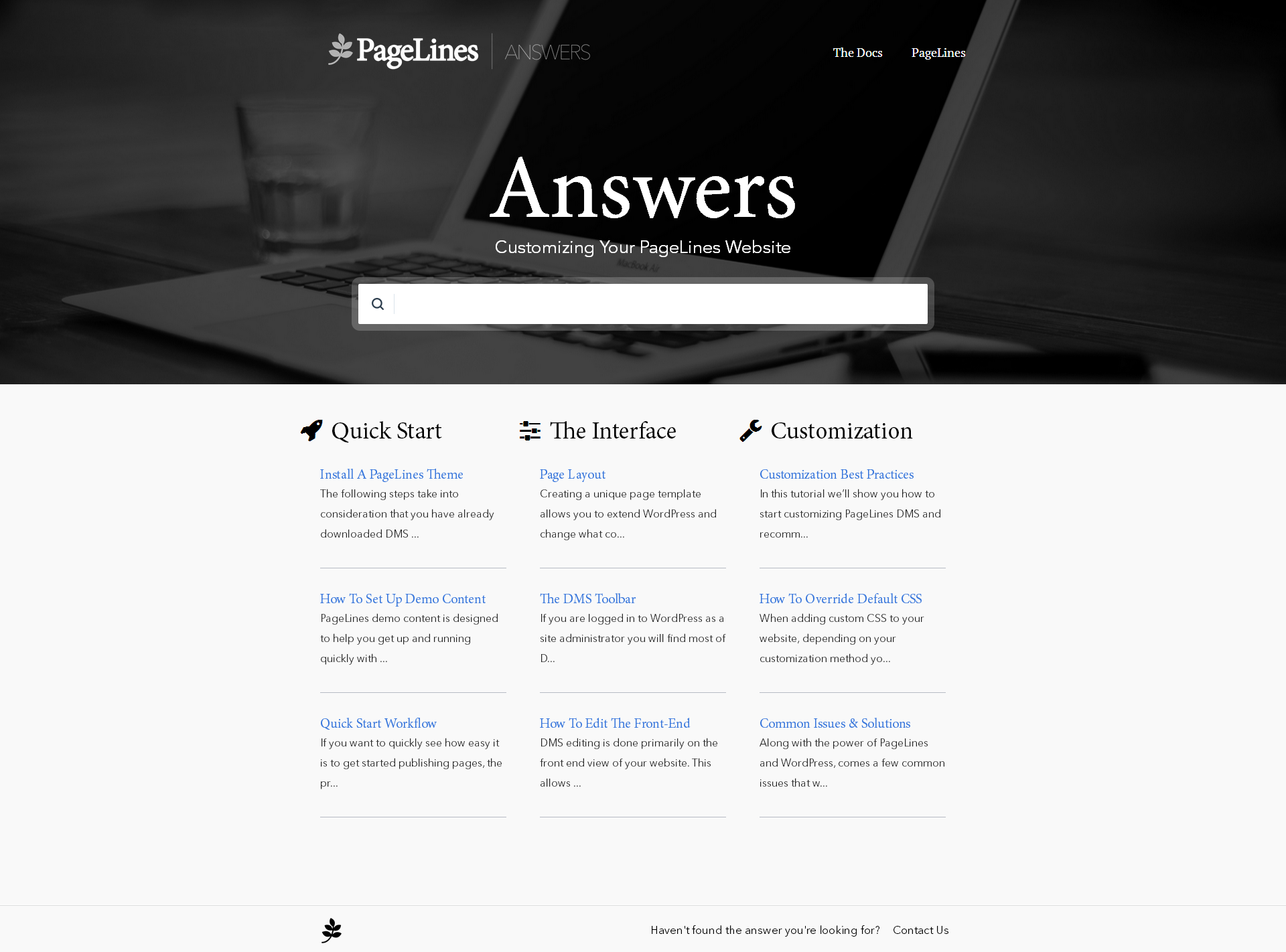 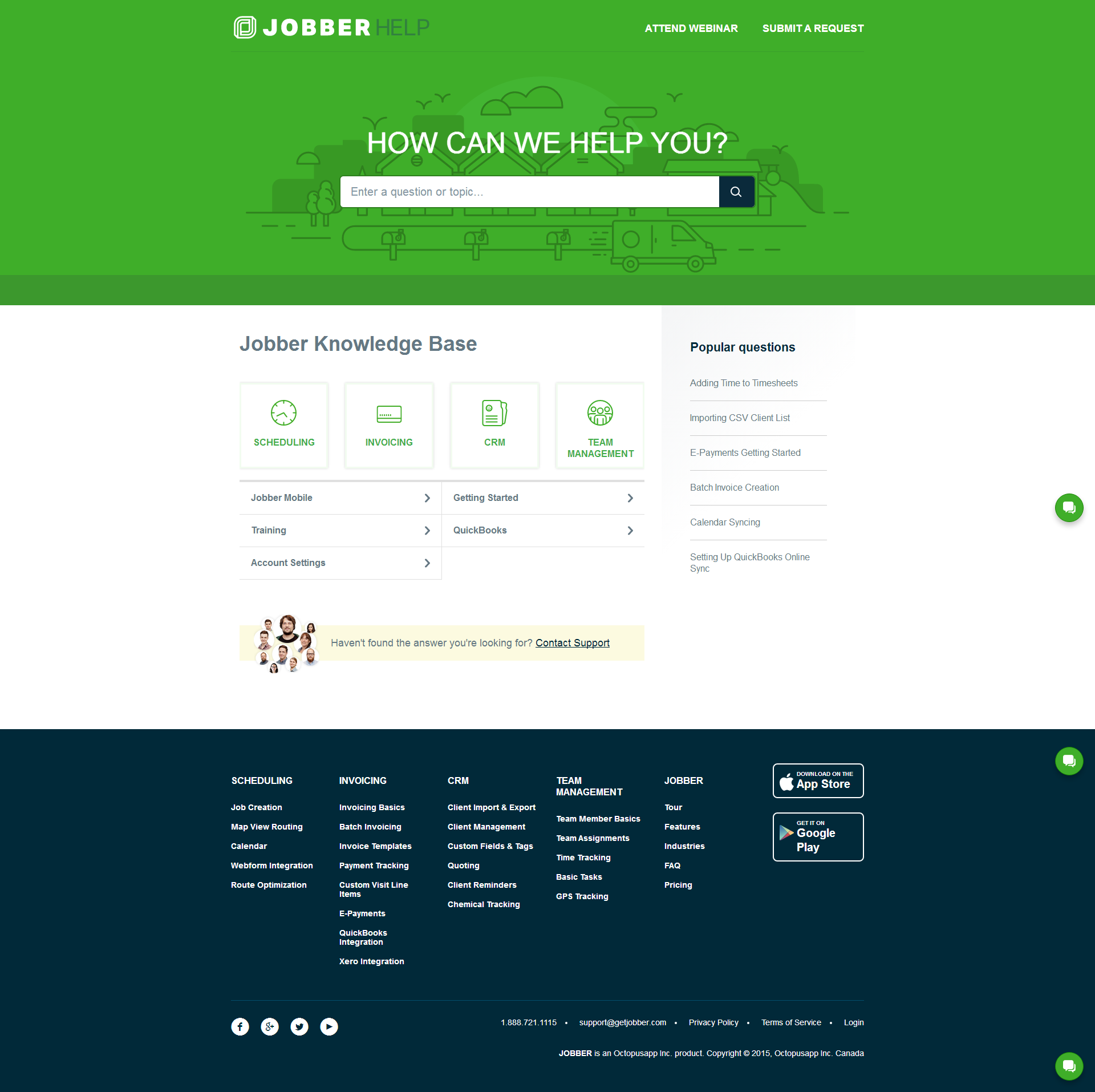  |