Help Scout is help desk software. The vendor’s value proposition is that that their solution reduces time spent on training users because Help Scout is simple to use and set up and scales like any enterprise product. This solution includes multiple mailboxes to support as many email addresses as needed in order to work collaboratively across teams, and manage several products or brands from one account. Reports on conversation trends, team performance, productivity, and customer happiness are…
$30
per month starts with 100 contacts
TeamSupport
Score 8.0 out of 10
Mid-Size Companies (51-1,000 employees)
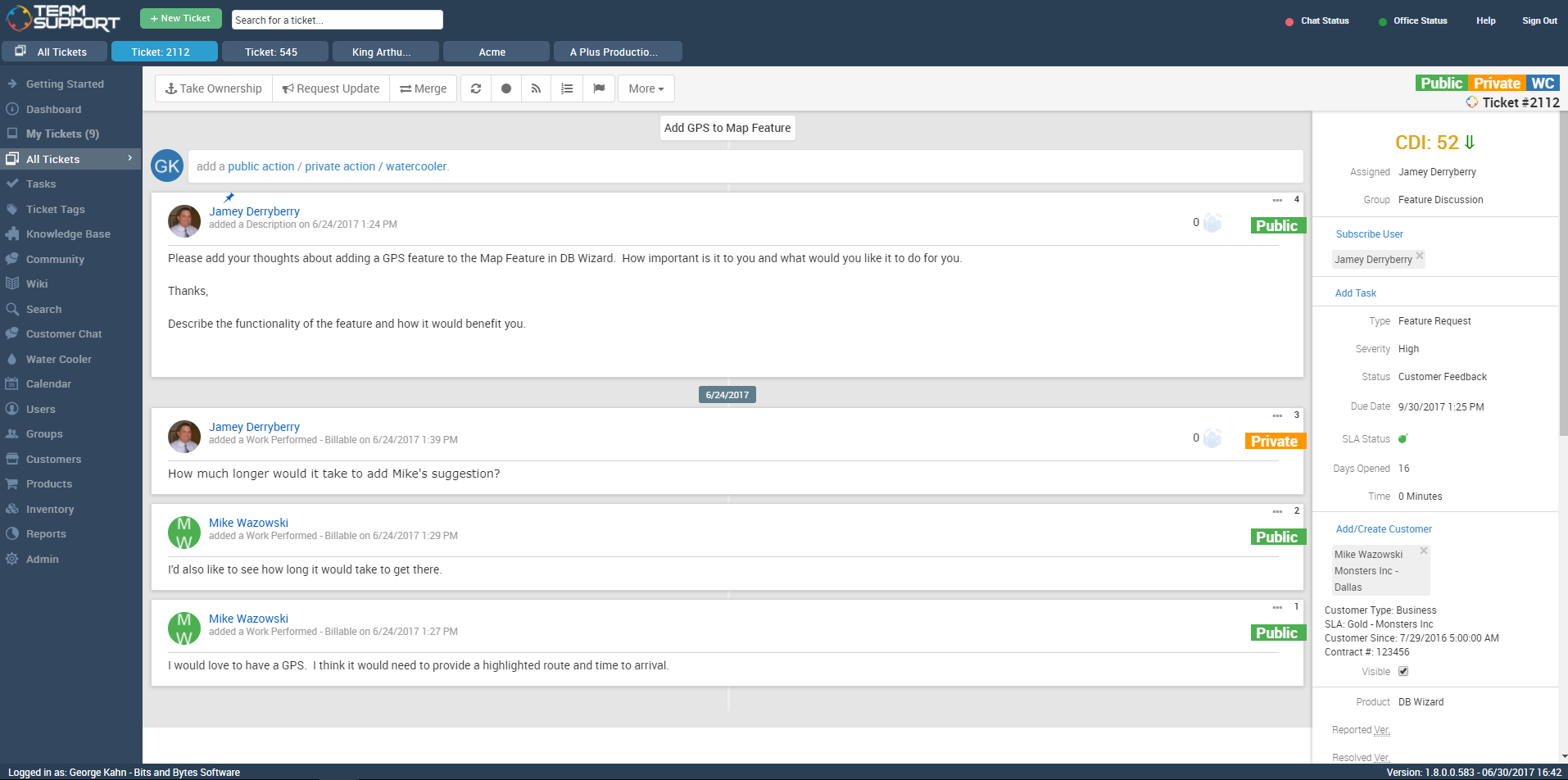
TeamSupport is customer support software built for B2B software and technology companies. The solution offers ticket management, a customer and contact database, reporting and analytics, multi-channel support, built-in collaboration tools, and many native integrations.
$45
per month per user
Pricing
Help Scout
TeamSupport
Editions & Modules
Standard
$30
per month starts with 100 contacts
Plus
$90
per month starts with 200 contacts
Company
Contact sales team
Starter
$45
per month per user
Professional
$65
per month per user
Scale
$85
per month per user
Offerings
Pricing Offerings
Help Scout
TeamSupport
Free Trial
Yes
Yes
Free/Freemium Version
Yes
No
Premium Consulting/Integration Services
No
No
Entry-level Setup Fee
No setup fee
Optional
Additional Details
—
Pricing is based on annual billing
More Pricing Information
Community Pulse
Help Scout
TeamSupport
Features
Help Scout
TeamSupport
Incident and problem management
Comparison of Incident and problem management features of Product A and Product B
Help Scout
8.8
Ratings
9% above category average
TeamSupport
9.1
Ratings
12% above category average
Organize and prioritize service tickets
9.00 Ratings
9.60 Ratings
Subscription-based notifications
10.00 Ratings
10.00 Ratings
Ticket creation and submission
8.10 Ratings
9.60 Ratings
Ticket response
8.10 Ratings
9.60 Ratings
Expert directory
00 Ratings
7.00 Ratings
Self Help Community
Comparison of Self Help Community features of Product A and Product B
Help Scout
8.5
Ratings
8% above category average
TeamSupport
9.1
Ratings
15% above category average
External knowledge base
9.00 Ratings
8.70 Ratings
Internal knowledge base
8.00 Ratings
9.40 Ratings
Multi-Channel Help
Comparison of Multi-Channel Help features of Product A and Product B
Small businesses that want a conversational type of customer support experience. Nothing wrong with support tickets, but it does make you feel like a number. Also, we needed to get up and running quickly so the "inbox" feel of the dashboard was already familiar with the team so they could adopt the new software quickly.
How many departments will be using TeamSupport and how many "Groups" will I therefore need to create? The answer will impact how much you are spending on TeamSupport. The same goes for individual employees who use it. Additionally, you should ask how important uptime is and get assurance on how quickly issues will be resolved if there is downtime from TeamSupport during business hours. Finally, you should ask how the reporting component will meet your needs.
Extremely simple to use and understand as a user - treats communications like human beings and provides a much more personal feel to communication (as opposed to making people feel like numbers).
The email newsletter.
They are super responsive. They are pretty rad and transparent: if something goes wrong on their end they are not afraid of admitting fault. Which leads me to trust them because I can believe them. I know that tells you very little about the product, but as leadership, that's something that I really need
Help Scout does exactly what it needs to (facilitate organized, efficient conversations between customers and support people) without getting in the way.
Ease of Use. TeamSupport is very well laid out and is obviously being designed by people that have their customers in mind. I can find what I need quickly and have found none of the customizable features to be confusing.
TeamSupport supports their clients well. Anytime I need help, they are an email or phone call away and I receive prompt, if not immediate assistance.
TeamSupport integrates with our Salesforce CRM well. The integration was as easy as entering a token and then choosing the fields I want to sync to Salesforce. The initial import of data from Salesforce did not give me all of my customers, but that was because of how I had Salesforce set up and after talking to TeamSupport and making a few changes, we restarted the data import and it has been smooth sailing ever since. Now my Sales Staff can see what is happening on the ticket side of their accounts without having to ask, because TeamSupport automatically updates Cases in Salesforce. Very well done feature.
I would be interested in seeing a way to sort tickets under 2 filters. Example: I'd love to be able to sort my tickets oldest to newest - AND - by customer within the first filter.
I would also like to be able to customize my user profile. I think it would be cool to be able to change colors and formats.
We are receiving feedback from the organizational level that they may want us to transition to a different solution to provide consistency across the company.
The software is easy to use and more than fulfills our minimum requirements for a tech support database tool. TeamSupport is constantly adding new features, both that they identified themselves and that were directly requested by TeamSupport users. One of the most important things that a company does is communicate with its customers, especially when there is a problem. While we would all prefer to never have any down time, that just isn't possible. So when something happens it is critical you keep your users informed of what is going on and how long it will take to fix things. TeamSupport gets an A+ when it comes to keeping customers informed. You can make the answers in your tickets available in an FAQ. Obviously, the longer you stick with TeamSupport, the more complete and useful the FAQ will be for your customers
Help Scout is a great solution for support teams. There are many articles and webinars to help you learn how to use Help Scout. There are also many features to help make your workflows easier and more efficient. I would readily recommend Help Scout to any small or medium-growing support teams.
I think some things could be a little more user-friendly: specifically the dashboard. Although it's fantastic and makes life so much nicer, I'd like to have more control on it's customization. I'd like to be able to default what's collapsed and what's expanded...instead of everything expanding by default each time I load it. But the portal offers great tools and guides on workarounds.
TeamSupport's communication for service issues/maintenance are always visible. They also offer many opportunities for training on the software via webinar. Additionally, their support team has been available for coaching and guidance on how to use the software more effectively. They also offer training on creating customized reports to suit our specific organizational needs.
Data import was the most difficult hurdle for us to get over. The mass import was handled through an Excel spreadsheet. TeamSupport doesn't use Microsoft Office products for the most part so they were relying on Google Docs which has limitations over Excel. Special characters and html in import cells can be a issue with importing. When creating a data export from your current system, special care needs to be taken so that the data is able to be processed into TeamSupport without issues.
This is tricky because there's helpdesk apps and chat apps (now Help Scout offers both). We first used just an email inbox (of course not scalable but we were very small), then we turned to Freshdesk, which was painful to use. It had some cool features but in general it was ugly, slow, using the interface was very non-intuitive and the prioritization was hard. I have to say this was more than a year ago, so probably they have changed, but anyway. Zendesk is very expensive considering the features are almost the same AND the chat app needs to be paid separately. As chat we used Tawk.to, it was functional but metrics were not that good and it was buggy at times. Comparing Help Scout with their competitors, at least for us, made it a no-brainer to hire them. The price was very attractive considering the amount of features, the great support and the quality of the app. I don't regret my decision at all because Help Scout, unlike other helpdesk companies, tries to have their app "smart" and not a big, corporate thing piled with features. It does what it needs, it's easy to use and helps you achieve your goals regarding support for your customers.
We have looked into Zendesk and previously moved from Axosoft to TeamSupport. TeamSupport is definitely better than Axosoft when it comes to fuctionality and ease of use. Zendesk is probably the best and widely used but of course that comes with a price. If the organization is big and a larger customer base, then is makes sense to use Zendesk.
TS keeps adding new features without making sure the program is reliable as-is. The program is frequently offline which makes for significant frustration on my part
We are able to retain our customer base due to the outstanding customer service our Customer Experience department provides. Without an organized tool like Help Scout, this would not be possible. We pride ourselves in quick response times to customers and are able to do so by effectively routing tickets to the right agents.
When we first began using TeamSupport we were also preparing for an important review of our software product. Of course, our customer service was being evaluated also. We had about 80 people involved in our review and comments about our customer service came back excellent every time. One of our main goals is to provide exceptional customer support, but we could not have done it without TeamSupport.