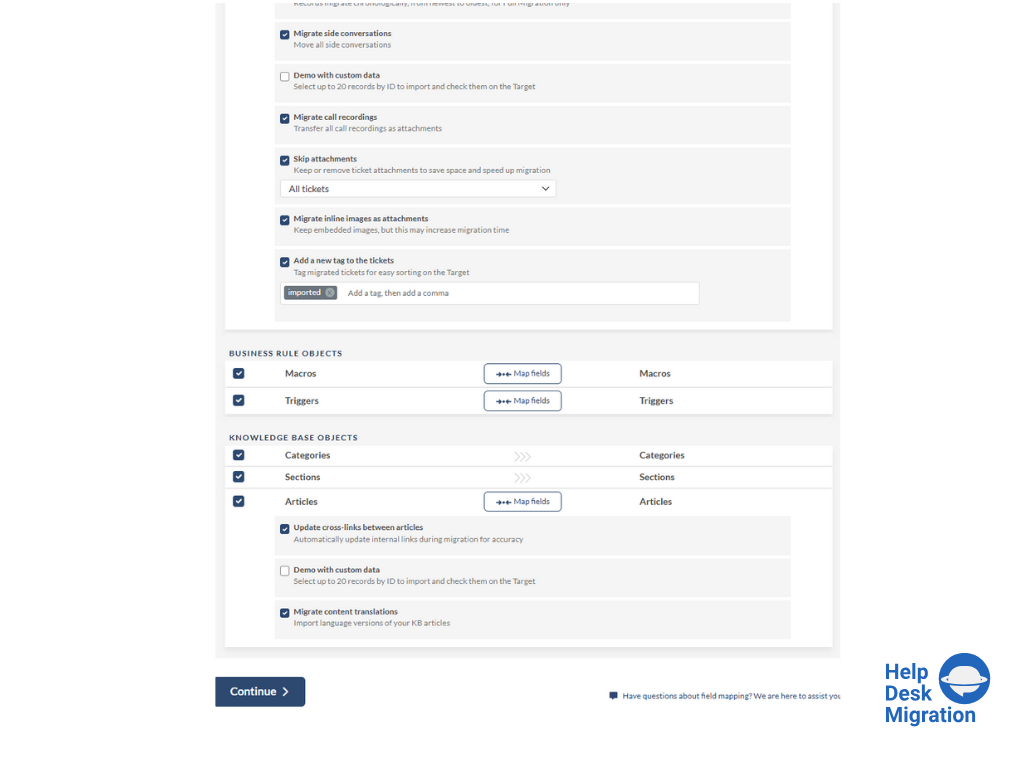
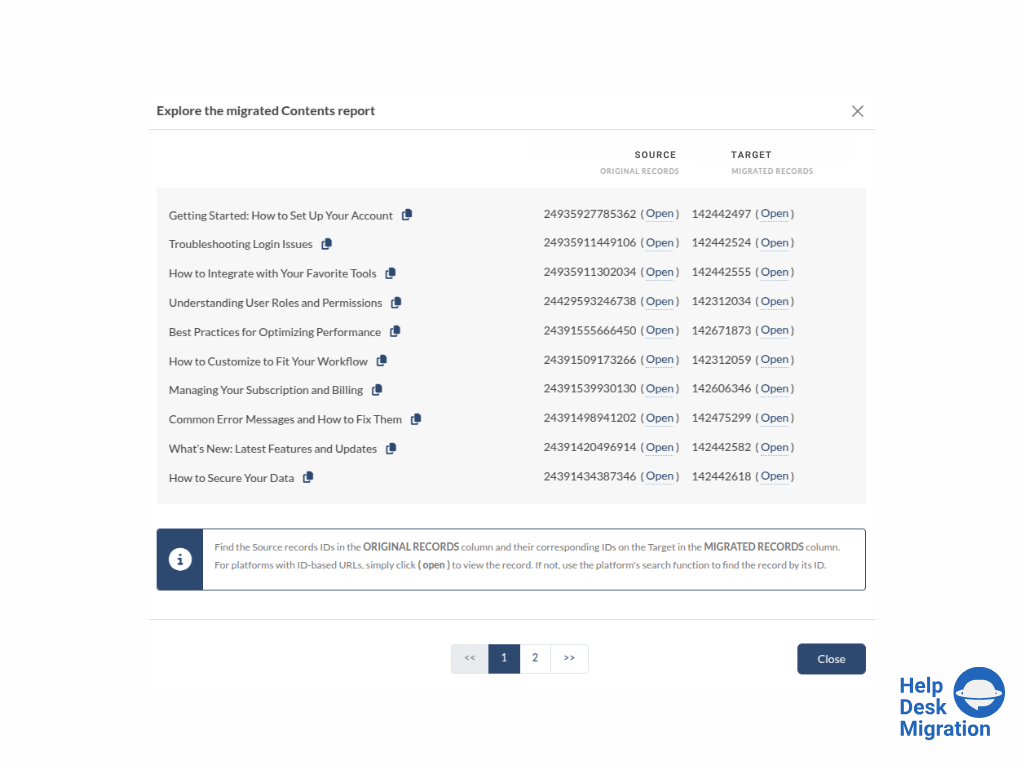
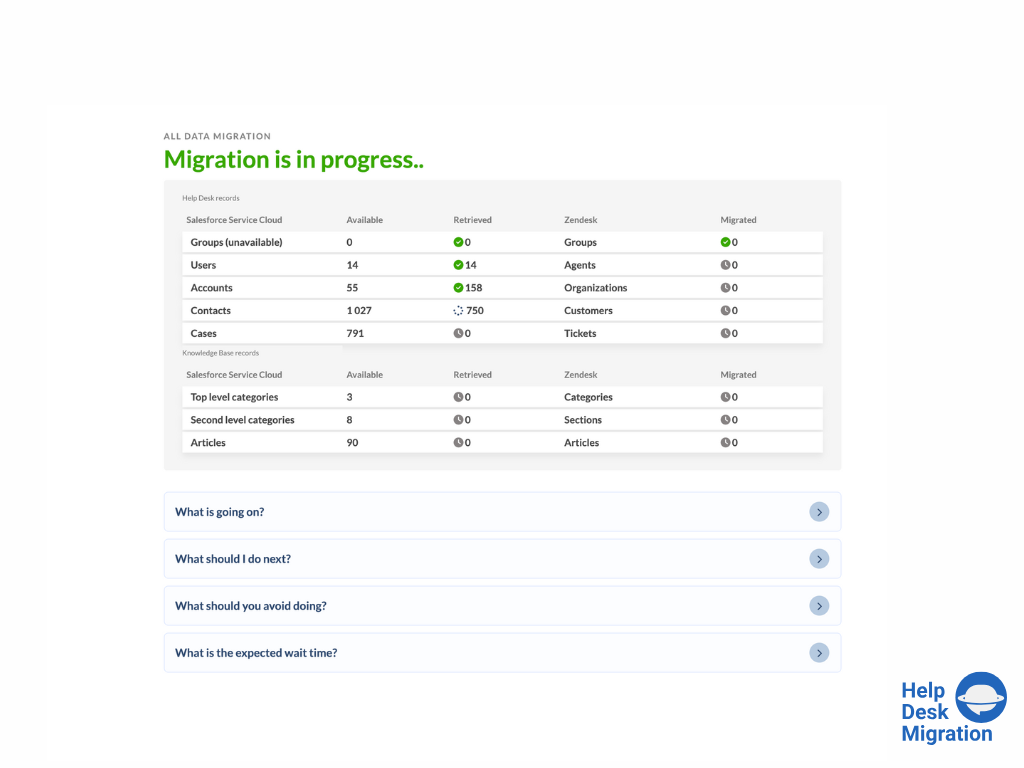
Thanks to the quick response from the support team, I was able to maintain an ongoing dialogue and get questions answered promptly throughout the project. Their responsiveness made it easy to request and implement specific changes, such as disabling comments on all migrated articles, without delaying our migration timeline.
As any other archiving solution, it is very well suited for environments with a large footprint of unstructured data (CIFS / NFS shares for user data) with a large amount of unused/old files and a need to keep those unused files for long term. In our scenario, due to some legal and contractual constraints we need to keep these files for 15 years. Archiving is a good choice to move the unused files to a cheaper storage tier, both on-prem or cloud.
A de minimis incentive was given to thank the reviewer for their time. The incentive was not used to bias or drive a particular response, nor was the incentive contingent on a positive endorsement. More Info
Transitioning work among their staff - we talked to 4 different people during the project, and ever single person was up to speed on the work and status
A de minimis incentive was given to thank the reviewer for their time. The incentive was not used to bias or drive a particular response, nor was the incentive contingent on a positive endorsement. More Info
A de minimis incentive was given to thank the reviewer for their time. The incentive was not used to bias or drive a particular response, nor was the incentive contingent on a positive endorsement. More Info
We have used Veritas Enterprise Vault in the past, and besides its being a well-known player on the data archiving market, their tool is far more complex to implement, to manage and to keep working. Komprise is very robust and also very easy to implement, as most part of the job is done on Komprise side. The management console is delivered through a public URL as a SaaS platform. You only need to deploy a few VMs for scan/archiving/user access, which they call "Observer VMs." Komprise also doesn't uses Stub files, which is a poor implementation adopted by the competitor for file access. We had a lot of issues in the past with stub files. Komprise has implemented 'bread crumbs', which are CIFS symlinks to the files on the Observer. It is a very good implementation and it works really well.
A de minimis incentive was given to thank the reviewer for their time. The incentive was not used to bias or drive a particular response, nor was the incentive contingent on a positive endorsement. More Info
In terms of time spent, Help Desk Migration cut our time down to just a fraction of what it would have been had we migrated the articles ourselves. This saved us a tremendous amount of time, manpower, and overtime.
A de minimis incentive was given to thank the reviewer for their time. The incentive was not used to bias or drive a particular response, nor was the incentive contingent on a positive endorsement. More Info