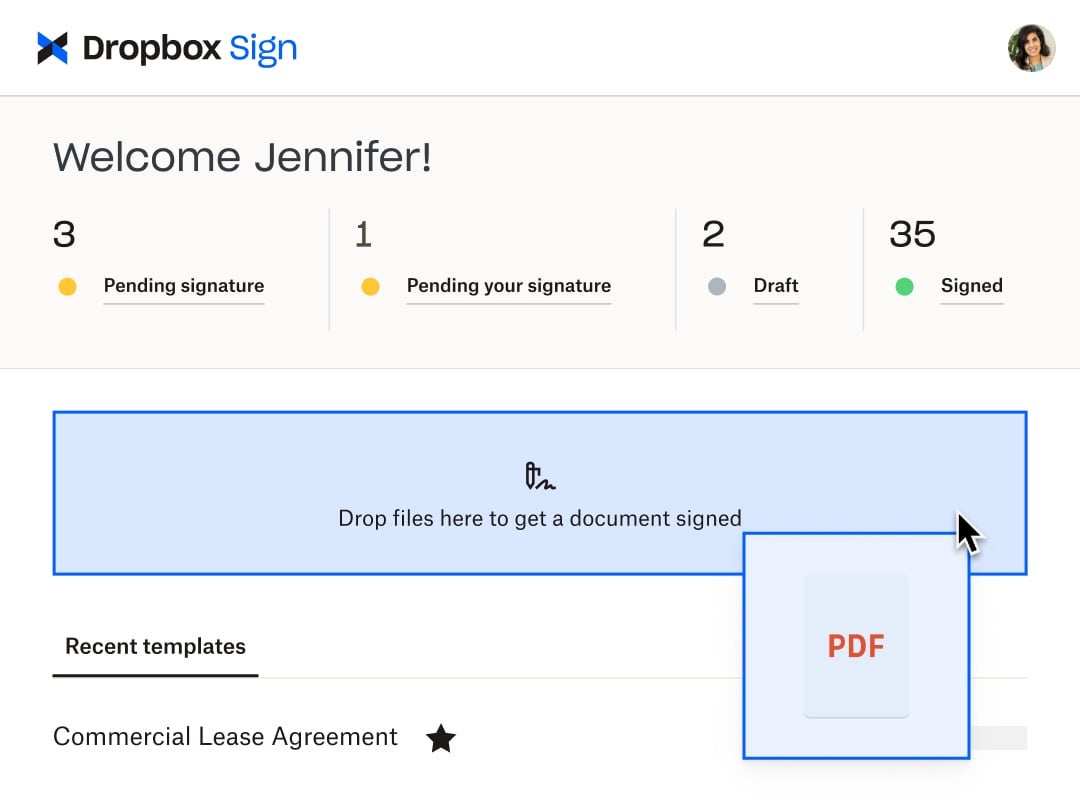
HelloSign is an electronic signature software offering acquired by Dropbox in early 2019. It includes features such as customization for businesses of any size and bank-level security.
$0
per month
Jotform
Score8.5 out of 10
N/A
Jotform Enterprise is a digital workspace productivity tool that provides a platform for organizations. The aim of Jotform Enterprise is to give companies an easy-to-navigate tool that makes reaching out to customers, collaborating with coworkers, and collecting e-signatures and data a more seamless process. Jotform Enterprise strives to enable companies to make data-driven decisions without compromising when it comes to quality and security. It doesn’t matter what type of…
$0
Pricing
Dropbox Sign
Jotform
Editions & Modules
Free
$0
Essentials
$15
per month
Standard
$17.5
per month starting at two users, per user
Essentials API
$75
per month Starting at 50 signature requests / mo.
Standard API
$250
per month Starting at 100 signature requests / mo.
Premium
Custom
Custom
Free
$0.00
Bronze
$34.00
Monthly
Silver
$39.00
Monthly
Gold
$99.00
Monthly
Enterprise
Custom
Offerings
Pricing Offerings
Dropbox Sign
Jotform
Free Trial
Yes
Yes
Free/Freemium Version
Yes
Yes
Premium Consulting/Integration Services
No
No
Entry-level Setup Fee
Optional
No setup fee
Additional Details
Additional pricing available for HelloWorks and HelloFax
A de minimis incentive was given to thank the reviewer for their time. The incentive was not used to bias or drive a particular response, nor was the incentive contingent on a positive endorsement. More Info
A de minimis incentive was given to thank the reviewer for their time. The incentive was not used to bias or drive a particular response, nor was the incentive contingent on a positive endorsement. More Info
Jotform
Verified User
Chose Jotform
Jotform offers better integration where you can publicly list the form for anyone with a link can submit informaiton and we are able to get full PDF reports on those worksheets. Nothing currently does something as simple as this. Jotform's user experience is a whole lot better.
A de minimis incentive was given to thank the reviewer for their time. The incentive was not used to bias or drive a particular response, nor was the incentive contingent on a positive endorsement. More Info
Verified User
Chose Jotform
JotForm has a more user-friendly interface. [Inserting] different fields on JotForm are a lot easier than the competitors.
A de minimis incentive was given to thank the reviewer for their time. The incentive was not used to bias or drive a particular response, nor was the incentive contingent on a positive endorsement. More Info
Someone who has never used Dropbox Sign before could quickly figure it out without needing a tutorial or guide. It is very useful in instantly collecting signatures and keeping others in the loop as well, even if they aren't signers. I love that there's an option to cc someone in basically and they'll be able to see the documents and when it's signed. It's also impossible to miss a document not being signed because it automatically sends reminders to signers if they do not sign and emails reminders daily, letting me know how many documents are pending signatures.
We use it for mostly community surveys and I absolutely prefer it over any other survey program out there. It is easy to create, easy to understand and easy to navigate. I love the QR code option it creates for you to share your form/ survey with others. It really is the best out there!
A de minimis incentive was given to thank the reviewer for their time. The incentive was not used to bias or drive a particular response, nor was the incentive contingent on a positive endorsement. More Info
It would be nice to be able to build a template for just the location of the signature boxes that would allow me to upload a document, and the boxes could be basically replaced. I have the exact same doc for each of my clients, but there are small changes here and there, and I have to fill in their personal info through another program, so it would be nice to be able to do a template this way instead of just tying a template to one document.
A de minimis incentive was given to thank the reviewer for their time. The incentive was not used to bias or drive a particular response, nor was the incentive contingent on a positive endorsement. More Info
A de minimis incentive was given to thank the reviewer for their time. The incentive was not used to bias or drive a particular response, nor was the incentive contingent on a positive endorsement. More Info
Because this product has been affordable which is so important for a non profit however it is also of good quality so its not like you get a cheap version of this you get a quality product at an affordable price and that is so important for a non profit
A de minimis incentive was given to thank the reviewer for their time. The incentive was not used to bias or drive a particular response, nor was the incentive contingent on a positive endorsement. More Info
A de minimis incentive was given to thank the reviewer for their time. The incentive was not used to bias or drive a particular response, nor was the incentive contingent on a positive endorsement. More Info
I found this to be super user-friendly and easy to teach other teammates how to use in 5 minutes. I use it frequently, and there was little to no learning curve with this product. I also find that document signers have no problem navigating the documents we need them to review.
A de minimis incentive was given to thank the reviewer for their time. The incentive was not used to bias or drive a particular response, nor was the incentive contingent on a positive endorsement. More Info
As a seasoned user who relies on seamless online forms for a multitude of purposes, I can confidently attest that JotForm has not only simplified the form creation process but has also elevated it to new heights.JotForm's interface is a masterpiece of intuitive design. Even if you're a newcomer to the world of online form creation, the platform's user-friendly layout will have you crafting professional-grade forms in no time.
A de minimis incentive was given to thank the reviewer for their time. The incentive was not used to bias or drive a particular response, nor was the incentive contingent on a positive endorsement. More Info
I have not encountered this because it was so easy to use however just seeing how they created a community is great and shows that they are here for their users. I am going to say I am sure they are available and ready to assist when needed. The fact that we have not yet experienced an outage and issues says a lot though :)
A de minimis incentive was given to thank the reviewer for their time. The incentive was not used to bias or drive a particular response, nor was the incentive contingent on a positive endorsement. More Info
Again I cannot say it is enough this app is simple. We are preparing to be able to integrate with Salesforce and Sharepoint at a very small cost per user (these are the platforms we use) and it is great that they have the option to integrate these apps. We love this app
A de minimis incentive was given to thank the reviewer for their time. The incentive was not used to bias or drive a particular response, nor was the incentive contingent on a positive endorsement. More Info
Support is limited to email only (for our subscription level), which might be OK for a e-signing platform if support was relatively rapid. This is not the case with HelloSign. Since the issues first arose a week ago, we have made no discernible progress in solving the problem. No matter how quickly I respond to a follow-up email, we receive only 1 email a day from the support. The other issue, which is a true edge case situation, is their insistence on receiving email from the same email account as the HelloSign registration. We changed our organizational email recently, and I was still logging into HS using our old email address. This became a hard stop on further support, which doesn't make sense on a practical level. Why would someone write in for support with specific issues if they weren't a customer? And if they did, wouldn't that be a miniscule proportion of the support requests? So if you adopt a policy that stops providing support to anyone who isn't verified, regardless of the situation, isn't that using a blunt instrument to solve a very rare issue? Reflects the overall organizational values, in my opinion, which is not to value the small customer.
I honestly have not used the support feature with Jotform. From what I can see when I look information up, everything I want to do something that I can't figure out myself it seems to not be a possible solution or edit that Jotform is currently capable of.
A de minimis incentive was given to thank the reviewer for their time. The incentive was not used to bias or drive a particular response, nor was the incentive contingent on a positive endorsement. More Info
I can not say it enough - this was the easiest implementation we have had with an application. I became an admin, I added the person who would be the back up admin, we moved forward with adding accounts and that was it. All the users we have were self sufficient enough to move forward with very little guidance and the guidance they received was in house.
A de minimis incentive was given to thank the reviewer for their time. The incentive was not used to bias or drive a particular response, nor was the incentive contingent on a positive endorsement. More Info
the most valuable things that Jotform give free trial, so the resistant users can get the experiences of the easiness and more handling to the digital things
A de minimis incentive was given to thank the reviewer for their time. The incentive was not used to bias or drive a particular response, nor was the incentive contingent on a positive endorsement. More Info
Dropbox Sign seems a little more intuitive and user-friendly than DocuSign. DocuSign also has a limit to the number of documents that you can send for signature over a period of time. Dropbox Sign integrates with just as many applications and software as DocuSign does. I also think the amount of templates that they give you to use is more than adequate for most business applications and more than other services seem to give you.
A de minimis incentive was given to thank the reviewer for their time. The incentive was not used to bias or drive a particular response, nor was the incentive contingent on a positive endorsement. More Info
Typeform is better hands down [in my opinion]. It's not even a comparison as [I feel] JotForm doesn't work properly and [from my experience I think] their support is very problematic. I would suggest using Typeform or using GravityForms as an alternative to JotForm. Whatever you do, [I feel you shouldn't] depend on JotForm for something that is important to your business or research project.
A de minimis incentive was given to thank the reviewer for their time. The incentive was not used to bias or drive a particular response, nor was the incentive contingent on a positive endorsement. More Info
Between the easy to use app, the pricing, and the team at dropbox. This app is hands down great! Easy to use. Anyone can start using it and if not I am sure the team at dropbox will guide you to implement. The cost especially for us as a nonprofit is sustainable which is great.
A de minimis incentive was given to thank the reviewer for their time. The incentive was not used to bias or drive a particular response, nor was the incentive contingent on a positive endorsement. More Info
A de minimis incentive was given to thank the reviewer for their time. The incentive was not used to bias or drive a particular response, nor was the incentive contingent on a positive endorsement. More Info
It saved me time. Within minutes I was able to create and share forms to collect demographic data.
While struggling to use another software, I thought of Jotform and it was able to assist me with collating the data I had to confirm results previously obtained.
I could not easily identify what new information was provided in a resubmission by a respondent.