
Heimdal Remote Desktop vs. ISL Light
| Product | Rating | Most Used By | Product Summary | Starting Price |
|---|---|---|---|---|
 Heimdal Remote Desktop | N/A | N/A | Heimdal’s Remote Desktop enables System Admins to support users or access unattended computers. The solution supports: • Dashboard-to-agent (Windows+ Windows Server; Linux, Android, MacOSX) • Agent-to-agent (Windows+ Windows Server) • Dashboard-to-NO agent (Windows+ Windows Server; Android, MacOSX, IoS with view only due to IoS limitations) Remote Desktop works stand-alone or as part of Heimdal’s… | N/A |
 ISL Light | Score9.1 out of 10 | Small Businesses (1-50 employees) | ISL Light is remote support and remote access software that enables SMBs and large enterprises to offer fast and efficient support and maintenance for Windows, Mac and Linux computers as well as mobile device support for Android and iOS. | $418 per year (1 concurrent user) |
| Heimdal Remote Desktop | ISL Light | |||||||||||||||
|---|---|---|---|---|---|---|---|---|---|---|---|---|---|---|---|---|
| Editions & Modules | No answers on this topic |
| ||||||||||||||
| Offerings |
| |||||||||||||||
| Entry-level Setup Fee | No setup fee | No setup fee | ||||||||||||||
| Additional Details | — | ISL Online's pricing model considers the number of licenses purchased, which determines the maximum number of concurrent users within the organization. A concurrent user is defined as anyone running one or more sessions simultaneously from any device. There are no restrictions on the number of ISL Light users within a company or the remote devices managed. For example, with three licenses, an unlimited number of people in a company can use ISL Light and can access an unlimited number of remote devices, but only three users can use it concurrently. When one of these three users ends their session, a fourth user can begin their session, and so on. | ||||||||||||||
| More Pricing Information | ||||||||||||||||
| Heimdal Remote Desktop | ISL Light | |
|---|---|---|
| Considered Both Products | No answer on this topic | No answer on this topic |
| Key User Insights | ||
| Would buy again | ||
No answers on this topic | 100% Would buy again 70 Answers | |
| Delivers good value for the price | ||
No answers on this topic | 100% Delivers good value for the price 67 Answers | |
| Happy with the feature set | ||
No answers on this topic | 99% Happy with the feature set 69 Answers | |
| Lived up to sales and marketing promises | ||
No answers on this topic | 100% Lived up to sales and marketing promises 56 Answers | |
| Implementation went as expected | ||
No answers on this topic | 98% Implementation went as expected 64 Answers | |
| Heimdal Remote Desktop | ISL Light | ||||||||||||||||||||||||||||||||||||||||||||||
|---|---|---|---|---|---|---|---|---|---|---|---|---|---|---|---|---|---|---|---|---|---|---|---|---|---|---|---|---|---|---|---|---|---|---|---|---|---|---|---|---|---|---|---|---|---|---|---|
| Remote Administration |
| ||||||||||||||||||||||||||||||||||||||||||||||
| Heimdal Remote Desktop | ISL Light | |
|---|---|---|
| Small Businesses |  N-able Take Control Score8.6 out of 10 | N-able Take Control Score8.6 out of 10 |
| Medium-sized Companies |  Remote Desktop Manager Score9 out of 10 | Remote Desktop Manager Score9 out of 10 |
| Enterprises |  BeyondTrust Privileged Remote Access Score8.9 out of 10 | BeyondTrust Privileged Remote Access Score8.9 out of 10 |
| All Alternatives | View all alternatives | View all alternatives |
| Heimdal Remote Desktop | ISL Light | |
|---|---|---|
| Likelihood to Recommend | - | 6.9 |
| Likelihood to Renew | - | 9.1 |
| Usability | - | 6.5 |
| Availability | - | 9.1 |
| Performance | - | 9.1 |
| Support Rating | - | 9.1 |
| Implementation Rating | - | 9.1 |
| Product Scalability | - | 9.1 |
| Heimdal Remote Desktop | ISL Light | |
|---|---|---|
| Likelihood to Recommend | No answers on this topic |
|
| Pros | No answers on this topic |
|
| Cons | No answers on this topic |
|
| Likelihood to Renew | No answers on this topic |
|
| Usability | No answers on this topic |
|
| Reliability and Availability | No answers on this topic |
|
| Performance | No answers on this topic |
|
| Support Rating | No answers on this topic |
|
| Implementation Rating | No answers on this topic |
|
| Alternatives Considered | No answers on this topic |
|
| Scalability | No answers on this topic |
|
| Professional Services | No answers on this topic |
|
| Return on Investment | No answers on this topic |
|
| ScreenShots | Heimdal Remote Desktop Screenshots 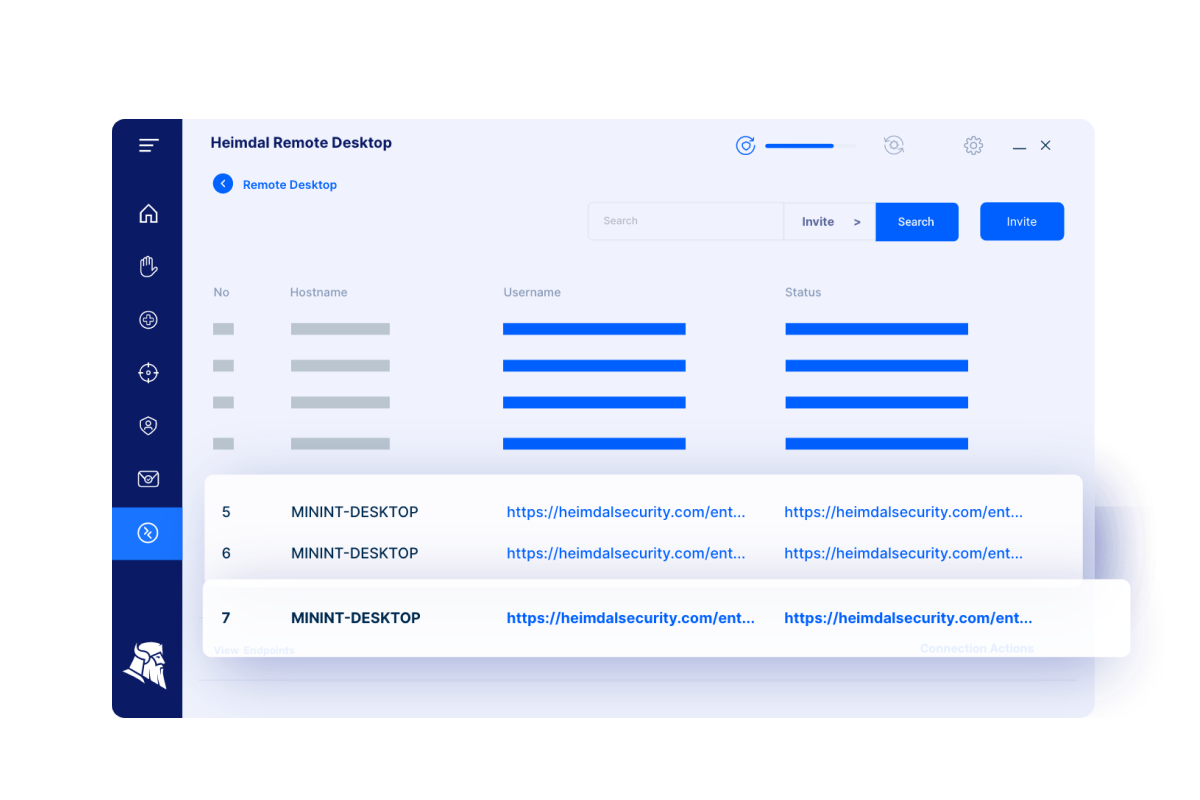 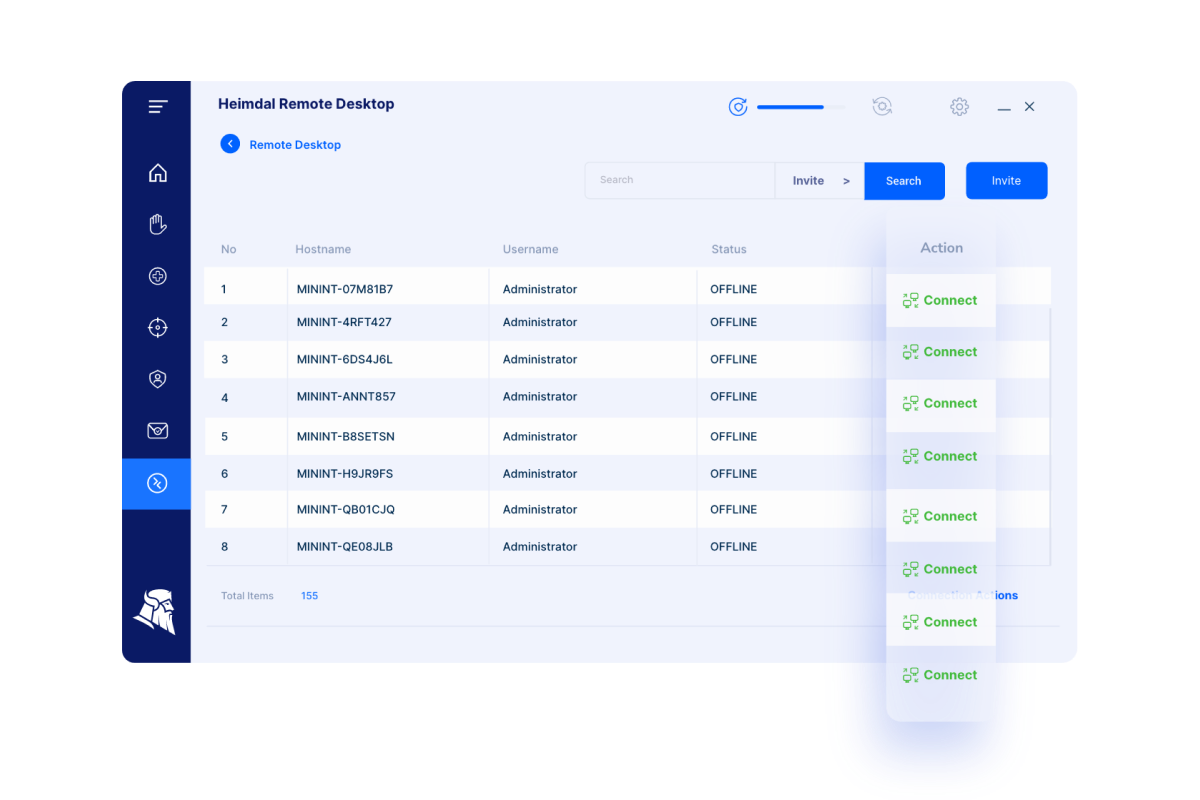 | ISL Light Screenshots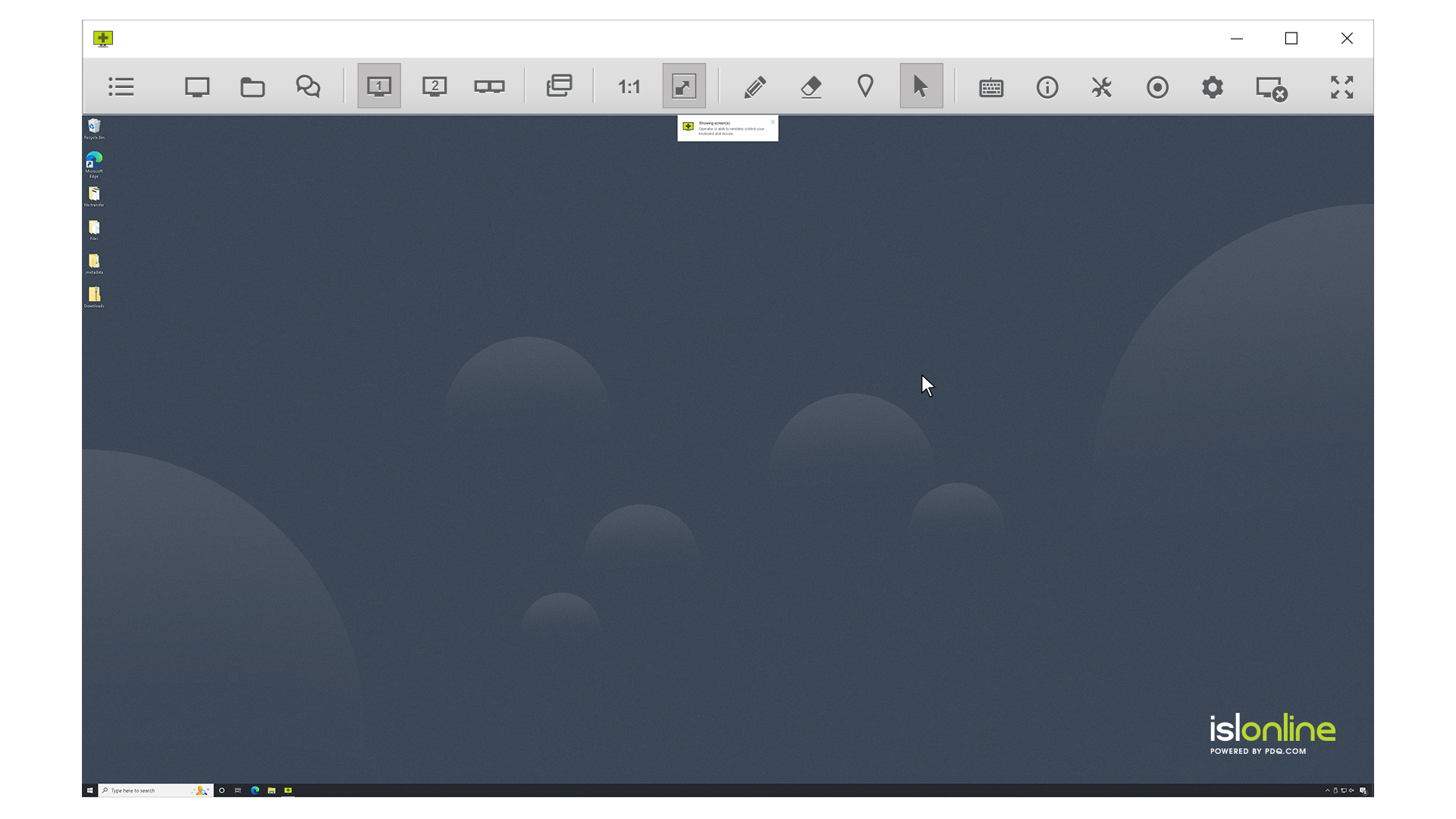   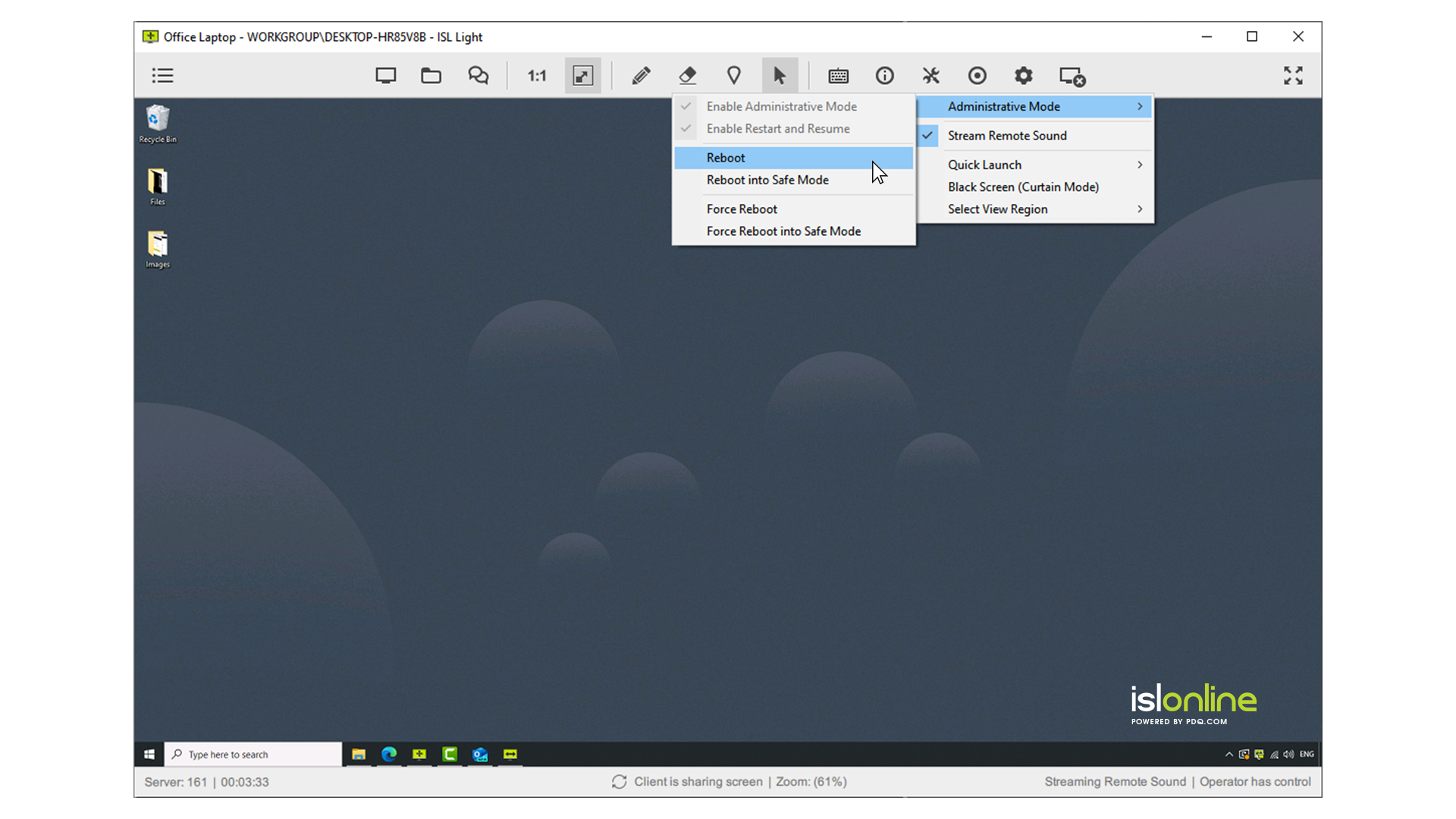  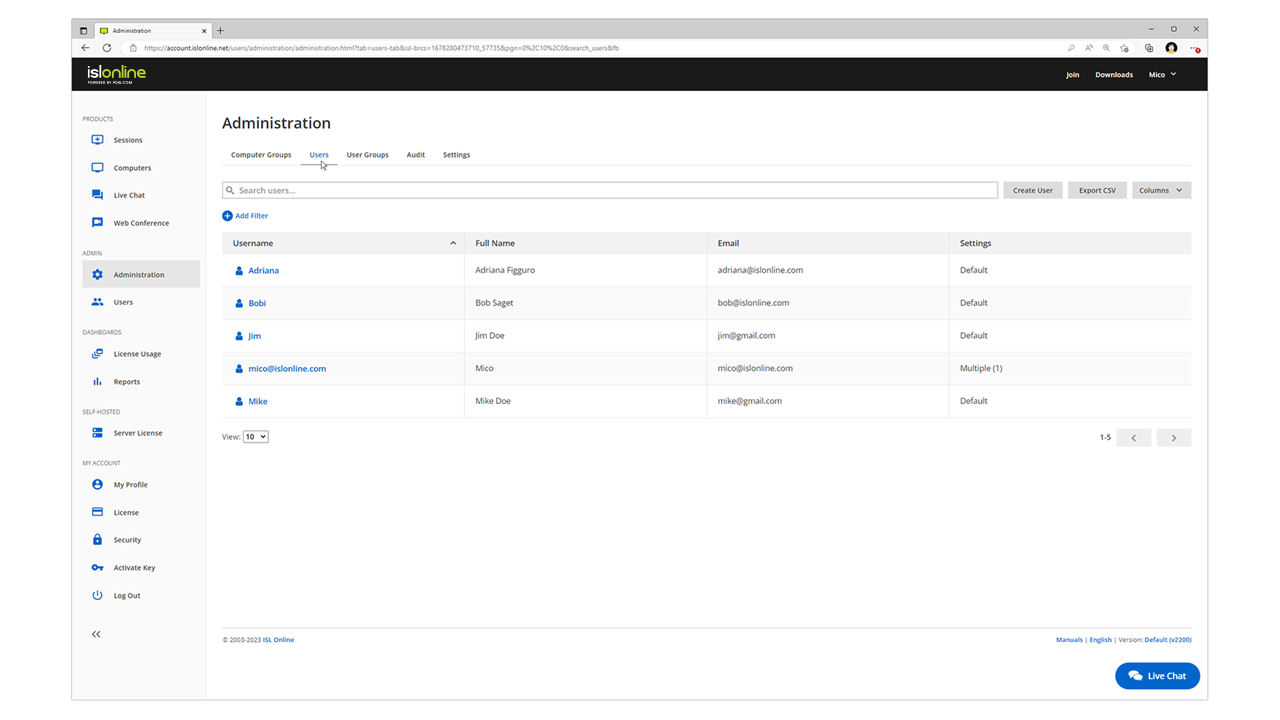 |


