TrustRadius: an HG Insights company

Apple Remote Desktop vs. Heimdal Remote Desktop

Save this comparison

Save this comparison

Add Product

Recommended Comparisons

    Overview
    ProductRatingMost Used ByProduct SummaryStarting Price

    Apple Remote Desktop

    Score6.4 out of 10
    N/AApple Remote Desktop (ARD), from Apple, is a remote administration tool for managing Apple computers running OS X across a network.

    $79.99

    one-time fee

    Heimdal Remote Desktop

    N/AN/AHeimdal’s Remote Desktop enables System Admins to support users or access unattended computers. The solution supports: • Dashboard-to-agent (Windows+ Windows Server; Linux, Android, MacOSX) • Agent-to-agent (Windows+ Windows Server) • Dashboard-to-NO agent (Windows+ Windows Server; Android, MacOSX, IoS with view only due to IoS limitations) Remote Desktop works stand-alone or as part of Heimdal’s…N/A
    Pricing
    Apple Remote DesktopHeimdal Remote Desktop
    Editions & Modules
    No answers on this topic
    No answers on this topic
    Offerings
    Pricing Offerings
    Apple Remote DesktopHeimdal Remote Desktop
    Free Trial
    NoYes
    Free/Freemium Version
    NoNo
    Premium Consulting/Integration Services
    NoNo
    Entry-level Setup FeeNo setup feeNo setup fee
    Additional Details
    More Pricing Information
    Community Pulse
    Apple Remote DesktopHeimdal Remote Desktop
    Considered Both Products
    Apple
    No answer on this topic
    Heimdal
    No answer on this topic
    Key User Insights
    Would buy again
    89%
    Would buy again
    8 Answers
    No answers on this topic
    Delivers good value for the price
    100%
    Delivers good value for the price
    8 Answers
    No answers on this topic
    Happy with the feature set
    67%
    Happy with the feature set
    6 Answers
    No answers on this topic
    Lived up to sales and marketing promises
    83%
    Lived up to sales and marketing promises
    5 Answers
    No answers on this topic
    Implementation went as expected
    100%
    Implementation went as expected
    6 Answers
    No answers on this topic
    Features
    Apple Remote DesktopHeimdal Remote Desktop
    Remote Administration
    Comparison of Remote Administration features of Apple Remote Desktop and Heimdal Remote Desktop
    Feature
    Apple Remote Desktop
    8.0
    25 Ratings
    1% below category average
    Heimdal Remote Desktop
    -
    Ratings
    Screen sharing8.925 Ratings00 Ratings
    File transfer9.024 Ratings00 Ratings
    Instant message9.320 Ratings00 Ratings
    Secure remote access with Smart Card authentication8.53 Ratings00 Ratings
    Access to sleeping/powered-off computers7.219 Ratings00 Ratings
    Over-the-Internet remote session9.019 Ratings00 Ratings
    Initiate remote control from mobile7.06 Ratings00 Ratings
    Remote management of servers & workstations8.421 Ratings00 Ratings
    Remote Active Directory® management7.08 Ratings00 Ratings
    Centralized management dashboard8.516 Ratings00 Ratings
    Session record7.39 Ratings00 Ratings
    Annotations7.05 Ratings00 Ratings
    Monitoring and Alerts8.312 Ratings00 Ratings
    Multi-platform remote control6.37 Ratings00 Ratings
    User Ratings
    Apple Remote DesktopHeimdal Remote Desktop
    Likelihood to Recommend
    8.4
    (25 ratings)
    -
    (0 ratings)
    Likelihood to Renew
    10.0
    (3 ratings)
    -
    (0 ratings)
    Usability
    9.0
    (4 ratings)
    -
    (0 ratings)
    Support Rating
    10.0
    (4 ratings)
    -
    (0 ratings)
    Implementation Rating
    10.0
    (3 ratings)
    -
    (0 ratings)
    User Testimonials
    Apple Remote DesktopHeimdal Remote Desktop
    Likelihood to Recommend
    Apple
    I would rate this higher if I was confident that Apple is continuing to develop this utility. It has only received minor updates for quite a long time, and is not featured much in any of Apple's online material. It really is a useful utility, but it is starting to show its age and is fraying a bit around the edges in some respects. It could be very useful when integrated with the various MDM solutions (in our case, Jamf Pro) especially when an engineer needs to force something immediately and can't wait for a check-in, and also can't depend on the end user being able to (for instance) do a sudo jamf policy or sudo jamf recon.
    Incentivized
    Read full review
    Heimdal
    No answers on this topic
    Pros
    Apple
    • Automator Actions: This is a very cool feature and cost saving as it reduces human effort by automating the workflow of tasks.
    • Curtain Mode: This lets you block your local user's view of the desktop while performing administrative tasks.
    • Spotlight Search: It can perform lightning fast searches on machines using the spotlight search feature of OS X and thus saves a lot of time.
    Incentivized
    Read full review
    Heimdal
    No answers on this topic
    Cons
    Apple
    No answers on this topic
    Heimdal
    No answers on this topic
    Likelihood to Renew
    Apple
    It is a fairly unique tool in the level of integration it has with Apple Desktop products. It definitely needs some engineering attention, and it should be expanded to the iOS arena. It is not perfect, but it is very useful and fills an otherwise fairly empty niche in the support toolkit realm. The built-in screen sharing app in macOS handles the direct screen control or viewing function fairly well, but it does not have all of the other mass control features that Apple Remote Desktop supplies.
    Incentivized
    Read full review
    Heimdal
    No answers on this topic
    Usability
    Apple
    Once it is set up, it is quite straightforward to use. However, currently, it requires both a script to run to set up permissions and controls, AND a command from the MDM to authorize it to be active. The MDM management command is manual. This is not conducive to an automated workflow, and sometimes gets forgotten. Then, the endpoint is not contactable until someone realizes that the MDM command was not sent or was not successful.
    Incentivized
    Read full review
    Heimdal
    No answers on this topic
    Support Rating
    Apple
    When i have needed support it was for Hardware not the software itself
    Incentivized
    Read full review
    Heimdal
    No answers on this topic
    Implementation Rating
    Apple
    Very quick and easy install with no real issues
    Incentivized
    Read full review
    Heimdal
    No answers on this topic
    Alternatives Considered
    Apple
    No answers on this topic
    Heimdal
    No answers on this topic
    Return on Investment
    Apple
    • Apple Remote Desktop has a positive return on investment because for the expense to the school, the value it brings to teachers is important. The return on improved student performance is very difficult to measure financially, but there is a definite return.
    • The overall objective of education is to increase student learning, ARD does that phenomenally. Parents see the tool used and are impressed at what the capabilities of the tool can do and how it impacts how active their students are as well as how well they can learn.
    • One negative impact is that teachers rely too much on this tool rather than on actually teaching sometimes.
    Incentivized
    Read full review
    Heimdal
    No answers on this topic
    ScreenShots

    Heimdal Remote Desktop Screenshots

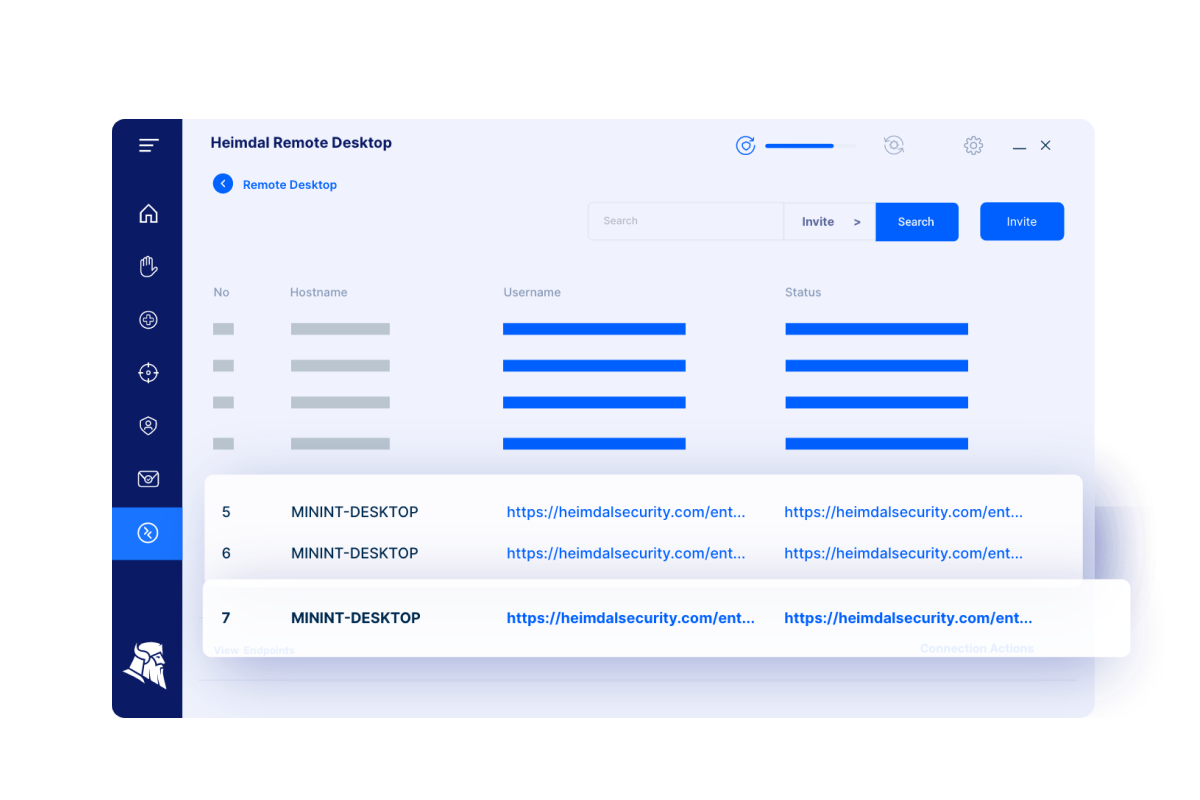
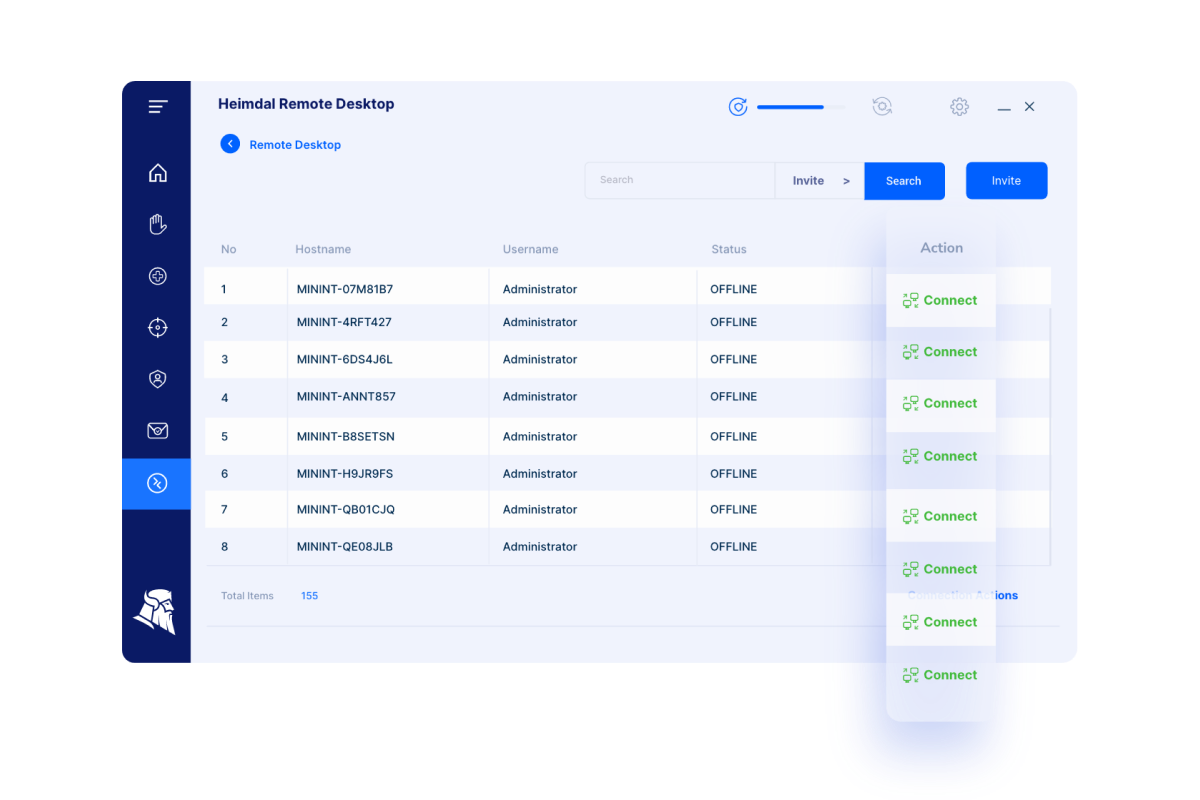
    Screenshot of Heimdal Remote Desktop InitializingScreenshot of Heimdal Remote Desktop - Secured and Unified Remote TroubleshootingScreenshot of Heimdal Remote Desktop - Streamlined, Flexible, and Accessible Remote Support