HaloITSM vs. SymphonyAI IT Service Management

Overview
ProductRatingMost Used ByProduct SummaryStarting Price
HaloITSM
Score 9.0 out of 10
Enterprise companies (1,001+ employees)
HaloITSM provides ITIL aligned help desk software that can be installed on premise or in the cloud. Boasting over 25 years of experience, HaloITSM has been developed to offer a feature rich application whilst maintaining a simple to use interface. Features include: Incident Management, Problem Management, Change Management, Asset Management, Service Catalogue, Telephony Integration, as well as the best of breed mobile apps. The vendor describes the following five differentiators: 1.…
$49
per month per user
SymphonyAI IT Service Management
Score 9.3 out of 10
N/A
Symphony SummitAI, formerly the Summus IT Management Suite, is an ITSM and system monitoring offering from the company of the same name in Palo Alto.N/A
Pricing
HaloITSMSymphonyAI IT Service Management
Editions & Modules
On Premise
$49
per month per user
Cloud
$49
per month per user
No answers on this topic
Offerings
Pricing Offerings
HaloITSMSymphonyAI IT Service Management
Free Trial
YesNo
Free/Freemium Version
NoNo
Premium Consulting/Integration Services
NoNo
Entry-level Setup FeeOptionalNo setup fee
Additional DetailsThere is 15% discount for all charities, educational institutions and non-profit organisations.
More Pricing Information
Community Pulse
HaloITSMSymphonyAI IT Service Management
Features
HaloITSMSymphonyAI IT Service Management
Incident and problem management
Comparison of Incident and problem management features of Product A and Product B
HaloITSM
8.4
Ratings
3% above category average
SymphonyAI IT Service Management
8.8
Ratings
8% above category average
Organize and prioritize service tickets8.60 Ratings8.60 Ratings
Expert directory8.50 Ratings8.80 Ratings
Service restoration8.70 Ratings8.60 Ratings
Self-service tools8.60 Ratings8.20 Ratings
Subscription-based notifications8.60 Ratings7.90 Ratings
ITSM collaboration and documentation8.30 Ratings9.60 Ratings
ITSM reports and dashboards7.70 Ratings9.90 Ratings
ITSM asset management
Comparison of ITSM asset management features of Product A and Product B
HaloITSM
7.9
Ratings
4% below category average
SymphonyAI IT Service Management
9.0
Ratings
9% above category average
Configuration mangement8.00 Ratings8.30 Ratings
Asset management dashboard7.70 Ratings8.90 Ratings
Policy and contract enforcement8.00 Ratings9.80 Ratings
Change management
Comparison of Change management features of Product A and Product B
HaloITSM
8.8
Ratings
5% above category average
SymphonyAI IT Service Management
9.4
Ratings
11% above category average
Change requests repository8.70 Ratings8.30 Ratings
Change calendar8.70 Ratings9.90 Ratings
Service-level management9.00 Ratings9.90 Ratings
User Ratings
HaloITSMSymphonyAI IT Service Management
Likelihood to Recommend
9.0
(0 ratings)
8.9
(0 ratings)
Likelihood to Renew
-
(0 ratings)
9.0
(0 ratings)
Usability
9.1
(0 ratings)
-
(0 ratings)
Support Rating
8.2
(0 ratings)
-
(0 ratings)
User Testimonials
HaloITSMSymphonyAI IT Service Management
Likelihood to Recommend
HALO is very much suited to the IT Support Desk environment and works very well. It offers all the functionality that is required to run a service plus much more. I can't really comment on the other modules yet as we haven't really fully utilised them, but hopefully will in the future.
Read full review
If the organization has a plan for the HelpDesk team and has active complaints, then this tool is suitable for Help Desk management. If you have many assets (more than 500), then managing those assets is a good business use case. If you have infrastructure on-premises and manage all of it, then you would need Change management.
Read full review
Pros
  • Ticketing Structure
  • The ticketing structure (allowing us to add custom fields and tables) and the process are quick, clean, and easy to adapt to our changing needs. Change requests are processed within a few hours (complex ones take longer, purely for testing), however, the whole solution is geared to customization and the more you work with it the more you get out of it
  • SLA's
  • Detailed SLAs for each part of the business, with multiple tiers, time frames, reporting, and alerting options - a different config for every team configured with a few simple clicks
  • Time Management
  • Excellent granular reporting that lets you drill in, both from a business perspective as to how many hours are being spent on different activities and from a support perspective, where are your teams spending their team.
  • Reporting
  • Excellent set of customizable reports (hundreds of them) along with a reporting tool (For which a little SQL does go a long way) and for those fiddly reports, free support is only a call away.
  • Role Assignments
  • Simple role assignments that make updating changes to teams and departments the work of minutes rather than days. Easy to apply and each person can have multiple roles. Simple but powerful and very sleek.
Read full review
  • Service Catalog - Configuration of Catalogs and approvals flow in the SymphonyAI IT Service Management, which helps an organization for maintaining a structured way of organizing and completing the requests with a good manner
  • Publishing of knowledge records - Which helps in avoiding the creation of incidents by referring the Knowledge records
  • Publishing of Problem records - Which is created by analyst after analyzing the repeated issue, so that user can avoid creating the repeated issue like incidents
Read full review
Cons
  • Support for M365 \ Power Platform, Power Bi reporting in particular
  • Feel the asset management side of the product is not as good as the ticket management
  • Support is excellent but maybe an old school user forum where other admins can share and discuss ideas
Read full review
  • Business Rule Designer - Since it has many automation we are unable to use it properly, because of BRD related jobs not getting executed
  • Creation of sub tenant under tenant
  • 5 why analysis method in the problem management can be designed more efficiently rather than its designed now
Read full review
Likelihood to Renew
No answers on this topic
The overall satisfaction is great and it offers great features. By expanding to using AI feature of Symphony Summit, we look forward to automate even ticket tracking and ticket resolution. The support provided by the symphony SummitAI team is also robust compared to industry standards and the team also conducts regular reviews to find out any dissatisfaction from the clients.
Read full review
Usability
Its simple and intuitiuve - requires minimal training to get people in and working at speed
Read full review
No answers on this topic
Support Rating
I've made overall positive experiences with the Halo support. The only thing to increase would be some follow ups on feature requests. If someone would reach out to me, telling me wheter or not my feature request will be considered in future updates or not.
Read full review
No answers on this topic
Alternatives Considered
Based on our requirements, this is how we scored them. Halo - 78, ServiceNow - 77, Ivanti - 67, Jira - 57, Freshservice - 41. This was based purely on our requirements and whether additional modules required additional licences.
Read full review
365 Audits is used for handling Audit things which help us to provide monthly logs to auditor to track the changes and verify the things. If anything goes non-compliance, then they track with this tool and helps the organization to stop this activities and improve daily things to stop non-compliance things.
Read full review
Return on Investment
  • It enabled us to allow our Service Desk Staff to work from home during COVID and this has continued ever since.
  • We have halved our average resolution time.
  • Some of the automation processes, when implemented alongside the MS Power Platform, have saved approximately 30 hours a month. This includes times when customers were unable to access the system until they had been trained. This is now automated via Halo and they get sent to on-demand training, instead of waiting up to 3 weeks for the next scheduled session.
Read full review
  • When rolled out in its entirety, SymphonyAI is expected to directly reduce the CTC of technical user support by 40%.
  • SymphonyAI has dramatically improved user experience, helping NPS levels cross over 60%.
  • It has been instrumental in deploying workflows to production by more than 50%.
Read full review
ScreenShots

HaloITSM Screenshots

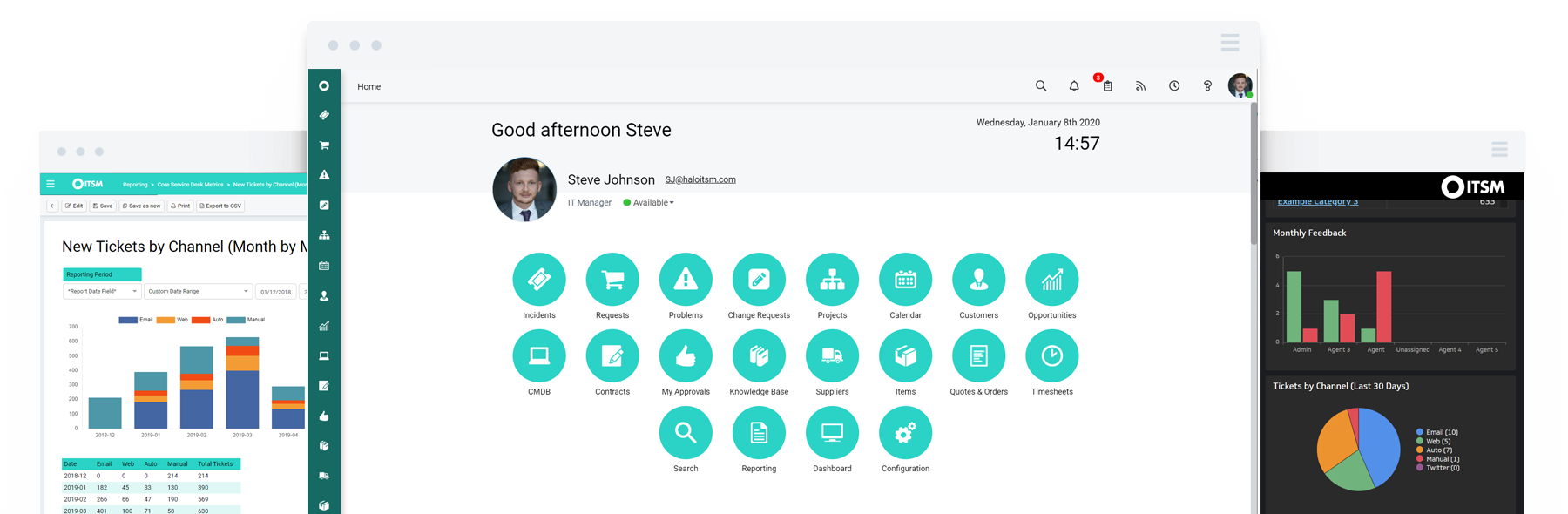
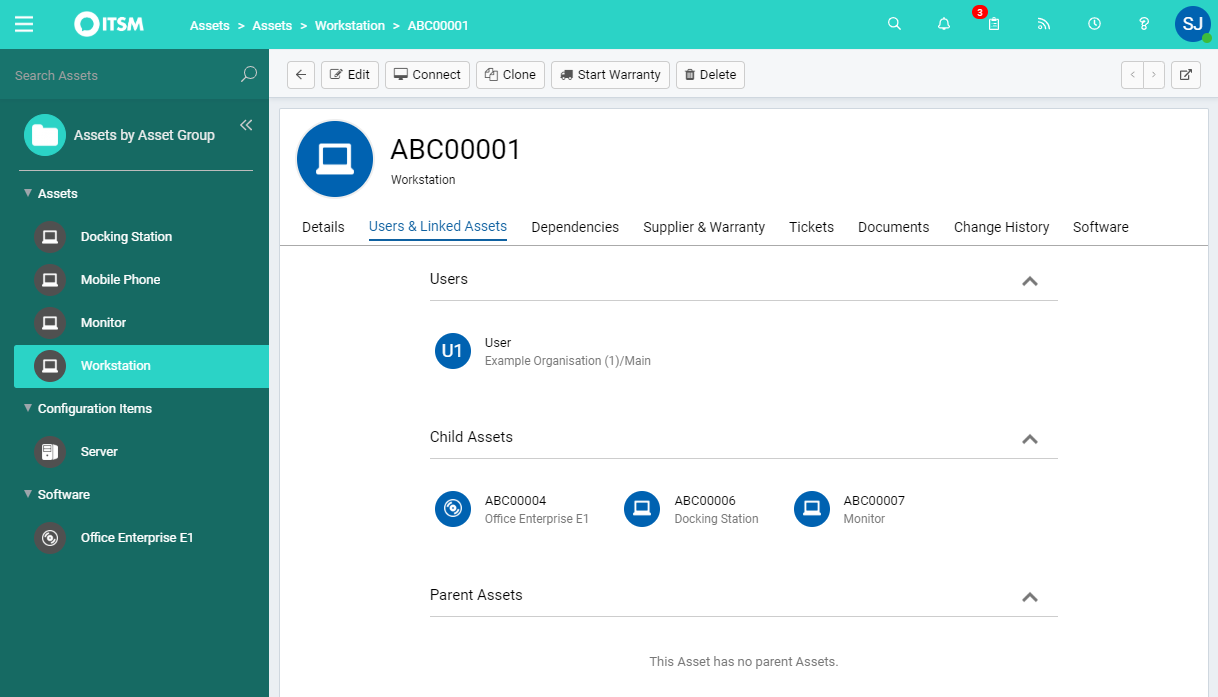
Screenshot of Halo ITSMScreenshot of Asset ManagementScreenshot of Incident ManagementScreenshot of Service CatalogueScreenshot of Change Control

SymphonyAI IT Service Management Screenshots

Screenshot of an example of the AI-powered IT and enterprise service workflows available on the platform.Screenshot of the service portal, designed to make it easy for end users to get all their service issues addressed. By consolidating the user’s service needs into one place, users can find what they need quickly and easily.Screenshot of employee self-service, where employees can get answers and help. This helps to reduce call deflection and improve service experience.Screenshot of digitized work processes.Screenshot of the administration interface to launch new services. These can be rolled out with a few drag and drops using the Design Studio that includes 50 built-in modern controls to build forms, workflows, business rules and SLAs of any complexity.Screenshot of the 24/7 Omnichannel service desk experience. This delivers always on, natural language service experience to users with the AI-powered SymphonyAI Digital Agent. The agent features auto-resolve capabilities, multichannel support, and advanced natural language understanding.