
HaloITSM vs. OpenText Service Manager
| Product | Rating | Most Used By | Product Summary | Starting Price |
|---|---|---|---|---|
 HaloITSM | Score9 out of 10 | Enterprise companies (1,001+ employees) | HaloITSM provides ITIL aligned help desk software that can be installed on premise or in the cloud. Boasting over 25 years of experience, HaloITSM has been developed to offer a feature rich application whilst maintaining a simple to use interface. Features include: Incident Management, Problem Management, Change Management, Asset Management, Service Catalogue, Telephony Integration, as well as the best of breed mobile apps. The vendor describes the following five differentiators: 1.… | $49 per month per user |
 OpenText Service Manager | Score9 out of 10 | N/A | OpenText™ Service Manager (formerly from Micro Focus) is scalable service desk software powered by machine learning, analytics, and automation. It provides an ITSM platform for standardizing service delivery and support across the enterprise. | N/A |
| HaloITSM | OpenText Service Manager | |||||||||||||||
|---|---|---|---|---|---|---|---|---|---|---|---|---|---|---|---|---|
| Editions & Modules |
| No answers on this topic | ||||||||||||||
| Offerings |
| |||||||||||||||
| Entry-level Setup Fee | Optional | No setup fee | ||||||||||||||
| Additional Details | There is 15% discount for all charities, educational institutions and non-profit organisations. | — | ||||||||||||||
| More Pricing Information | ||||||||||||||||
| HaloITSM | OpenText Service Manager | |
|---|---|---|
| Considered Both Products | No answer on this topic | No answer on this topic |
| Key User Insights | ||
| Would buy again | ||
100% Would buy again 12 Answers | No answers on this topic | |
| Delivers good value for the price | ||
100% Delivers good value for the price 12 Answers | No answers on this topic | |
| Happy with the feature set | ||
100% Happy with the feature set 12 Answers | No answers on this topic | |
| Lived up to sales and marketing promises | ||
100% Lived up to sales and marketing promises 12 Answers | No answers on this topic | |
| Implementation went as expected | ||
100% Implementation went as expected 12 Answers | No answers on this topic | |
| HaloITSM | OpenText Service Manager | |||||||||||||||||||||||||
|---|---|---|---|---|---|---|---|---|---|---|---|---|---|---|---|---|---|---|---|---|---|---|---|---|---|---|
| Incident and problem management |
| |||||||||||||||||||||||||
| ITSM asset management |
| |||||||||||||||||||||||||
| Change management |
| |||||||||||||||||||||||||
| HaloITSM | OpenText Service Manager | |
|---|---|---|
| Small Businesses |  Agiloft Service Desk (discontinued) Score9 out of 10 | Agiloft Service Desk (discontinued) Score9 out of 10 |
| Medium-sized Companies |  ManageEngine ServiceDesk Plus Score9.2 out of 10 | ManageEngine ServiceDesk Plus Score9.2 out of 10 |
| Enterprises |  Ivanti Neurons for ITSM Score4.5 out of 10 | Ivanti Neurons for ITSM Score4.5 out of 10 |
| All Alternatives | View all alternatives | View all alternatives |
| HaloITSM | OpenText Service Manager | |
|---|---|---|
| Likelihood to Recommend | 9.0 | 9.6 |
| Usability | 9.1 | - |
| Support Rating | 8.2 | - |
| HaloITSM | OpenText Service Manager | |
|---|---|---|
| Likelihood to Recommend |
|
|
| Pros |
|
|
| Cons |
|
|
| Usability |
| No answers on this topic |
| Support Rating |
| No answers on this topic |
| Alternatives Considered |
|
|
| Return on Investment |
|
|
| ScreenShots | HaloITSM Screenshots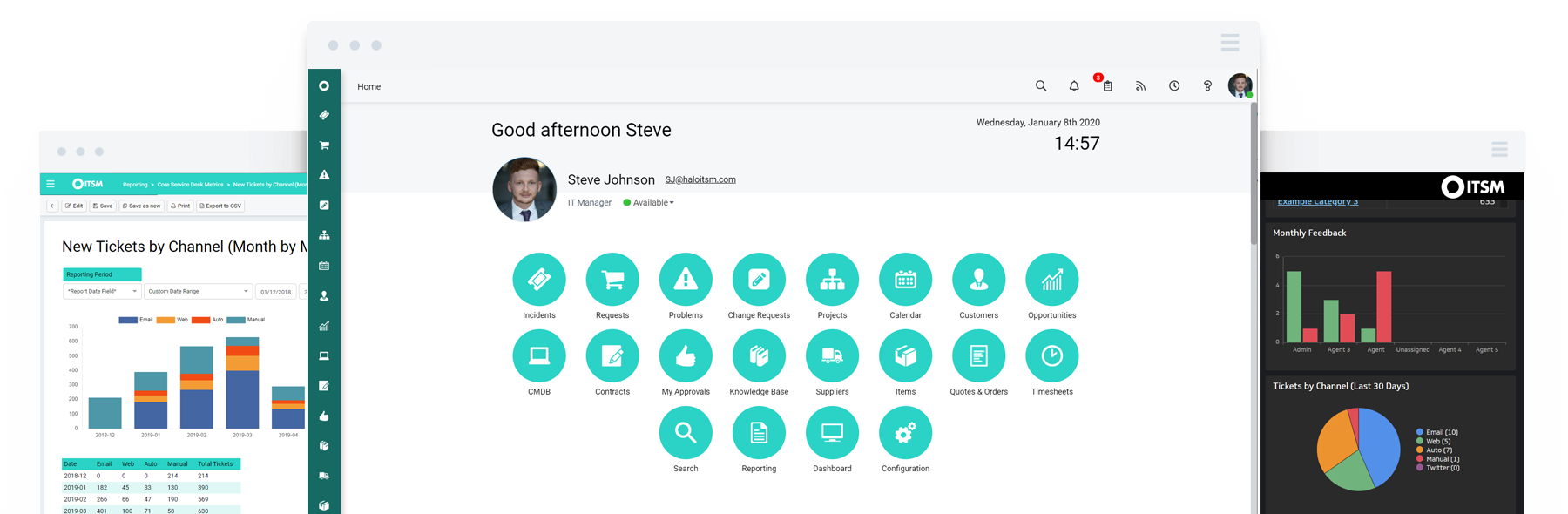 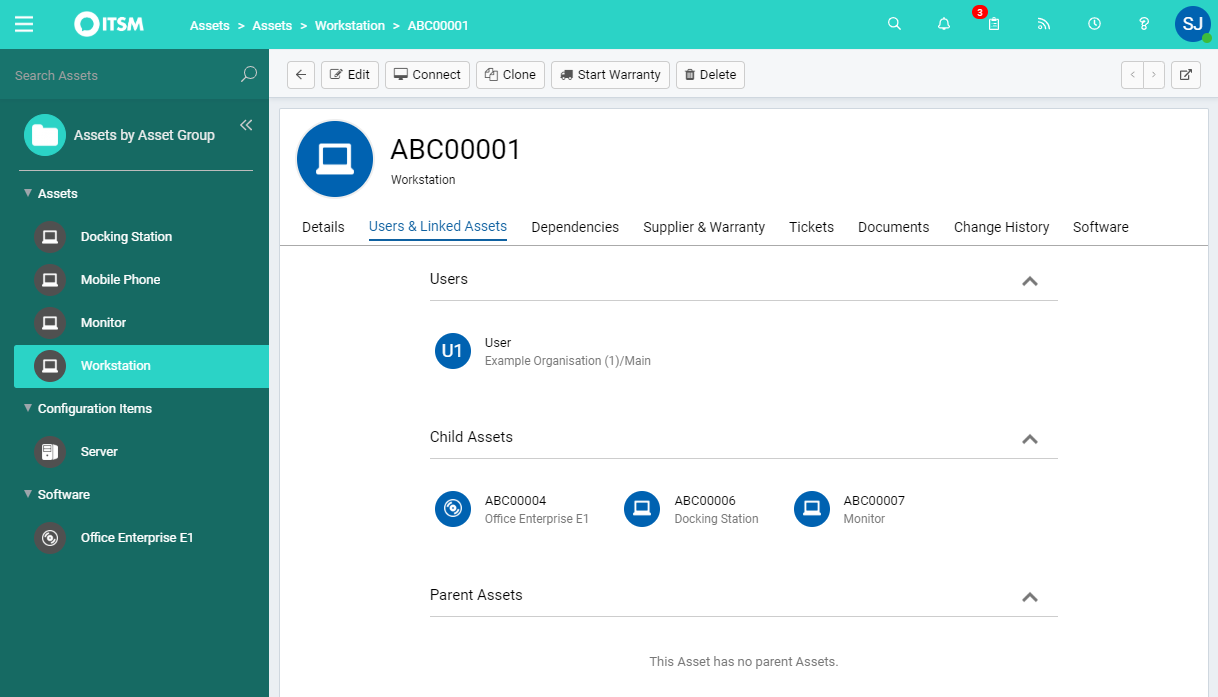    |

